 Hisashi Space
November 11, 2026 · 11 min read
Claude Code Limit Reached Too Fast? What Uses Up Your Usage, and What I Do About It

Claude Code limit reached too fast? The message says you are out, and you have done a lot less than it feels like.
I made a video about why this happens and the five habits I use now.
This article has what the video has no room for: the limits per plan as the official pages list them today, what the docs say about the cache and about /compact, the commands that show where your usage went, settings and prompts you can copy, and what I did not test.

The short version
- There are two limits, not one: a five-hour limit and a weekly limit. Claude and Claude Code share them.
- Claude Code does not remember your chat. It sends the whole conversation again with every message, so message 50 rereads the 49 before it.
- So a long chat is not the same as many short chats. The same work costs more when it sits in one long conversation.
- Habit 1: one job, one chat. Habit 2: start over with
/clearand a short note instead of shrinking with/compact. Habit 3: fewer helpers (subagents) at once. Habit 4: hand heavy reading to another tool. Habit 5: check both clocks before a big job. - The official pages publish no numeric limit for any plan, so I do not give one.
- Your limit is not too small. Most of it is spent on rereading.
I have run my own company in Japan for 22 years. I run dozens of Claude Code chats every day for the blog, social media and videos. One night the work stopped half way, and I could not use it for almost a full day. That was the weekly limit. The facts below come from the official pages, which I read on November 11, 2026, and from my own Mac.
The two clocks, and who shares them

Anthropic's help page says: "Pro and Max plans have a five-hour session limit and a weekly limit." The five-hour period starts when you send your first message, and the limit resets in full five hours later. The weekly limit is the one that locked me out.

The same page says the limits are shared across Claude and Claude Code, and that use in an IDE (VS Code, Cursor, JetBrains) counts toward the same limits. So a long chat on your phone and a long chat in the terminal draw from one pool.
| Plan | Price on claude.com/pricing | Limits as the official pages describe them | Claude Code |
|---|---|---|---|
| Free | $0 | Limited usage every 5 hours and every week | Not included |
| Pro | $20 per month ($17 per month billed annually) | A five-hour limit and a weekly limit. The page says "More usage than Free" and gives no multiplier | Included |
| Max | $100 per month | "5x Pro usage" every 5 hours and every week. A separate weekly limit for Fable | Included |
| Ultra | $200 per month | "10x Pro usage" every week. No five-hour limit for verified accounts. A separate weekly limit for Fable | Included |
| Team, Enterprise | Not read | Seat allowance on a rolling five-hour window and a weekly window, shared with Claude chat and Cowork | Per the costs page |
What happens at the limit, per the help page and the Claude Code docs:
- At the five-hour limit you see "Usage limit reached · wrapping up". The response in progress can finish, and that part counts toward the weekly limit.
- On Pro, you can keep going with usage credits, or switch to a Console account billed at API rates.
- "You've hit your session limit" and "weekly limit" apply across models. Switching with
/modeldoes not bring you back. - From Claude Code v2.1.234, the session can wait for the reset and continue by itself. It shows "Continuing automatically at 3:45pm · Esc to cancel".
/rate-limit-optionsis where this is set.
Why it runs out: every message rereads the whole chat

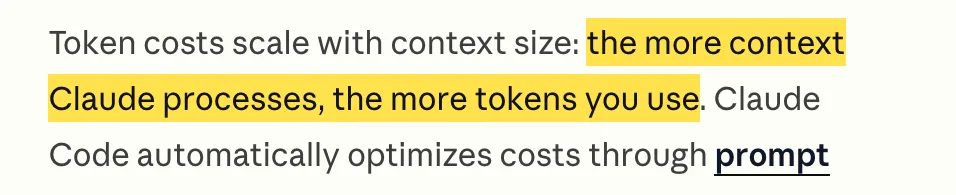
The Claude Code docs say it plainly: "Claude Code sends your full conversation with every request." And on the costs page: "Token costs scale with context size: the more context Claude processes, the more tokens you use." The model does not carry anything between requests. So message 50 means the system prompt, your project files like CLAUDE.md, and 49 earlier exchanges, all sent again.
There is a cache that softens this, and it is worth knowing because it explains two things that surprised me. From the prompt caching page:
- The cache holds for a time after the last request. On a Claude subscription within plan usage, the main conversation gets a one-hour cache. Subagents and compaction requests get five minutes.
- After a gap longer than that, the next message recomputes the full input, which is why the first turn back after a break is slow.
- Each model has its own cache. Switching with
/modelmakes the next request read the whole history with no cache hits. Changing the effort level can do the same on some models. - Connecting or removing an MCP server can invalidate the cache when its tools are loaded upfront.
The docs' own tip is to pick your model and effort at the top of a session and avoid changing them mid-task.
The result is the same either way: the longer the conversation, the bigger every request is. That is why I changed how I work.
Habit 1: one job, one chat
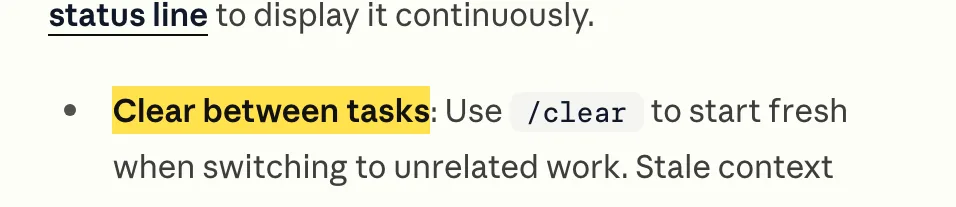
The costs page: "Clear between tasks: Use /clear to start fresh when switching to unrelated work. Stale context wastes tokens on every subsequent message."
It also suggests /rename before clearing, then /resume to come back to that conversation.
When a job ends, I do not keep going in the same chat with the next job.
Before I clear, I ask the chat to write a short note for the next chat. This is a prompt I wrote for this article, and it is what I paste:
Before I clear this chat, write a short handoff note for the next chat.
Keep it under 15 lines. Include only:

- What we finished
- What is left to do, in order
- File paths and commands the next chat needs
- Decisions we made, and why

Do not repeat the code. Save it to handoff.md.
Then /clear, and the new chat starts by reading handoff.md.
The new chat starts small, and it picks up in seconds.
Habit 2: start over, do not shrink
/compact summarizes the chat so it gets shorter. It sounds like the same thing as the note above.
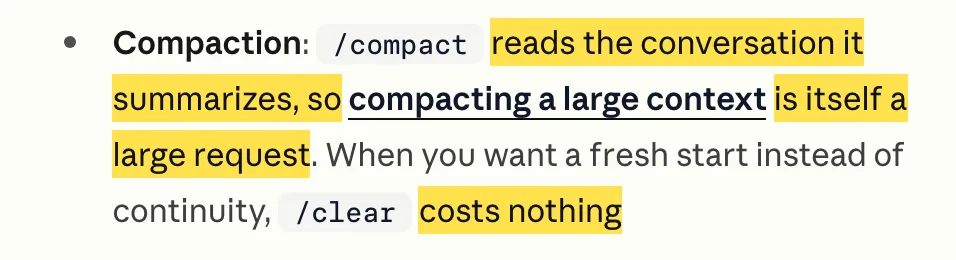
The costs page says: "/compact reads the conversation it summarizes, so compacting a large context is itself a large request. When you want a fresh start instead of continuity, /clear costs nothing."
The prompt caching page adds a detail that is fair to include. While the cache is warm, the summarizing request reads your prefix from the cache, so a mid-session /compact costs a fraction of what the context size suggests. After a break longer than the cache lifetime, it reprocesses everything, and the docs say this is when /compact costs the most.
So my rule is simple. When I want to carry on in the same state, I use /compact at a natural break, early. When a job is done, I write the note and /clear.
You can also steer what /compact keeps. The costs page gives /compact Focus on code samples and API usage, and says you can add a section to CLAUDE.md. This is my version of that section, written for this article:
# Compact instructions
When compacting, keep: the current goal, the list of changed files,
failing test names, and decisions with their reasons.
Drop: command output, file contents already saved to disk.
Habit 3: fewer helpers at once

A helper (a subagent) is a separate Claude with its own conversation.
The costs page: "The subagent's own requests still draw on your usage." The prompt caching page adds that a subagent's first request does not read the parent's cache, because the two prefixes differ.
So more helpers at once means more copies reading at the same time, each from its own start.
The docs also say a lighter model suits light helpers. In a subagent file, the header takes model: haiku. This is an example I wrote for this article:
---
name: file-lister
description: Lists and sorts file names. Use for simple, mechanical lookups.
model: haiku
---
Return the list only. Do not explain.
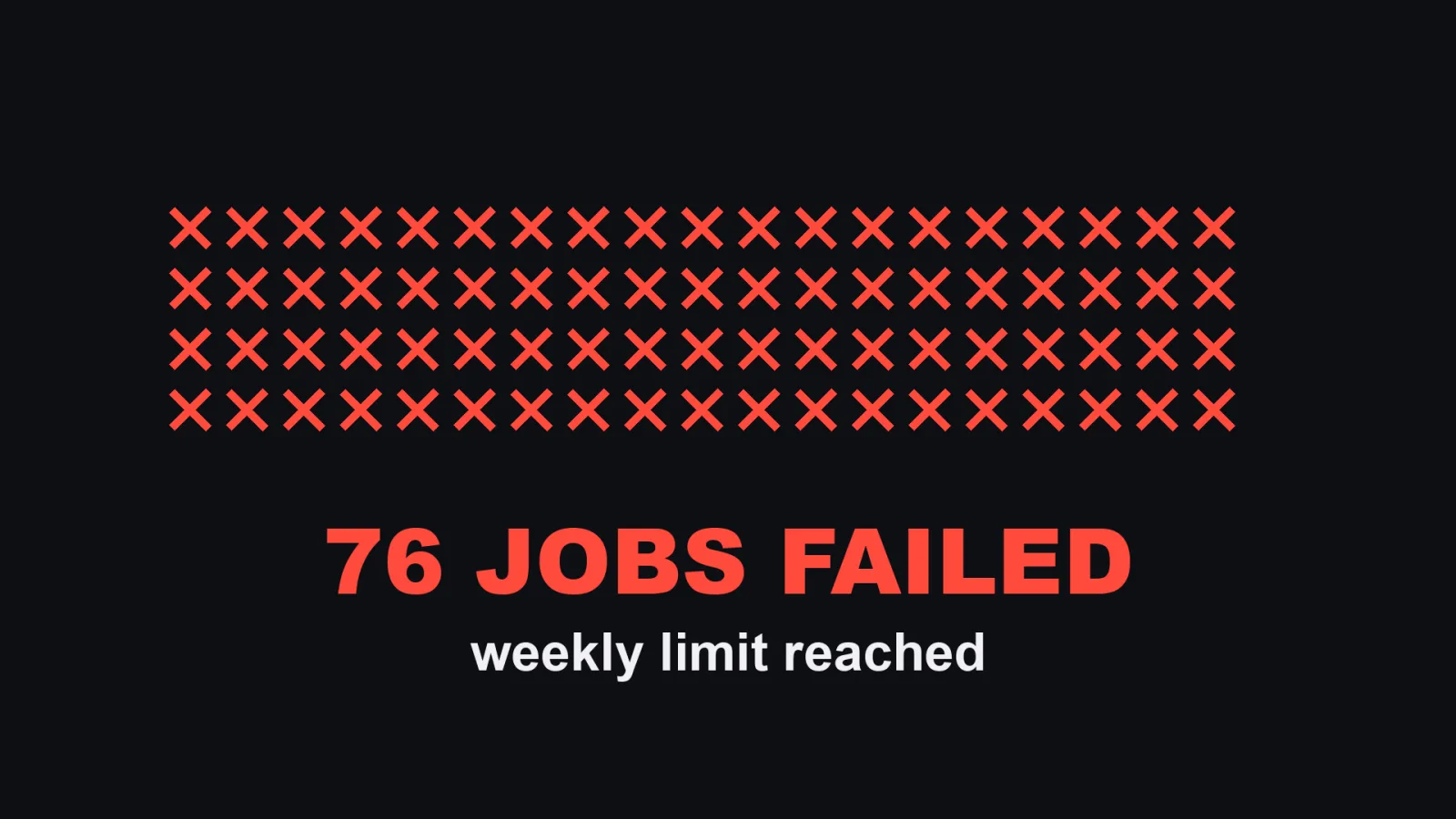
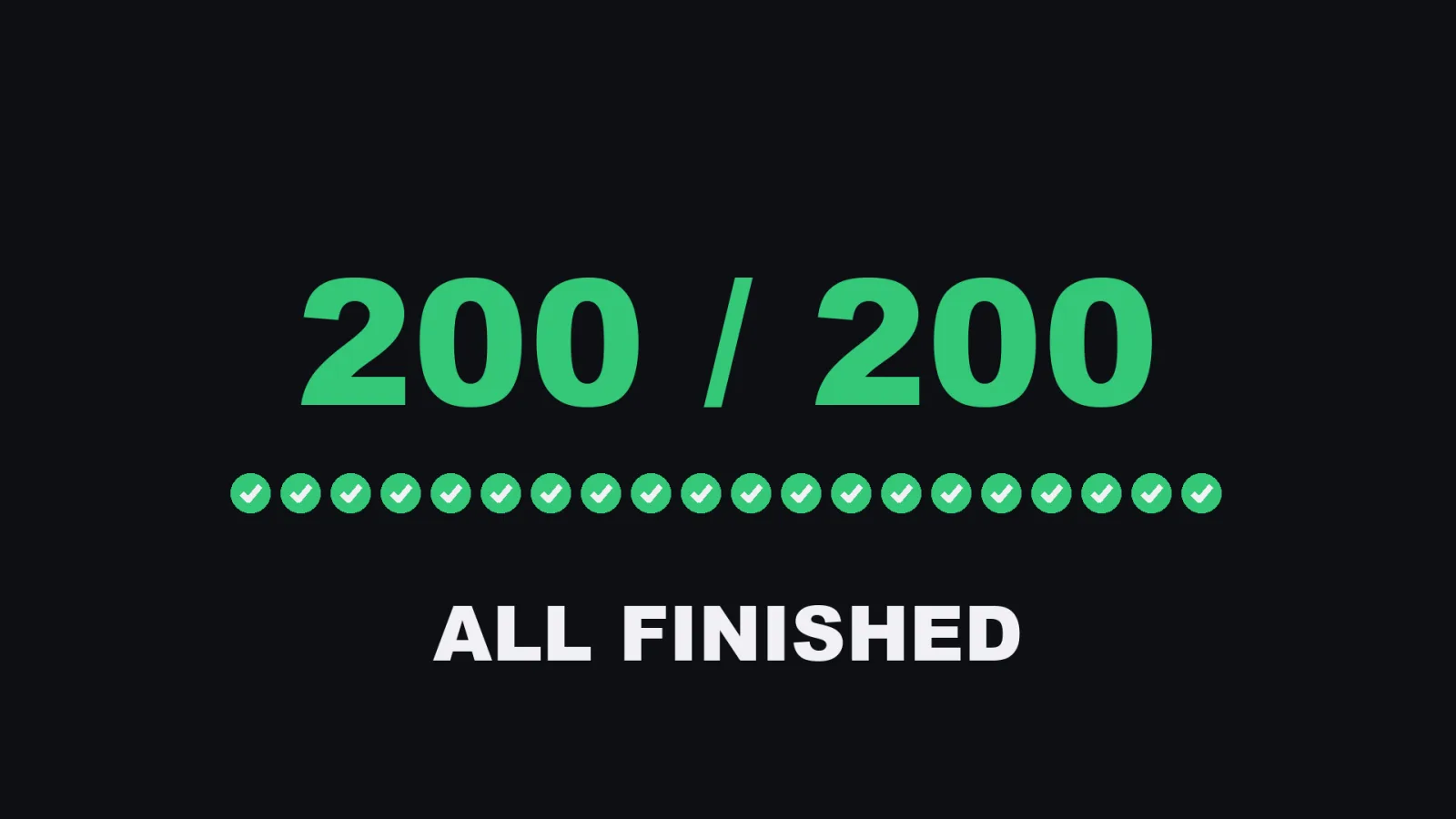
This is the part of the video that comes from my own work, and I did not re-measure it for this article. The batch was a large writing job I ran in late August. In the video, I started 32 helpers at once, and the weekly limit stopped the run. 76 jobs failed. Rerun 16 at a time, all 200 finished. The lesson I took is narrow. Faster is not always more, and the weekly limit counts every helper.


Habit 4: hand heavy reading to another tool
When the job is to read a lot and answer a short question, I do not make Claude Code do the reading. I hand it to Codex or Gemini, and bring back only the short answer. For mechanical jobs like sorting 300 file names, a free model on an old MacBook is enough. I use my own, but any local model setup would do. This keeps Claude's limit for Claude's work. How I make Claude Code call Codex is in Claude Code vs Codex.
Habit 5: check both clocks
Before a big job, look at both: the five-hour clock and the weekly clock.
In Claude Code, /usage is the screen the docs describe. The video shows the Usage page in settings, with two bars.
This is what I checked in the docs, not on my own screen this time:
| Command | What it shows, per the docs |
|---|---|
/usage |
Plan usage bars for subscribers. A breakdown by skills, subagents, plugins and MCP servers, with recommendations. Press d or w for the last 24 hours or 7 days |
/status |
The help page names it as a way to check usage. I did not test what it shows |
/context |
What is using your context window right now |
/mcp |
Turn off MCP servers you do not use |
/usage-credits |
Manage usage credits for use after the limit |
/rate-limit-options |
Choose what happens at the limit, such as continuing automatically |
/insights |
An HTML report of your usage, saved under ~/.claude/usage-data/ |
One caution from the docs: /usage is computed from your local session history, so it is an estimate. It does not include other devices or claude.ai.
My own settings that touch this
I read these from my own settings file on November 11, 2026. I left out everything else in it. My Claude Code version is 2.1.322.
{
  "env": {
    "CLAUDE_CODE_AUTO_COMPACT_WINDOW": "200000"
  },
  "autoCompactEnabled": true,
  "modelSettings": {
    "claude-opus-5": { "autoCompactWindow": 400000 }
  }
}
I did not change these to save usage. I did not measure what they change either, so please do not read them as a recommendation.
I did not find the default value of CLAUDE_CODE_AUTO_COMPACT_WINDOW in the pages I read, so I cannot say how far mine is from the default.
What I did not test
- The official pages give no numeric limit for any plan, and I did not measure them. I do not know how many messages a plan allows.
- I did not compare
/clearplus a note against/compactwith a measured token count. The comparison in the video is an illustration, not a measurement. - I did not measure what share of my weekly limit each habit saves.
- The 32, 76, 16 and 200 in Habit 3 are from my own batch work in late August and are as stated in the video. I did not check them against the original log again for this article.
- I did not test what
/statusshows, or whether the Usage page in settings shows the same numbers as/usage. The help page does not describe a Settings Usage page. - Team and Enterprise plan prices are not on the page I read, and I did not test those plans.
- The prompt, the CLAUDE.md section and the subagent file above are written for this article. They are examples, not files taken from my machine.
Who this is not for
- If you rarely hit the limit, there is nothing to fix.
- If you want to know how many messages your plan allows, this article cannot tell you. No official page I read gives that number.
- If your work really needs one very long conversation, habits 1 and 2 will not fit. Use the cache facts above to avoid breaks and model switches instead.
So, why does the limit run out so fast? Your limit is not too small. Most of it is spent on rereading.
Sources:
- Claude Help Center, plan usage article (support.claude.com/en/articles/11145838), read November 11, 2026
- Claude Help Center, usage and length limits article (support.claude.com/en/articles/11647753), read November 11, 2026
- Claude Code Docs, costs page (code.claude.com/docs/en/costs), read November 11, 2026
- Claude Code Docs, prompt caching page (code.claude.com/docs/en/prompt-caching), read November 11, 2026
- Claude Code Docs, interactive mode (code.claude.com/docs/en/interactive-mode), read November 11, 2026
- Claude pricing (claude.com/pricing), read November 11, 2026
- My own settings file and
claude --versionon my Mac, November 11, 2026