 Hisashi Space
November 9, 2026 · 11 min read
Running Multiple Claude Code Sessions: How I Run 48 at Once, and the Five Rules That Keep Them From Colliding

On the day I counted, I had 48 Claude Code sessions open at once. Two days later, the folder that tracks them showed 46.
Nobody could manage 48 chats by watching them. So I stopped watching. I gave each chat one job, one folder and one name, and I made one session whose only job is to count what is missing.
I made a video about it. This article has what the video has no room for: what the official docs say about naming sessions, about CLAUDE.md loading and about sessions messaging each other, the real numbers from my machine, a hook that puts a warning at the top of every message, a CLAUDE.md and a lock file you can copy, and what I did not try.

The short version
- Give every session one job, one folder and one name. Start it with
claude -n <name>, or call/renameonce it is running. - Put a
CLAUDE.mdin each job's folder. Two lines matter most: what this session owns, and what it never touches. - One session only counts what is missing. It tells the owner. It never does the work itself.
- Sessions on the same Mac can message each other by name. This is a documented feature of Claude Code, on by default.
- Anything there is only one of (a phone, an account, a printer) gets a lock, and a check before every use.
- Every mistake becomes one line in a CLAUDE.md, or a check that a script runs.
- Running many sessions multiplies token use. It is not free.
I have run my own company in Japan for 22 years. Most of my daily work happens in Claude Code: videos, posts, articles. The numbers below come from my machine and from the official docs, which I read again on November 9, 2026.
Why "just open more terminals" stops working
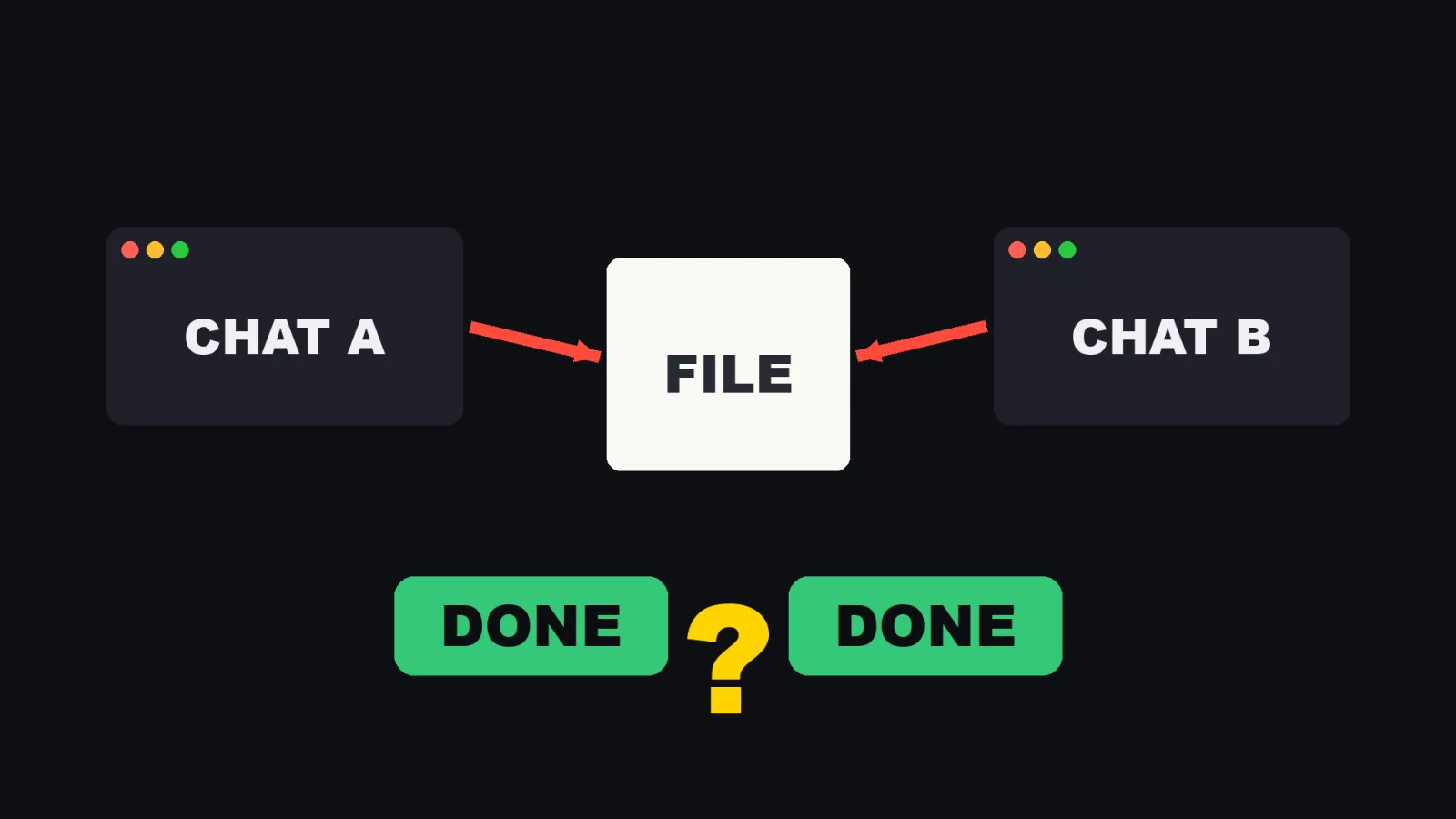
Opening a second terminal is easy. Opening a tenth is easy too. What breaks is everything around the chats.
Two chats edit the same file, and both report "done". Nobody owns a job, so it is not done. Nobody counts, so you find out too late.
Two gaps cause nearly all of it: nobody owns the job, and nobody counts. The five rules below close those two gaps.
What 48 sessions looks like on a real machine
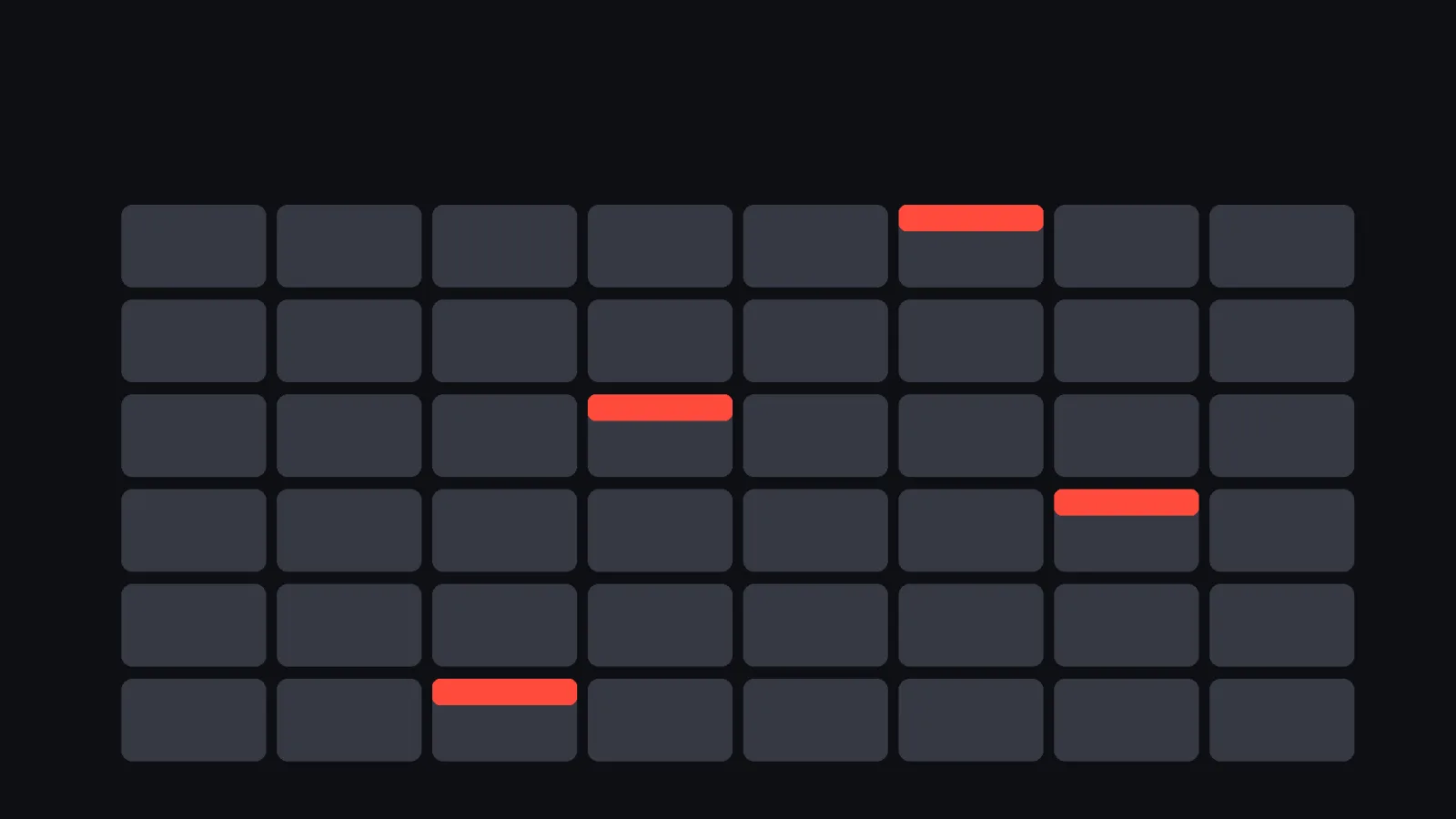
Claude Code writes one small JSON file per live session into a folder under ~/.claude/.
That folder is internal and not documented, so treat the format as something that can change.
I counted it on November 9 at about 10:05 JST, with Claude Code 2.1.319.
| What I counted | Number |
|---|---|
| Live session files | 46 |
| Idle | 33 |
| Busy | 8 |
| Shell | 4 |
| Waiting | 1 |
| Distinct working folders | 45 |
| Most sessions sharing one folder | 2 |
The video says 48, because that was the count on November 7. Sessions come and go, so the number is never fixed.
Each file holds the process id, the session id, the working folder, the start time, the version, the status and the name. The one that matters for this article is the name. Without a name, I could not tell chat 31 from chat 32, and neither could the other chats.
Rule 1: one chat, one job, one name
What the docs say about names (Claude Code Docs, "Sessions"):
claude -n <name>sets a name at start./rename <name>sets or changes it during a session.claude --resume <name>and/resume <name>bring a named session back.- An unnamed interactive session gets a default display name made of the folder name plus two characters, for example
my-app-3f. That default is not a handle you can resume by. - Transcripts are saved under
~/.claude/projects/as one.jsonlfile per session, and kept for 30 days by default (cleanupPeriodDays). - If you resume the same session in two terminals without forking, both write into one transcript and the messages interleave. One chat, one terminal.
Start of my day, in practice:
cd videos
claude -n videos
The name is the job. Not "chat 3". Not "test". The job.
Rule 2: one folder per job, with a CLAUDE.md that says what it owns and what it never touches
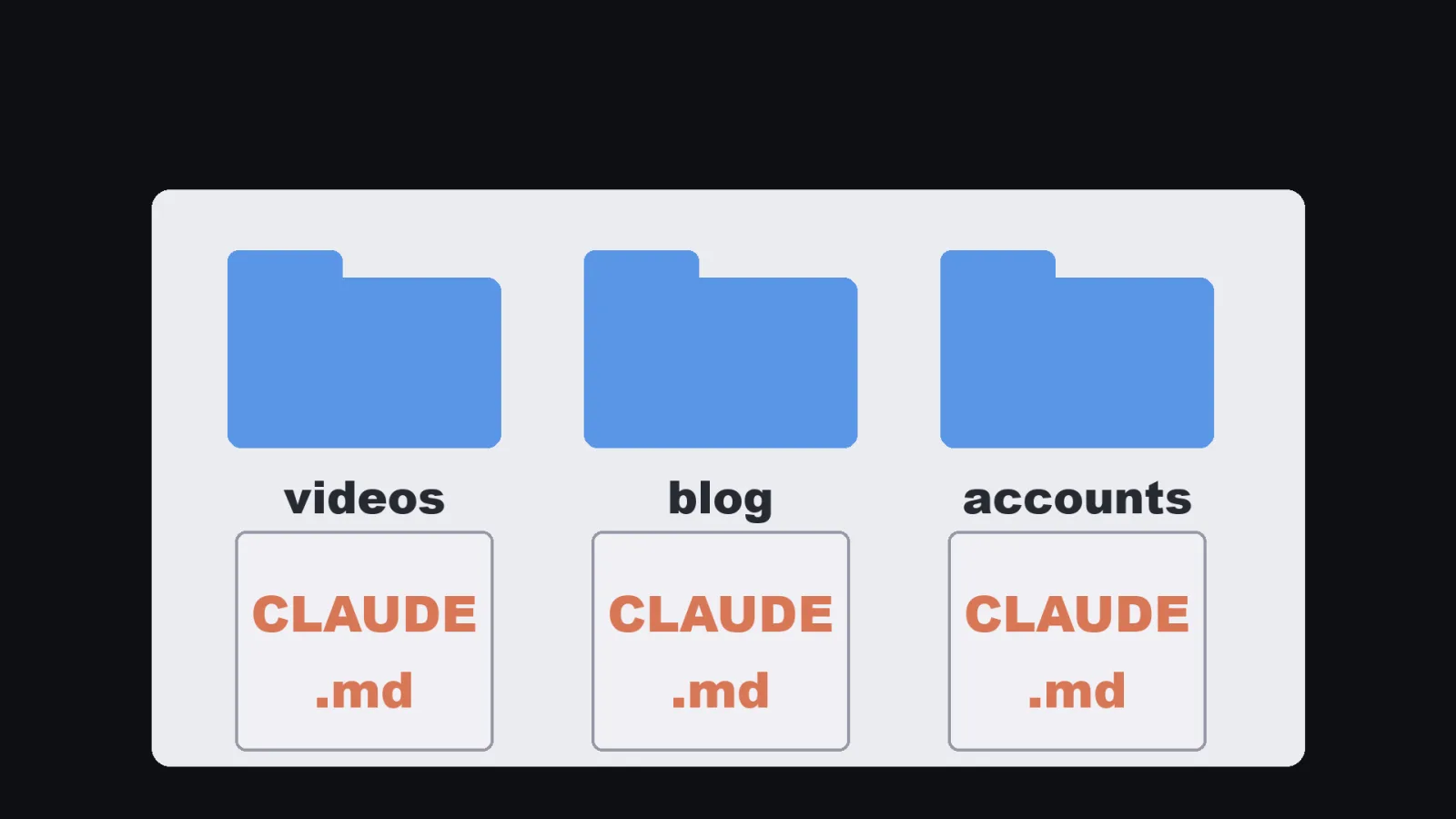
Each job lives in its own folder.
Each folder has its own CLAUDE.md.
What the docs say about how CLAUDE.md loads (Claude Code Docs, "Memory"):
- CLAUDE.md files in the folders above your working directory are loaded at launch.
- Files in subfolders are loaded on demand, when Claude reads a file there.
- The contents are concatenated, not overridden. A parent file and a child file both apply.
- The docs suggest keeping each file under 200 lines.
- It is context, not enforcement. If something must be blocked, use a hook, not a sentence.
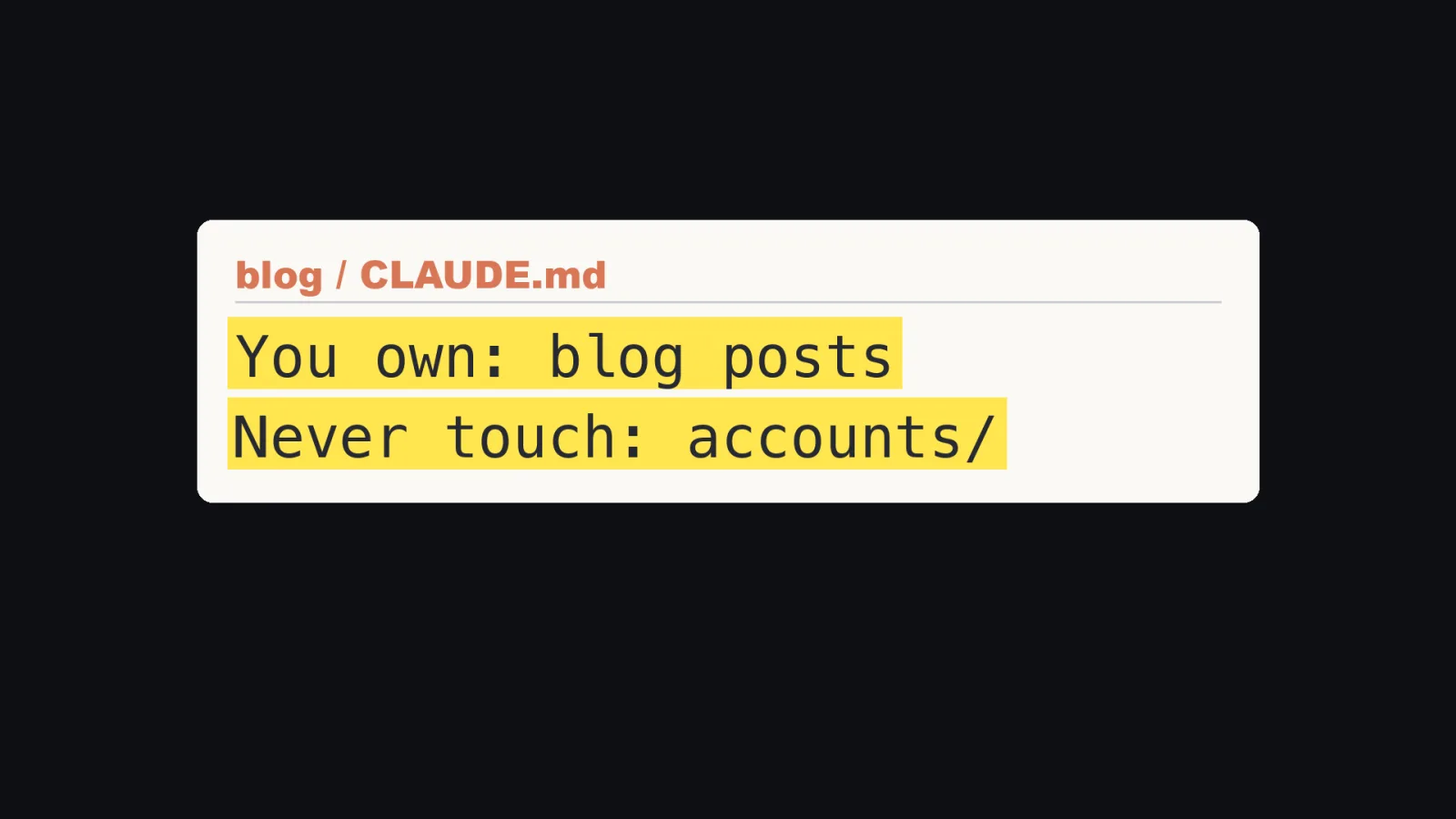
My own setup follows from that: about 175 CLAUDE.md files in the folder tree where I work (a rough count, up to three levels deep). Most are short. The shape that works is two lines near the top:
# blog

You own: blog posts, their images, the publishing log.
Never touch: accounts/, anything under another job's folder.
If the work belongs to another job, message that session. Do not do it here.
The third line is the one that keeps sessions from drifting into each other's work.
Rule 3: one session only counts what is missing, and never does the work
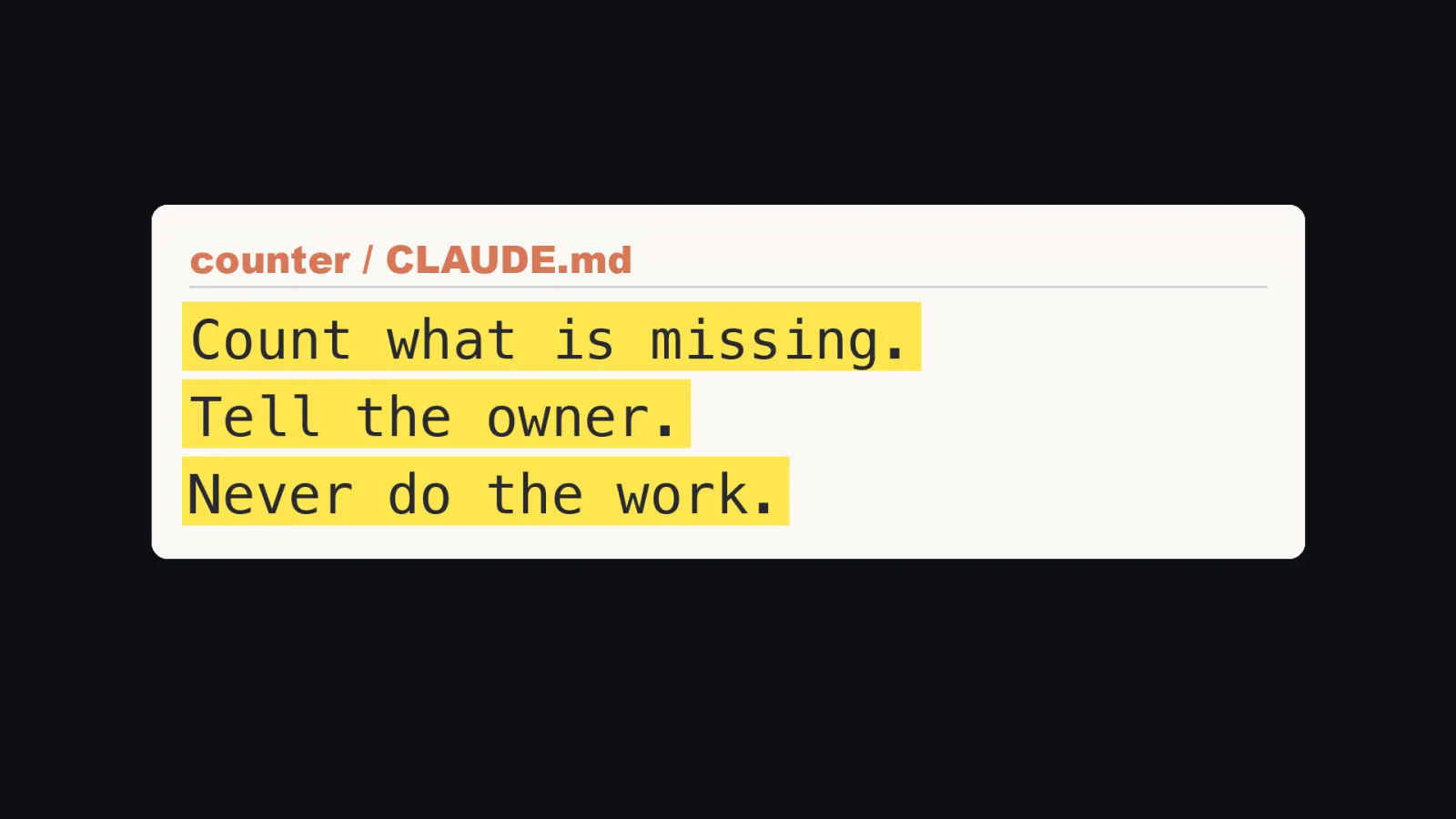
I have one session whose entire CLAUDE.md is three sentences:
# counter

Count what is missing.
Tell the owner.
Never do the work.
It does not write videos. It does not post. It looks at what is scheduled for the next two days, finds the empty slots, and tells the session that owns that job.
Keeping the counter separate means it has one question to answer, and no work of its own to get lost in.
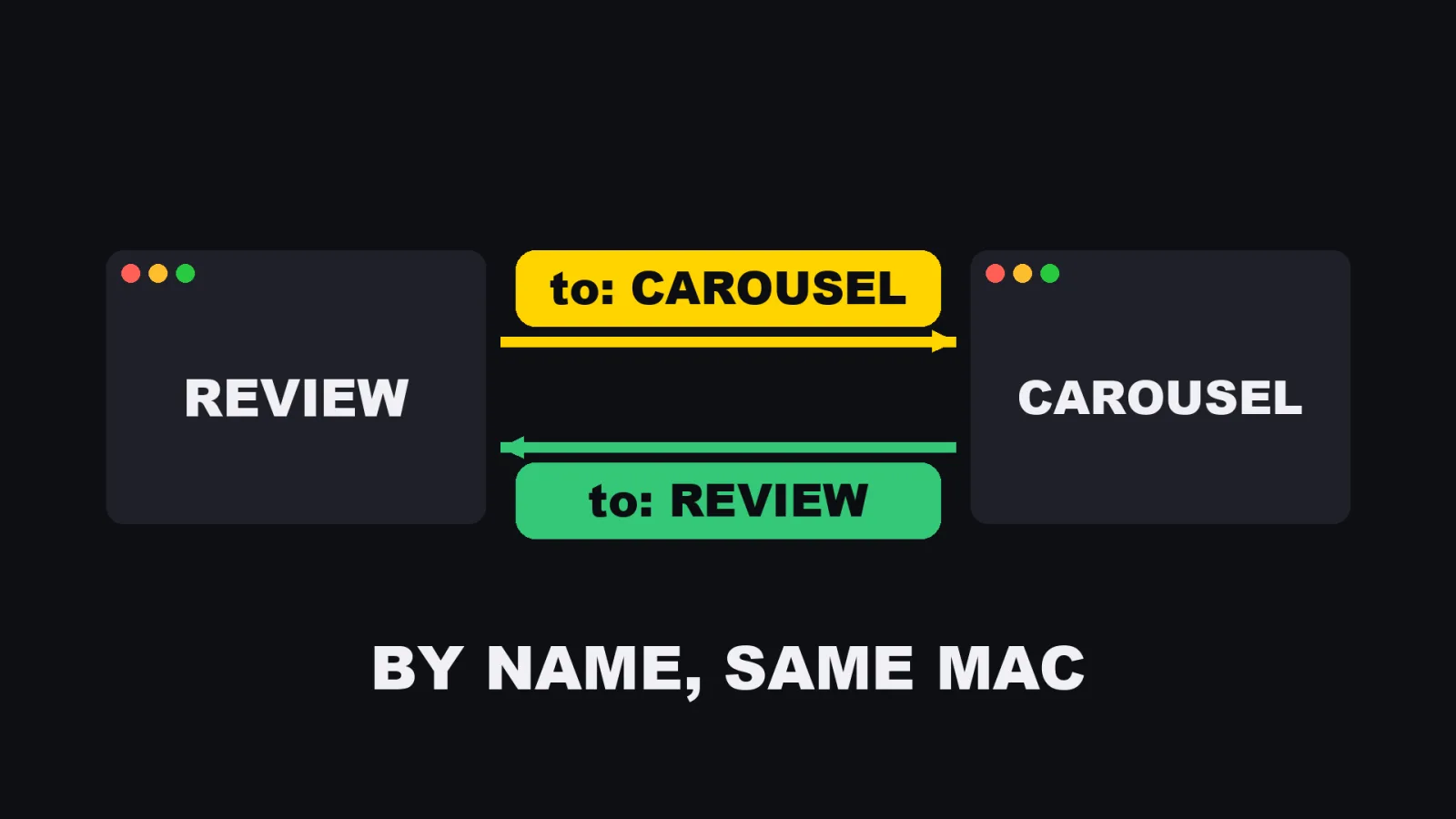
Rule 4: sessions message each other by name, on the same Mac
This is the rule people doubt most, so I checked it against the docs (Claude Code Docs, "Cross-session messaging"):
- It needs Claude Code 2.1.224 or later on macOS and Linux (2.1.234 on native Windows). It is on by default.
- Claude uses two tools:
ListAgentsandSendMessage. - You can say it in plain words: "Ask the session running in my other terminal whether the migration finished."
- From version 2.1.232, you can @-mention a session: "Let @api-worker know the schema migration finished."
/list-agents(alias/peers) lists the sessions you can reach.- A session answers to the name set by
/renameor--name. This is why Rule 1 comes first. - On the same machine, messages travel over a local Unix socket for each session. They do not go through Anthropic's servers.
- A message is plain text. It arrives between tool calls during a turn, or starts a new turn if the session is idle.
- A message from another session cannot approve anything. It cannot change config or CLAUDE.md. Slash commands inside it are not run.
- The
crossSessionInboundsetting has three values: accept, hold, refuse. SendMessagecan ask to be told when the other session goes idle (notify_when_idle, version 2.1.236 or later, expires after 12 hours).- Message loops are throttled. At most 50 messages are queued and at most 100 are held.
- To switch it off: add
SendMessageandListAgentstopermissions.deny.
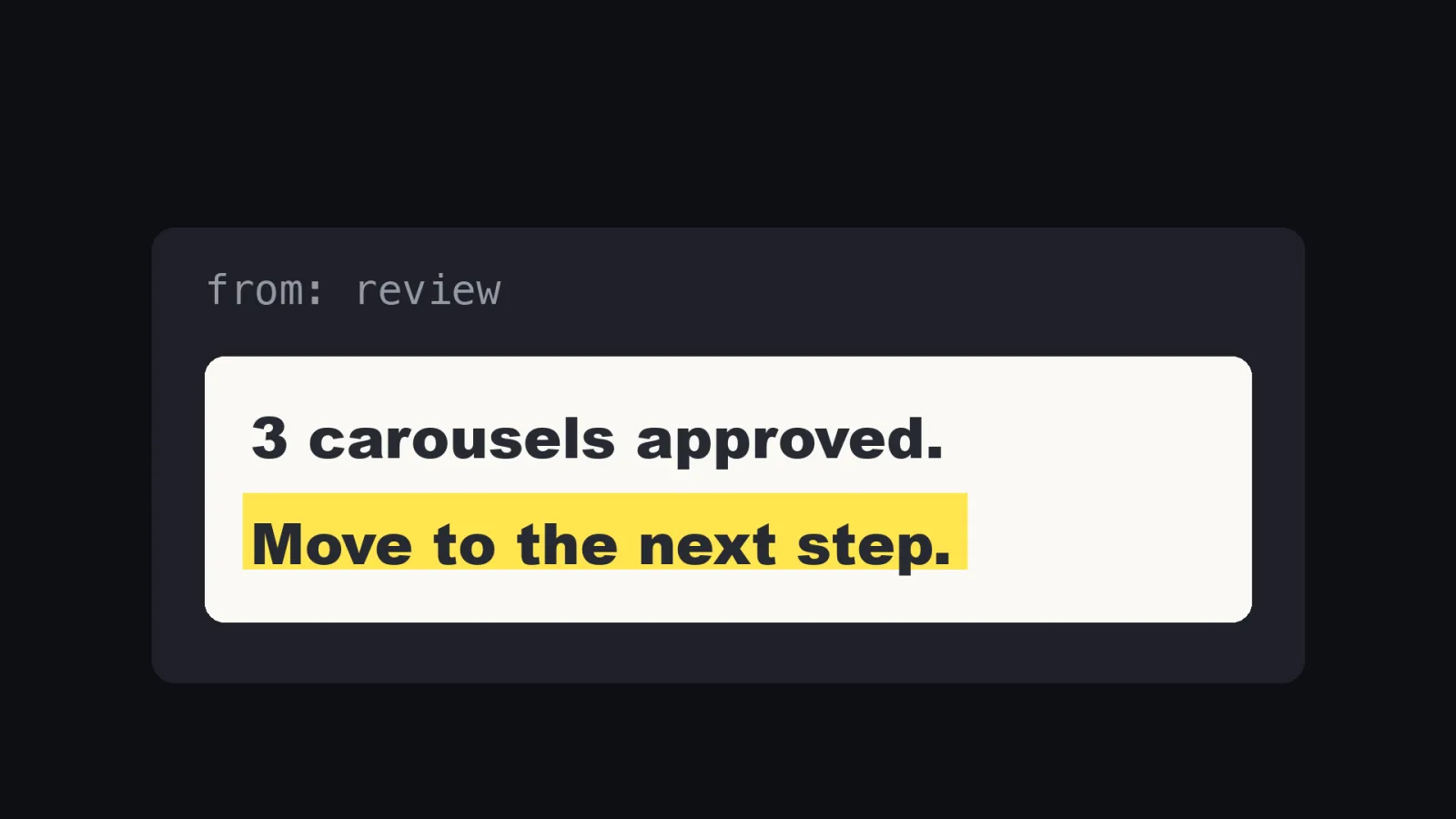
What that means in practice: the review session can tell the carousel session "3 carousels approved, move to the next step", and the carousel session starts working. I do not carry the message.
Two limits to know. It is one Mac. And per the docs, a message from another session cannot approve anything or change config, so it never replaces a decision from me.
Rule 5: a lock for anything there is only one of
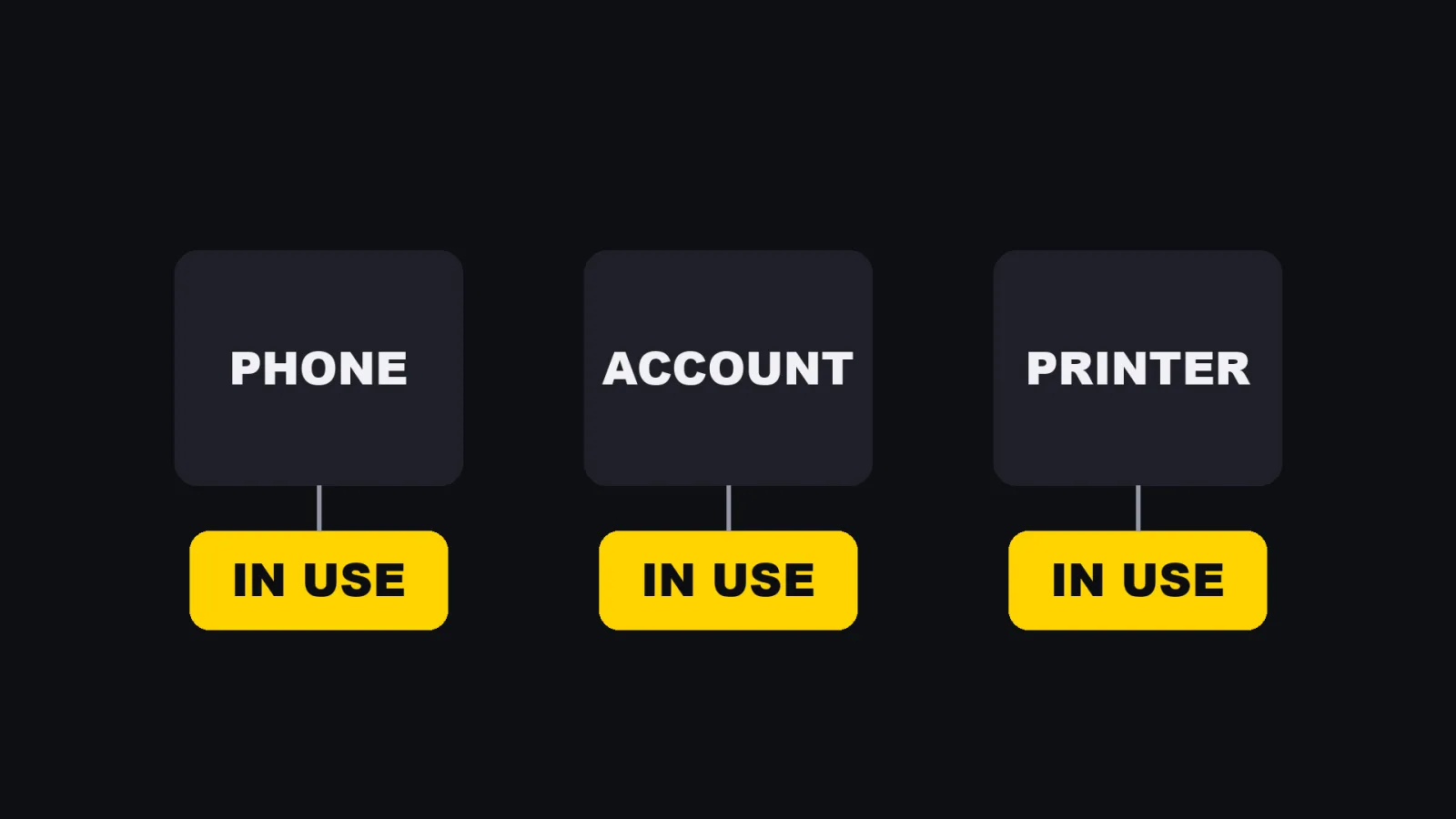
I have one phone that posts short videos. Many sessions want it. If two use it at once, the posts go wrong.
The lock is a one line text file:
<session-name> <unix-epoch-seconds>
The format is real. The file on my machine holds a session name and a Unix time, and it was last touched at 10:05 on November 9. The rules around it are short:
- A session writes its name and the time before it starts using the phone.
- A session that finds a name there waits, and tells the owner.
- The posting script clears the file at the end.
- Posting wins over everything else that wants the phone.
The time is in the file so a session can see how old the lock is.
What I still do
I decide, and I review. That is all.
I decide what each job is and what a good result looks like. I review the results. The sessions do not review themselves for me.
What went wrong, and what each mistake became
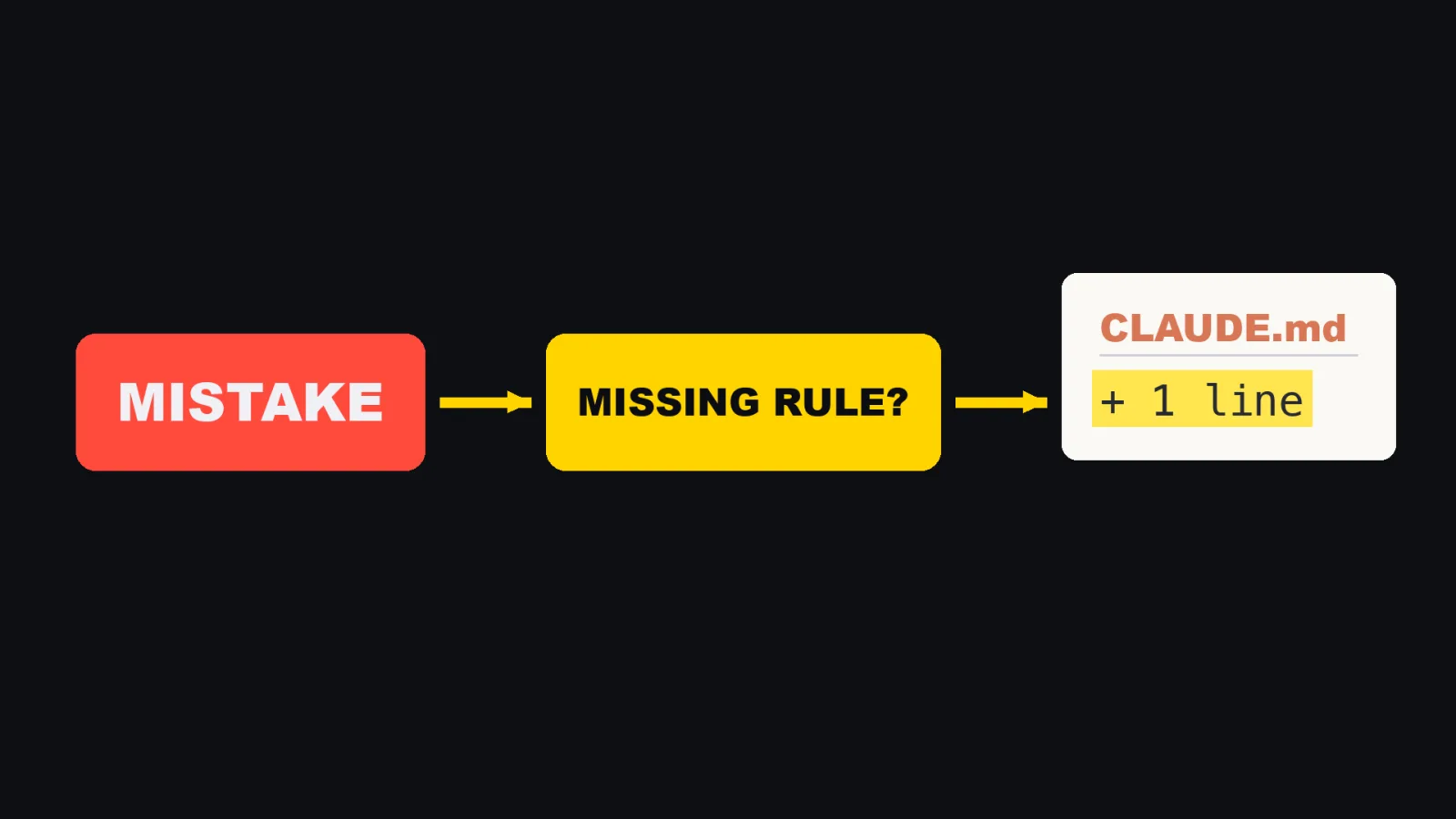
A mistake is only useful if it ends as one more line somewhere. Three of mine:
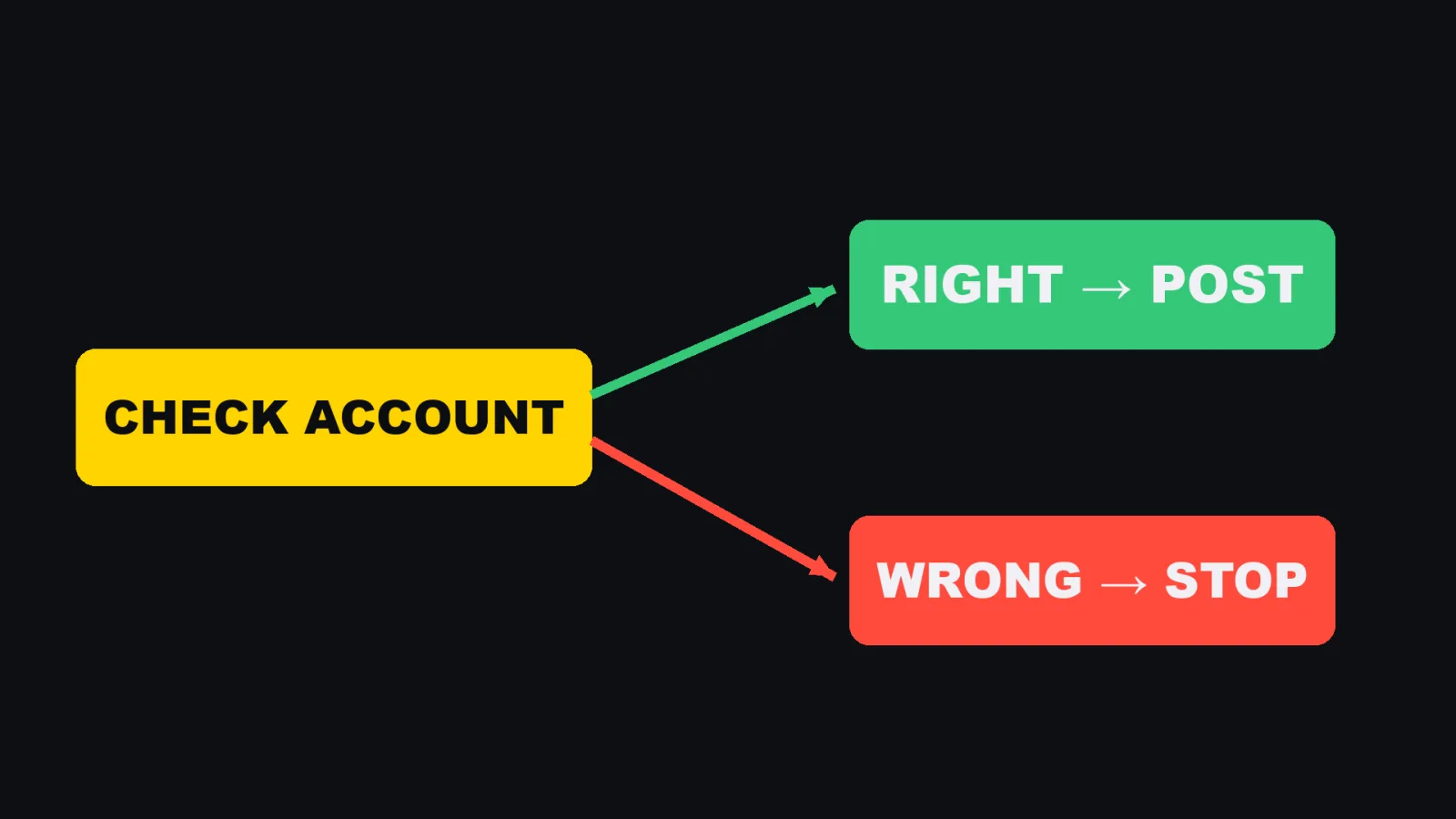
A post went to the wrong account. Now a script checks the account name before every post.
Chats stopped and nobody woke them. Now each chat sets its own alarm to come back.
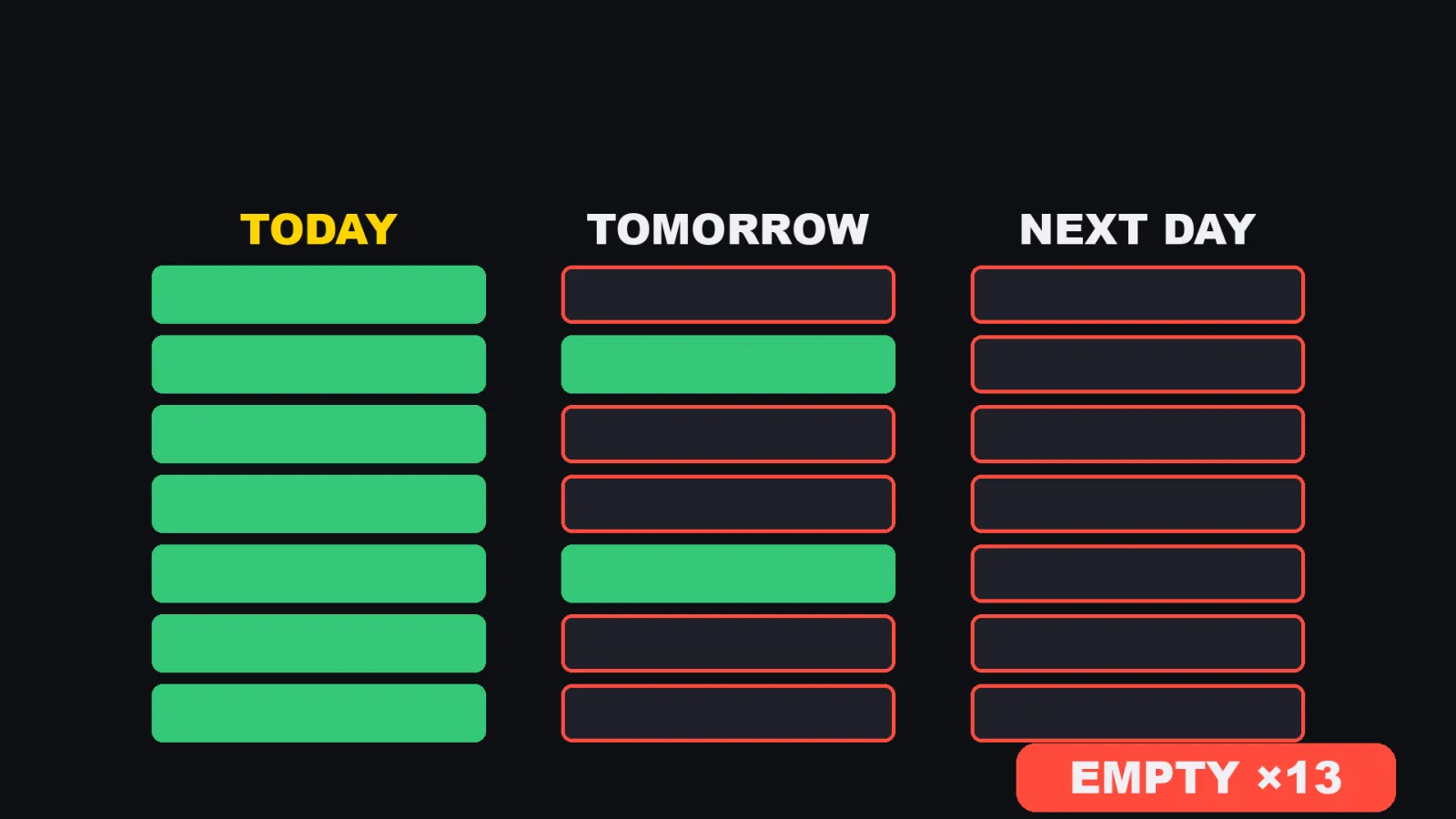
13 slots were empty, because nobody counted two days ahead. I found 13 on November 7, on a stock check. After that I added a hook that puts the next two days of empty slots at the top of every message.
A hook you can copy: show the gap at the top of every message
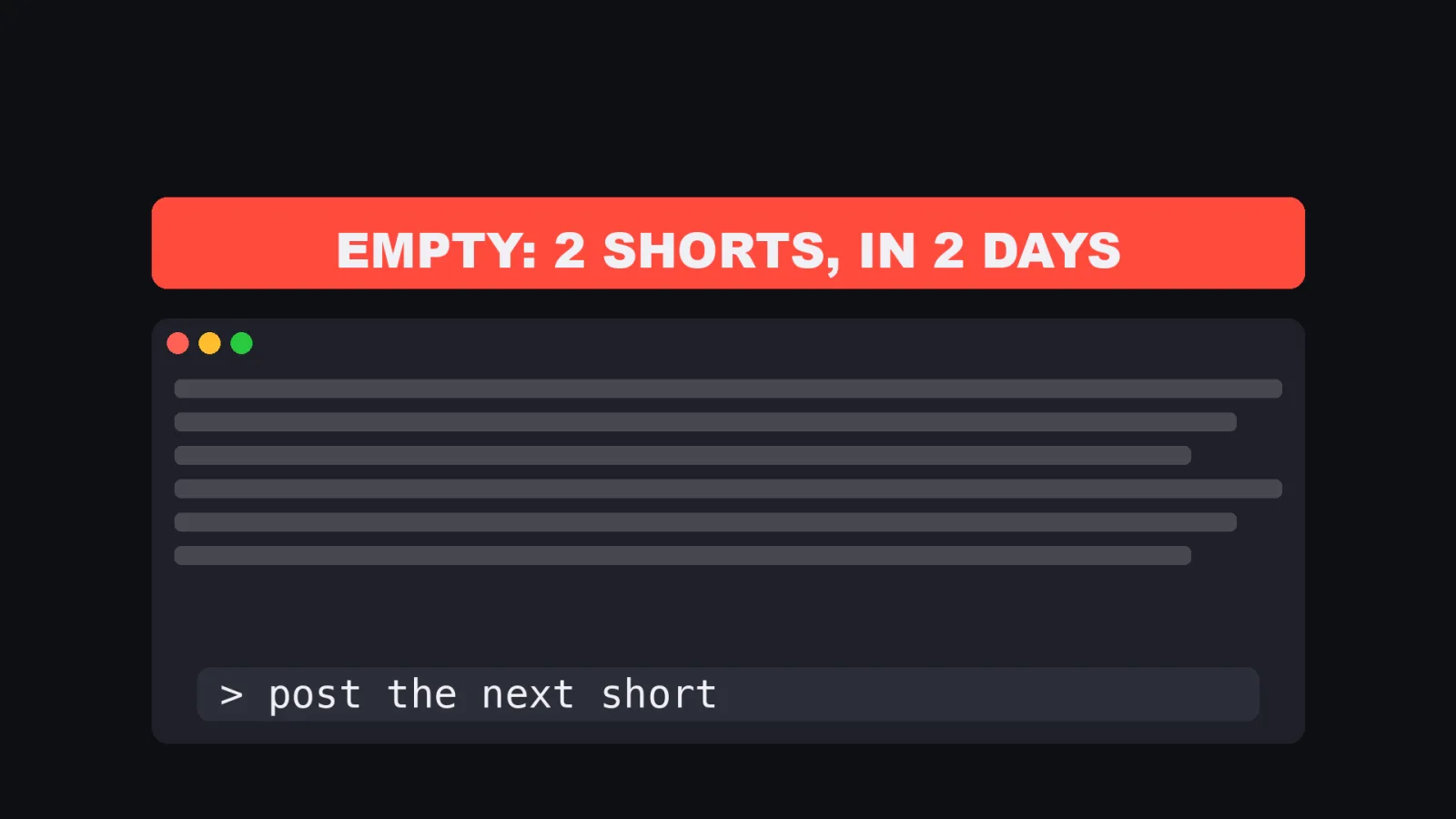
This is the real mechanism, rewritten with the names removed.
It uses the UserPromptSubmit hook, which runs when you submit a prompt (Claude Code Docs, "Hooks").
What the docs say:
- Whatever the hook prints on stdout is added to the context next to your prompt. You can also print JSON with
hookSpecificOutput, ahookEventNameandadditionalContext. - The input on stdin is JSON. It includes
session_id,cwdandhook_event_name. - The default timeout is lowered to 30 seconds for this event, so keep it fast.
- Exit code 2 blocks the prompt. Exit code 0 lets it through.
- Hooks go in
~/.claude/settings.json,.claude/settings.jsonor.claude/settings.local.json.
The settings entry (no matcher):
{
  "hooks": {
    "UserPromptSubmit": [
      {
        "hooks": [
          { "type": "command", "command": "python3 \"$HOME/.claude/hooks/show-gaps.py\"" }
        ]
      }
    ]
  }
}
The script:
#!/usr/bin/env python3
import json, sys, time, subprocess, pathlib

CACHE = pathlib.Path.home() / ".claude" / "state" / "gaps.json"
TTL = 600  # seconds

data = json.load(sys.stdin)
cwd = data.get("cwd", "")

# Only speak in folders that own a schedule.
if not any(name in cwd for name in ("videos", "blog")):
    sys.exit(0)

def fresh():
    if CACHE.exists():
        c = json.loads(CACHE.read_text())
        if time.time() - c["at"] < TTL:
            return c["lines"]
    out = subprocess.run(["./count-missing.sh"], capture_output=True, text=True).stdout
    lines = [l for l in out.splitlines() if "ok" not in l]
    CACHE.write_text(json.dumps({"at": time.time(), "lines": lines}))
    return lines

gaps = fresh()
if gaps:
    msg = "Empty in the next 2 days:\n" + "\n".join(gaps) + "\nFill these before other work."
    print(json.dumps({"hookSpecificOutput": {
        "hookEventName": "UserPromptSubmit",
        "additionalContext": msg}}))
In my real one, the count is cached for 600 seconds so the count script does not run on every message, and it only speaks for the folders that post. I added it on November 7, after a morning when nothing was ready to post.
count-missing.sh is yours to write.
Any script that prints one line per gap will do.
What I did not try
- Git worktrees are not what this article is about. The docs describe
claude --worktree <name>, and many videos about parallel sessions are about worktrees. It solves a different problem: several sessions editing one code repository. My sessions mostly do not share a repository, so I split by job, not by branch. - Agent teams are not covered. The docs list them as experimental.
- I have no cost figure for the sessions. The docs say that running several sessions multiplies token use, so check your own plan before you copy this.
- This is one Mac. Messaging across machines is not covered here.
Who this is not for
- If you have one project and one task at a time, one session is enough.
- If your work is one big code change, you want branches and tests, not a company of chats.
- If you cannot yet say in one sentence what each job is, name the jobs first. Opening more sessions makes that worse.
A four step start
- Write down your jobs, one line each.
- Make one folder per job, with a CLAUDE.md that says what it owns and what it never touches.
- Start each one with
claude -n <job>. - Add one counter session. Its whole file is: count what is missing, tell the owner, never do the work.
When something goes wrong, ask what rule was missing. Then add one line.
Why there is no chaos: not because the sessions are smart. Because every job has an owner, and something always counts.
Sources:
- Claude Code Docs, "Cross-session messaging" (code.claude.com/docs/en/cross-session-messaging), read November 9, 2026
- Claude Code Docs, "Sessions" (code.claude.com/docs/en/sessions), read November 9, 2026
- Claude Code Docs, "How Claude remembers your project" (code.claude.com/docs/en/memory), read November 9, 2026
- Claude Code Docs, "Hooks" (code.claude.com/docs/en/hooks-guide), read November 9, 2026
- Claude Code Docs, "Run agents in parallel" (code.claude.com/docs/en/agents), read November 9, 2026