 Hisashi Space
November 1, 2026 · 4 min read
iOS 27.2: Should You Update? Every Change Explained, from Battery to Siri AI and 163 Security Fixes
iOS 27.2. Should you update?
Short answer: yes. But two things in this update might surprise you, and there is one thing you should not do on day one.
I read Apple's security page and every change list I could find, and checked the settings on my own iPhone.
I also made a video of the whole thing.
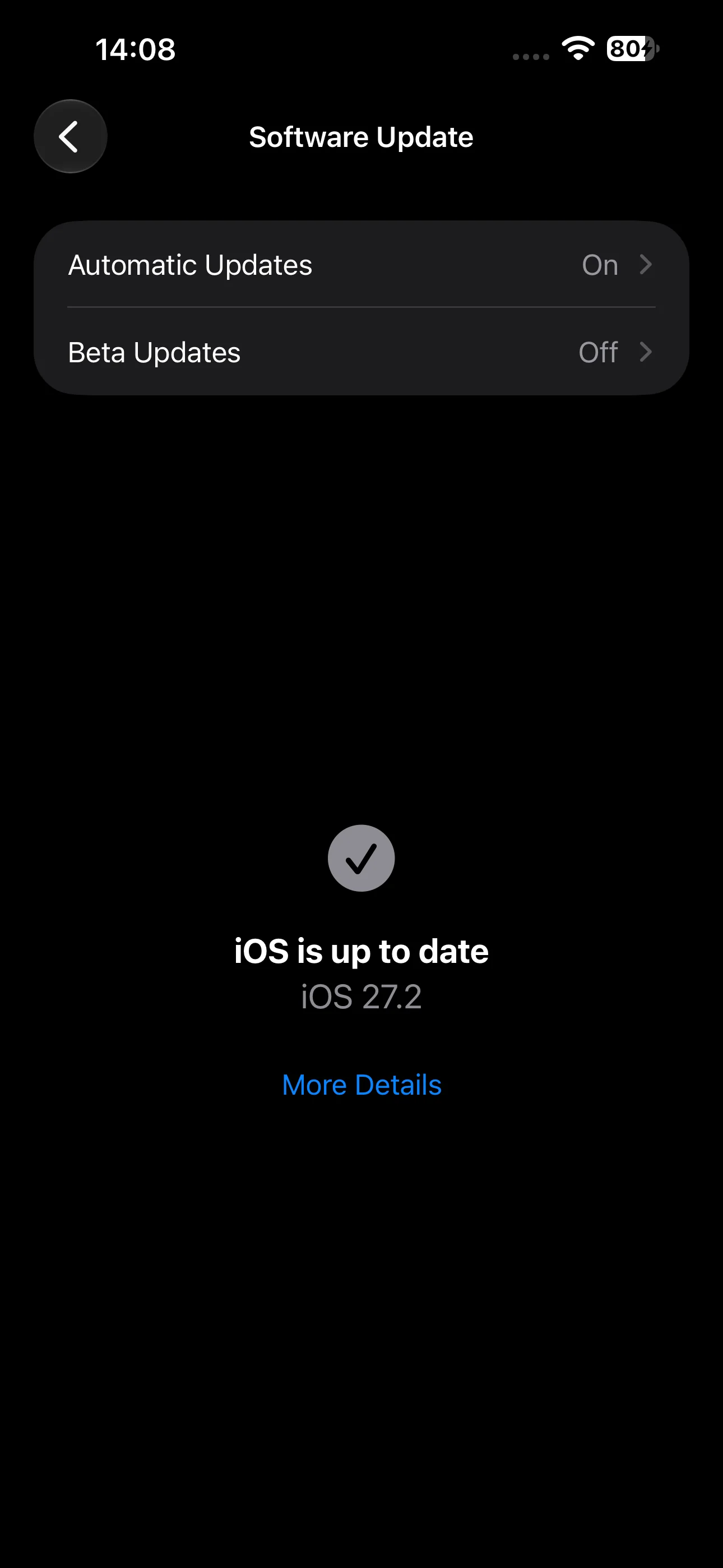
Battery, and the day-one trap
Lots of people say battery life got better on 27.2, and that the lag from iOS 27 is gone.
But here is the day-one trap. Right after the update, your iPhone rebuilds its search index for photos and messages in the background. It runs warm and drains faster for a day or two.
Apple's own advice is to wait a few days before you judge it. So don't panic and factory reset on day one. That is the thing not to do.
And the bug where dropping a widget made your screen flicker until you restarted? Fixed.
Siri AI remembers
The first surprise: Siri AI remembers. Ask it something today, and tomorrow you can say, "What was that restaurant you suggested?" It knows.
You can also copy just one part of an answer, like an address or a phone number, instead of the whole thing.
Siri AI now speaks Japanese
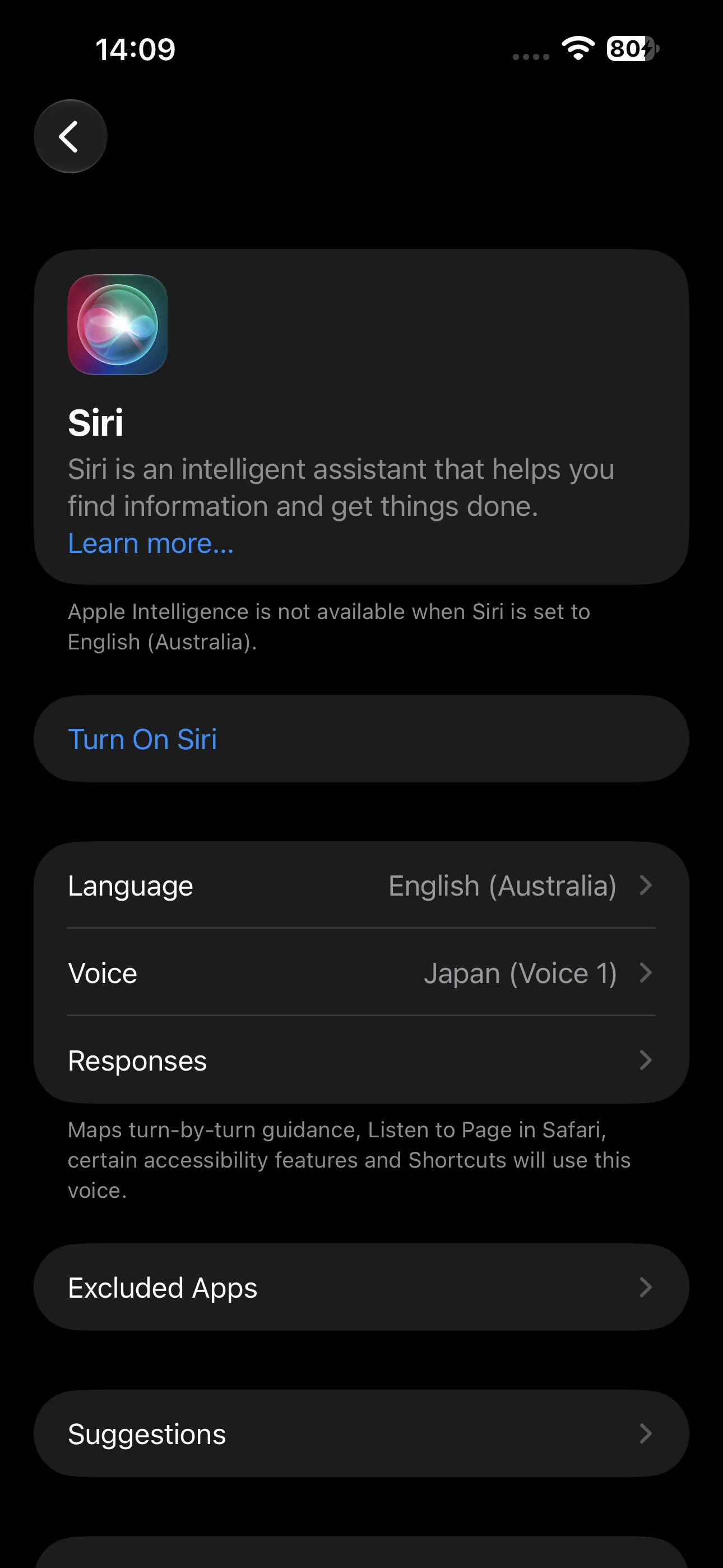
The second surprise is personal for me. I run a business in Tokyo, and Siri AI now speaks Japanese. Plus French, Korean, Portuguese and Spanish. All in beta.
You need an iPhone 15 Pro, or any iPhone 16 or newer
It is not available in the EU or mainland China
To turn it on: Settings, then Siri, then Try Siri AI
If it is busy, you will be put on a short wait list
Excluded Apps
Privacy got a quiet upgrade too. In Siri settings there is a new Excluded Apps list. You can block several apps from Siri, search and suggestions at once.
Messages suggestions are back
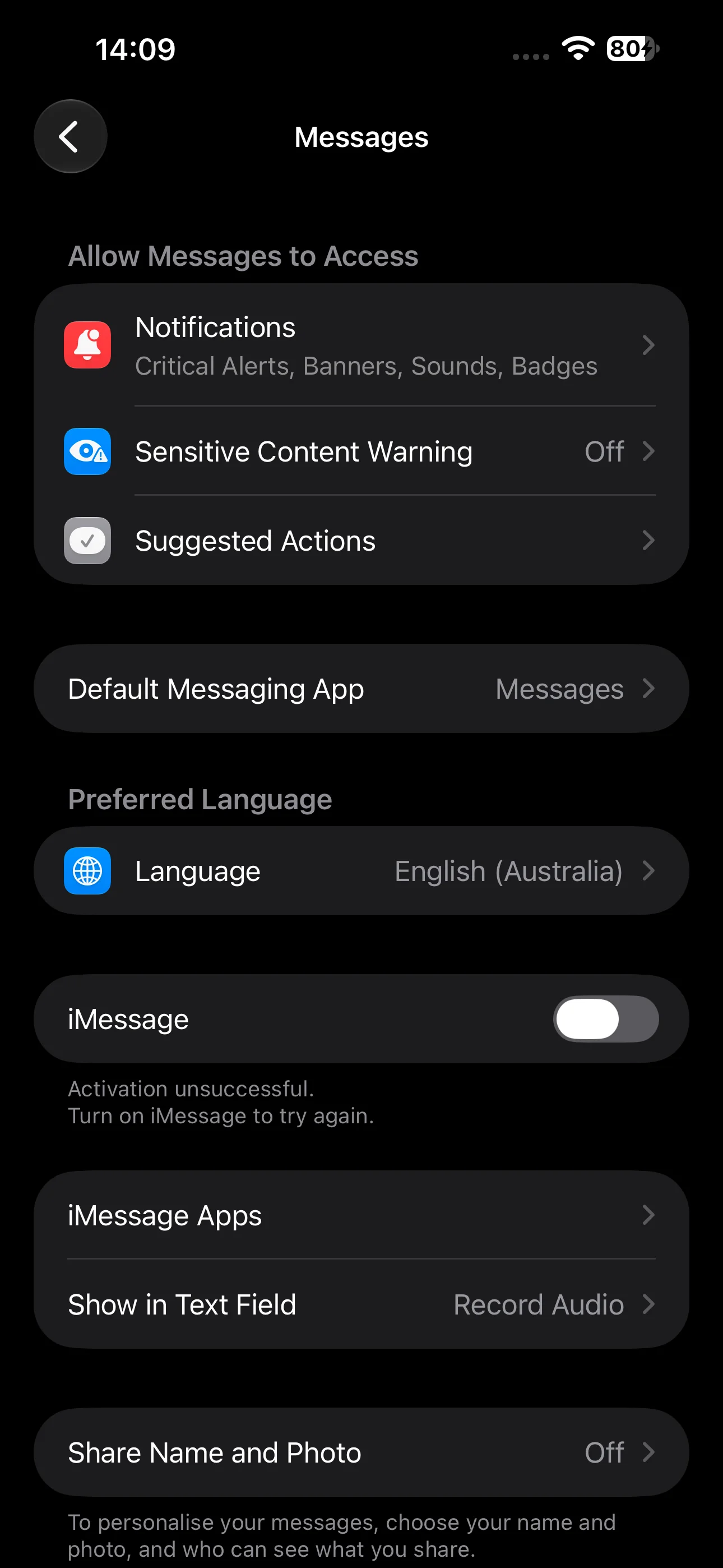
Messages gets its smart suggestions back. Someone texts you a time, and a chip above the keyboard offers to add it to your calendar. Shipping texts can offer tracking.
If that is too much, go to Settings, Apps, Messages, Suggested Actions, and turn off each type separately.
The hidden SynthID watermark
Here is one most people missed. Images made with Image Playground, and photos changed with big AI edits, now carry Google's SynthID watermark.
You can't see it, but anyone can check it. That matters if you post AI images for work. People can tell.
Shared Albums are better too. You can edit captions after posting, it stops you from adding duplicates, and it reminds you before an album expires.
Apple TV profiles and multiview
The Apple TV app now has profiles. Each person gets their own recommendations, and kids' profiles start at PG.
On iPhone, multiview shows up to four live games at once, if your subscription has the sports.
FaceTime, HomePod and small changes
FaceTime group calls can share your front and back cameras at the same time. That one needs an iPhone 17 or newer
HomePod has a new lock, so a tap doesn't start music. Handy if you have kids
Smart locks can auto lock after five to thirty minutes
Apple Music has a new black and white icon
Podcasts splits Up Next into New Episodes and Continue Playing
The Health redesign is delayed
One thing is missing. The redesigned Health app was in the betas, but Apple held it back. It is delayed, not canceled.
163 security fixes
Now the part nobody puts in the thumbnail. Apple's security page lists 163 fixes in this update.
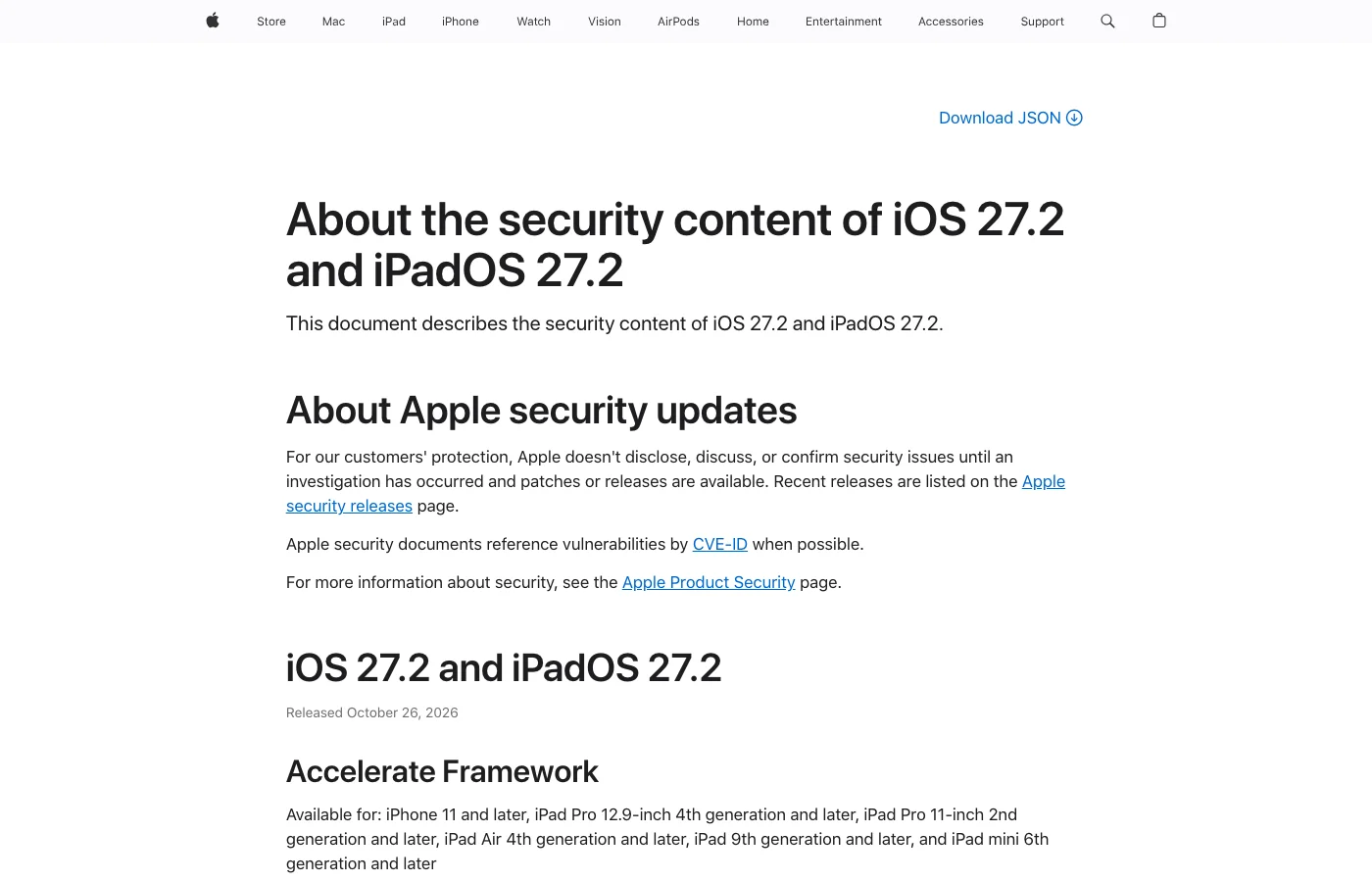
Twenty-six are in WebKit, the engine behind Safari and every in-app browser. Fifteen are in the kernel, the core of the system.
None were flagged as already being used in attacks. But once the list is public, attackers read it too. Now the old version is the risky one.
One exception, and how to update
One exception. If you are in the US and waiting on Quest lab results through the Health app, Apple says to wait until you get them before updating.
To update:
Back up first
Go to Settings, General, Software Update
Keep it charging while it installs
So, should you update? Yes. Tonight. The AI is the headline. The fixes are the reason.
Source: Apple, "About the security content of iOS 27.2 and iPadOS 27.2" (support.apple.com/en-us/149230, released October 26, 2026).