 Hisashi Space
November 5, 2026 · 10 min read
Gmail Send Mail As, POP and Gmailify Are Changing: What It Means for Your Custom Domain Email
A lot of small businesses run their work email inside a personal Gmail account.
Mail to hello@yourdomain comes into Gmail. You reply from Gmail, and the From line says hello@yourdomain. No extra inbox, no extra app.
Google has now written, on its own help pages, that the features behind this setup are leaving Gmail.
I made a video about it. This article has what the video has no room for: Google's timeline in one table, which setups are affected and which are not, the exact setting names in Gmail, the steps for each way out, and a checklist.
The short version
- Gmail is removing three things: "Send as" for addresses not hosted by Google, "Check mail from other accounts" (POP), and Gmailify.
- Google's page says they are fully removed in January 2027, and that new setups may be restricted before that.
- Mail that is already in your Gmail stays.
- "Send as" for other Gmail addresses and Google Workspace aliases keeps working.
- Forwarding from your other mail provider into Gmail is not affected.
- So receiving has a simple replacement. Sending is the part you have to decide on.
Everything below comes from Google's English Gmail Help pages, which I read on November 5, 2026. The page titles are listed at the end.
What Gmail is removing
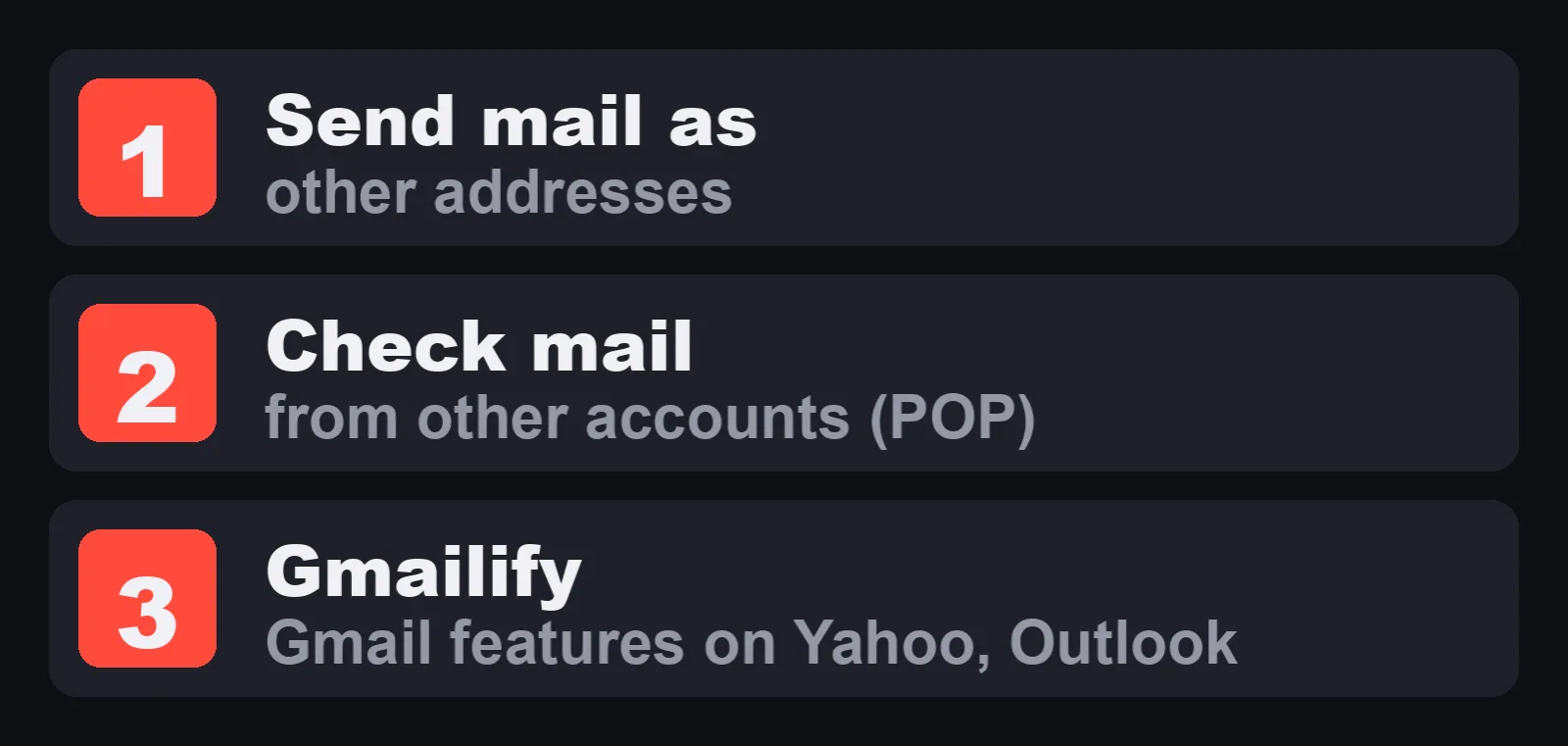
Google's page "Learn about changes to third-party email account support in Gmail" lists them under "What's changing".
| Feature | What it does today | What Google says will happen |
|---|---|---|
| "Send as" for third party accounts | Lets you send from another address you own, using your Gmail account | "The 'Send as' feature will no longer be available." |
| Check mail from other accounts | Gmail fetches mail from another server with POP | "Gmail will no longer fetch emails from third-party accounts into your Gmail account with POP." |
| Gmailify | Applies Gmail features to another account, such as spam protection or inbox organization | Removed. The Gmailify page lists what you lose: spam protection, better email notifications on mobile, inbox categories, and faster search with advanced search operators. |
One line on the same page is easy to miss. It says you "will no longer be able to send mail from third-party email accounts in Gmail on the web or in the Gmail mobile apps." So the "Send as" part is not only a desktop change.
The same page also says that adding or syncing a third party account in Gmail on the web was already announced as ending.
Timeline: only the dates Google states
| When | What Google says | Page |
|---|---|---|
| After the first quarter of 2026 | Gmailify and POP: "this feature no longer supports new users. Existing users can still use the feature until January 2027." | Gmailify and POP page, FAQ "What is the timeline?" |
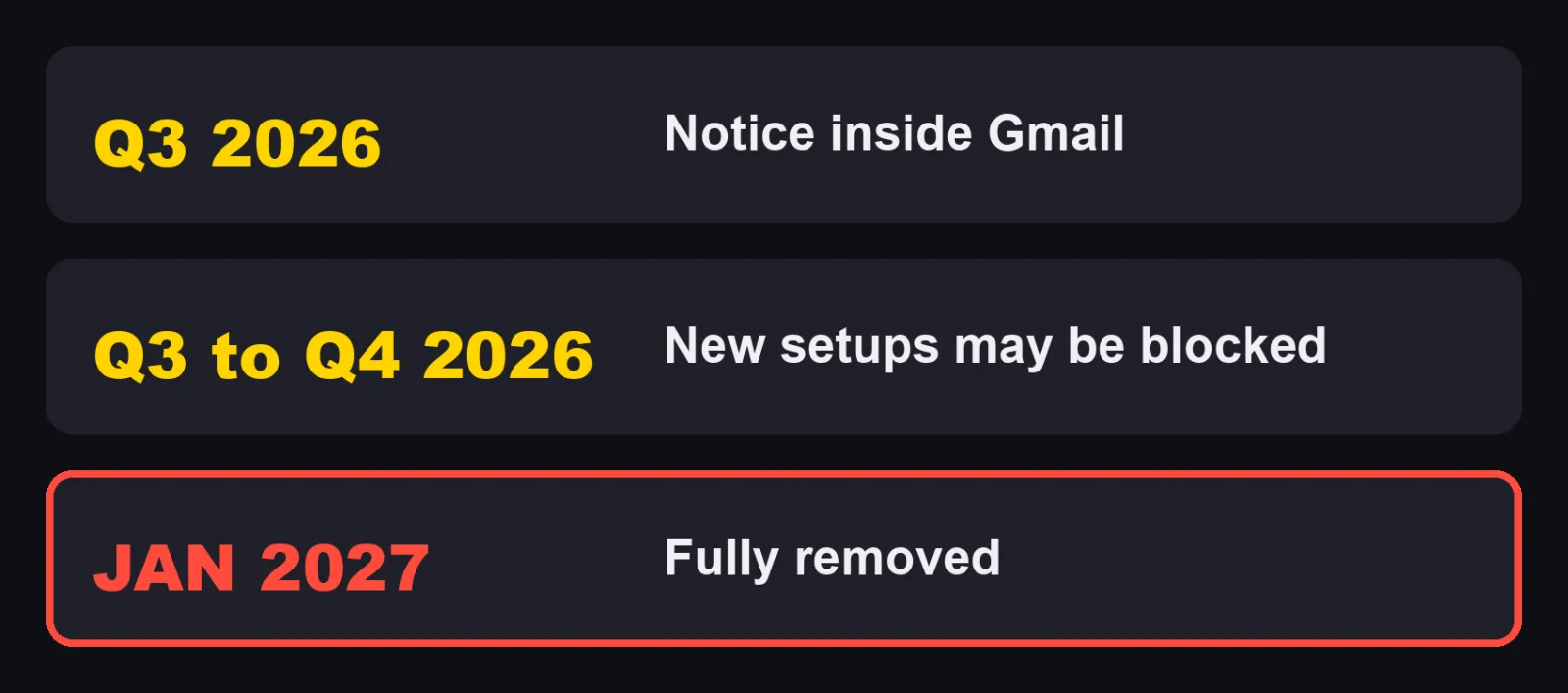
| Q3 2026 | "'Send as' announcement and notice period begins. All affected users will receive an in-product notification." | Third party account support page |
| Q3 to Q4 2026 | "Transition period." "Send as" for third party accounts, Gmailify and POP continue to work, "but Gmail may restrict new configurations. You are encouraged to migrate during this timeframe." | Third party account support page |
| January 2027 | "Gmail will fully remove 'Send as' for third-party accounts, Gmailify, and POP." | Third party account support page |
Google gives quarters and a month, not exact days. I am not adding any.
The practical point is the transition row. Your current setup still works, but you may not be able to set up the same thing again. If you plan to rebuild anything, do it while things still work.
Which setups are affected
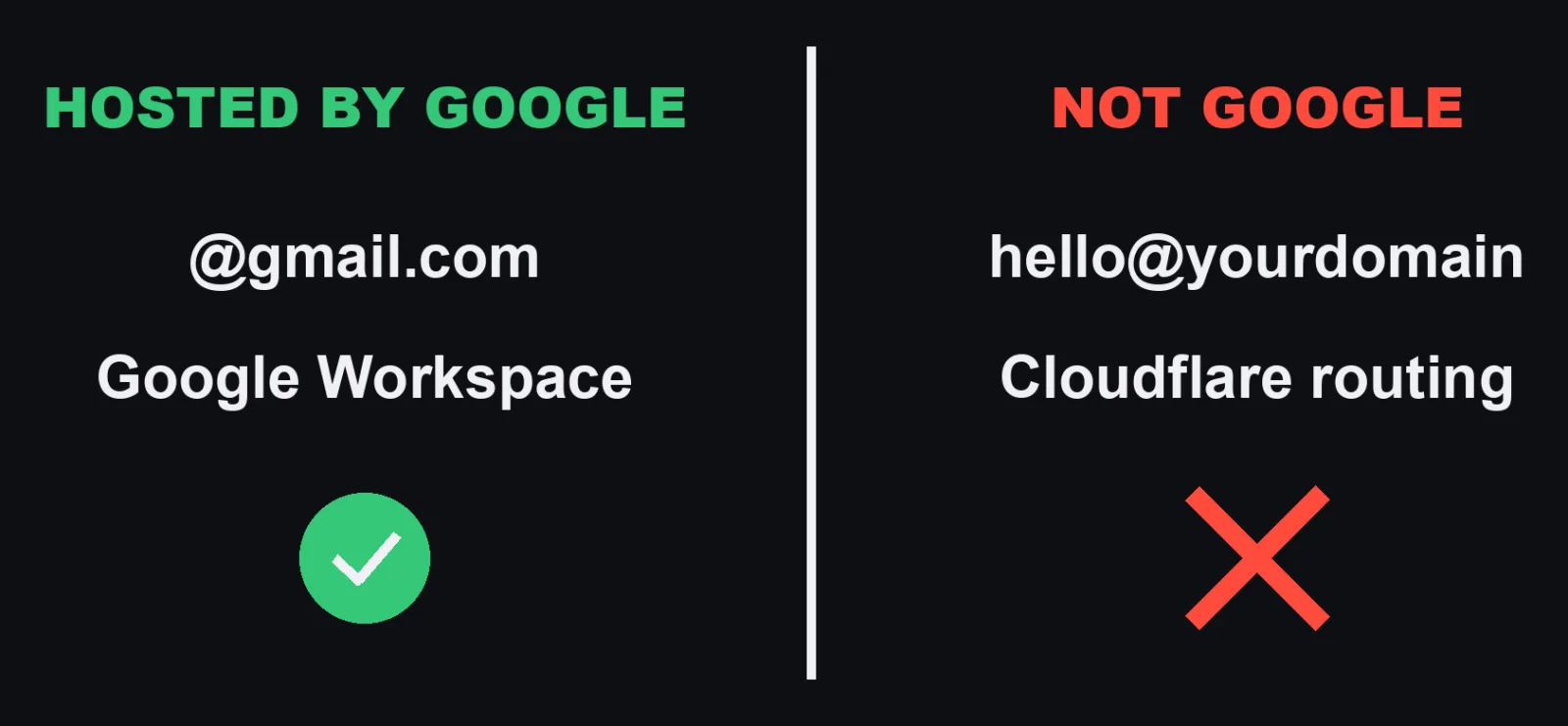
The line Google draws is simple. Is the address hosted by Google, or not?
| Your setup | Affected? | What Google says |
|---|---|---|
| Sending from hello@yourdomain through "Send mail as", where that domain's mail is not on Google | Yes | "Send as" for third party accounts ends |
| Sending from a Yahoo, Hotmail or Outlook address through "Send mail as" | Yes | Google gives @hotmail.com and @yahoo.com as examples |
| Pulling another account into Gmail with "Check mail from other accounts" | Yes | POP fetching ends |
| An account linked with Gmailify | Yes | Gmailify ends |
| Sending as another Gmail address you own | No | "Gmail-to-Gmail aliases" are not affected |
| Sending as an alias in your Google Workspace account | No | Workspace "Send as" is not affected |
| Your other provider auto forwards mail into Gmail | No | "This is independent of Gmail's 'Send as' feature and does not affect it." |
| Mail you already imported into Gmail | No | "will remain in your mailbox" |
| A non Google account added in the Gmail app for Android, iPhone or iPad | No | "You can continue to add and use non-Google accounts in the Gmail mobile app as you do today." |
| Outlook, Thunderbird or Apple Mail reading your Gmail with IMAP or POP | No | "These protocols remain fully supported for accessing Gmail from other apps." |
| A one time import with "Import mail and contacts" | No | Still possible, but it is one time and "messages do not sync continuously" |
What about Cloudflare Email Routing and similar setups?
Google's pages do not name Cloudflare or any other routing service. So I can only apply Google's own line.
A domain whose mail is handled outside Google is not hosted by Google. If that mail reaches Gmail by forwarding, that half is the forwarding Google says is not affected. If you then reply through "Send mail as", that half is the "Send as" for third party accounts that ends.
I would plan as if the sending half is going.
What breaks in the classic setup

Picture the usual free setup. Mail to your domain gets into Gmail. You reply from Gmail as your domain.
After January 2027, if your mail comes in through POP, new mail stops arriving that way. And the address leaves your From menu.
If you only fix receiving, it gets worse in a quiet way. Mail keeps arriving, you hit reply as usual, and the reply goes out from your Gmail address instead of your business address.
For a small business, that address is on invoices, support replies and every customer thread. I have run a company for 22 years. The From line on an invoice is not a detail.
Check your Gmail settings (30 seconds)
These are the setting names as Google's help writes them.
- On your computer, open Gmail.
- In the top right, click Settings (the gear), then "See all settings".
- Click the "Accounts and import" tab. Google's help says it may be called "Accounts" instead.
- Look at the "Send mail as" section. Is there any address that is not a Gmail address or a Google Workspace address? Then you are affected.
- Look at the "Check mail from other accounts" section. Is anything listed? That is POP, and it is going too.
Gmailify is offered from that same section. Google's steps for adding an account there say "If prompted, you can: Link your account with Gmailify".
Write down every address you find. You will need the list for the checklist at the end.
What stays
Before the fix, the good news, also in Google's words.
- "Any messages you've already imported from a third-party account into Gmail will remain in your mailbox."
- "You can continue to use 'Send as' for any Google-hosted identities, including other Gmail addresses or aliases associated with your Google Workspace account."
- "You can configure your third-party provider to auto-forward messages to your Gmail address."
Nothing gets deleted. Only the connection ends.
The fix, in two halves
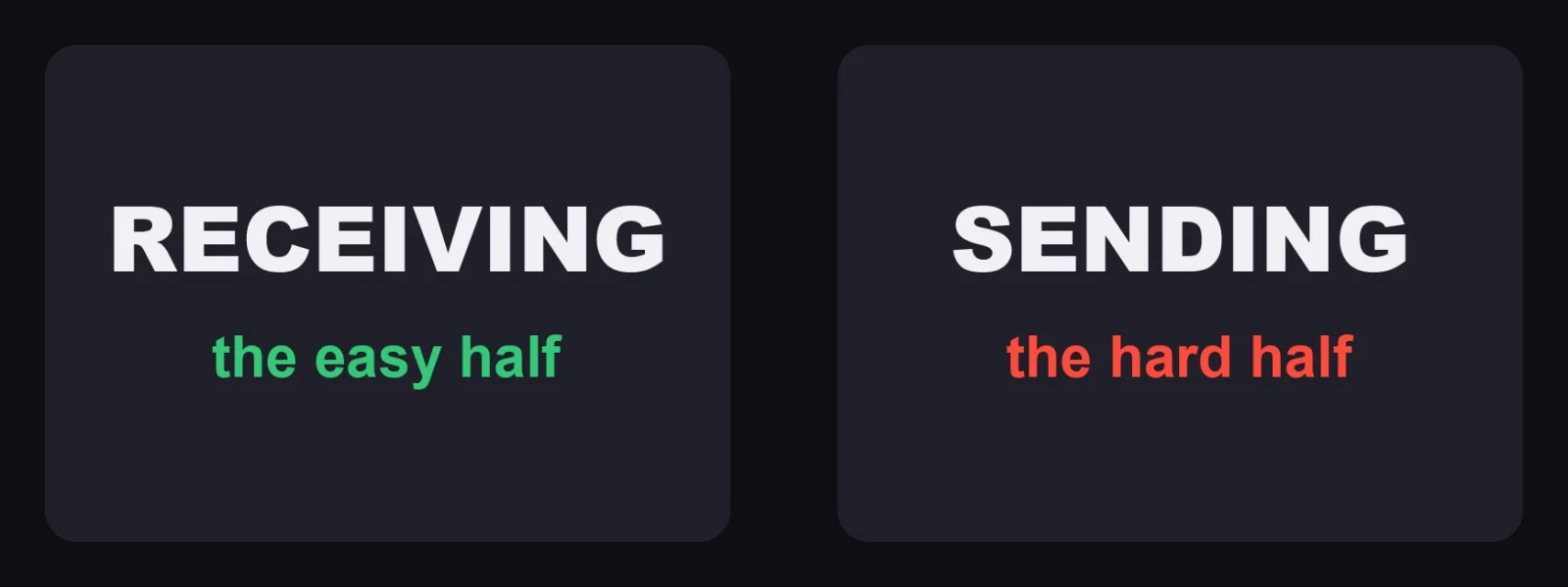
Receiving: switch from POP to forwarding
This is the easy half. Google's Gmailify and POP page gives it as the first option: "To have new emails automatically appear in your main Gmail inbox (like with POP fetching), set up automatic forwarding with your other email provider."
- Log in to wherever your domain's mail lives.
- Set it to forward incoming mail to your Gmail address. Google says to follow your provider's own instructions for this.
- Send a test message to your domain address and check it arrives in Gmail.
- Then remove the POP connection. In Gmail: Settings, "See all settings", "Accounts and import". In the "Check mail from other accounts" section, next to the account, click "Delete".
I put the test before the delete on purpose. That way there is no gap where mail arrives nowhere.
If your mail is for a work or school account, Google also notes that "your administrator can help migrate your email data into Google Workspace."
Sending: pick one of Google's options
This is the hard half. Forwarding brings mail in. It does nothing for the From line.
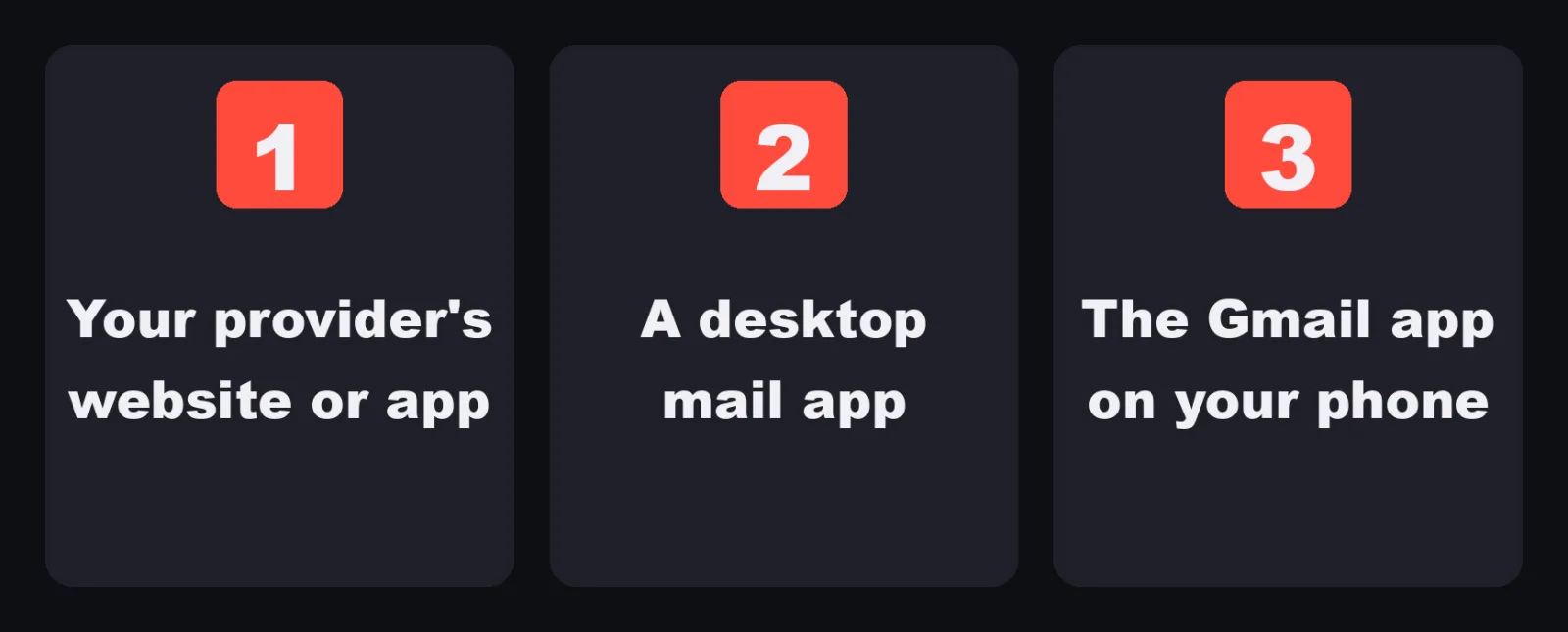
Google lists three "recommended paths forward" under "Review your options":
| Option, in Google's words | What it means in practice |
|---|---|
| Option 1: Use your provider's native website or app | Send from the webmail or app of the company that hosts your domain's mail |
| Option 2: Use a desktop mail client | A mail app on your computer that connects with IMAP and SMTP, such as Apple Mail, Outlook or Thunderbird |
| Option 3: Use the Gmail app for Android, iPhone, or iPad | Add your domain account in the Gmail app as its own account |
For business use, Google answers directly.
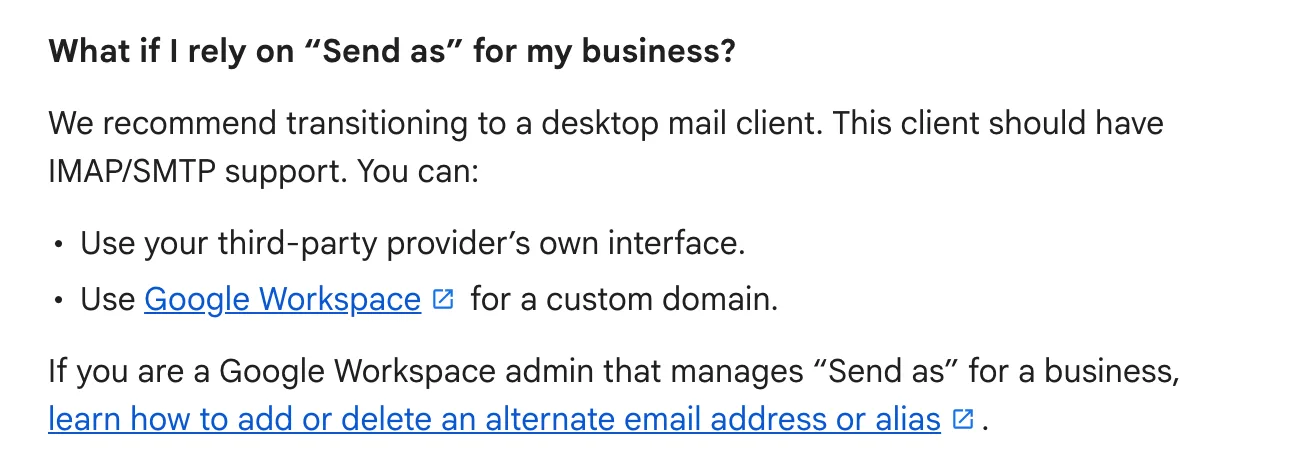
Under "What if I rely on 'Send as' for my business?", Google recommends a desktop mail client with IMAP/SMTP support, your provider's own interface, or "Google Workspace for a custom domain."
Option 2 step by step: a desktop mail client
Google's page does not give steps for each mail app, so here is only what you need before you start.
- From your mail provider's help, get the IMAP server, the SMTP server, the ports and the security type for your domain account.
- Add the account in your mail app with those settings.
- Send a test to another address you own and check the From line.
Option 3 step by step: the Gmail app
These are Google's steps for Android, from "Add another email account in the Gmail app". The same page has a separate tab for iPhone and iPad.
- Open the Gmail app.
- At the top right, in the search bar, tap your Profile.
- Tap "Add another account".
- If your provider is in the list, tap it and follow the steps on screen.
- If it is not, tap "Other", enter your full email address, tap "Next", and select "Personal (IMAP)".
- Enter your password, tap "Next", then enter the IMAP settings for your account.
Google adds that if you have extra security on the account, you may need an alternative sign in method, like an app password.
Google Workspace for a custom domain
If your domain's mail moves to Google Workspace, the address becomes hosted by Google. Google says "Send as" for Workspace addresses and aliases is not affected. I am not writing prices here. Check Google's own pricing page if you go this way.
Be careful with tools that bring "Send as" back

Google warns about these on the same page.
"You may find third-party tools or browser extensions that offer to replicate 'Send as' functionality. Exercise caution with these services, as they often require access to your email credentials or OAuth tokens."
And: "Google cannot guarantee the safety, reliability, or data practices of these services. We strongly recommend using the official options listed above."
Checklist
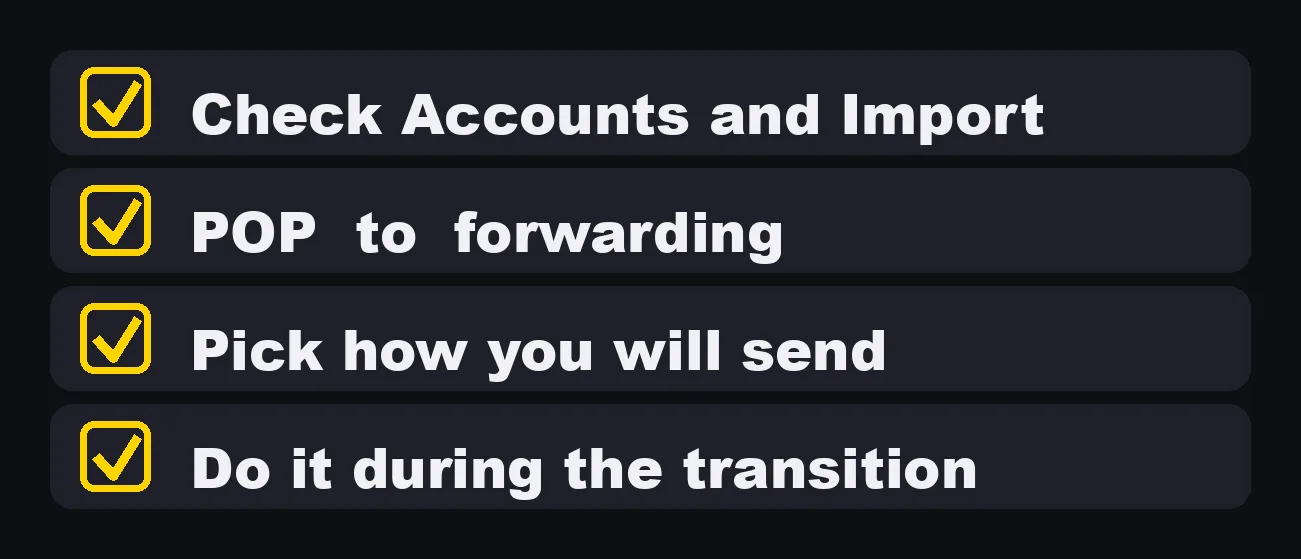
- Open "Accounts and import" and list every address under "Send mail as" and "Check mail from other accounts".
- Mark which ones are Gmail or Google Workspace (they stay) and which are not (they go).
- For each address that goes, set up forwarding at your mail provider.
- Send a test message and confirm it arrives in Gmail.
- Delete the POP entry under "Check mail from other accounts".
- Choose how you will send: your provider's website or app, a desktop mail client, the Gmail app, or Google Workspace.
- Set up that sending method and send a test to check the From line.
- Tell anyone else who replies from that address.
- Do all of this during the transition period, while new setups may still work.
A free work inbox inside Gmail was a good trick for a long time. Google has now put an end date on it. Move it while it is still your choice.
Sources (Google Gmail Help, English, read November 5, 2026):
- "Learn about changes to third-party email account support in Gmail" (support.google.com/mail/answer/17101213)
- "Learn about upcoming changes to Gmailify & POP in Gmail" (support.google.com/mail/answer/16604719)
- "Send emails from a different address or alias" (support.google.com/mail/answer/22370)
- "Add another email account on your computer" (support.google.com/mail/answer/21289)
- "Add another email account in the Gmail app" (support.google.com/mail/answer/6078445)