 Hisashi Space
November 15, 2026 · 13 min read
Claude Talks Too Much? Here's How I Made It Answer in 5 Lines, and the Check That Sends Long Replies Back

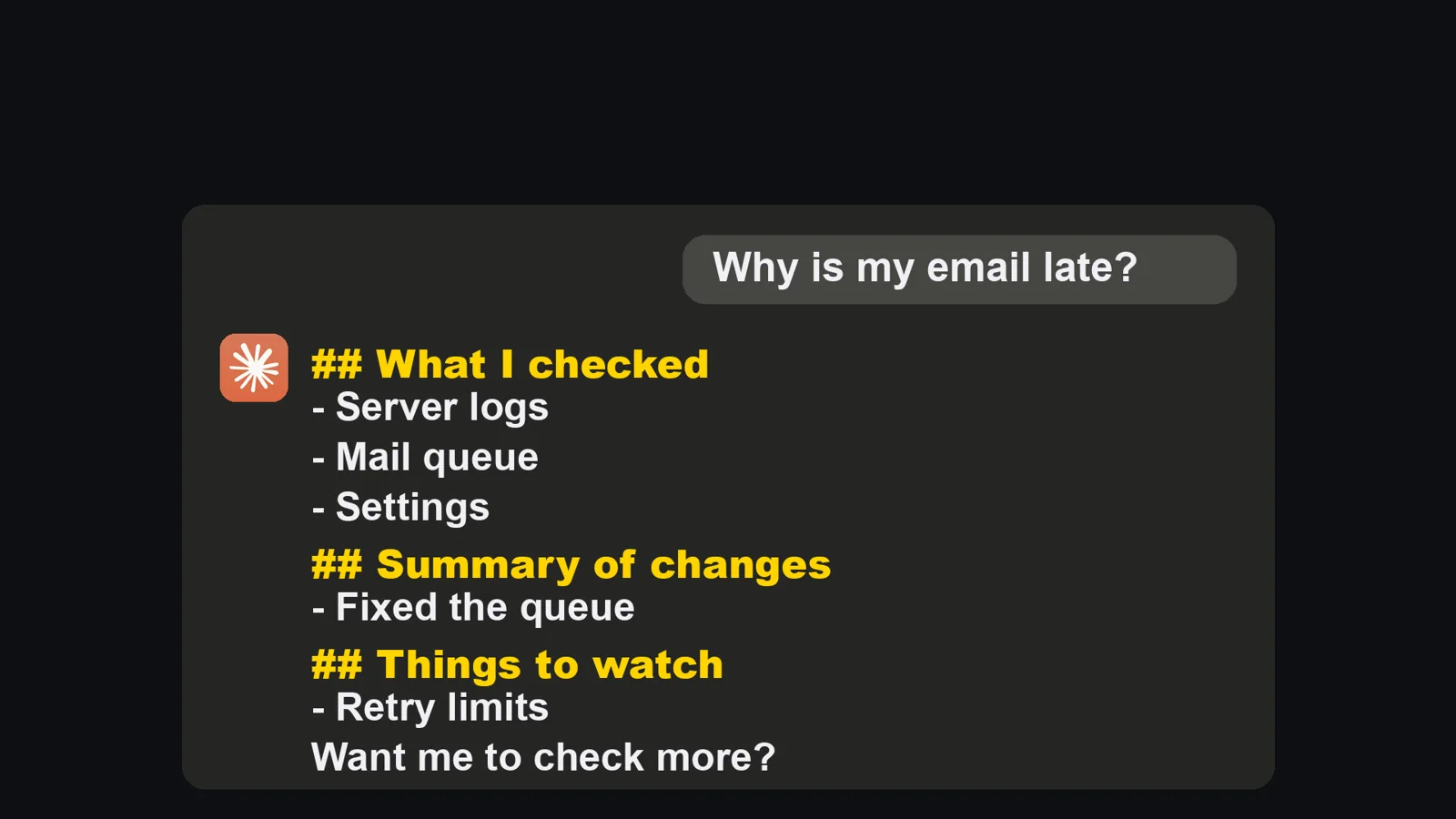
Claude talks too much? You ask one small question and a wall of text comes back, and the one line you needed is somewhere in the middle.
I made a video about the four rules that fixed this for me. This article has what the video has no room for: what Anthropic's own guide says about why the replies run long, a block you can paste into CLAUDE.md, a hook script you can copy (I ran it and show the output), how I counted the 96, and what I did not test.
The short version
- Claude Opus 5 answers longer by default than earlier models. That is in Anthropic's own prompting guide, which also says changing the effort setting does not reliably change the length.
- Asking for "shorter" does not stick. A request fades as the chat gets longer, and "short" does not say what belongs in the report.
- Rule 1: every report answers three questions, in five lines or less. Rule 2: answer only what I asked. Rule 3: long writing goes in a file, and the chat only says where it is.
- Rule 4: a Stop hook counts the lines and characters of every reply and sends anything over 25 lines or 1,500 characters back to be rewritten. This is the one that made it stick.
- It needs no code from you. You ask Claude Code to add the rules and the check, then you watch the check fire once.
I have worked in IT for over 20 years and have run my own company for 22. Every day, dozens of Claude Code chats work on my blog, my social media, my videos and the products I build, and every one of them reports back to me. If each report takes two minutes to read, my whole day is gone.
Why the replies run long, and why nobody finishes them
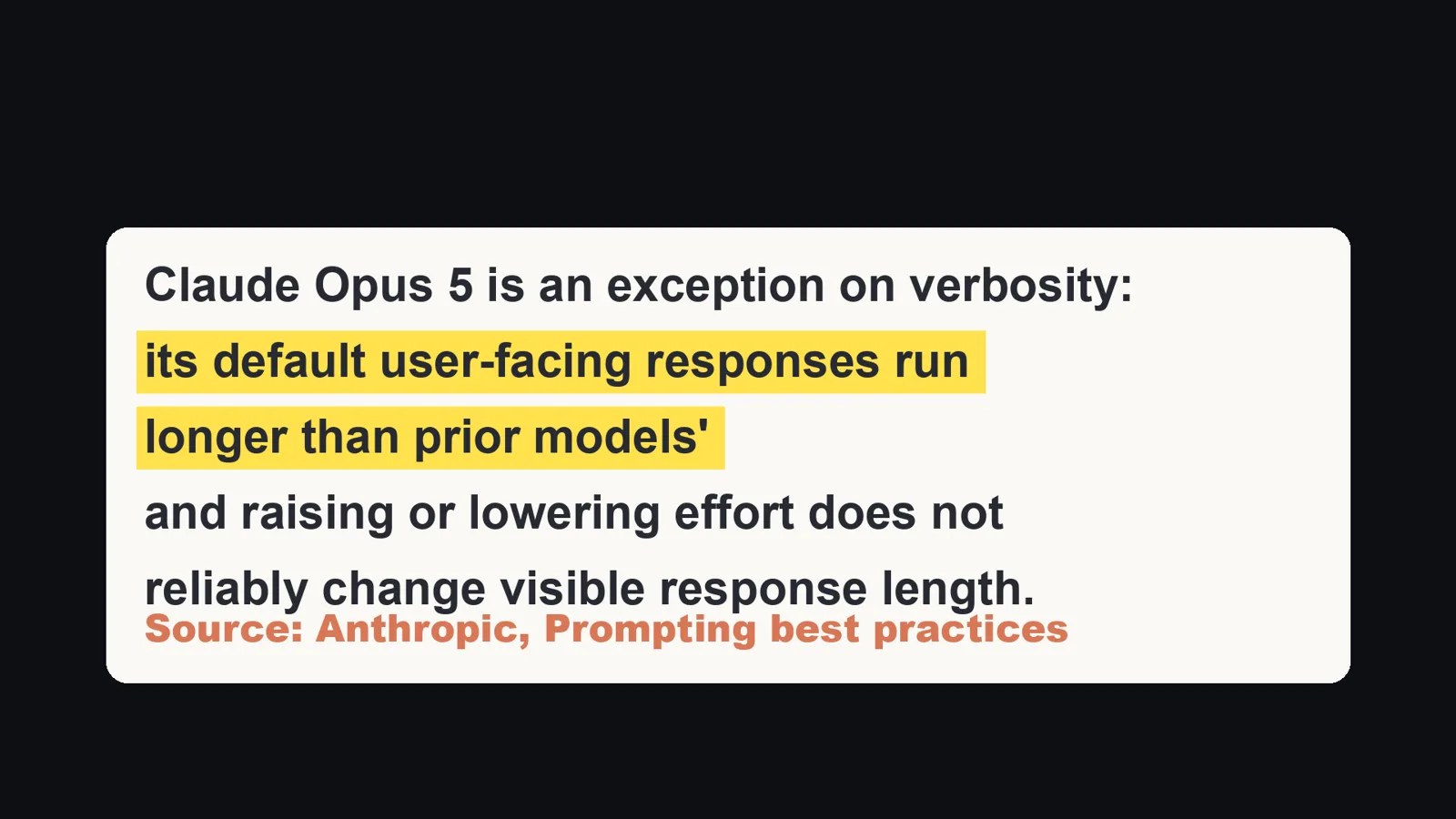
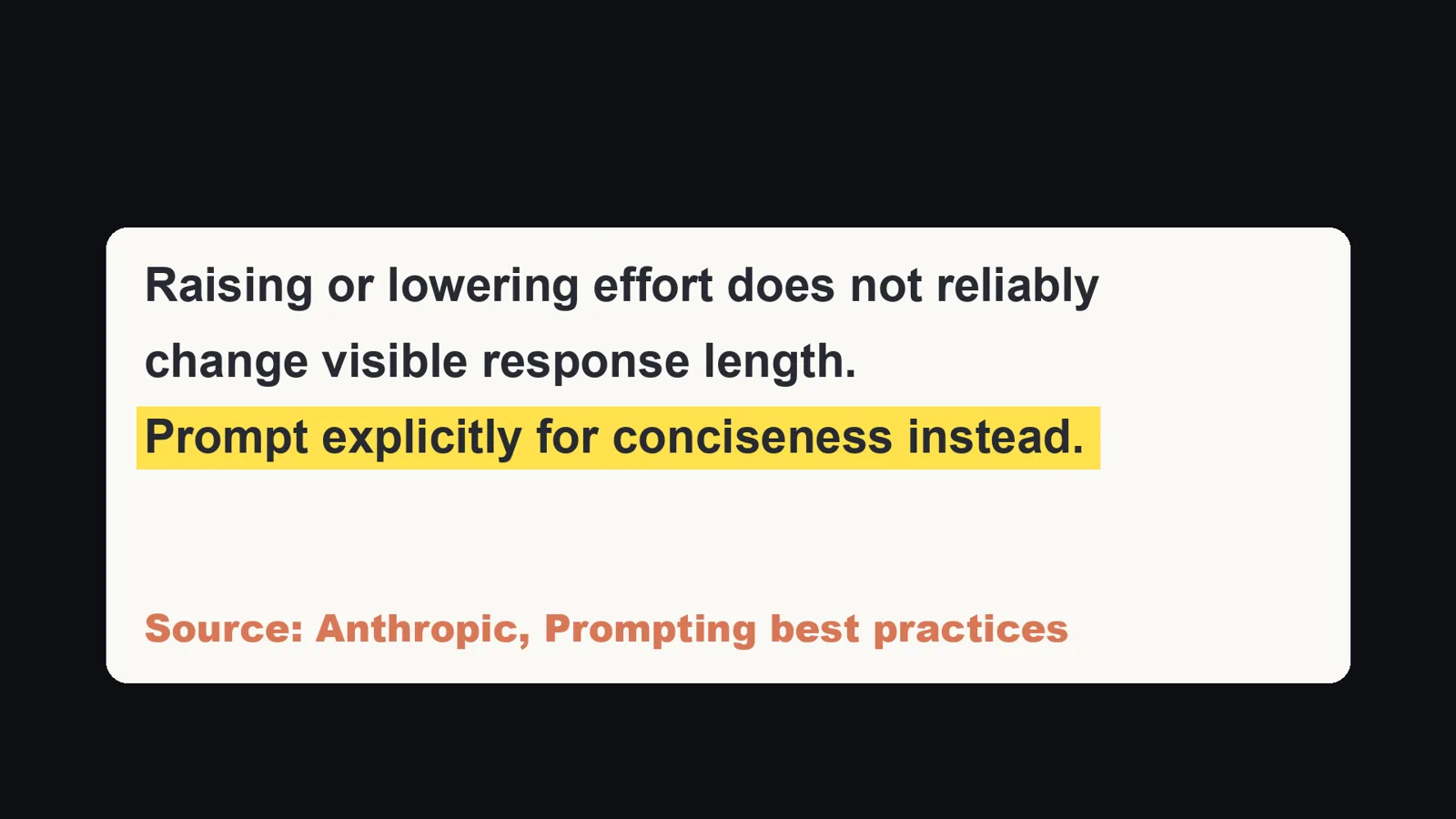
Anthropic's prompting guide, in the section on communication style and verbosity, says: "Claude Opus 5 is an exception on verbosity: its default user-facing responses run longer than prior models', and raising or lowering effort does not reliably change visible response length. Prompt explicitly for conciseness instead."
So it is not a feeling. The docs also give you the direction: ask for short answers on purpose. My problem was that asking was not enough, and I come back to that below.
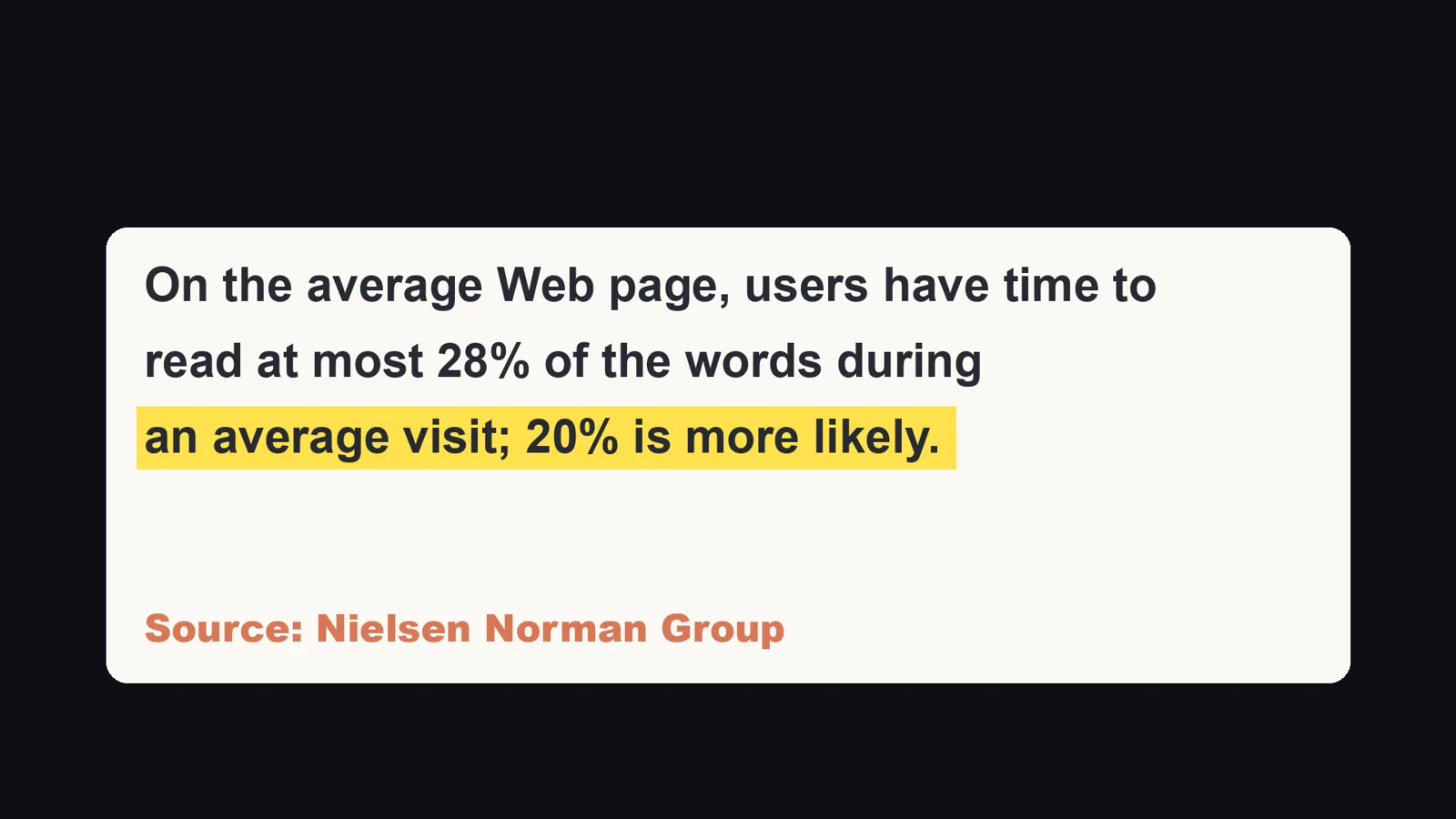
Why does length matter? Because people do not read it. The Nielsen Norman Group article "How Little Do Users Read?" says: "On the average Web page, users have time to read at most 28% of the words during an average visit; 20% is more likely." That study is about web pages, not about replies from an AI. I did not find a study of AI replies, so I use it only as a reminder of how reading works. In a 40-line answer, the line that says "I need your decision" is often the line that gets skipped.
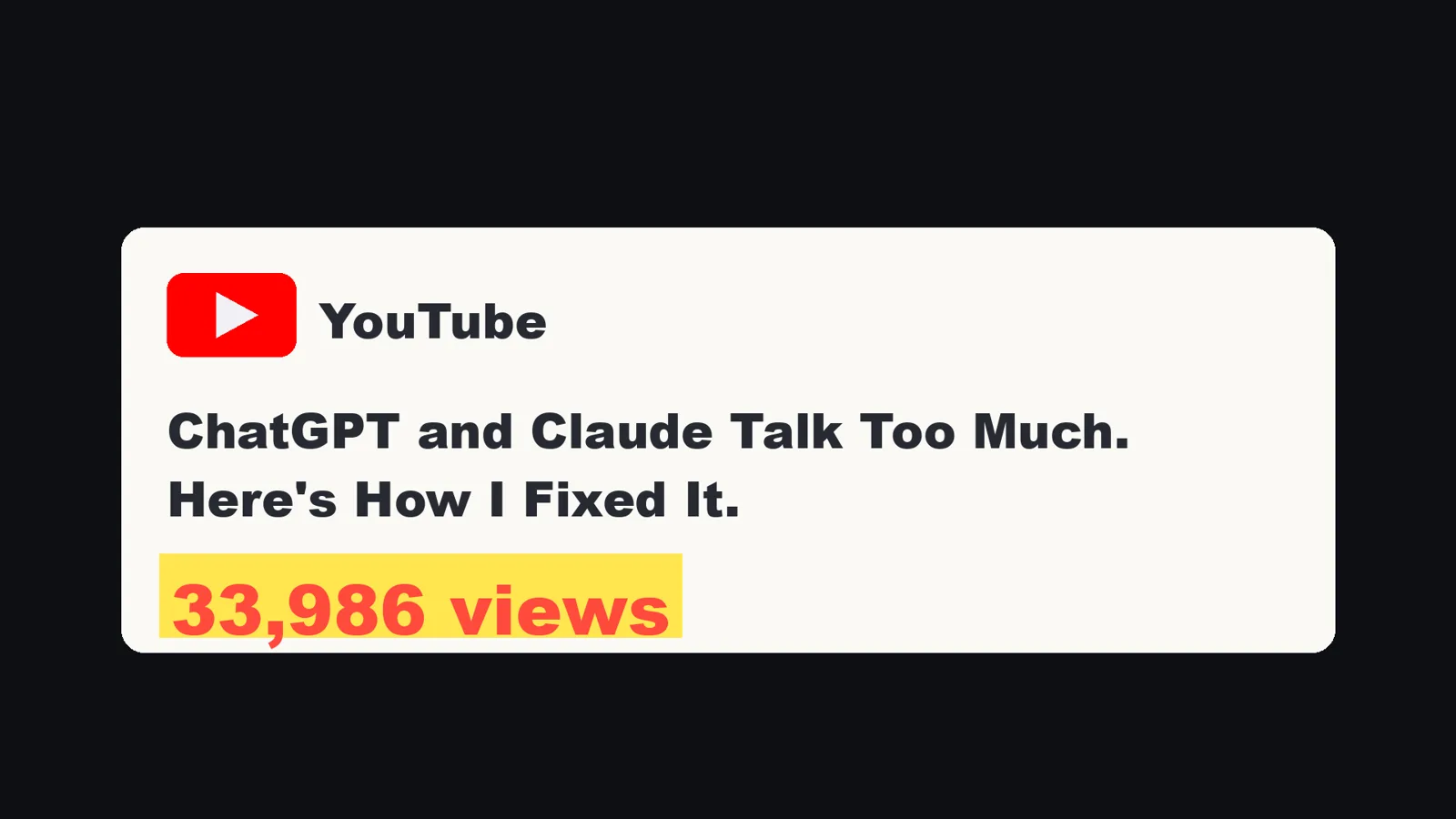
You are also not alone. On November 11, 2026, Google (English, US) suggested searches such as "claude talks too much", "claude opus 5 talks too much", "claude too verbose", "claude code too verbose" and "how to make claude less verbose". A video called "ChatGPT and Claude Talk Too Much. Here's How I Fixed It." had 33,986 views when I checked on November 8, 2026. People also install add-ons that make Claude talk like a caveman, which I come back to below.
What it looked like for me
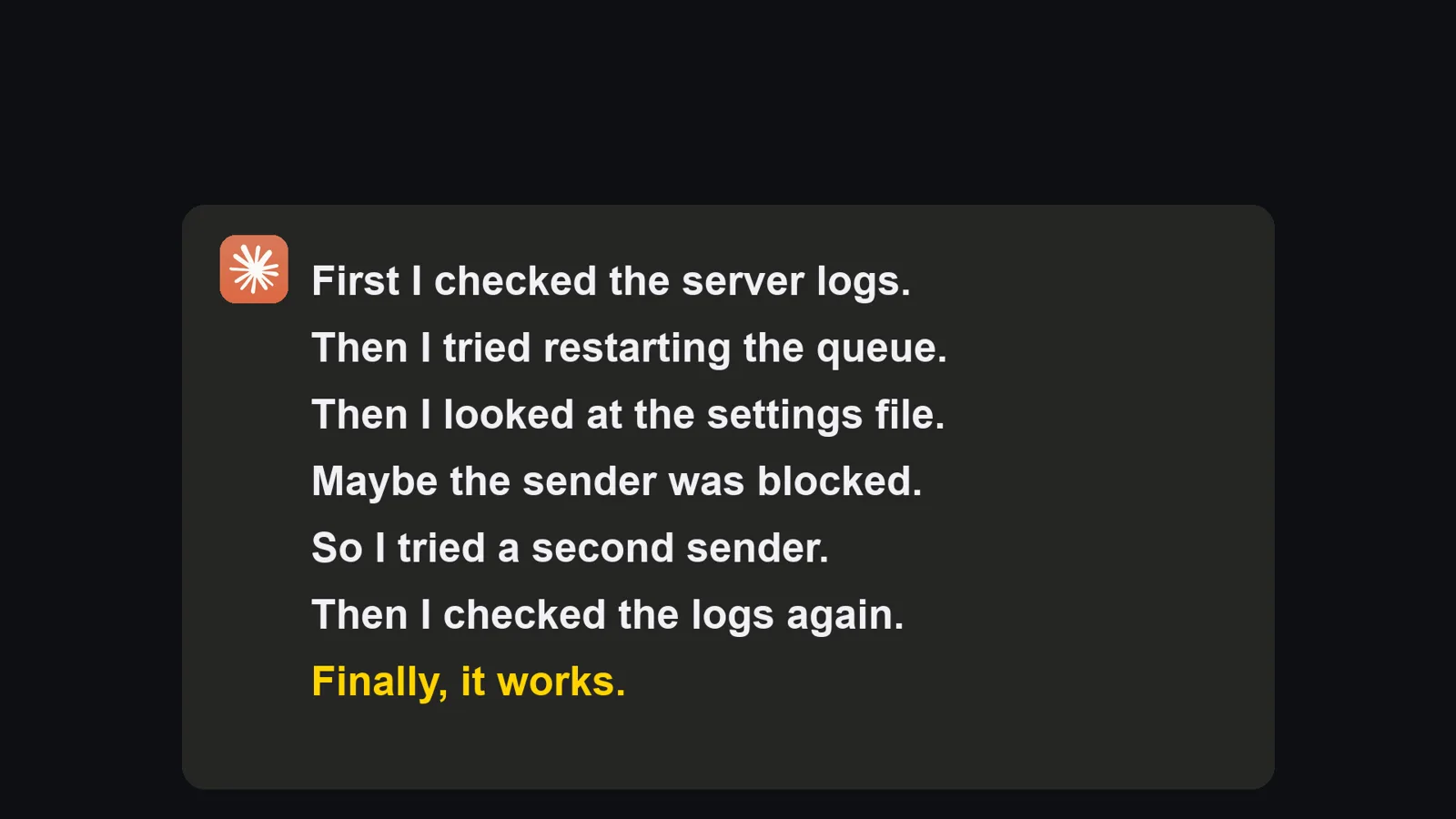
Three things kept happening. First, I asked Claude why an email feature was not working. It fixed it, and then it sent a long report of everything it had tried. I said: I do not need the technical story, tell me the result. The next day it did the same thing. Second, it answered a question and then added a warning I never asked for. Third, one day it pasted an 80-line article straight into the chat. Every time I asked it to be shorter, and every time it slowly got long again.
What I finally understood has two parts. "Short" means nothing to Claude. It has to know exactly what goes in the report. And a request in a chat fades as the chat gets longer, while a new chat starts with nothing. So I stopped asking for shorter. I gave it a fixed shape, and a check it cannot skip.
Rule 1: three questions, five lines or less
Every report answers three questions:
- What can I do now that I could not before?
- Where can I check it?
- What do you need from me? No list of what it tried, no theories, no logs, no apologies. Think of a good assistant reporting to a busy boss: done, here is where, I need one thing from you.
Here is the same job before and after. The broken order email is the example from my video. The wording below is rewritten for this article to show the shape.
| Before (about 40 lines in my case) | After (three lines) | |
|---|---|---|
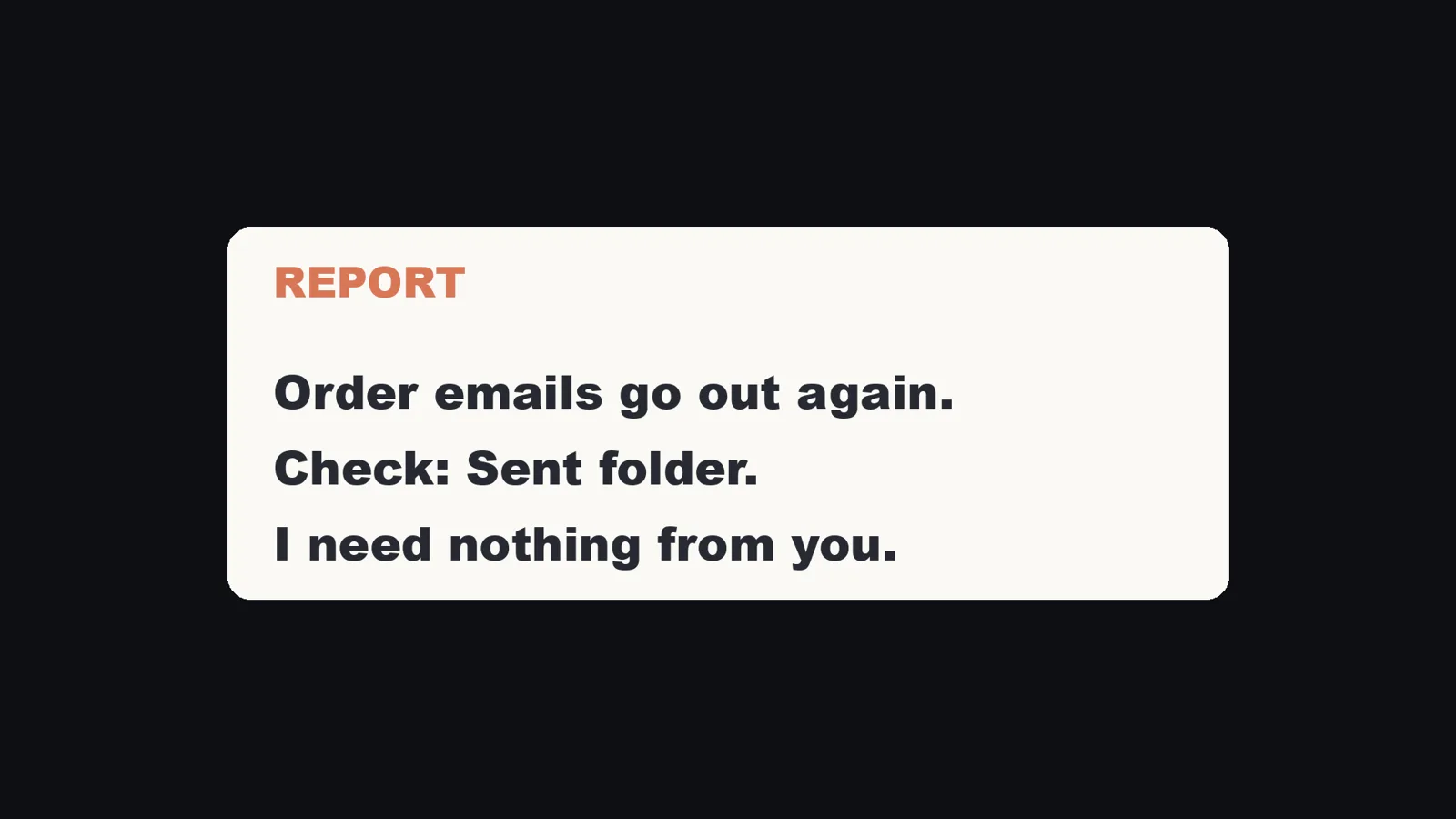
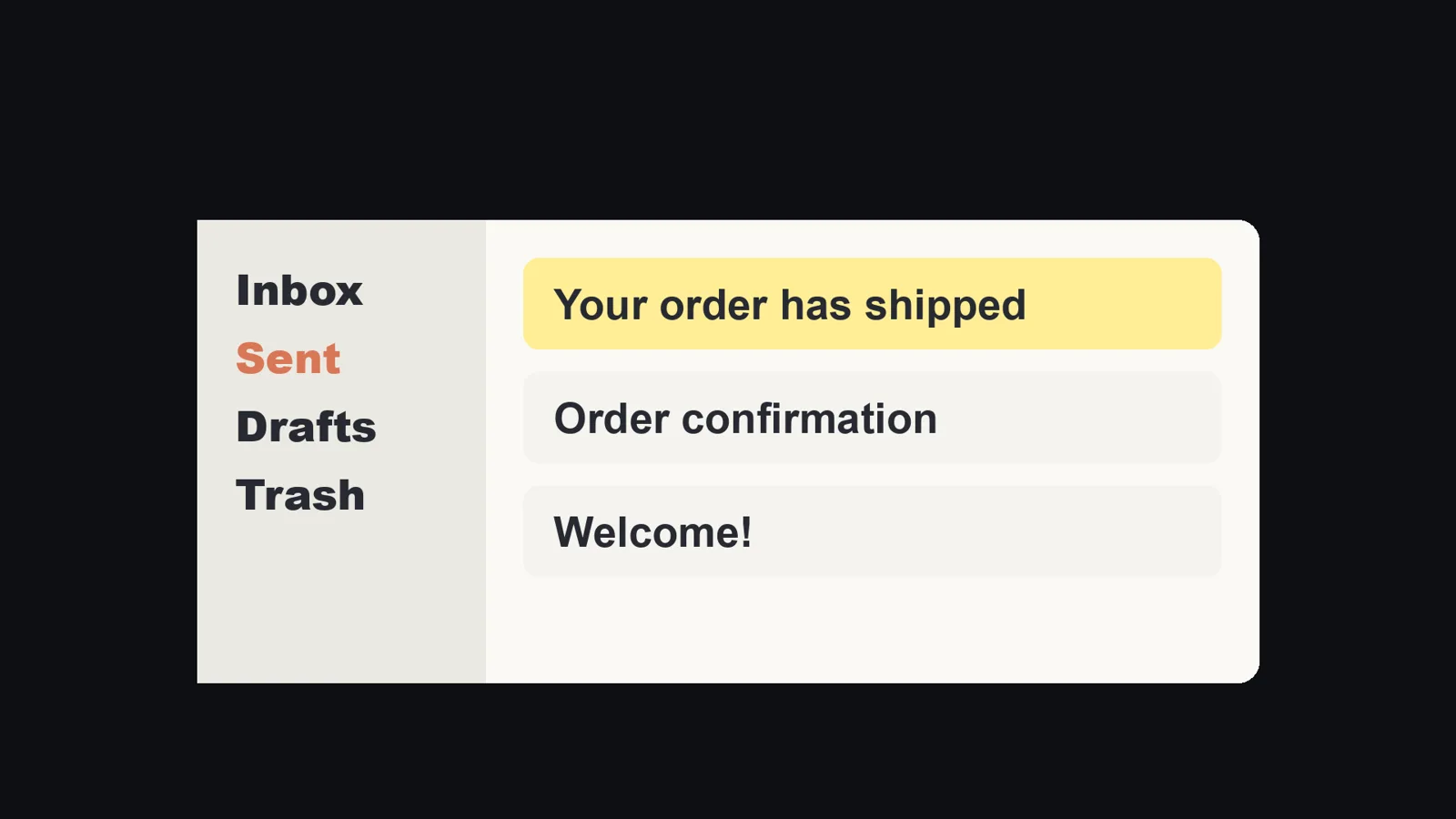
| 1. What can I do now | "First I checked the server logs. Then I tried restarting the queue. Then I looked at the settings file. Maybe the sender was blocked, so I tried a second sender..." (and on, line after line) | Order emails go out again. |
| 2. Where to check | Buried in the middle, if it is there at all | The last one is in the Sent folder. |
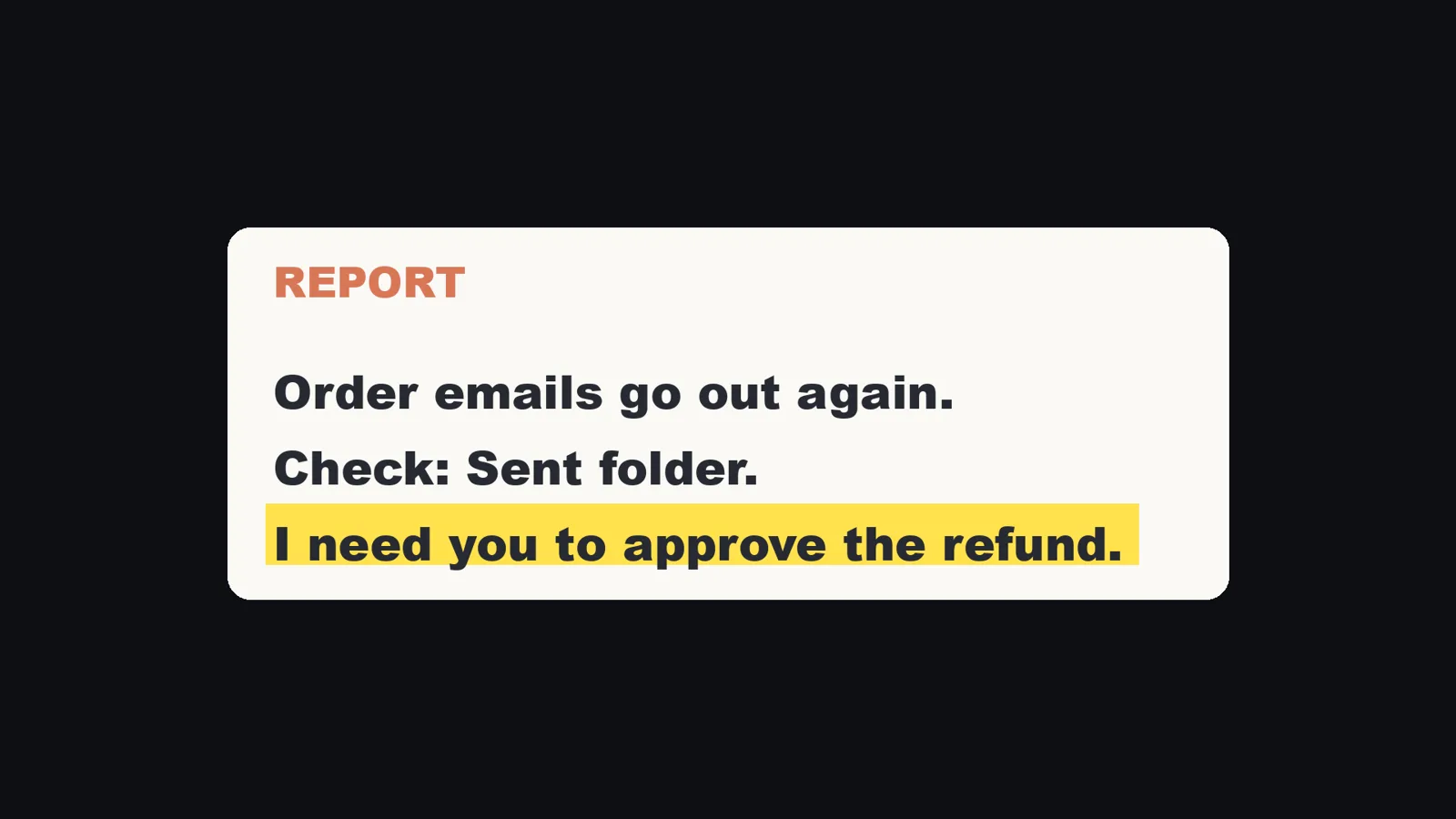
| 3. What you need from me | "Want me to check more?" | I need nothing from you. (When there is something, it is the last line: "I need you to approve the refund.") |
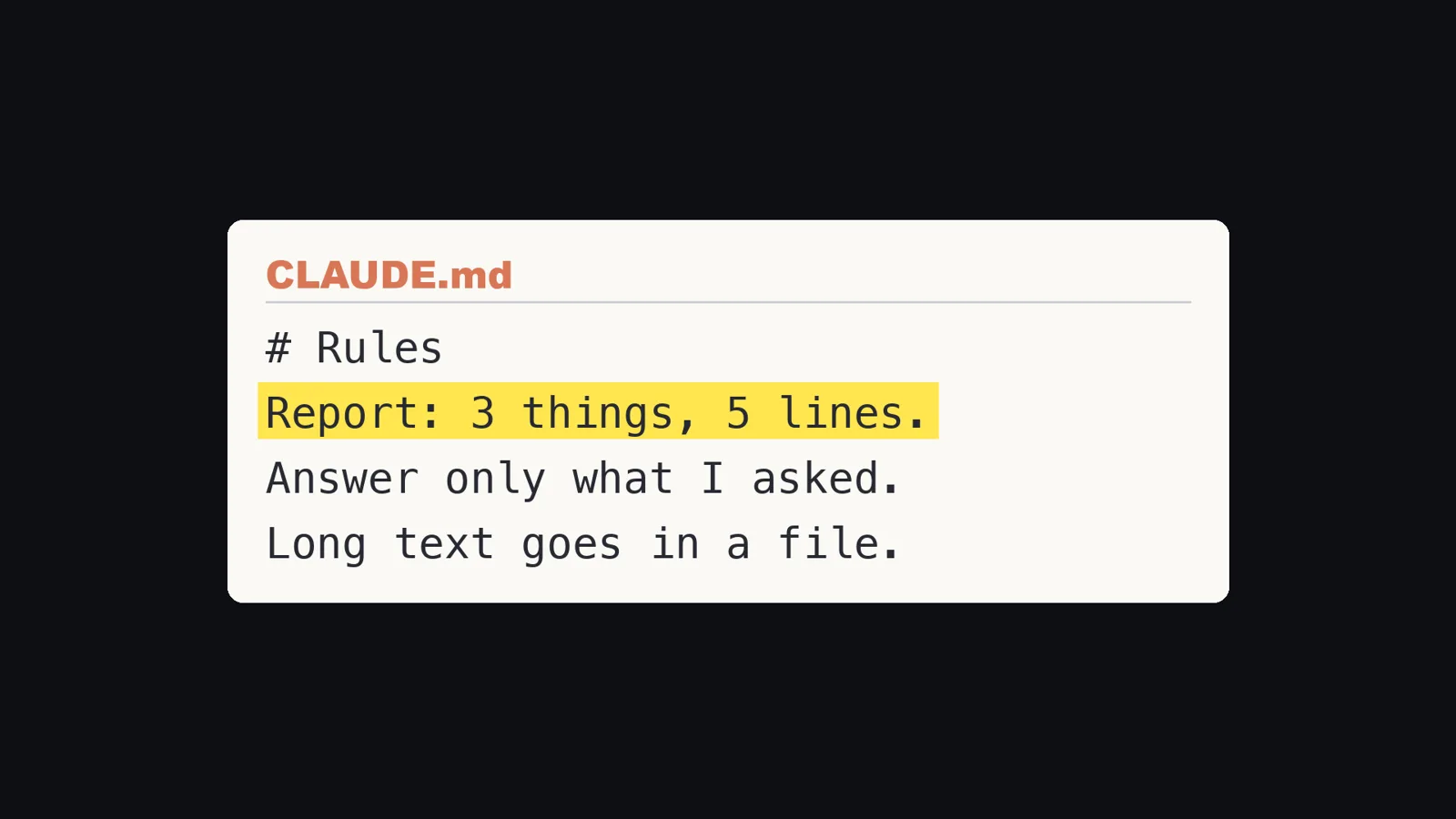
I wrote this rule once, in the note Claude reads at the start of every chat. In Claude Code, that note is a text file called CLAUDE.md. Because the rule says what a report contains, there is no room for the story of what it tried.
Rule 2: answer only what I asked
AI loves to add one more thing at the end: "However, keep in mind..." or "One more tip...". My note says: when you have answered, stop. Then reread the last lines and cut any warning I did not ask for. If Claude thinks something is truly important, it can tell me in one line. It does not get to hide it in a paragraph.
Rule 3: long writing never goes in the chat
When I ask for an article or a document, Claude makes it a page I can open, and the chat only says where it is. The chat stays short, and the long text is easier to read because it is laid out like a real page.

Rule 4: a check that sends long replies back
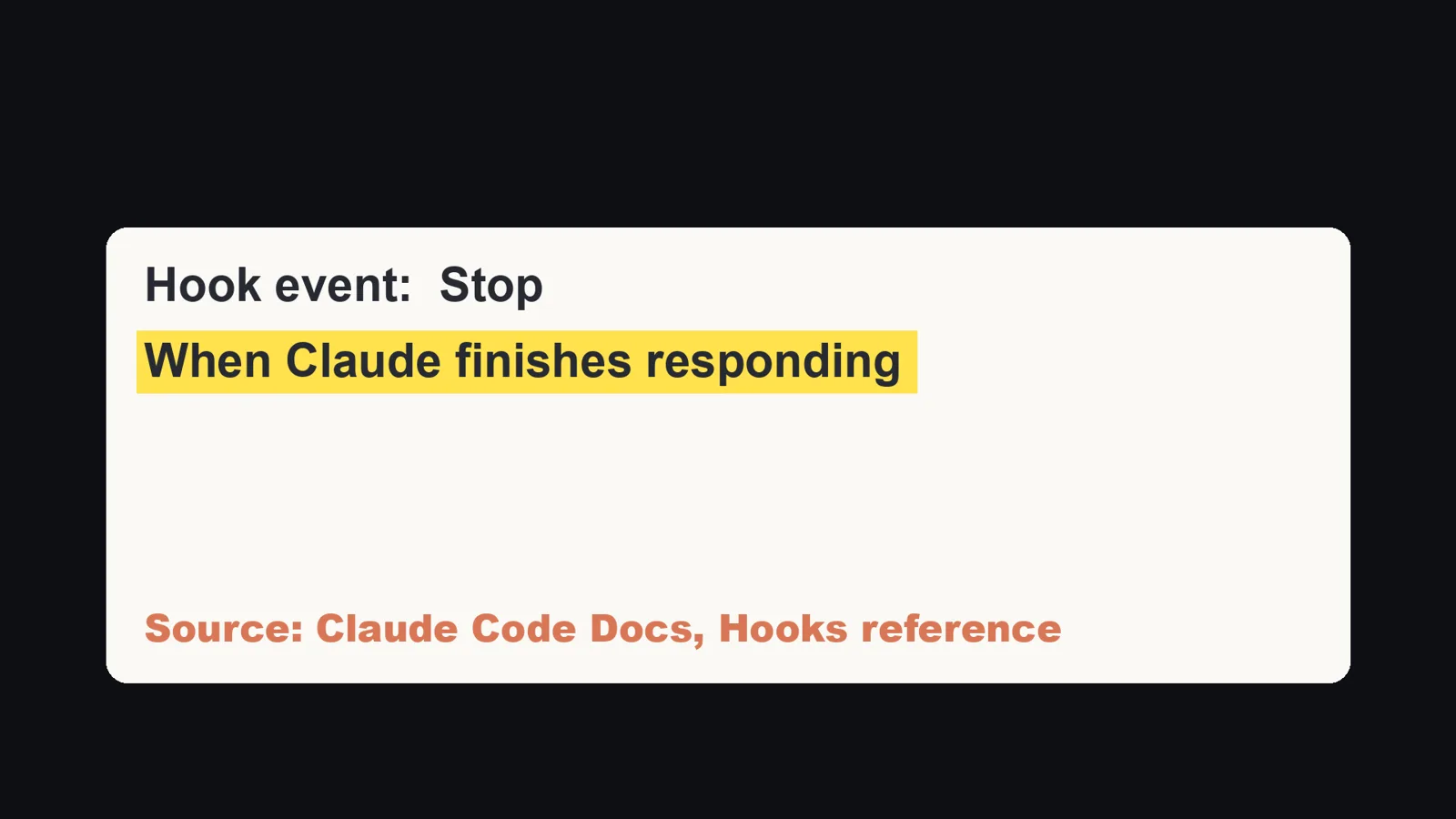
This is the rule that made it stick. Claude Code calls these checks hooks: commands that run at a set moment. The Claude Code docs list a hook event called Stop with the description "When Claude finishes responding". The Stop section says it runs when the main agent has finished responding, and that it does not run if you interrupted.
What the docs say a Stop hook can do:
- It receives the final text of Claude's reply in a field called
last_assistant_message, so it does not have to read the transcript file. - It can print JSON with
"decision": "block"and a"reason". The docs say"block"prevents Claude from stopping and thatreasontells Claude why it should continue. So the conversation goes on, and Claude rewrites the reply. - It receives
stop_hook_active, which is true when Claude Code is already continuing because of a stop hook. The docs tell you to check it so you do not block on a condition that never resolves. - The docs also mention a cap of 8 consecutive continuations for the loop protection.
So this is not a trick. It is the documented way to make Claude keep going and fix its reply.
Here is a small version of my check. It is my own example for this article, not my full script: my real one also reads the transcript and catches a second habit (sending me to another chat to confirm something), and its message is in Japanese.
It counts the non-empty lines and the characters. Over 25 lines or 1,500 characters, it sends the reply back.
Save it as ~/.claude/hooks/long-reply-check.py. The folder name is my layout, not a requirement.
#!/usr/bin/env python3
"""Stop hook: send a reply back if it is longer than 25 lines or 1,500 characters."""
import json
import sys

MAX_LINES = 25
MAX_CHARS = 1500

data = json.load(sys.stdin)
if data.get('stop_hook_active'):
    sys.exit(0)  # already continuing because of this hook: do not loop
reply = data.get('last_assistant_message') or ''
lines = [l for l in reply.splitlines() if l.strip()]
if len(lines) > MAX_LINES or len(reply) > MAX_CHARS:
    print(json.dumps({
        'decision': 'block',
        'reason': (f'Your reply is {len(lines)} lines and {len(reply)} characters '
                   f'(limit {MAX_LINES} lines, {MAX_CHARS} characters). '
                   'Rewrite it as the result only, in five lines: what I can do now, '
                   'where to check it, and what you need from me. '
                   'If there is long writing, save it to a file and say where it is.'),
    }))
Then tell Claude Code about it in the settings file, ~/.claude/settings.json. The nesting is event, then a group of hooks, then the command. A Stop hook has no matcher:
{
  "hooks": {
    "Stop": [
      {
        "hooks": [
          {
            "type": "command",
            "command": "python3 \"$HOME/.claude/hooks/long-reply-check.py\""
          }
        ]
      }
    ]
  }
}
I did not want to trust a check I had never seen fire, so I ran the script on November 15, 2026, feeding it three made-up replies in the shape Claude Code sends:
| Input | Result |
|---|---|
| A four-line reply | No output. The reply is allowed to end. |
| A reply of 31 short lines | Printed: {"decision": "block", "reason": "Your reply is 31 lines and 237 characters (limit 25 lines, 1500 characters). Rewrite it as the result only, in five lines: ..."} |
The same 31 lines, with stop_hook_active true |
No output. It does not block a second time, so there is no loop. |
That was the script alone, with made-up input. It is not the same as seeing Claude Code itself send a reply back, which is why the last step below is to fire it once in a real chat.
What it does in my daily work: in about a month, my own check sent back 96 replies that ran too long, before I ever saw them.
Each one came back as a short report I could read in seconds.
How I counted: I searched Claude Code's saved conversation records (the .jsonl files under ~/.claude/projects/) for lines that begin with "Stop hook feedback:" and contain both parts of my check's message (the reply length and the limit of 25 lines). I counted each by its unique id. I did this on November 8, 2026. The oldest was from October 6, 2026.
Old records get deleted, so 96 is "at least", and it counts how often the check fired, not how many replies would have been too long without it.
It also does not depend on Claude remembering anything. The longer the chat, the more that matters, because a request in a chat fades and a check runs every time.
A caveman add-on, or a prompt that says be concise?
Both cut words. But a short answer can still bury what matters. Five short lines of what it tried are still five lines I did not need. I chose a shape instead, because my job is to decide, and I only need to know what changed, where to look, and what to decide. A prompt is also a request, and requests fade. The check runs every single time, even in a chat that has been going for hours. I have not tried the caveman add-ons or measured any "be concise" prompt, so I am not saying they do not work. I am saying why I did not pick them.
Set it up today
You do not need to write code. Open Claude Code and ask, one step at a time. These are the prompts from my video description, so you can paste them:
Step 1
Add a rule to my CLAUDE.md: every report answers three things: what I can do now, where to check it, and what you need from me. Five lines or less.

Step 2
Also add: answer only what I asked, and don't add warnings I didn't ask for.

Step 3
Also add: long writing goes in a file, and the chat only says where it is.

Step 4
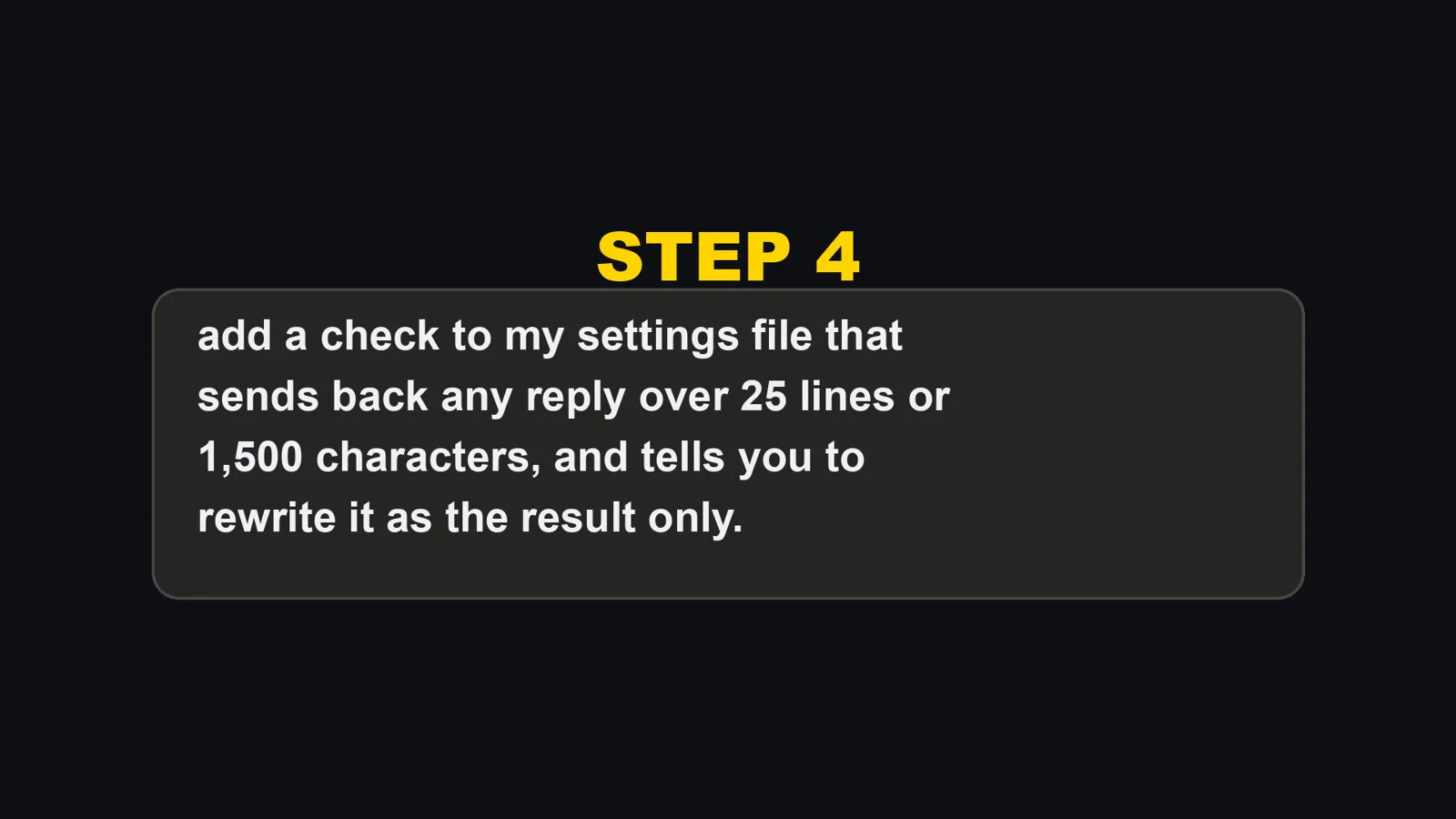
Then add a check to my settings file (~/.claude/settings.json) that sends back any reply over 25 lines or 1,500 characters, and tells you to rewrite it as the result only.
If you would rather write the CLAUDE.md part yourself, this is the block I would paste. It is written for this article from the four rules above, so treat it as a starting point:
# Reports
Every report answers three things, in five lines or less:
1. What I can do now that I could not before.
2. Where I can check it.
3. What you need from me (write "Nothing" if nothing).
No list of what you tried, no theories, no logs, no apologies.
Answer only what I asked. When you have answered, stop.
Reread the last lines and cut any warning I did not ask for.
If something is truly important, say it in one line.
Long writing (articles, documents, drafts) never goes in the chat.
Save it to a file and say only where it is.
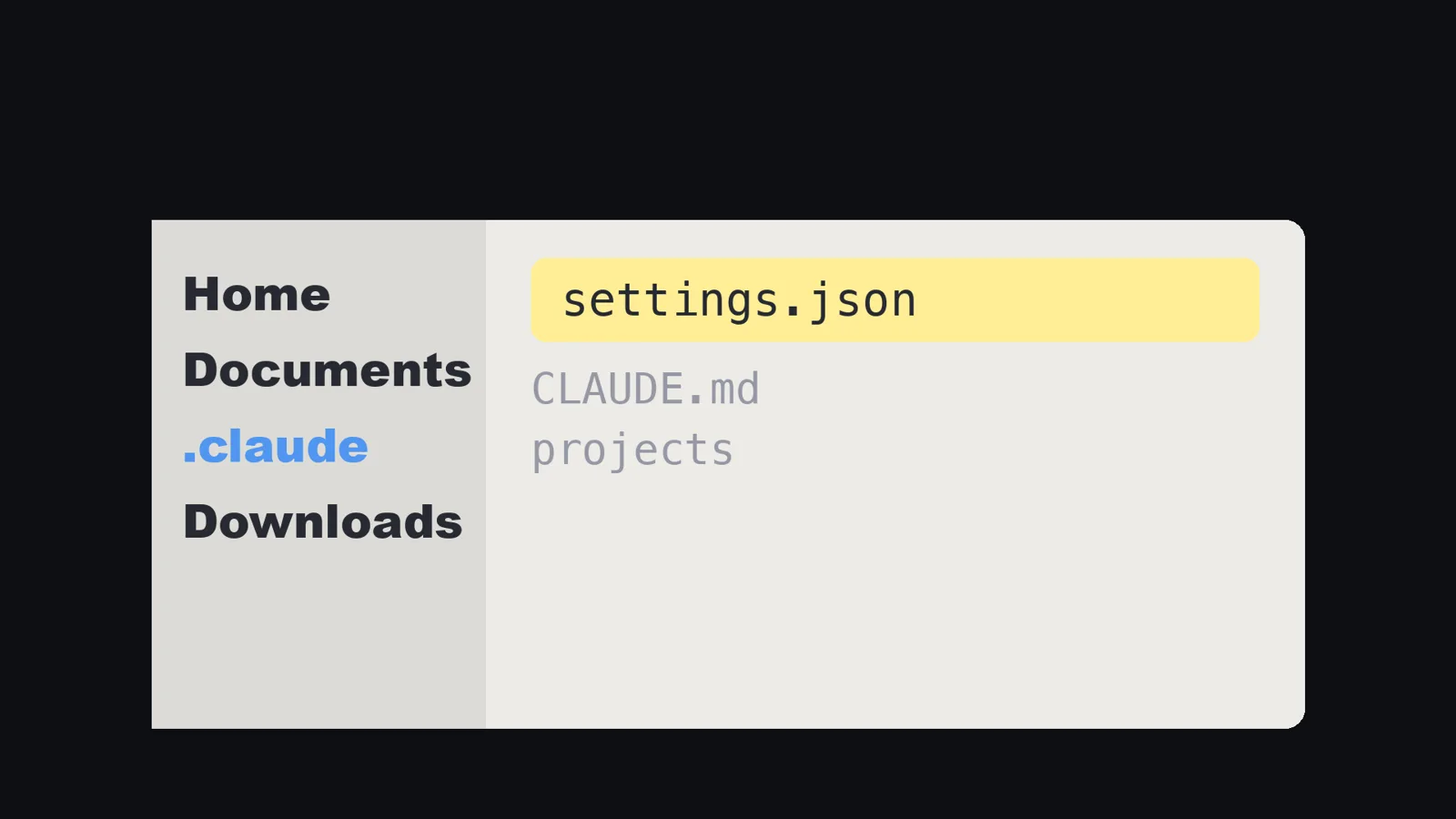
The settings file is settings.json in the .claude folder inside your home folder.
Claude adds the check there for you if you ask.
Then test it. Ask Claude to explain something in as much detail as it can, and watch the check send the reply back. A check you have never seen fire is just a hope. Once it fires, you can trust it.
What I did not test
- I did not measure how fast the length comes back after I ask for shorter replies. "It slowly got long again" is what I saw across many chats, not a measurement.
- I did not measure how many replies would have been too long without the check. The 96 is how often it fired.
- The 40 lines and the three lines in the table are my own example of the shape, rewritten for this article. The 40 is from my report in the video, as I counted it then, and I did not check the original again for this article.
- I ran the hook script alone with made-up input. I did not capture Claude Code itself sending a reply back for the small script in this article.
- I did not test the script on Windows or Linux, or with plugins and other hooks running at the same time.
- The 25 lines and 1,500 characters are my numbers. I did not compare other limits.
- I did not test whether Claude Opus 5 behaves the same with other models, or whether the default length changes in later versions. I only know what the docs said on the day I read them.
- The Nielsen figure is about web pages. I found no study of AI replies.
- I did not try the caveman add-ons or measure "be concise" prompts.
Who this is not for
- If you read every reply anyway and it does not cost you time, there is nothing to fix.
- If you want long, detailed answers, rule 1 and the check will fight you. Keep the check for the chats where you run many things at once.
- If you want a way to make Claude cheaper to run, this is not it. It changes what the report contains, not how much Claude reads.
So, why does Claude talk so much? Because long is its default, and a request to be brief fades. Don't ask Claude to be brief. Tell it what a report is, and send back anything else.
Sources:
- Anthropic, Prompting best practices, communication style and verbosity (platform.claude.com/docs/en/build-with-claude/prompt-engineering/claude-prompting-best-practices), read November 8, 2026
- Claude Code Docs, Hooks reference, the Stop event and Stop decision control (code.claude.com/docs/en/hooks), read November 15, 2026
- Nielsen Norman Group, "How Little Do Users Read?" (nngroup.com/articles/how-little-do-users-read/)
- Google search suggestions (English, US) and YouTube search results, November 8 and 11, 2026
- My own Claude Code conversation records and my own check script on my Mac, November 8, 2026