 Hisashi Space
November 15, 2026 · 14 min read
Claude Code Deleted My Files. Here's How I Stop It Now

Claude Code deleted my files. Forty-nine of them, in one go, and they were not even inside the project it was working on.
I made a video about it and the four guards I use now to stop it. This article has what the video has no room for: what the official docs say about deny rules and hooks (including a table of the commands a deny rule does not stop), a hook script I wrote and ran against a test folder, what I found when I tried to break it, the exact settings and lines I use, and what I did not test.

The short version
- AI did not delete my files out of malice. One folder in my project was a symlink (a pointer to another folder), and it pointed at the shared settings that all my projects use. Claude deleted and moved files through it, and the real files on the other side were gone.
- The official docs say two things that matter here. Instructions in your prompt or CLAUDE.md "shape what Claude tries to do, but they don't change what Claude Code allows". And a deny rule "isn't a security boundary around the program".
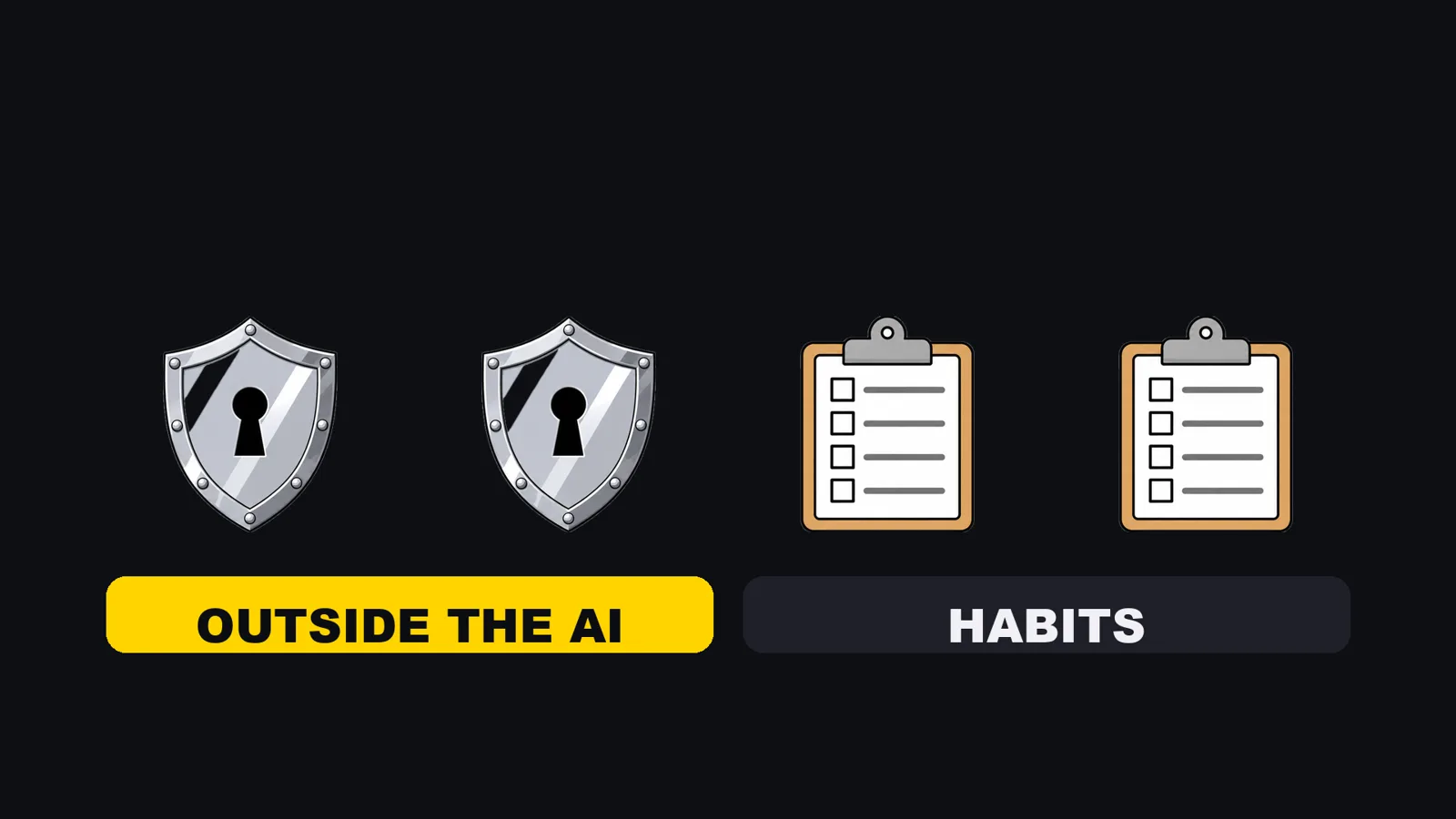
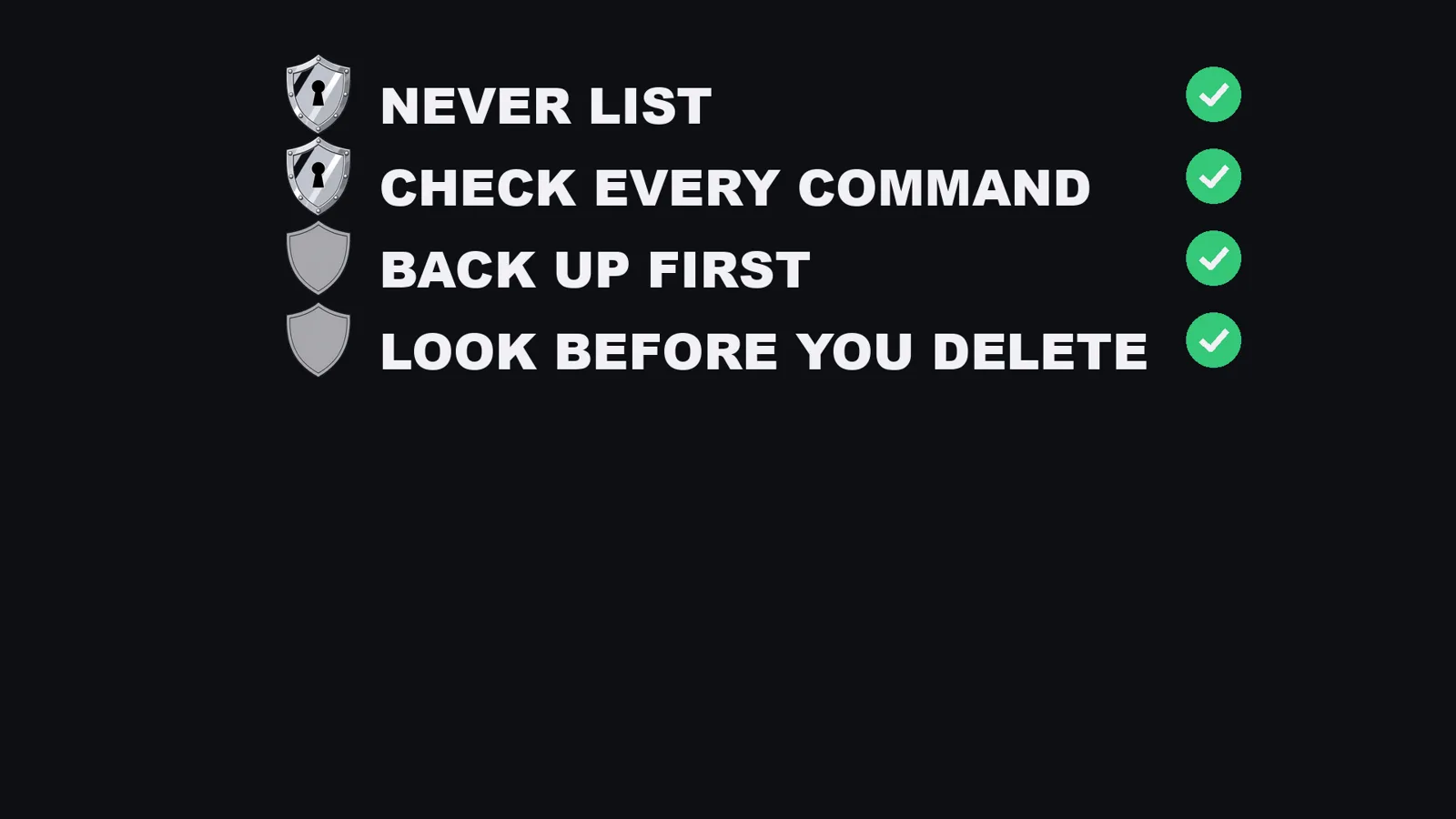
- So I use four guards. Two live outside the AI: a never list (deny rules) and a script that reads every command before it runs (a PreToolUse hook). Two are habits: back up before changing anything, and look before you delete.
- The look is one command.
ls -laon the parent folder shows->for a symlink.ls -la docs/with a trailing slash shows the contents and looks like a real folder, which is the trap. - You can set up the basics today with one prompt, two lines in CLAUDE.md, and one small script.
I have run my own company in Japan for 22 years. Every day, dozens of Claude Code chats run my blog, my social media and my videos at the same time. More AI at work means more chances for one delete to go wrong, so I had to solve this properly. The numbers below are from my own settings file and my own incident record. I counted them again on November 15, 2026, and the docs facts are from the pages I read the same day.
What happened: 49 files through a symlink
My shared settings (the rules and docs that every one of my projects reads) live in one repository. Each project holds a folder that is a symlink to it.
Claude ran delete and move commands on that folder. It did not know the folder led somewhere else, and nothing told it to check. The real files on the other side were removed: 43 files in the shared docs folder and 6 in the shared commands folder, 49 in total.
That is from my own incident record, which says the shared settings repository was broken and that the fix rule is to run ls -la before touching anything.
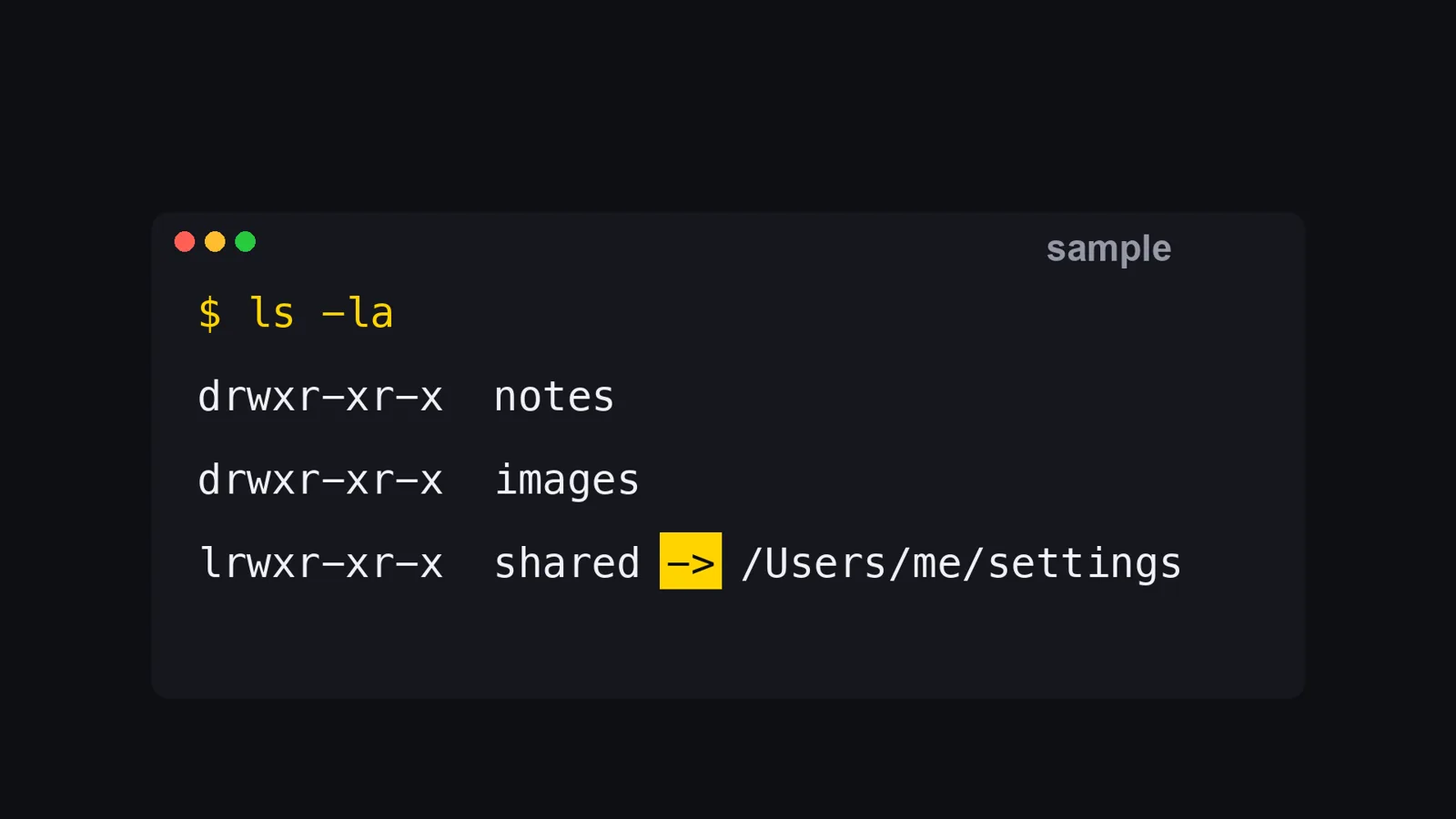
I rebuilt the situation on a throwaway folder, not on my real files, so you can see what it looks like. docs inside project points at shared-settings/docs:
$ cd project
$ ls -la
drwxr-xr-x@ 3 admin  wheel   96 Nov 15 10:39 .
drwxr-xr-x@ 4 admin  wheel  128 Nov 15 10:39 ..
lrwxr-xr-x@ 1 admin  wheel   23 Nov 15 10:39 docs -> ../shared-settings/docs

$ ls -la docs/
-rw-r--r--@ 1 admin  wheel    0 Nov 15 10:39 a.md
-rw-r--r--@ 1 admin  wheel    0 Nov 15 10:39 b.md
This is the part I did not expect. The look has to be on the parent, without the trailing slash. If you run ls -la docs/, you see two ordinary files and nothing tells you that they belong to another folder.
The l at the start of the line and the -> are the signs. That is the whole check.
Why AI deletes things
In my experience, AI deletes because it wants to finish the job you gave it. Deleting is often the fastest way to make an error go away, and it has no idea which files you would cry over. The founder in the news story below said much the same: nobody asked the agent to delete anything, and it decided on its own that deleting was the fix.
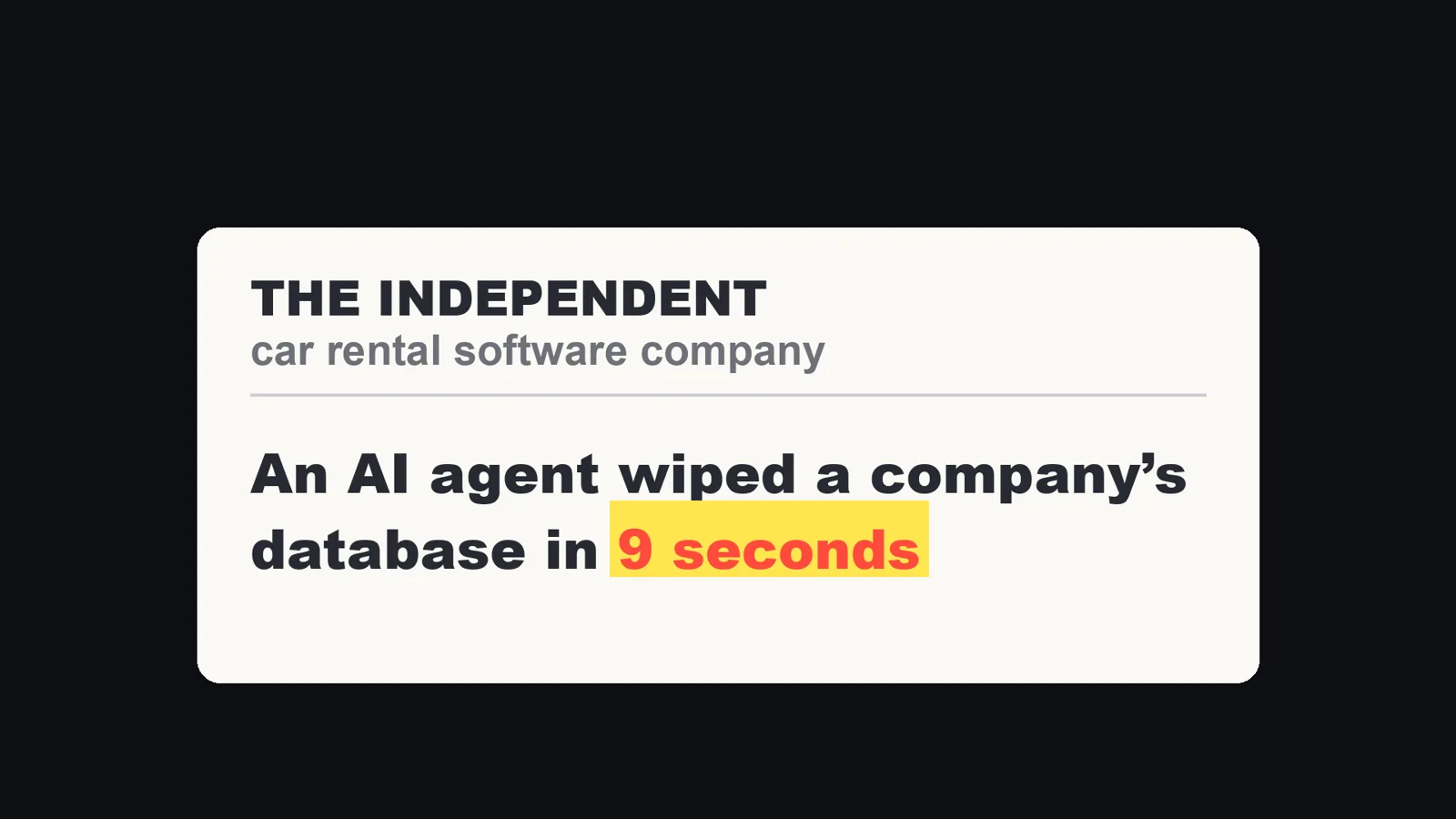
A car rental software company said this April that an AI agent wiped its whole database in nine seconds, and that the backups went with it. That is the founder's own account as described in The Independent's video (w2kQqi0e2yE). I did not verify it myself, and I use it only to show why the guards below do not rely on the AI being careful.
And asking nicely is not enough. The Claude Code docs say it directly: "Permission rules are enforced by Claude Code, not by the model. Instructions in your prompt or CLAUDE.md shape what Claude tries to do, but they don't change what Claude Code allows."
My own experience points the same way. A written rule slips near the end of a long job. So the two strongest guards live outside the AI, where it cannot skip them.
Guard 1: a never list (deny rules)
Claude Code reads the permissions block of settings.json before it acts. A deny rule means the call is refused. The docs say: "Rules are evaluated in order: deny, then ask, then allow. The first match in that order determines the outcome, and rule specificity doesn't change the order."
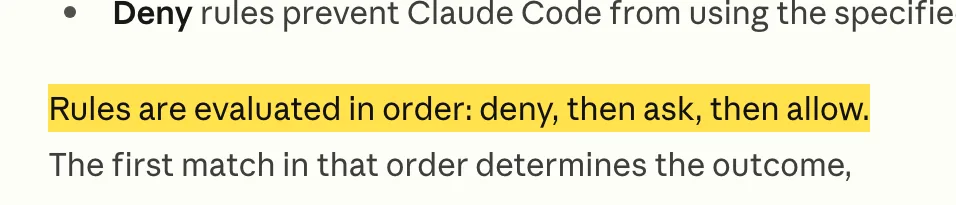
The same page says a broad deny rule blocks every matching call, even when a narrower allow rule also matches, and that an allow rule cannot carve an exception out of a deny rule. So a deny rule is the strongest thing you can put in this file. This is the list I run. I counted it on November 15, 2026: 25 deny rules.
| Kind | Count | What it stops |
|---|---|---|
| Wiping a disk or home folder | 5 | rm -rf ~, sudo rm -rf, dd if=/dev/zero, mkfs, writing to a raw disk |
| Emptying a database | 3 | DROP DATABASE, DROP SCHEMA, TRUNCATE TABLE |
| Resetting a database through a tool | 8 | Supabase reset and stop without backup, Prisma migrate and db push (each with and without npx) |
| Docker data | 3 | docker volume rm, docker volume prune, docker system prune |
| Git history | 3 | git reset --hard, git clean -fd, git push --force |
| Builds on my own servers | 3 | Three forms of running a build over ssh, which I run by a script instead |
This is the shape of the block in settings.json. It is a short excerpt of my own list:
{
  "permissions": {
    "deny": [
      "Bash(rm -rf ~)",
      "Bash(sudo rm -rf:*)",
      "Bash(docker volume rm:*)",
      "Bash(git reset --hard:*)",
      "Bash(git clean -fd:*)",
      "Bash(git push --force:*)",
      "Bash(DROP DATABASE:*)",
      "Bash(TRUNCATE TABLE:*)"
    ]
  }
}
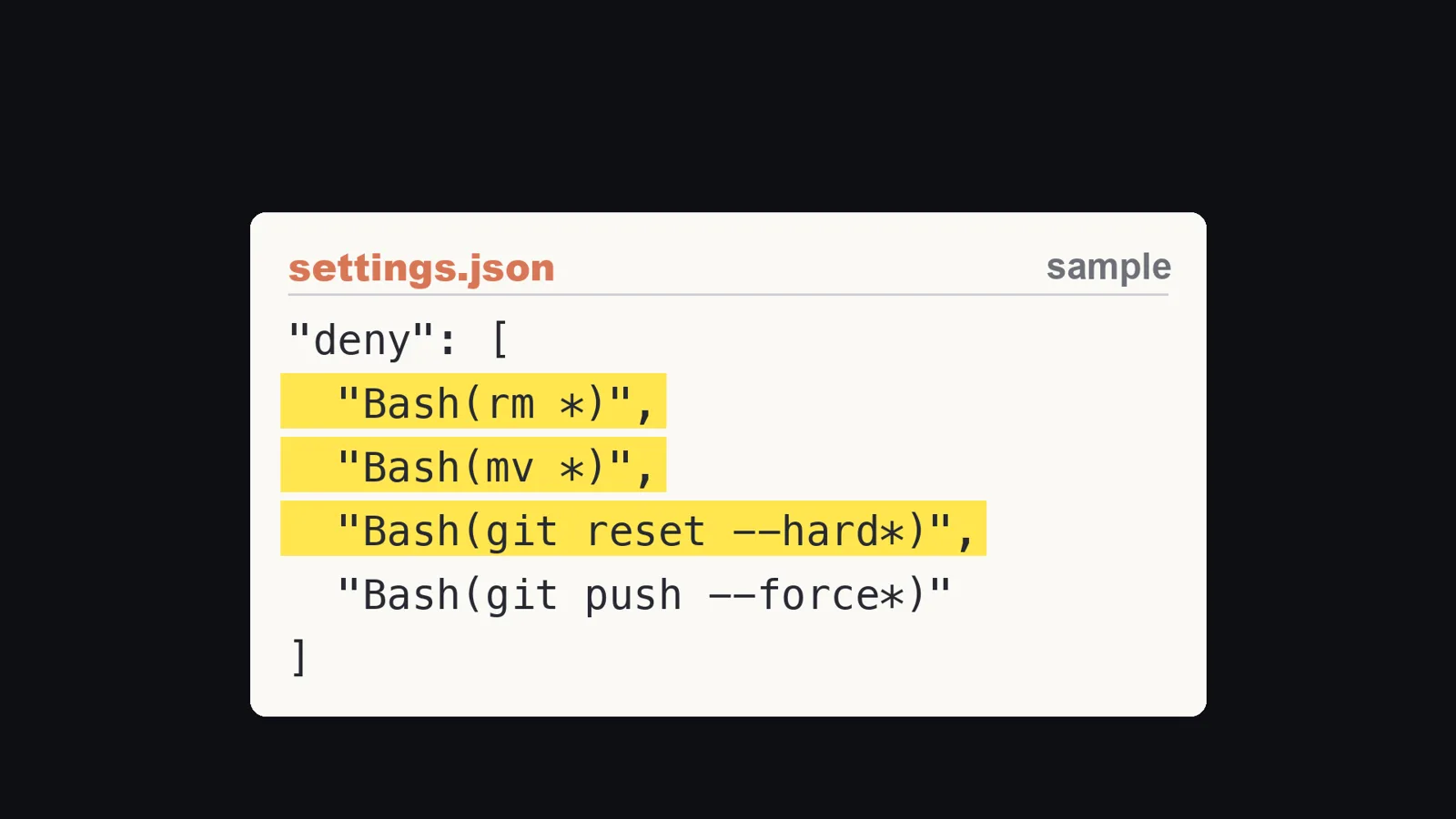
I did not write this list by hand in one sitting. Each time something scared me, I asked Claude to add the command to the list. It is the prompt I give on day one (written for this article):
Look at every command you can run that deletes, overwrites, or
resets data: rm, mv over existing files, git reset --hard,
git clean, git push --force, DROP and TRUNCATE, and any tool's
reset command. Add each one to permissions.deny in my user
settings.json. Show me the list before you save it.
Where a deny rule stops, per the docs
A deny rule is not a wall. The docs list the commands a Bash rule does not match, because it matches the command text Claude writes:
| Rule | Stops | Does not stop |
|---|---|---|
Bash(curl *) |
curl https://example.com |
/usr/bin/curl https://example.com, sh -c 'curl https://example.com' |
Bash(rm *) |
rm -rf build/ |
/bin/rm -rf build/, bash -c 'rm -rf build/' |
Bash(git push *) |
git push origin main |
git -C . push origin main, git -c push.default=current push origin main |
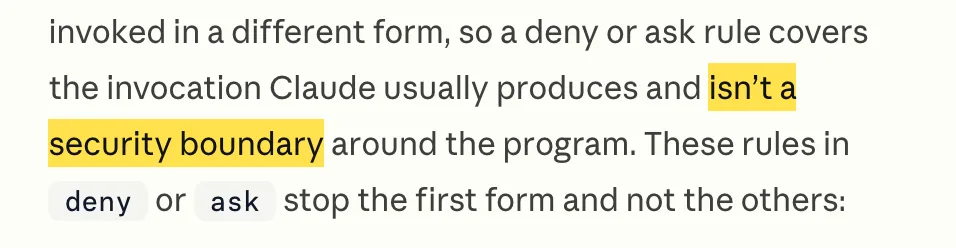
The docs say a deny or ask rule "covers the invocation Claude usually produces and isn't a security boundary around the program". For enforcement that does not depend on the command text, they point to sandboxing, and to a PreToolUse hook when you want your own logic to read the full command. That is why I do not stop at guard 1.
Guard 2: a script that reads every command before it runs
A hook is a script that Claude Code runs at a fixed moment. A PreToolUse hook runs before the permission prompt, for the tool call that is about to happen, and it receives the full command as JSON on stdin. The docs give two facts I rely on. A hook that exits with code 2 stops the call before permission rules are evaluated, so the block applies even when an allow rule would otherwise let it through. And a hook cannot loosen a deny rule: Claude Code evaluates deny and ask rules whatever the hook returns. So the two guards stack. The never list catches the usual form, and the script reads the whole command.
I run 48 of these checks before Claude's actions. I counted 48 on November 8, 2026, and when I counted again on November 15 my settings file had 34 PreToolUse entries holding 53 commands in total. The number moves, because I add one every time something new scares me. Most of them guard other things (mail, publishing, my servers). Only a few are about deleting. Here is a small script for the deleting part, the one that would have stopped my 49 files. I wrote it for this article and ran it on the throwaway folder above:
#!/bin/bash
# .claude/hooks/block-delete.sh
CMD=$(jq -r '.tool_input.command // ""')

# Look at rm, rmdir, unlink, shred, rsync --delete and find -delete, however the command is written
if echo "$CMD" | grep -qE '(^|[^[:alnum:]_])(rm|rmdir|unlink|shred)([[:space:]]|$)|rsync .*--delete|find .* -delete'; then
  # Refuse it if any path it names is itself a symlink
  for p in $(echo "$CMD" | tr -d "'\"" | tr ' ' '\n' | grep -vE '^-|^(rm|rmdir|unlink|shred|sudo|bash|sh|-c)$'); do
    if [ -L "${p%/}" ]; then
      jq -n --arg p "$p" '{hookSpecificOutput:{hookEventName:"PreToolUse",permissionDecision:"deny",permissionDecisionReason:("BLOCKED: " + $p + " is a symlink. Show me where it points before deleting.")}}'
      exit 0
    fi
  done
fi
exit 0
You register it in settings.json like this, and make it executable with chmod +x. This is the form the docs use for their own rm -rf example:
{
  "hooks": {
    "PreToolUse": [
      {
        "matcher": "Bash",
        "hooks": [
          { "type": "command", "command": "$HOME/.claude/hooks/block-delete.sh" }
        ]
      }
    ]
  }
}
What I ran it against
| Command given to the script | Result |
|---|---|
rm -rf docs |
Blocked: "docs is a symlink" |
rm -rf docs/ |
Blocked |
/bin/rm -rf docs |
Blocked |
bash -c 'rm -rf docs' |
Blocked |
rm -f nothing.txt (a normal path) |
No decision, normal flow |
git status |
No decision, normal flow |
rm docs/a.md |
Not blocked |
rm -rf docs/* |
Not blocked |
The first four rows are the point. /bin/rm and bash -c are exactly the forms the docs table says a deny rule does not stop, and the script reads through them.
The last two rows are what I found when I tried to break it, and I am leaving them in. When the symlink is a parent directory (docs/a.md, docs/*), the script as written does not catch it, because the path itself is not a link. It also does not look at mv, which was part of my real incident. A real version should resolve each path with realpath and compare it with where the project lives. I have not written that version, so treat this script as a starting point and not as protection.
My real hooks use the same idea with more care. One of them stops database wipes, Docker volume removal and force pushes. It checks the command in a specific way: text that is only written (inside an echo, or in an article draft) is not stopped, and only a command that really goes to the database, or starts with the dangerous word, is. That keeps it from blocking my own writing about these commands.
Guard 3: back up before you change anything
This one is a habit, and I make Claude follow it through CLAUDE.md. My rule has two lines:
- Before deleting a file, copy it under another name.
- Before changing a database, take a full dump, and check that the dump worked before starting.
A backup you never checked is not a backup. In the nine-second story the backups went with the data.
cp -p notes.md notes.md.bak-20261115
pg_dump -Fc -f before-change.dump mydb
pg_restore --list before-change.dump | head
The file copy line is what I run. The two pg_dump and pg_restore lines are the standard form of those tools and I did not run them for this article, so check them against your own database before you rely on them.
To be careful about one thing: a backup next to the original, in the same folder, does not help if the whole folder is the thing that disappears. When the target is a symlink, copy what it points to, not the link.
Guard 4: look before you delete
My rule has one line: before deleting or moving a folder, run ls -la, and if it points somewhere else, stop and ask me.
The docs make this cheap. ls is in the set of commands Claude Code runs without a permission prompt in every mode, so the look never interrupts you. The same page describes how Claude Code treats symlinks: Edit and Write refuse a write to a path that is itself a symlink, and deny rules apply when either the requested path or the file it resolves to matches. But it also says a write can still pass through a symlink when a directory on the way to the file is a symlink, or when a Bash command does the writing. That is the exact route my files took, which is why this guard is a habit and not a setting.
Set it up today
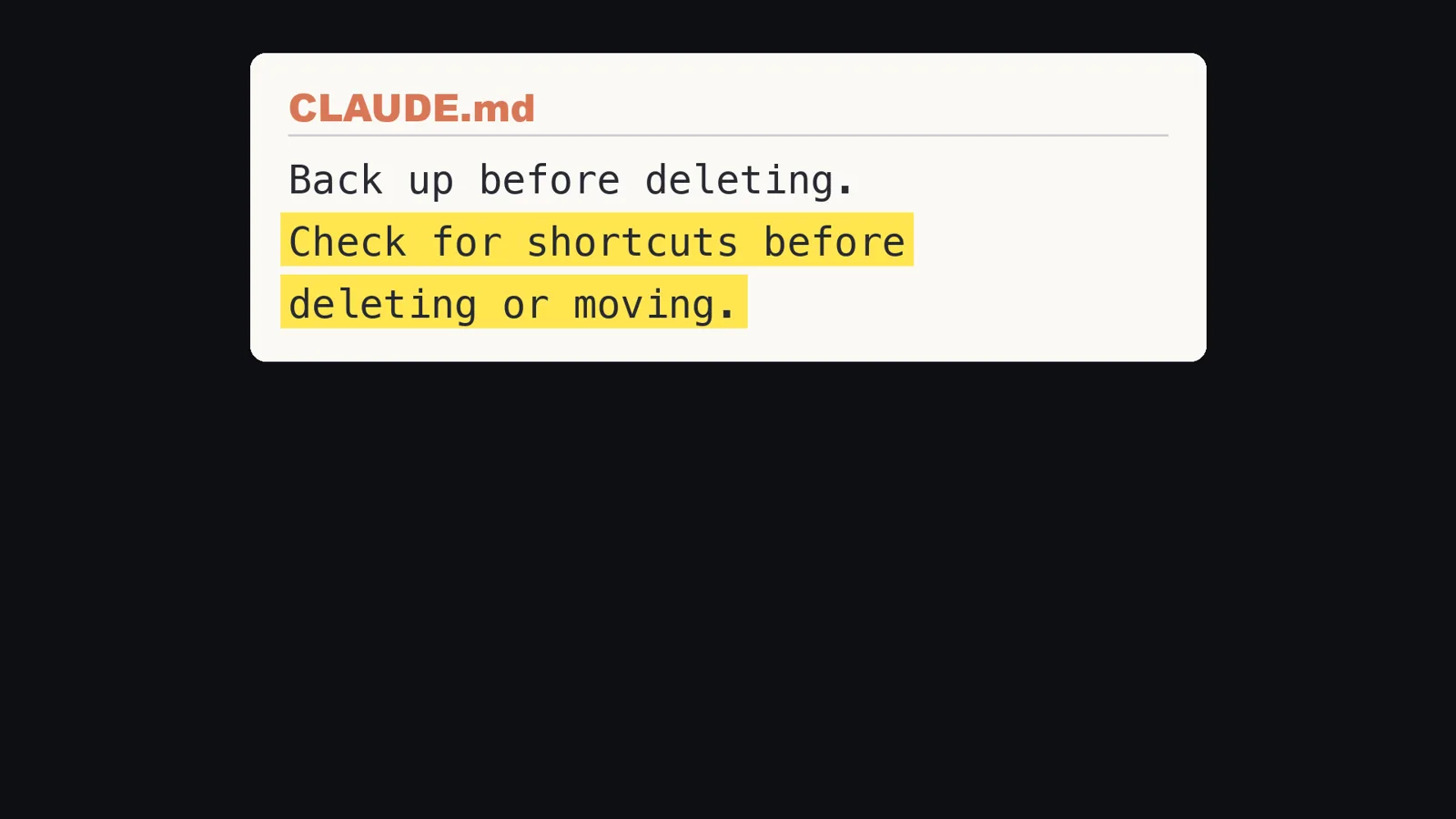
Three steps, in this order. The first and the third are text you paste, written for this article.
- Ask Claude for the never list (the prompt above).
- Add the hook script above as a starting point, and extend it to resolve each path with
realpath. - Add two lines to your CLAUDE.md, the note Claude reads at the start of every chat:
# Rules for deleting
Before deleting a file, copy it under another name.
Before deleting or moving a folder, run ls -la on its parent. If it is a
symlink, stop and ask me where it points.
Before changing a database, take a full dump and check that it worked.
When it is in place, test it. Make a folder with a symlink in a scratch location, ask Claude to delete the link, and see that the hook or the deny rule stops it. A guard you have never seen fire is a guess. Then every time something scares you, add one more rule.
What I did not test
- I did not reproduce the 49-file deletion. The numbers (43 and 6) are from my incident record, and I rebuilt only the folder layout on a throwaway folder.
- I did not run the hook script inside Claude Code. I fed it the JSON the docs describe and read its output. How it behaves inside a live session is as the docs describe it, not something I observed for this article.
- The script does not catch a symlinked parent directory, and it ignores
mv. The table above shows it. - I did not measure how often each of my 25 rules or my hooks fires.
- I did not test the
pg_dumpandpg_restorelines. - The nine-second database story is the founder's account as described in a news video, and I did not verify it.
- The 48 checks in the video are from November 8. On November 15 I counted 53 commands in 34 entries. I did not work out which ones I added in between.
- This is about Claude Code on a Mac. I did not test Windows or the sandbox the docs recommend for enforcement.
Who this is not for
- If you only let Claude read and write files inside one folder you can afford to lose, this much setup is more than you need.
- If you want protection that holds against anything, deny rules and this script will not give it to you. The docs themselves point to the sandbox for that.
- If you already run your work in a container or a throwaway machine, your guard is the machine, and these four are a second layer.
So, why does AI delete your files? Because it wants to finish the job, and it does not know which files matter to you. So do not ask it to be careful. Make it unable to be careless.
Sources:
- Claude Code Docs, permissions page (code.claude.com/docs/en/permissions), read November 15, 2026
- Claude Code Docs, hooks reference and hooks guide (code.claude.com/docs/en/hooks), read November 15, 2026
- The Independent video description about the nine-second database story (youtube.com/watch?v=w2kQqi0e2yE), cited as the founder's account
- My own settings file (deny rules and PreToolUse hooks, counted November 15, 2026) and my own incident record about the 49 files
- A throwaway test folder and the script above, run on my Mac, November 15, 2026