 Hisashi Space
November 6, 2026 · 20 min read
Claude Code Mods Explained: What a Mod Is, How It Differs From Hooks, and How to Create Your First Mod
Claude Code mods, explained. And how to create your first one.
This is mine. A green bar above my prompt that shows how much of my weekly Claude limit is left. At ten percent, it turns red.
I already run seventy hooks. None of them could do this.
I made a video about it. This article has what the video has no room for: the official comparison of mods, settings hooks, skills and MCP servers, the full list of events a mod can answer, the real files of my mod, the commands to load, validate, test and share one, and the one rule about permissions that most mod tutorials leave out.
The short version
- A mod is a Claude Code plugin with a JavaScript or TypeScript file that Claude Code calls when something happens in your session.
- It can watch what happens, change it, or answer it itself. It can also draw: a band above the prompt, a pane beside the transcript, buttons and text fields.
- Settings hooks run a script from outside. A mod runs inside Claude Code. That is why a mod can draw and a settings hook cannot.
- A small mod is three files:
plugin.json,hooks/hooks.json, and the hooks module. - You load it with
claude --plugin-dir, it reloads when you save, andclaude plugin validateshows every event it handles and every call it makes. - You share it like any plugin, through a marketplace.
- A mod runs with your permissions and is not sandboxed. Read the code before you install one.
- Pick the thing you keep checking by hand, and put it on the screen.
I have run my own company in Japan for 22 years. Every day, many Claude Code sessions run at once for my company: videos, posts, articles. I checked everything I say in the video against the official Claude Code docs and the official blog post that introduced mods.
What is a Claude Code mod?
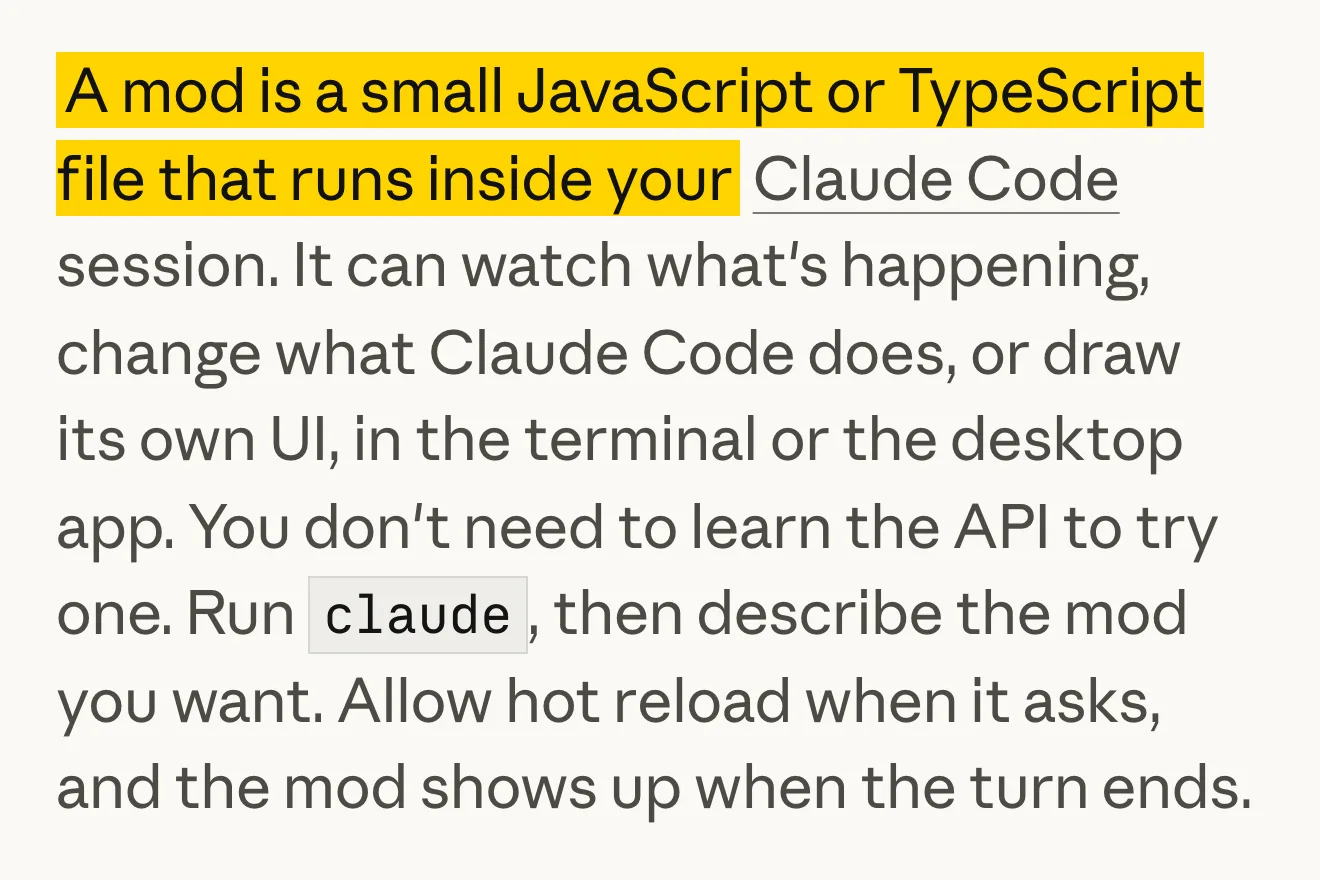
The official blog post "Getting started with Claude Code mods" (claude.dev, October 1, 2026) opens with one sentence.
"A mod is a small JavaScript or TypeScript file that runs inside your Claude Code session. It can watch what's happening, change what Claude Code does, or draw its own UI, in the terminal or the desktop app."

The docs describe the same thing from the packaging side. A mod is a plugin "made of JavaScript or TypeScript event handlers: Claude Code calls one when an event happens, such as a tool call, a submitted prompt, or a part of the interface being drawn, and the handler can watch the event, change it, or take it over."
The part that surprised me is one line in the blog post: "Under the hood, mods are hooks that ship inside plugins."
What you need:
| Claude Code in the terminal | v2.1.287 or later (check with claude --version) |
| Claude Desktop, Code tab | v2.1.286 or later (check with /status) |
| VS Code extension | Hooks run. Drawing needs extension v2.1.299 or later |
claude -p and the Agent SDK |
Hooks run. Nothing is drawn |
| Turned on? | Mods are on by default |
| Node.js or a build step? | Not needed. Claude Code loads .js and .ts files directly |
The blog post says "the terminal or the desktop app". The current docs add the VS Code extension's chat panel, with the version above.
Claude Code mods vs hooks
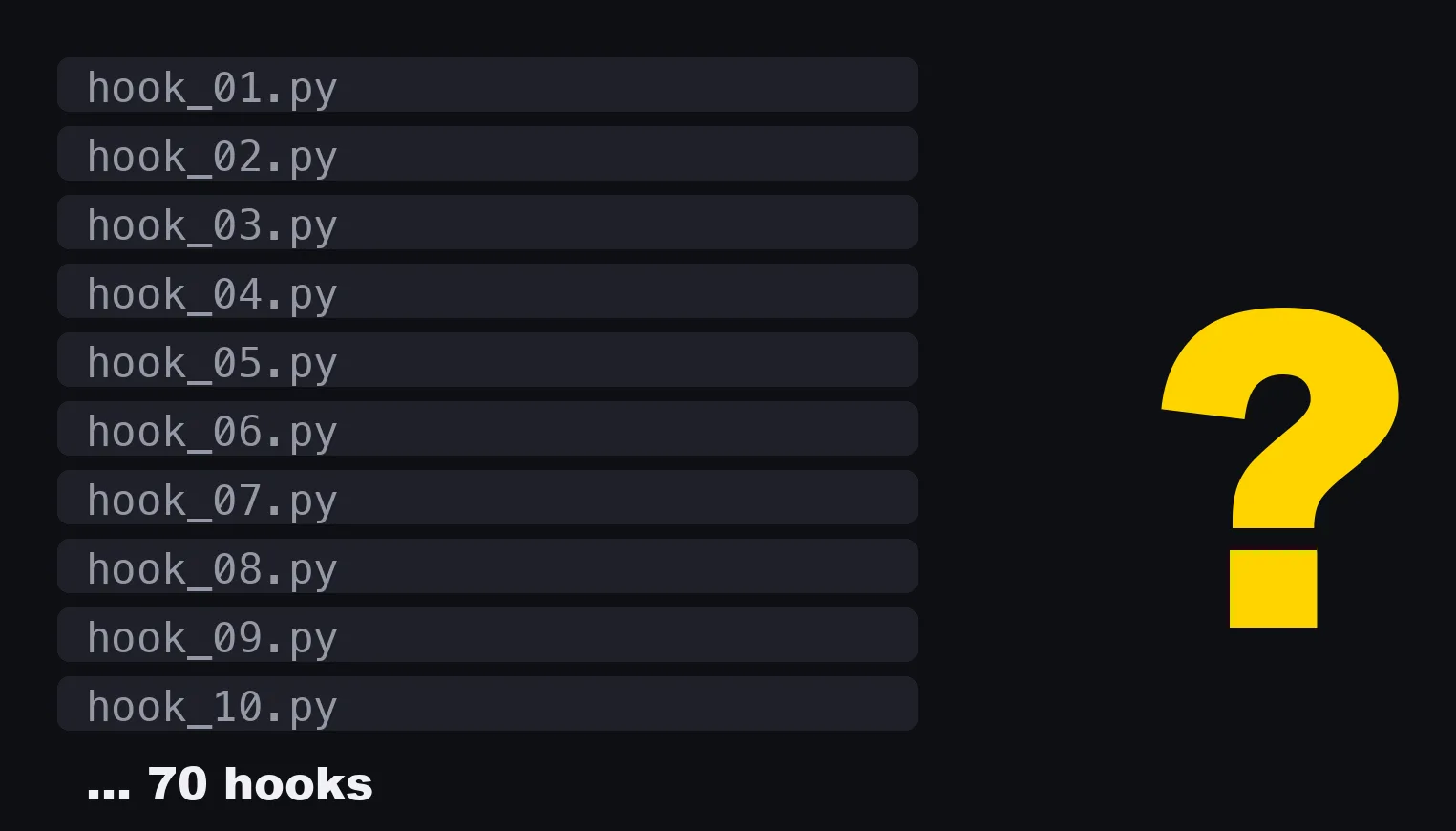
My seventy hooks are shell scripts. Most of them say yes or no to what Claude is about to do. None of them can put anything on my screen.
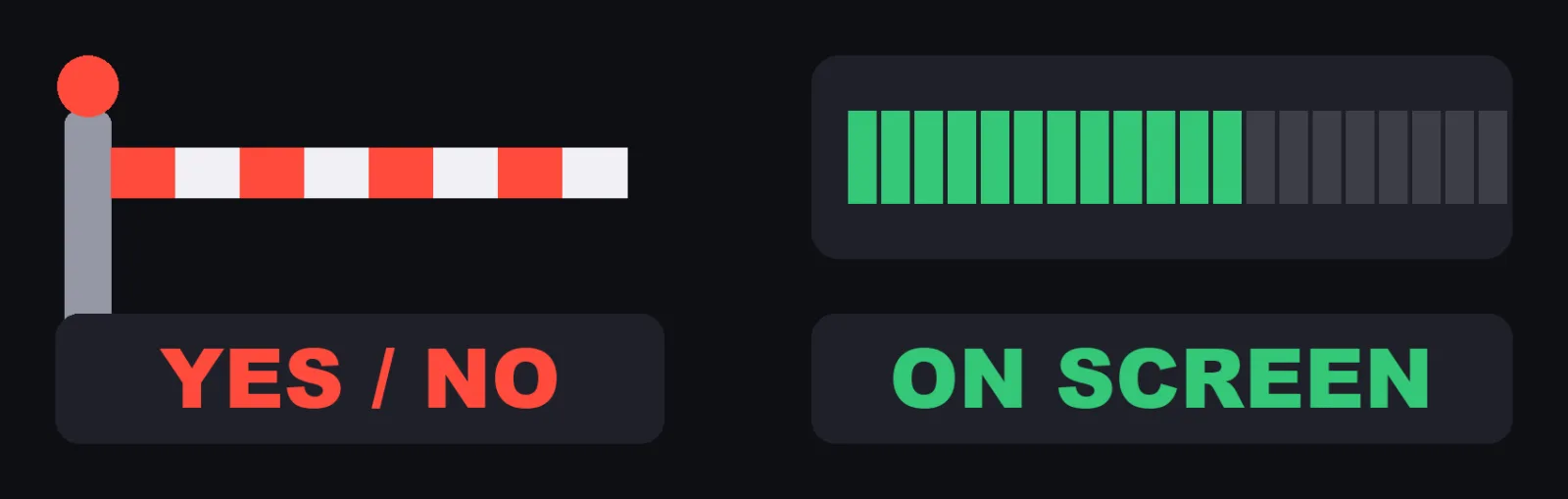
The docs call the old kind "settings hooks", and they can do a little more than yes or no. A settings hook can be a shell command, an HTTP request, an MCP tool, a prompt to a model, or an agent. It can block a tool call, change its arguments and result, and add context for Claude. What it cannot do is draw.
The blog post puts the difference in one paragraph. A settings hook "runs a shell command for each event and passes JSON over stdin and stdout. A mod is loaded once and stays in the session. It can keep state, draw UI that updates as events happen, and call back into Claude Code."
The docs have a table for choosing between them. This is it, in the docs' own words:
| Mod | Settings hook | Skill | MCP server | |
|---|---|---|---|---|
| What it is | Functions in a plugin that Claude Code calls in its own process | A shell command, HTTP request, or prompt that Claude Code runs on a lifecycle event | A SKILL.md file of instructions Claude reads |
An external process or service that gives Claude tools |
| What it can change | Tool calls, prompts, commands, turns, and what the interface draws | Whether a tool call or prompt goes ahead, a tool call's arguments and result, and context added for Claude | What Claude knows and does | Which tools Claude has |
| Can it draw in the interface | Yes | No | No | No |
| What you write | JavaScript or TypeScript | A script and a settings.json entry |
Markdown | A server in any language |
| Pick it when | You want a pane, a band above the prompt, a custom command, or to rewrite an event | You want to block, allow, or log an event with a script you already have | You keep pasting the same instructions into chat | Claude needs to reach an external system |
A plugin can hold all four, so a mod can ship in the same plugin as a skill and an MCP server.
What a mod can do: observe, rewrite, answer
Every hook in a mod has the same shape: on(event, matcher?, ($, e, next) => ...).
$ is the mods API, e is the event, and next passes the event on to the other mods and then to Claude Code's own behavior.
Hooks form a chain, like middleware.
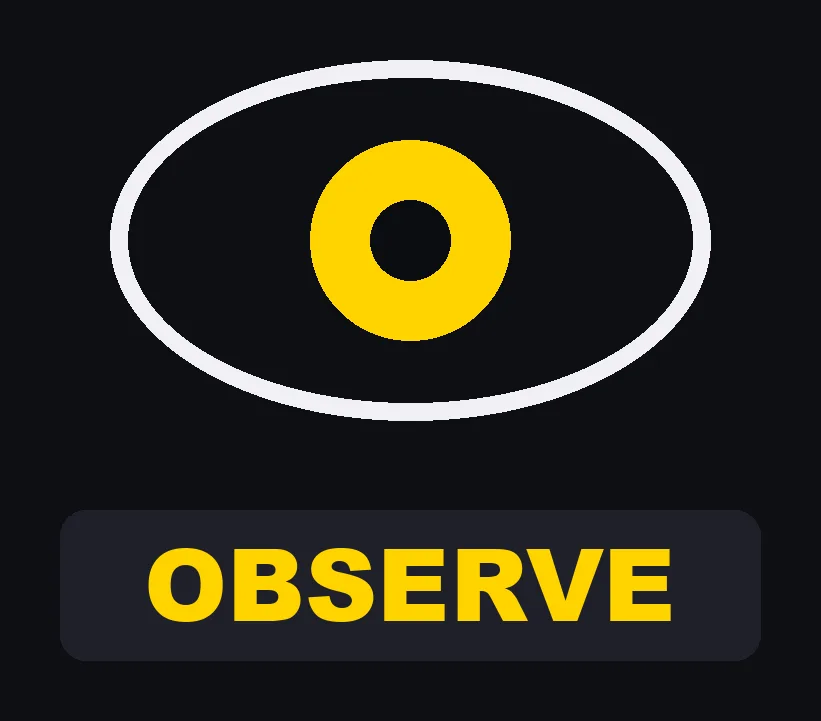
A hook can just observe the event.
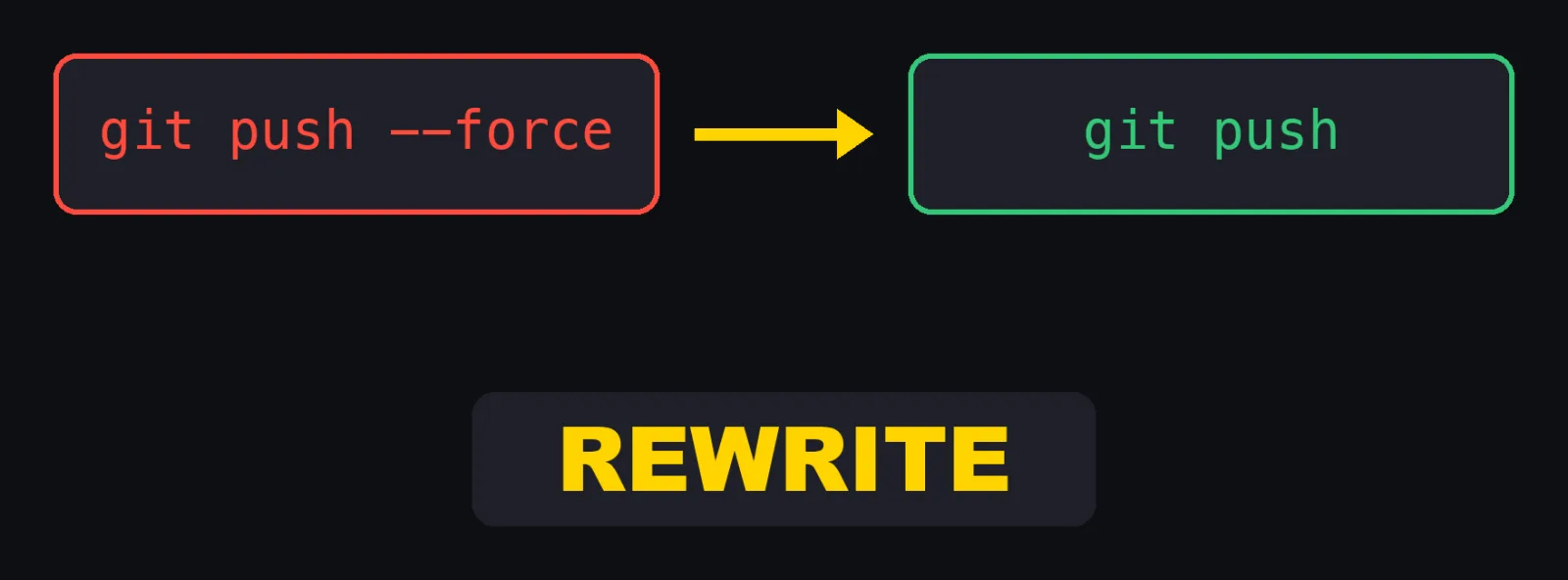
It can rewrite it, like swapping a command for a safer one.
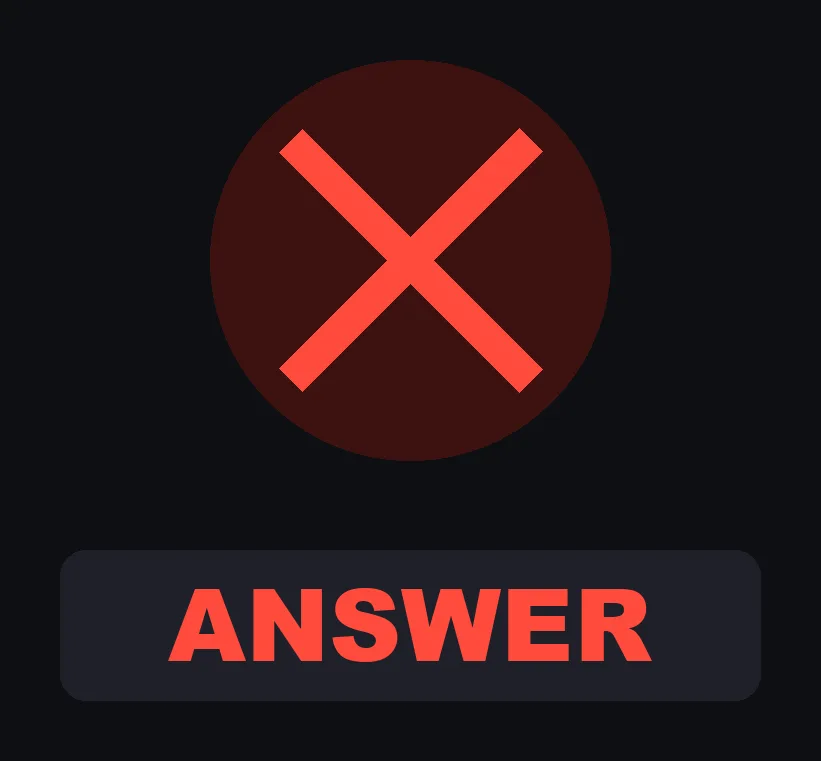
Or it can answer it directly and say no.
This is the table from the official blog post:
| Move | How | Example |
|---|---|---|
| Observe | const r = await next(e); /* look */ return r |
Record every file edit. Take a reading after each turn. |
| Rewrite | return next({ ...e, command: safer }) |
Change what the rest of the chain sees. |
| Answer | return { deny: "..." } without calling next |
Refuse a tool call. Serve a command or a tool yourself. |
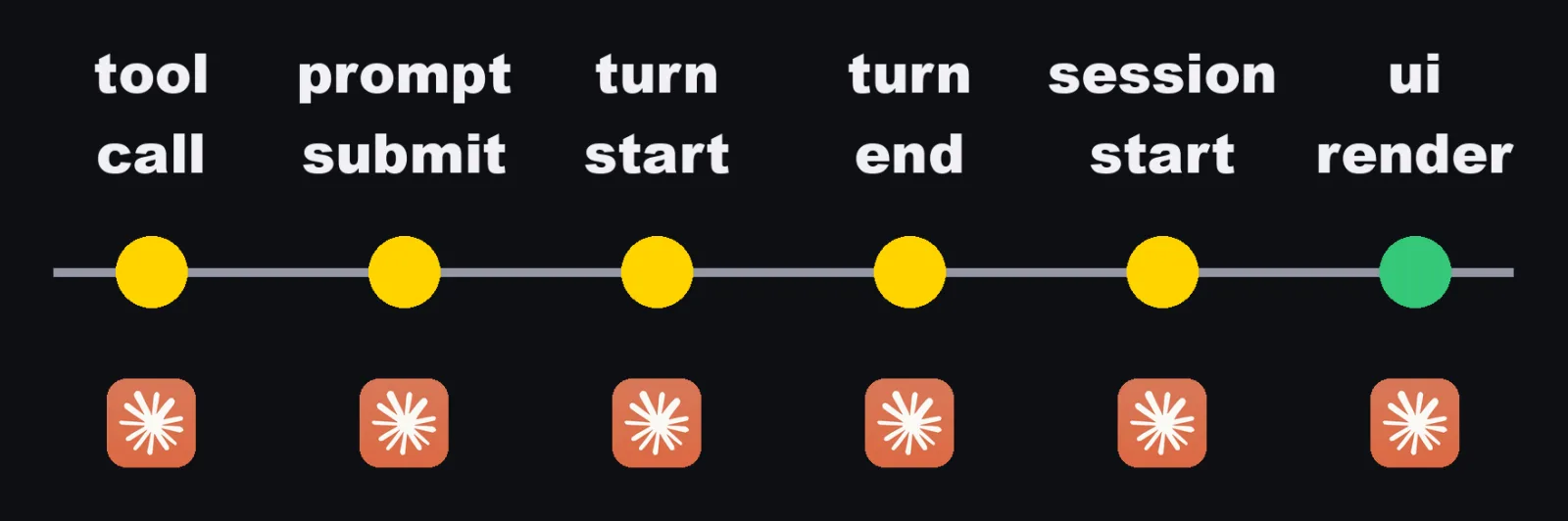
The events cover tool calls, the prompt you submit, turns starting and finishing, the session starting and ending, slash commands, and what gets drawn on screen. The reference lists many more. These are the ones you are most likely to need first:
| Event | Fires when | A hook can return |
|---|---|---|
tool.call |
A tool is about to run | next(e), { deny: reason }, or { result } |
tool.check |
Claude Code decides whether a tool call may run | next(e) or { decision } (allow, ask, deny) |
prompt.submit |
A prompt is submitted | next({ ...e, text }), next({ ...e, context }), or { drop: reason } |
turn.start |
A turn begins | next(e) |
turn.complete |
A turn ended | next(e), or { text } to show a line under the answer |
session.start |
Before the first prompt, and again after the mod reloads | next(e) |
session.end |
The session ends, or /clear, /resume or /branch runs |
next(e) |
session.measure |
After each turn, and when a plan limit's percent used changes | next(e) |
command.run |
A command is about to run | { text }, {}, or next(e) |
ui.render |
A part of the interface is about to be drawn | A tree of elements, or next(e) |
Every settings hook event is also available inside a mod, as classic.<Event>, such as classic.Stop.
Claude Code mods examples
Anthropic's own examples show the range.
All three are in the anthropics/claude-code-playground repository, each with a README.
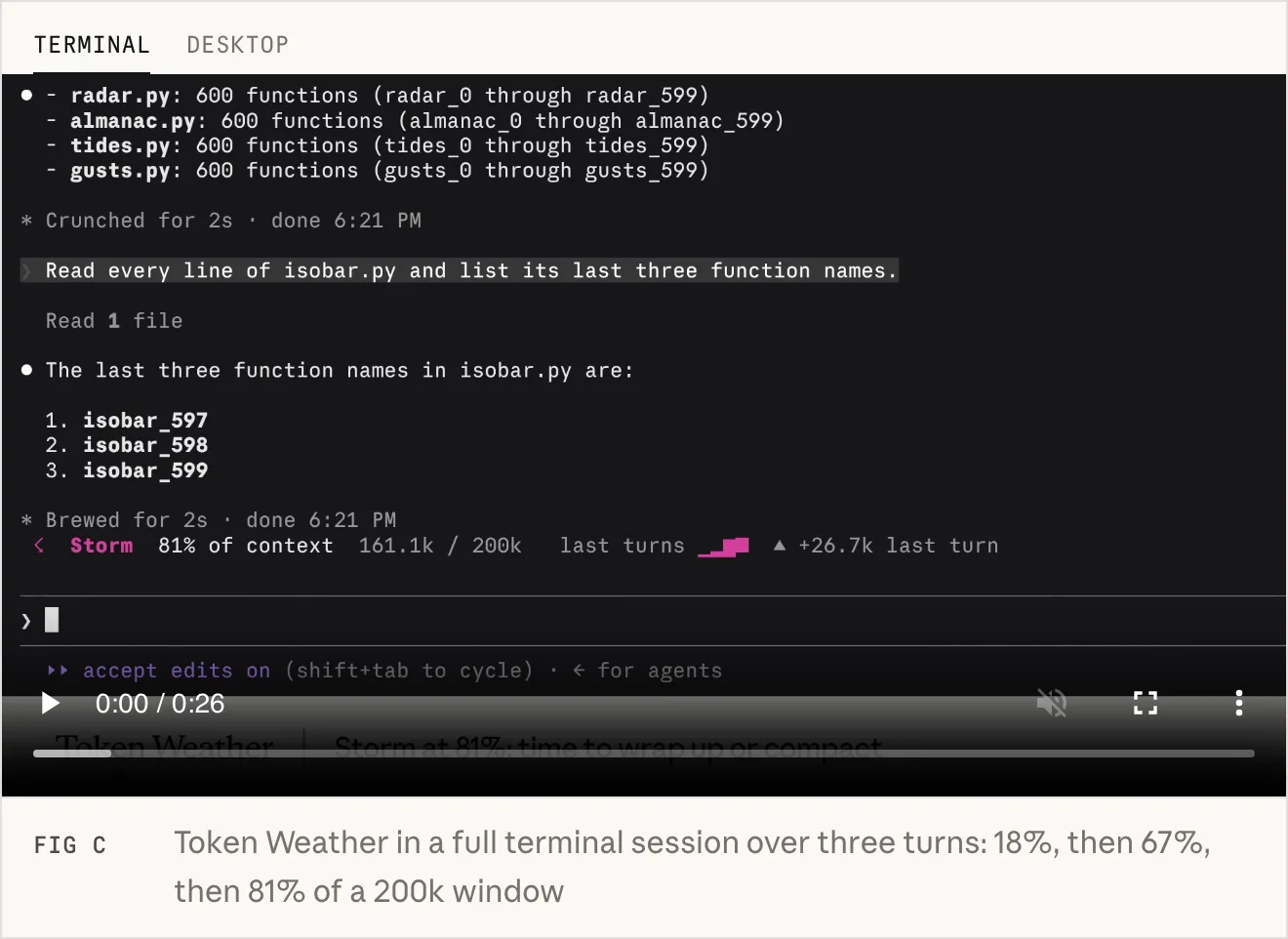
Token Weather draws a band above the prompt: a forecast of how full the context window is. It is about 80 lines.
| Context used | Forecast |
|---|---|
| under 25% | ☀ Clear |
| 25 to 49% | ☁ Cloudy |
| 50 to 74% | ☂ Showers |
| 75 to 89% | ☇ Storm |
| 90% and up | ↯ Compact soon |
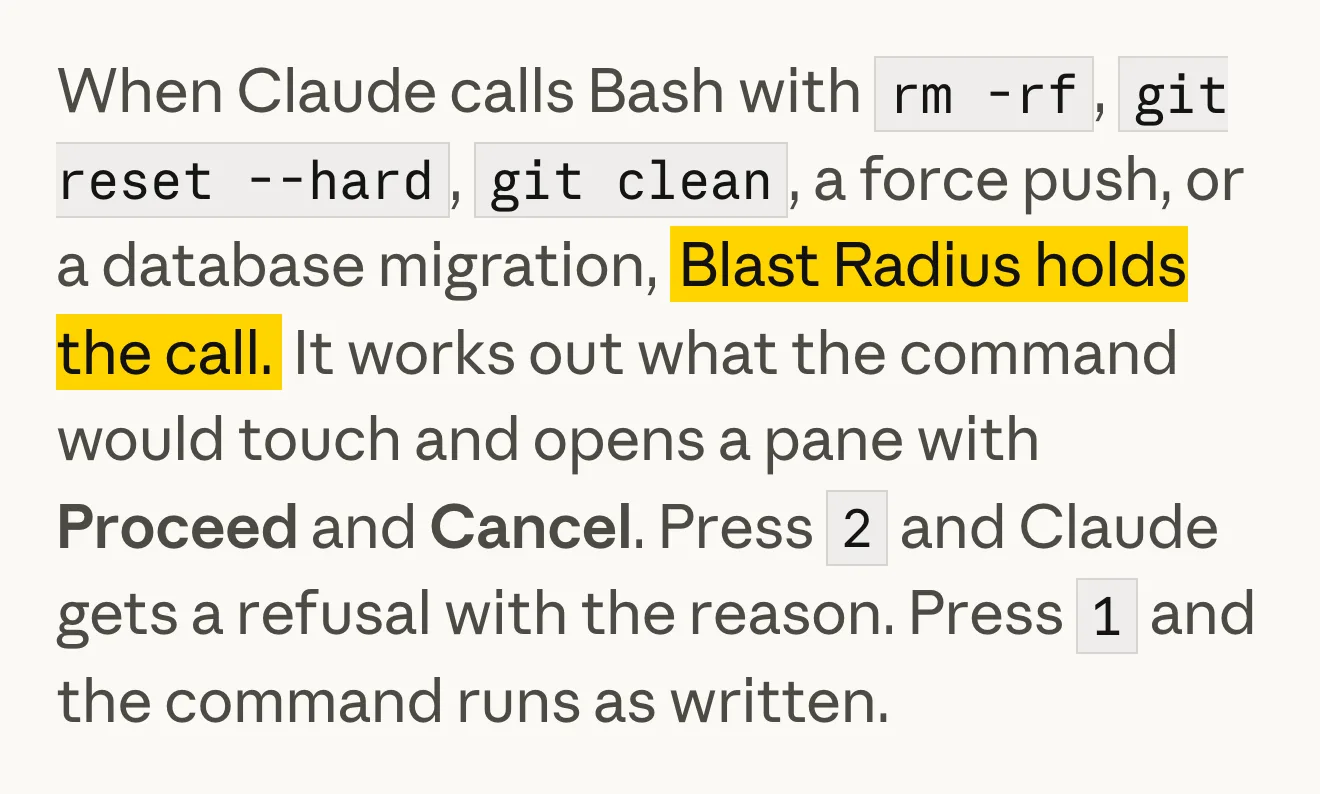
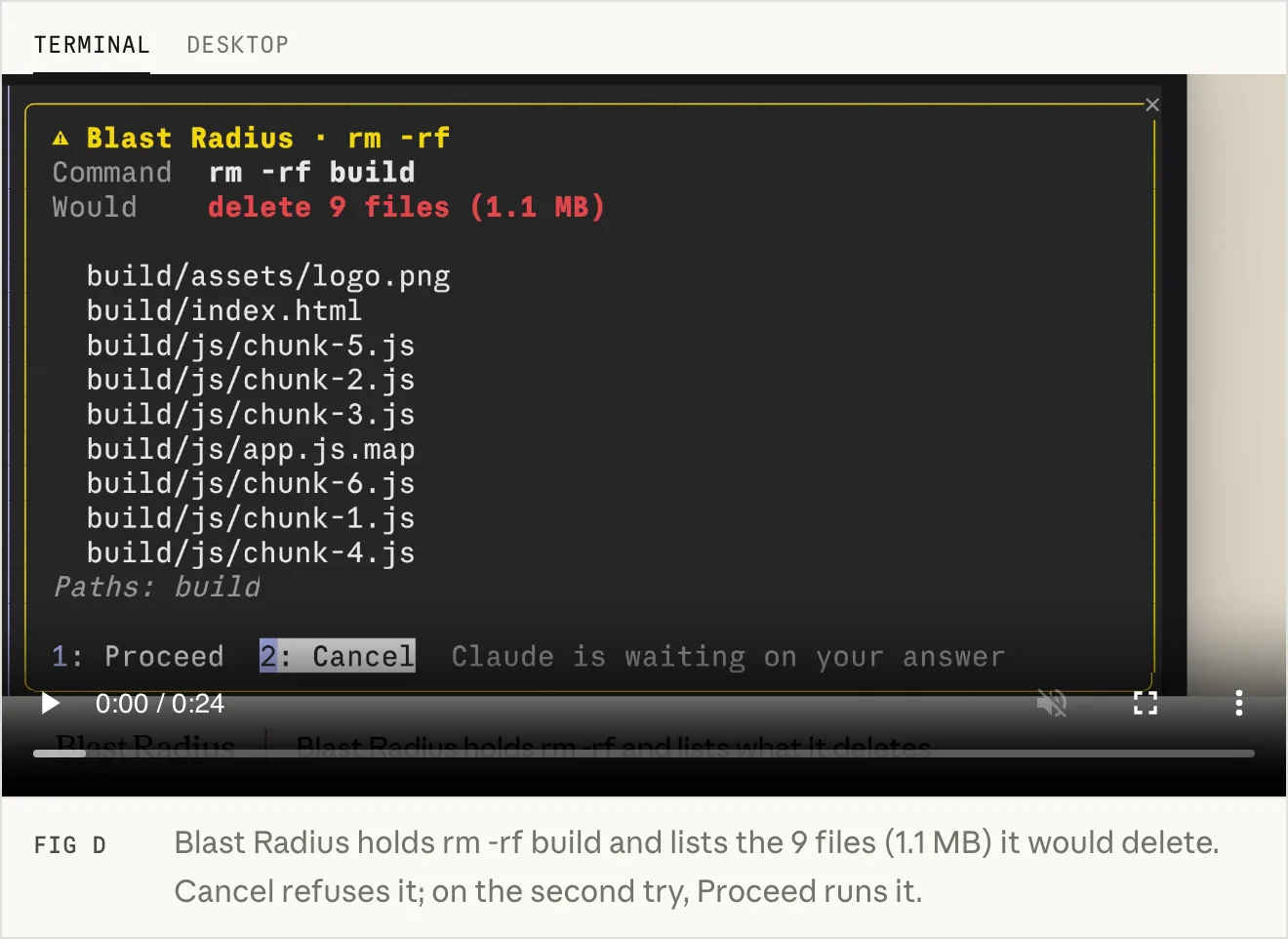
Blast Radius holds risky commands, like rm -rf, git reset --hard, git clean, a force push or a database migration.
It works out what the command would touch and asks you to proceed or cancel.
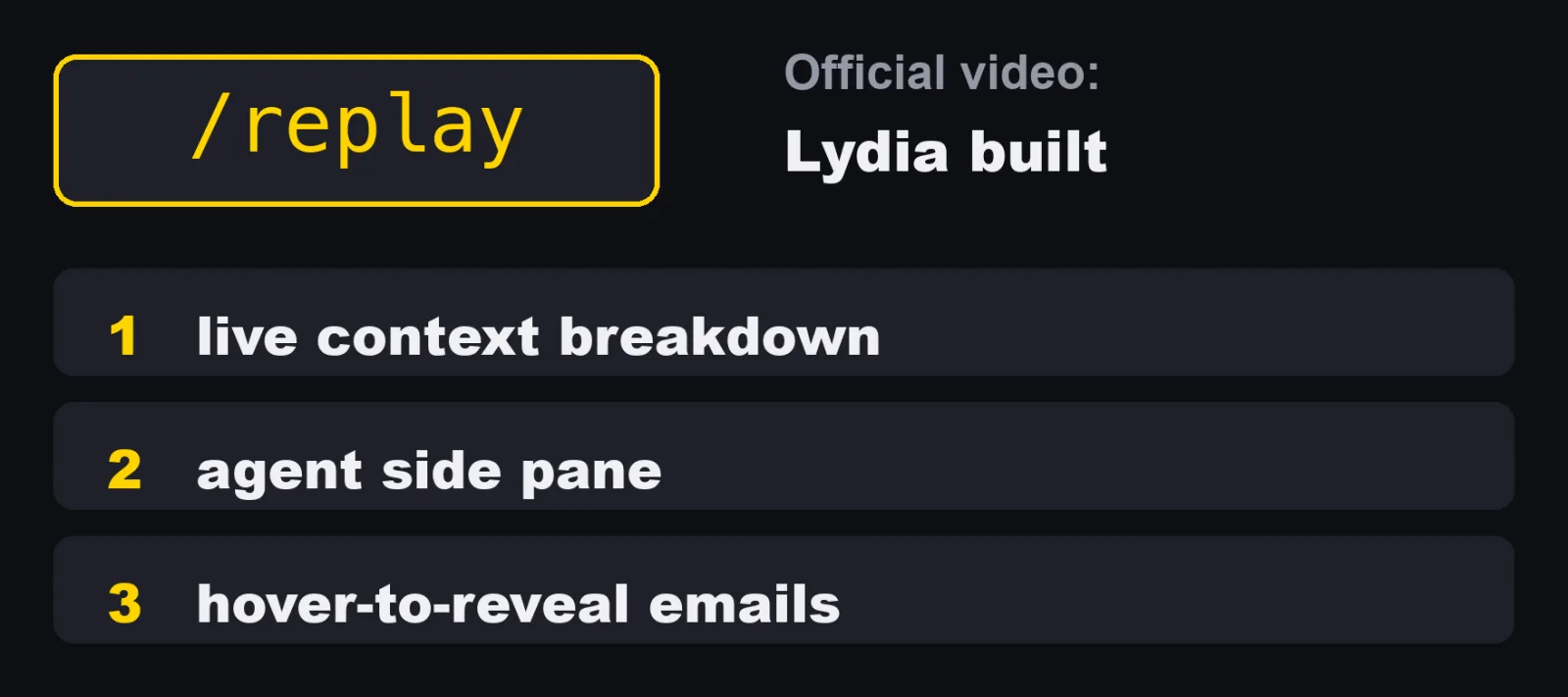
Replay Theater adds its own slash command, /replay, and steps through the file edits Claude made in the last turn, one diff at a time.
And in the official video "Mods in Claude Code", Lydia from Anthropic shows three she built: a live context breakdown, an agent side pane, and hover-to-reveal email addresses.
Some of Claude Code's own features are mods too.
Run /plugin and open the Installed tab to see them under Built-in:
Name in /plugin |
What it does |
|---|---|
cc-plugin-agents-md |
Loads AGENTS.md as project instructions |
cc-plugin-diff |
Takes over /diff and draws its pane |
cc-plugin-plugin-authoring |
Gives Claude the plugin-authoring skill for writing mods |
cc-plugin-sec-default |
Guards what your organization manages from the mods a user installs |
cc-plugin-telemetry |
Sends the analytics records that Claude Code and its built-in mods log |
cc-plugin-you-should-know |
A side agent shows a note above the prompt when it finds something you might have missed (off until you turn it on) |
The source of diff, agents-md, sec-default and telemetry is public in the mods directory of the anthropics/claude-code repository.
My mod: a weekly usage meter
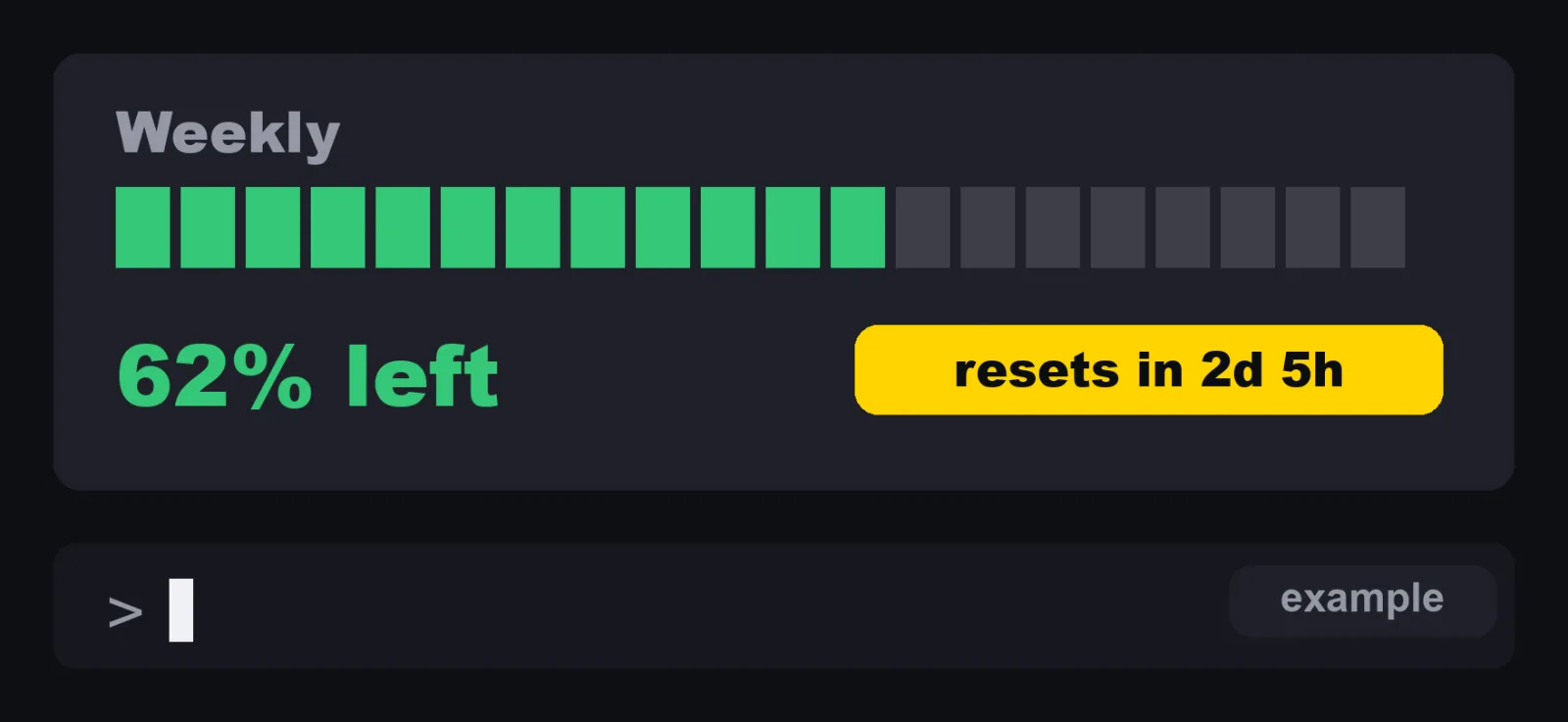
So why did I build a usage meter? I run a company in Japan, and many Claude Code sessions run at once every day. Videos, posts, articles.
They all share one weekly limit. If it runs out, every one of them stops. I wanted to see where I stand without asking.
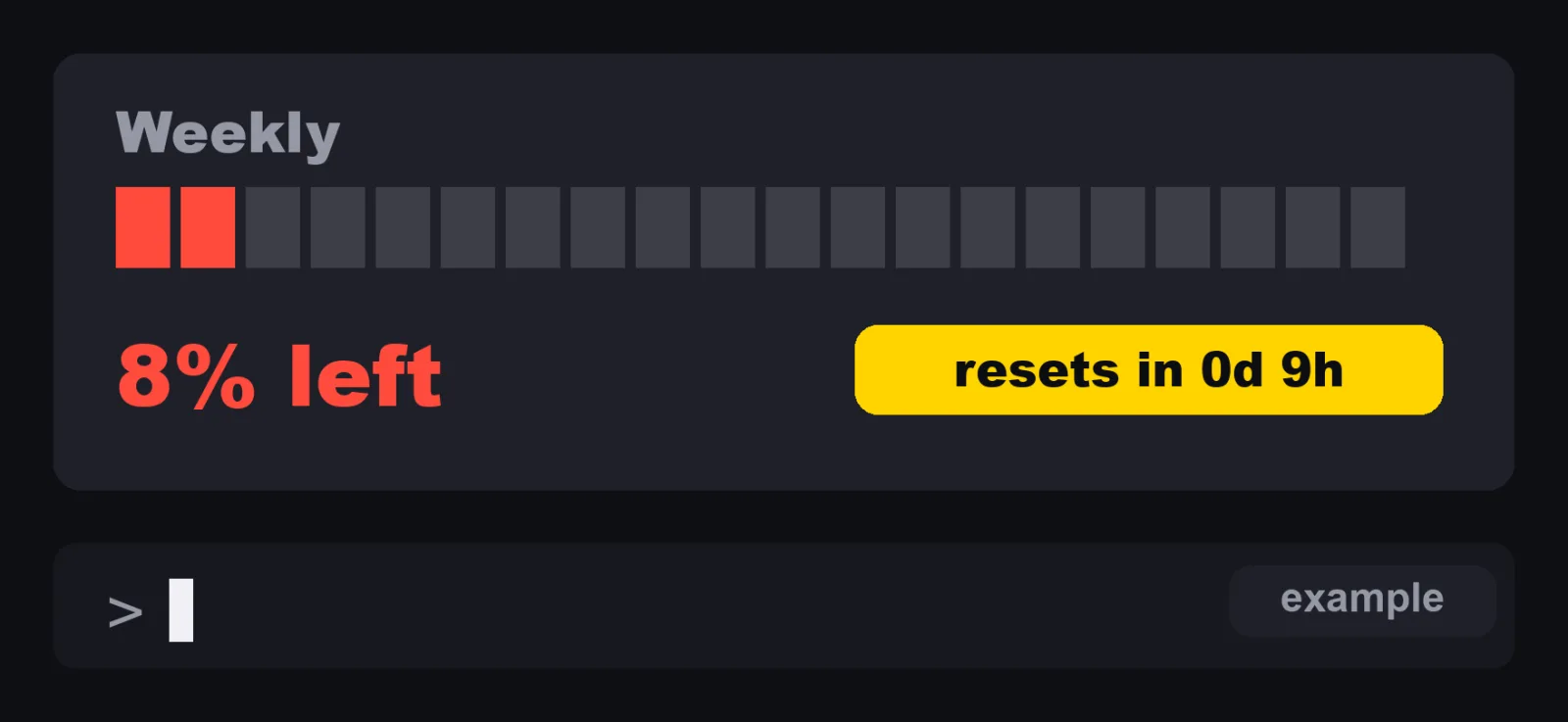
The numbers in these two pictures are examples. The meter itself is the real one: twenty cells, and it turns red at ten percent left.
How to create a Claude Code mod
Two ways to start
The docs give two ways to make a mod.
- Ask Claude for it. Describe the mod in an interactive session, for example "make a mod that shows the current git branch above the prompt". Claude works from the built-in
plugin-authoringskill. You can also load that skill yourself with/plugin-authoring. - Write it yourself. The docs have a tutorial that builds a mod counting tool calls beside the spinner, with a
/tallycommand.
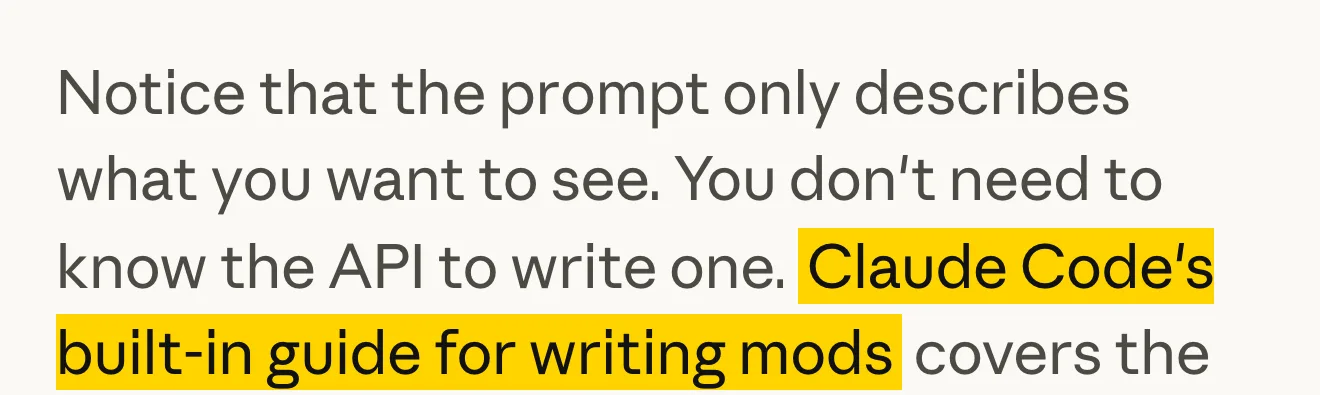
If you ask Claude, three details from the docs matter:
- Claude writes the mod into the session's mods folder,
~/.claude/dev-mods/followed by the session's ID. - When the first file is saved, Claude Code asks whether to enable hot reloading for the session. Choose "Enable for this session" and the mod loads when the turn ends.
- That mod loads only in the session that made it, and the folder is deleted once it is older than
cleanupPeriodDays. To keep it, copy the directory somewhere of your own, such as~/mods/your-mod, and load it withclaude --plugin-dir.
The files
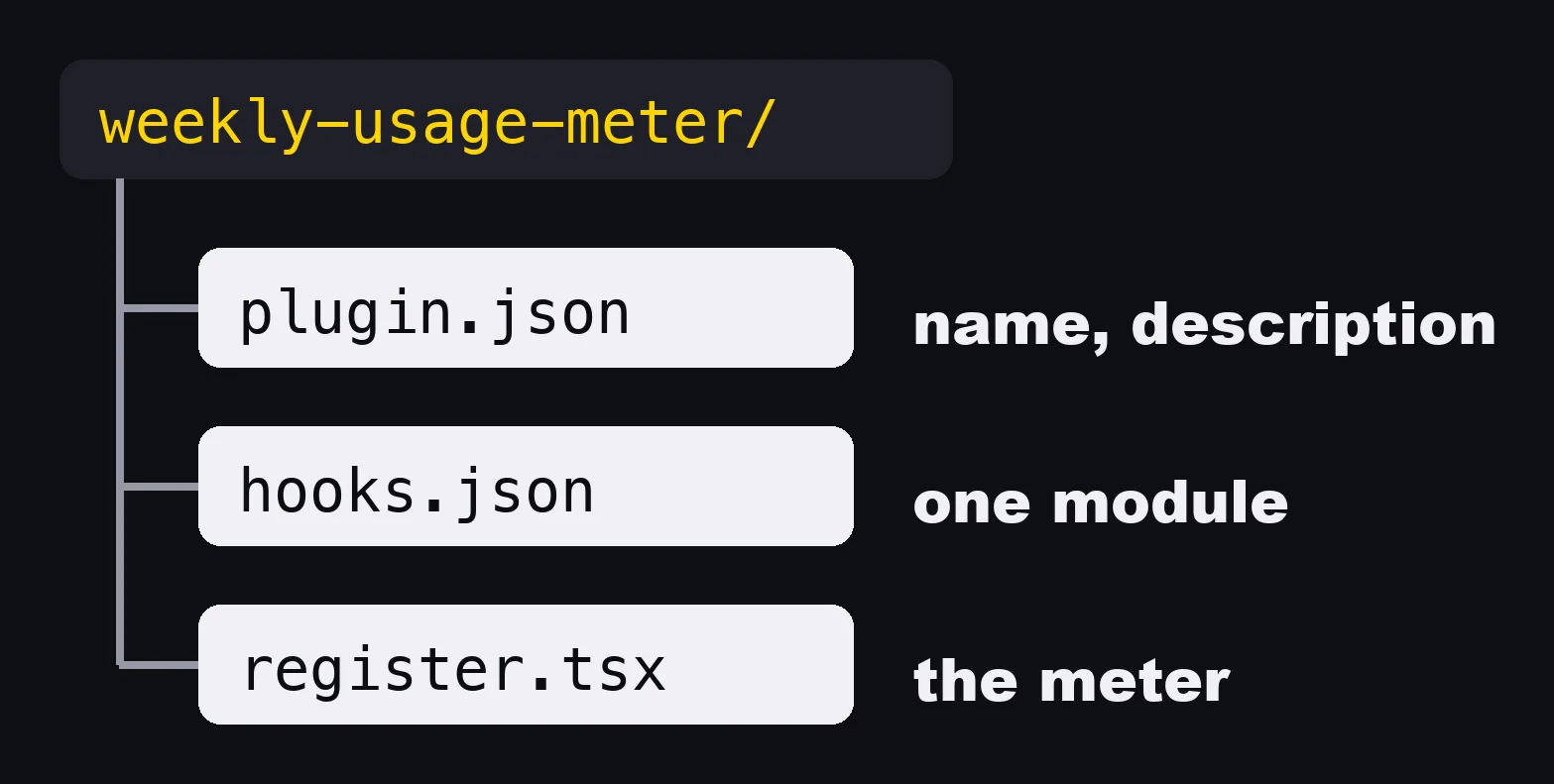
A small mod is three files. A plugin file with a name and a description. A file that points to one module. And the module itself. One mod, one module.
This is the layout of mine:
weekly-usage-meter/
  .claude-plugin/
    plugin.json
    types/              (written by Claude Code when it loads the mod)
  hooks/
    hooks.json
    register.tsx
  types/
    index.d.ts
  tsconfig.json
The video shows three files.
The real folder has one more file, types/index.d.ts, and the reference explains why: it is required when a mod keeps values in $.state.
Mine does, so the meter survives a reload.
This is the reference's list of files:
| File | Required | Contents |
|---|---|---|
.claude-plugin/plugin.json |
Yes | The plugin manifest. Mods add no required fields. |
hooks/hooks.json |
Yes | modules: an array with one path to the hooks module |
| The hooks module | Yes | Exports register(on, options). Named .js, .mjs, .cjs, .jsx, .ts, .mts, .cts, or .tsx. An ES module. |
types/index.d.ts |
When the mod uses $.state or adds a namespace to the mods API |
Declares PluginState values |
Files ending in .test.ts or .test.tsx |
No | Tests that claude plugin test runs |
My plugin.json:
{
  "name": "weekly-usage-meter",
  "version": "0.1.0",
  "description": "A slim green meter above the prompt showing how much of the weekly usage limit is left.",
  "types": "./types/index.d.ts"
}
My hooks/hooks.json, in full:
{ "modules": ["./register.tsx"] }
My types/index.d.ts:
export type WeeklyUsage = { percentUsed: number; resetsAt: string | null }

declare module 'claude-code' {
  interface PluginState {
    'weekly-usage-meter': { weekly: WeeklyUsage | null }
  }
}
The three events
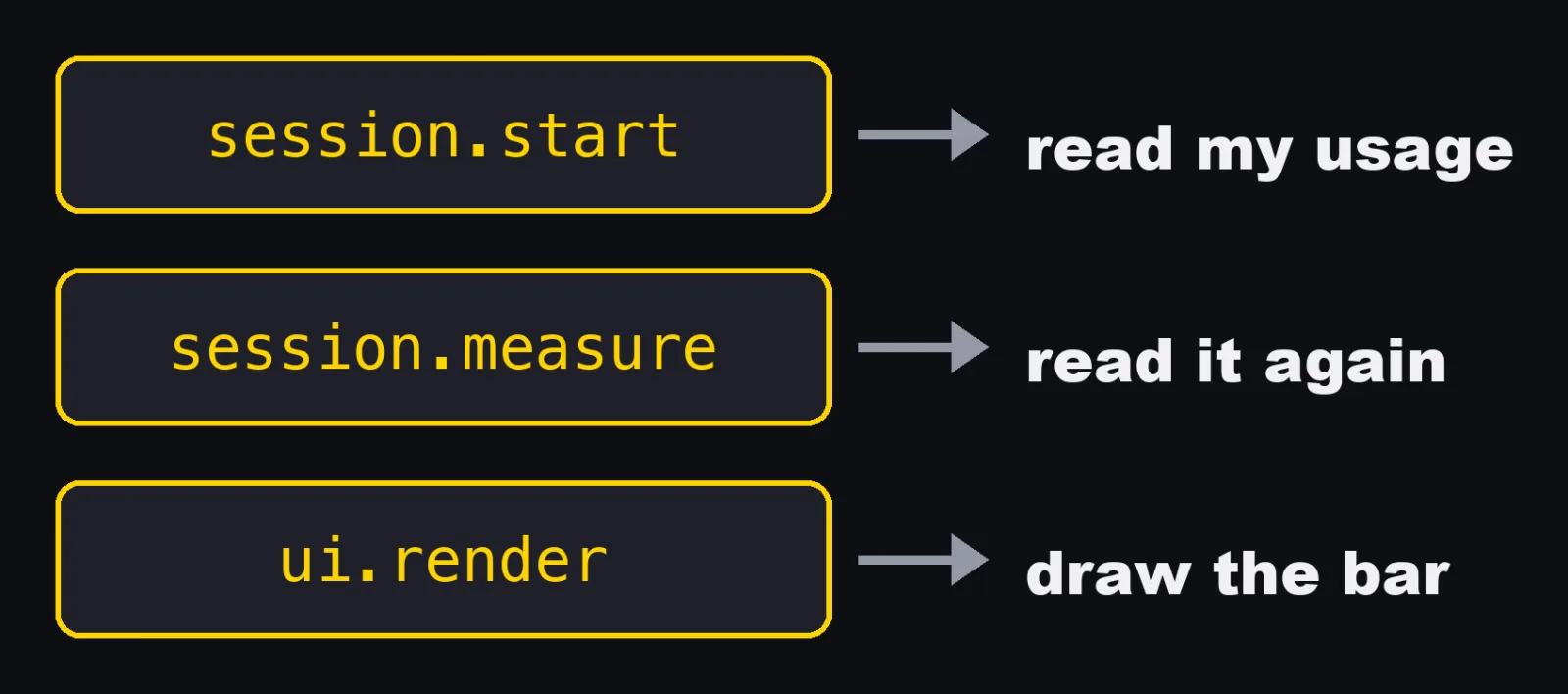
The module listens to three events. When the session starts, it reads my usage. When the limits change, it updates. And when the screen draws the area above the prompt, it adds the bar.
This is the whole module, hooks/register.tsx:
import { atom, read, update } from 'claude-code'
import type { Register, SessionRateLimit } from 'claude-code'

import type { WeeklyUsage } from '../types'

const weekly = atom({ plugin: 'weekly-usage-meter', key: 'weekly' } as const, null)

const METER_CELLS = 20

function pickWeekly(limits: readonly SessionRateLimit[]): WeeklyUsage | null {
  const window = limits.find(limit => limit.kind === 'seven_day')
  if (!window) {
    return null
  }
  return { percentUsed: window.percentUsed, resetsAt: window.resetsAt ?? null }
}

function resetsIn(resetsAt: string | null, now: number): string {
  if (!resetsAt) {
    return ''
  }
  const ms = Date.parse(resetsAt) - now
  if (!Number.isFinite(ms) || ms <= 0) {
    return ''
  }
  const hours = Math.floor(ms / 3_600_000)
  const days = Math.floor(hours / 24)
  return days > 0 ? `resets in ${days}d ${hours % 24}h` : `resets in ${hours}h`
}

export const register: Register = on => {
  on('session.start', async ($, e, next) => {
    const usage = await $.session.usage()
    const picked = pickWeekly(usage.rateLimits)
    if (picked) {
      await update($, weekly, () => picked)
    }
    return next(e)
  })

  on('session.measure', async ($, e, next) => {
    if (e.changed.includes('rateLimits')) {
      const picked = pickWeekly(e.rateLimits)
      if (picked) {
        await update($, weekly, () => picked)
      }
    }
    return next(e)
  })

  on('ui.render', { component: 'AbovePrompt' }, async ($, e, next) => {
    const value = await read($, weekly)
    if (e.props.hasSurvey || value === null) {
      return next(e)
    }

    const { Box, Text } = $.ui.resolve(e)
    const used = Math.min(100, Math.max(0, value.percentUsed))
    const left = Math.max(0, Math.round(100 - used))
    const filled = Math.round((left / 100) * METER_CELLS)
    const empty = METER_CELLS - filled
    const color = left <= 10 ? 'error' : left <= 25 ? 'warning' : 'success'
    const reset = resetsIn(value.resetsAt, await $.clock.now())

    return (
      <Box gap={1}>
        <Text dimColor>Weekly</Text>
        <Text>
          <Text color={color}>{'█'.repeat(filled)}</Text>
          <Text dimColor>{'░'.repeat(empty)}</Text>
        </Text>
        <Text color={color} tabular>{left}% left</Text>
        <Text dimColor>{reset}</Text>
      </Box>
    )
  })
}
Where each piece comes from in the docs:
$.session.usage()returns{ startedAt, context, rateLimits, cost }, andrateLimitsis a list of{ kind, percentUsed, resetsAt }. The meter picks the one whosekindisseven_day.session.measurefires "after each turn, and when a plan limit's percent used changes". The meter updates only whenrateLimitsis among the changed fields.AbovePromptis the band directly above the prompt. Claude Code draws nothing there itself, so it is a good first target. It is drawn in the terminal and the Desktop app.atom,readandupdateare the helpers for$.state. A value in$.statesurvives a reload of the module, which a plain variable does not, and a drawing that reads it redraws when it changes.- When the hook has nothing to draw, it returns
next(e)and leaves the band as Claude Code would draw it. Token Weather in the official post does the same.
The colors
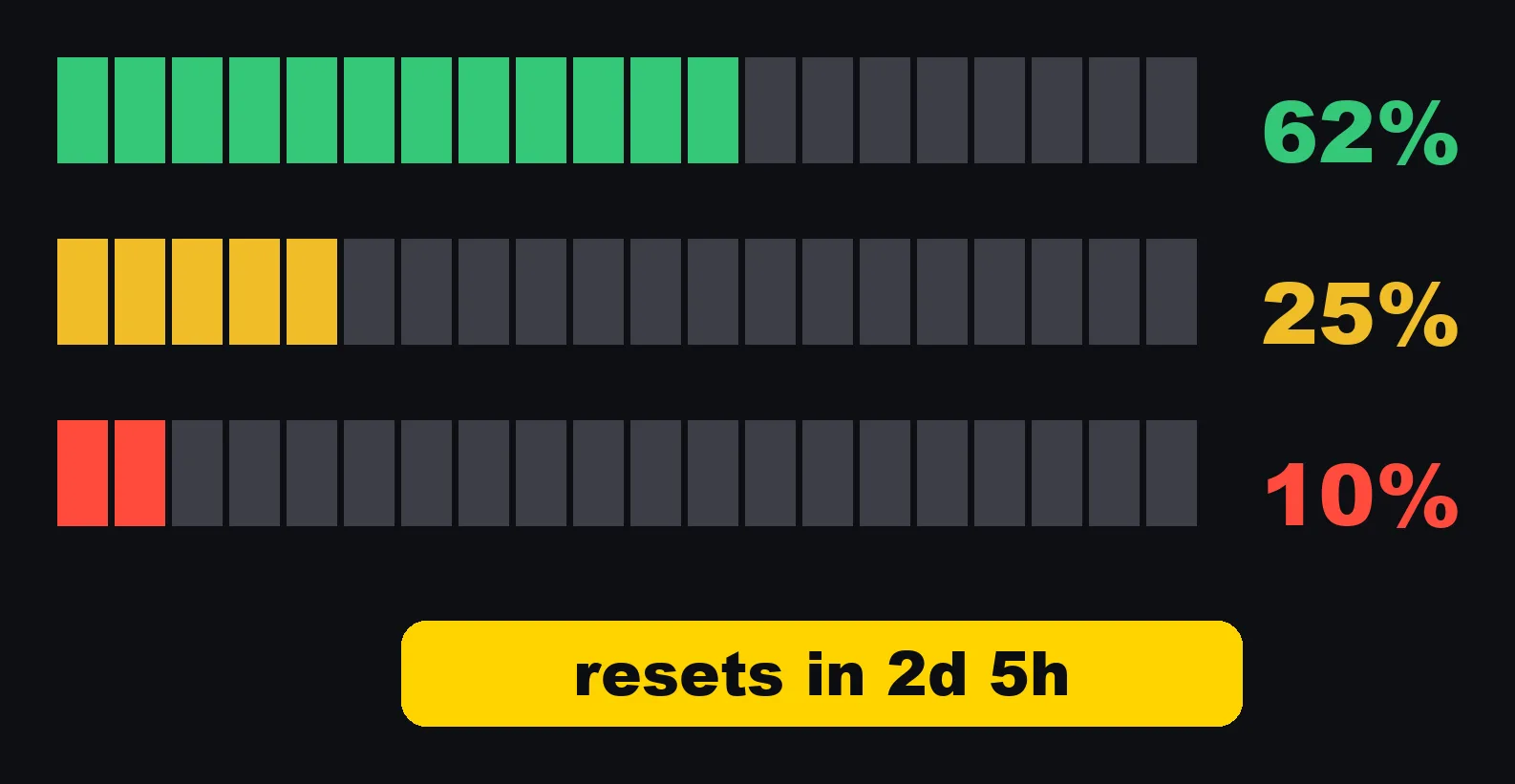
Twenty cells. Green while plenty is left. Yellow at twenty five percent. Red at ten. And it tells me when the limit resets.
| Left | Color name in the code | What I see |
|---|---|---|
| More than 25% | success |
Green |
| 25% or less | warning |
Yellow |
| 10% or less | error |
Red |
Load it, reload it, check it
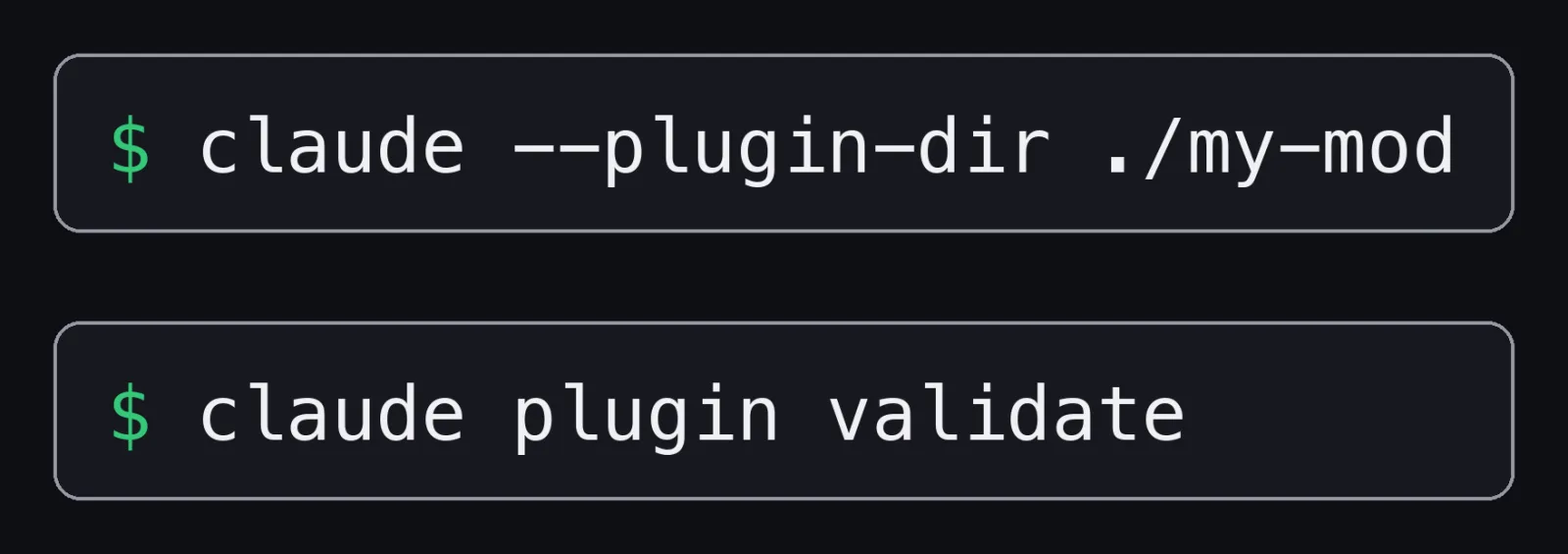
To try one, you point Claude Code at the folder. Every time you save, the mod reloads in place. And there's a command that checks the plugin before you share it.
| Command | Where | What it does |
|---|---|---|
claude --plugin-dir ./my-mod |
Shell | Loads the directory for one session and reloads the module when you save |
/plugin |
Claude Code prompt | Shows a line such as 1 mod active · first-mod under its tabs |
claude plugin validate ./my-mod |
Shell | Checks the manifest and the module, and lists the events it handles (hooks:) and the API calls it makes (calls:) |
claude plugin test |
Shell | Runs the mod's *.test.ts files with no session, sign-in or network |
claude --debug |
Shell | When a drawing does not show, look for a line saying a hook returned a tree that does not validate |
/reload-plugins |
Claude Code prompt | Reloads plugins |
For the docs' tutorial mod, claude plugin validate prints lines like these:
  ❯ ./register.js hooks: session.start, tool.call, command.run{command=tally}, ui.render{component=Spinner}
  ❯ ./register.js calls: $.command.register, $.ui.invalidate

✔ Validation passed
Validation reads your code without running it, so the docs set a few rules:
- Write each mods API call in full, such as
$.store.get('notes'). Do not assign$or one of its namespaces to a variable. - Write the event name in each
oncall as a string literal, such as'tool.call'. - Import only from files inside the plugin directory. The one bare import allowed is
claude-code. - Use ES modules, with
importand notrequire.
Each time Claude Code loads a mod, it writes the type declarations for your build into .claude-plugin/types/.
The docs say to trust those files over any page when they disagree, because the events and methods can change between releases.
A few limits from the reference worth knowing before you build:
| Limit | Value |
|---|---|
| A hook's own execution time for one event | 10 seconds (50 milliseconds for a prompt.edit hook) |
$.process.run timeout |
30 seconds by default, 10 minutes at most |
$.fs.read and $.fs.write |
4 MiB for one file |
$.store |
4 MiB of JSON in total |
Redraws from $.ui.invalidate('ui.render') |
Throttled to 10 a second (30 in the terminal for some sites) |
Share a mod with a plugin marketplace
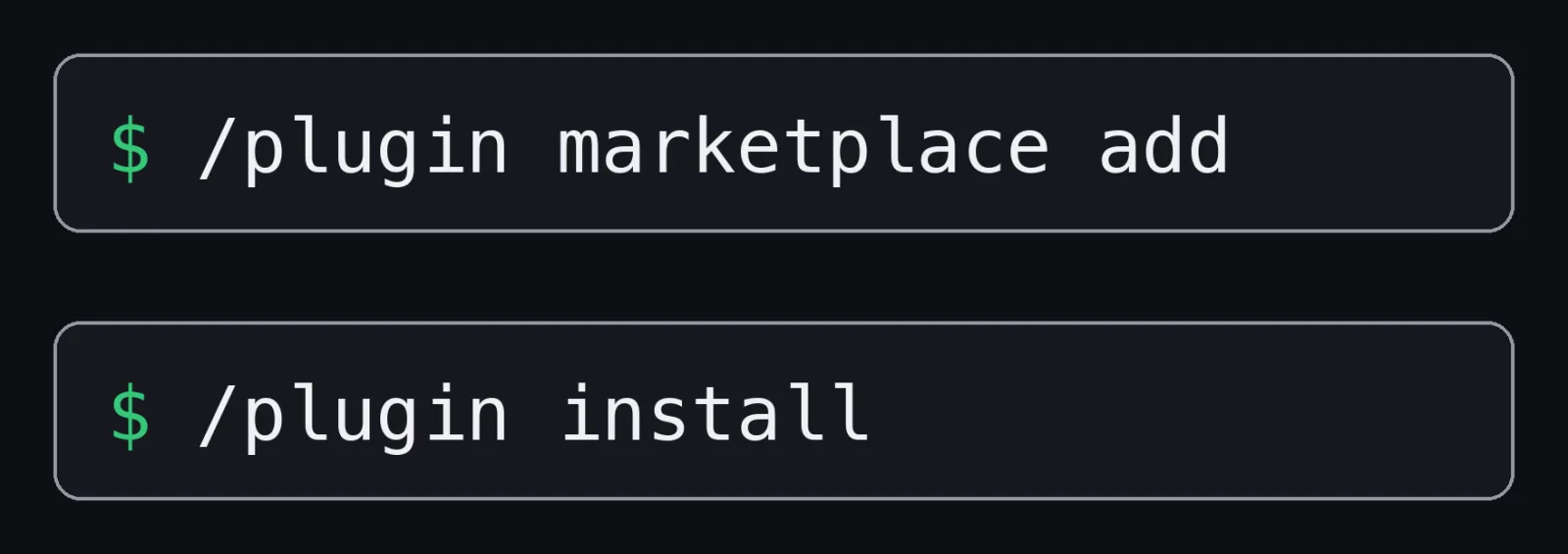
To share one, you put it in a repository with a marketplace file. Then anyone can add your marketplace and install the mod.
The marketplace file is .claude-plugin/marketplace.json.
This is the example from the official blog post:
{
  "name": "my-mods",
  "owner": { "name": "You" },
  "plugins": [{ "name": "token-weather", "source": "./token-weather" }]
}
Installing takes three commands in Claude Code:
/plugin marketplace add your-org/my-mods
/plugin install token-weather@my-mods
/reload-plugins
The video shows the first two.
The third matters: the blog post says the mod starts when you reload, and to restart Claude Code if it does not show up.
From your shell, claude plugin install token-weather@my-mods does the same, with --scope user, project or local.
Before you publish, from the docs:
claude plugin validatefails a plugin name that looks like one of Anthropic's own, such as one that starts withclaude-.- Say in your README which Claude Code version you tested with, because the API can change between releases.
- Keep developing with
--plugin-dir, not against an installed copy. An installed plugin is cached by version, so edits reach it only after you raise the version and install again. - For a few people, you can send the directory or a
.zipof it. For anyone, make the marketplace repository public or submit the plugin to Anthropic's directory.
Are Claude Code mods safe?
One warning before you install other people's mods. In the official words, a mod runs "with the same access Claude Code has, and it's written by its publisher, not Anthropic."
The docs list what a mod can reach once it loads:
- Act on your machine as you: read and write files, start programs, make network requests
- Read your secrets: environment variables and settings files, including an API key you keep in either
- See your session: every prompt you send and every tool call Claude makes
- Change your session: rewrite a prompt or a tool call, or submit a prompt as if you had typed it
- Act without asking you: approve a tool call before you're asked
- Spend your usage: call a model on your plan or API key
And: "Mods aren't sandboxed." If you turn on sandboxing, it isolates the Bash commands Claude runs, and a process that a mod starts runs outside it.
So read the code first.
Even Blast Radius is described as "a safety net, not a permission system. It reads the command text, so $(…), aliases and scripts that call rm get past it. Use permission rules for a hard block."
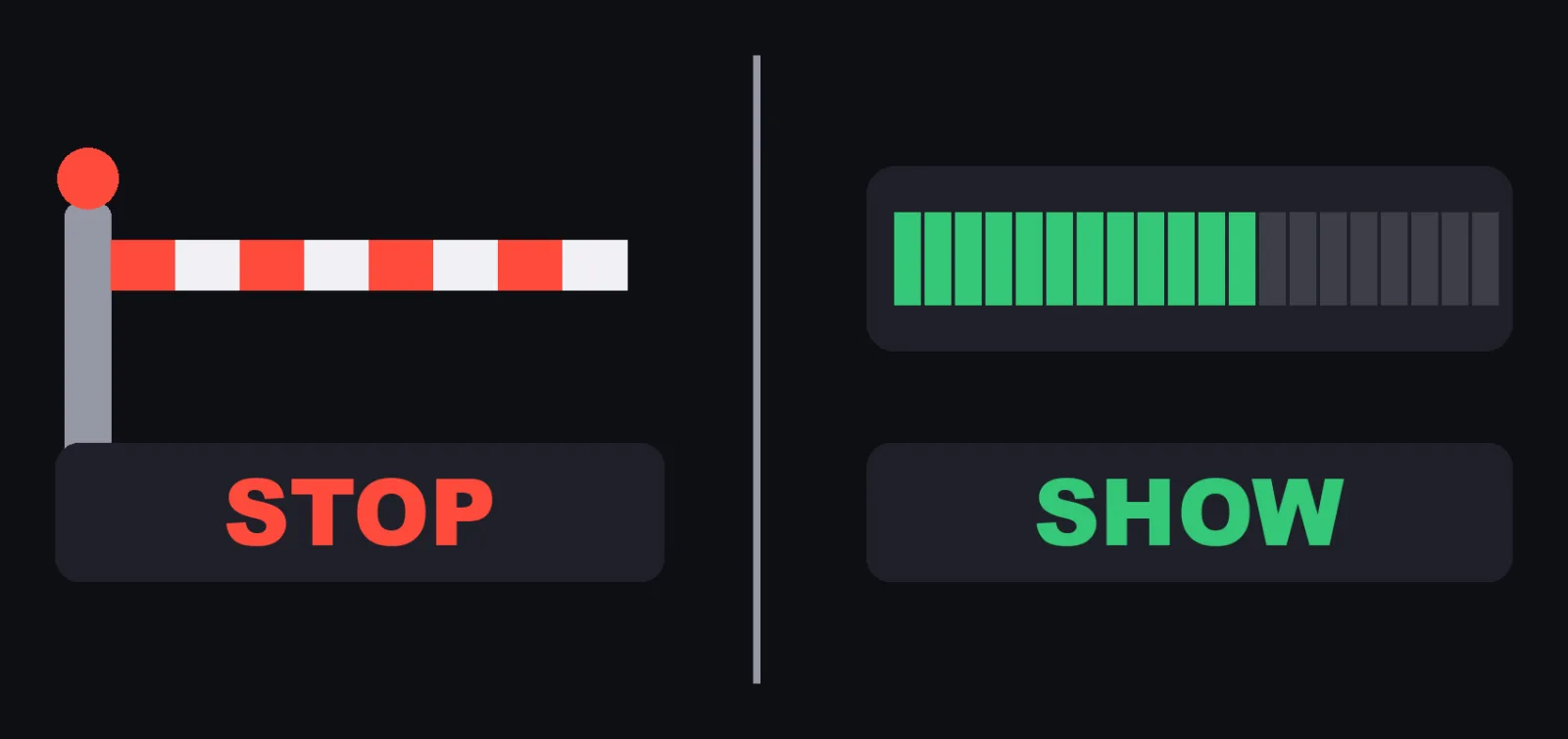
That's how I split it. Hooks and permission rules are what stop Claude. The mod is what I look at.
There is one detail in the permissions docs that the video does not cover.
On a machine with no managed settings, and without a Team or Enterprise login as the session's credential, a mod you install can approve a tool call that a deny rule refuses or that a PreToolUse hook blocked.
With managed settings or a Team or Enterprise login, those stay refused by default.
So your deny rules stop Claude.
They do not protect you from a mod you chose to install.
That is one more reason to read it first.
How to check a mod before and after you install it:
| What you want | How, from the docs |
|---|---|
| See what a mod does before installing | Clone it, then run claude plugin validate ./some-mod and read the hooks: and calls: lines |
| See which mods a session loaded | /plugin, the dim line under the tabs |
| Turn off one mod | Disable or uninstall its plugin in the Installed tab of /plugin |
| Turn off every installed mod for one session | Start with claude --safe-mode (it disables your other customizations too) |
| Turn off every installed mod in every session | "disableAllHooks": true in ~/.claude/settings.json (your settings hooks and status line stop too) |
Built-in mods keep running under disableAllHooks, --bare and --safe-mode.
Your first Claude Code mod
So what should your first mod be? Pick the thing you keep checking by hand.
A number you look up every hour. A command you're nervous about. A status you keep asking for. Put it on the screen, or put it behind a question.
The official blog post ends with its own list of ideas to start from:
- A cost or rate-limit meter from
$.session.usage(), as a status line with$.ui.status - A
prompt.submithook that adds your team's conventions to every prompt - A pane that lists the files Claude read this session
- A focus timer that sends a toast with
$.ui.toastwhen a long turn finishes - A
tool.callguard tuned to your stack, such as production kubectl contexts orterraform apply
A checklist before you build:
- Is it something you look at, or something you want to stop? To look at, a mod. To stop for certain, a permission rule or a
PreToolUsehook. - Does a settings hook, a skill or an MCP server already do it? The docs say to compare them first.
- Is your Claude Code v2.1.287 or later?
- Does the module keep values across a reload? Put them in
$.state, and declare them intypes/index.d.ts. - Does
claude plugin validatelist exactly the events and calls you expect? - If you install someone else's mod, did you read the code and the
calls:line first?
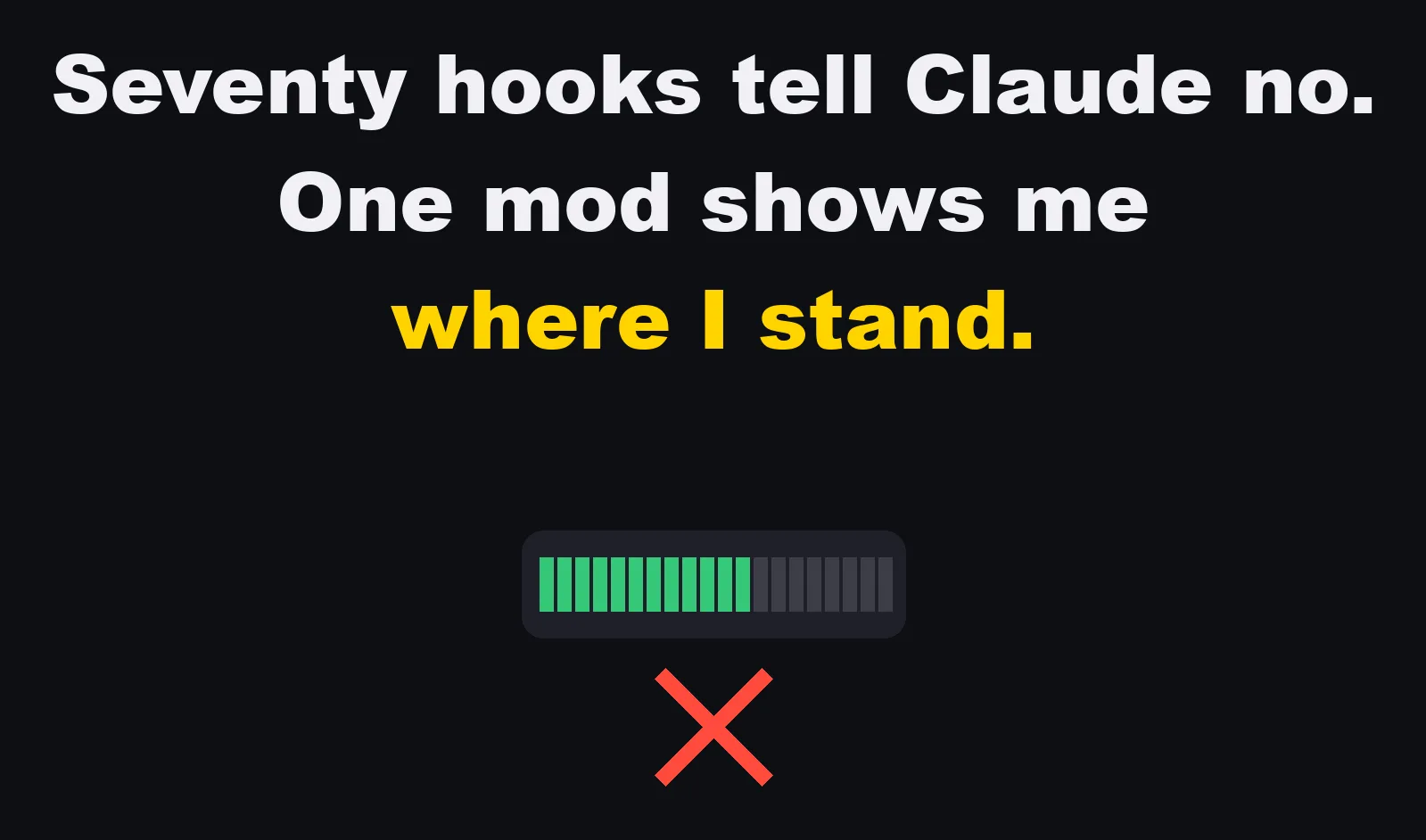
My seventy hooks tell Claude no. My one mod just shows me where I stand.

If you keep checking it, put it on the screen.
Sources (official pages, read November 6, 2026):
- claude.dev Blog, "Getting started with Claude Code mods", October 1, 2026 (claude.dev/blog/getting-started-with-claude-code-mods/)
- Claude, "Mods in Claude Code: change how Claude Code works", YouTube, October 5, 2026 (video description)
- Claude Code Docs, "Mods overview" (code.claude.com/docs/en/plugins/mods/overview)
- Claude Code Docs, "Create a mod" (code.claude.com/docs/en/plugins/mods/create)
- Claude Code Docs, "Mods reference" (code.claude.com/docs/en/plugins/mods/reference)
- Claude Code Docs, "Draw in the interface with a mod" (code.claude.com/docs/en/plugins/mods/interface)
- Claude Code Docs, "Hooks reference" (code.claude.com/docs/en/hooks)
- Claude Code Docs, "Configure permissions" (code.claude.com/docs/en/permissions)
- Claude Code Docs, "Install and manage plugins" (code.claude.com/docs/en/plugins/install)