 Hisashi Space
November 15, 2026 · 16 min read
Claude Code Memory Problem: Why It Forgets What You Corrected, and the Notes Setup That Holds

Claude Code memory problem? You correct a mistake today, and tomorrow the same mistake comes back, with the same apology.
I made a video about why this happens and the four rules I use to fix it. This article has what the video has no room for: what the official docs say about how Claude Code remembers, the limits on the index file, the note format and the index line I use, a prompt you can paste, a check (a hook) you can copy and test, commands that show what your own memory looks like, and what I did not test.

The short version
- Claude Code does not forget because it is careless. Every session starts with a fresh context window. Only two things carry over from chat to chat: CLAUDE.md, which you write, and auto memory, which Claude writes.
- Of the auto memory index (
MEMORY.md), only the first 200 lines or the first 25KB, whichever comes first, are loaded at the start of every conversation. The detailed notes are read only when needed. - Rule 1: save every correction, with the reason. Rule 2: keep the index a table of contents, one line per note. Rule 3: write it down right away. Rule 4: turn an expensive mistake into a check (a hook).
- The docs say Claude treats memory as "context, not enforced configuration". A note is advice. A check makes sure it happens.
- I did not measure how many hours this saves me, so I give no number for that.
I have worked in IT for more than 20 years, and I have run my own company for 22 years. Every day I hand real work to Claude Code, across dozens of chats, each with its own job. If those chats forgot things, my company would stall. So for me, memory is not a nice extra. It is the whole job. The numbers below come from my own memory folder, counted when I made the video. My notes are written in Japanese, so the note screens in this article and in the video are English reconstructions of real ones. The facts about how Claude Code works come from the official docs, which I read on November 15, 2026.
What the problem is
Yesterday you told it: do not do it that way. It said sorry and fixed it. Today, same mistake. So you explain it again, and it says sorry again. And tomorrow you will do this a third time. That is the memory problem. Every chat starts from a blank page. The usual advice is to write a longer instruction file. But the docs say a longer file costs you on every chat: "Longer files consume more context and reduce adherence." The size target they give is under 200 lines per CLAUDE.md file.
How Claude Code remembers, according to the docs
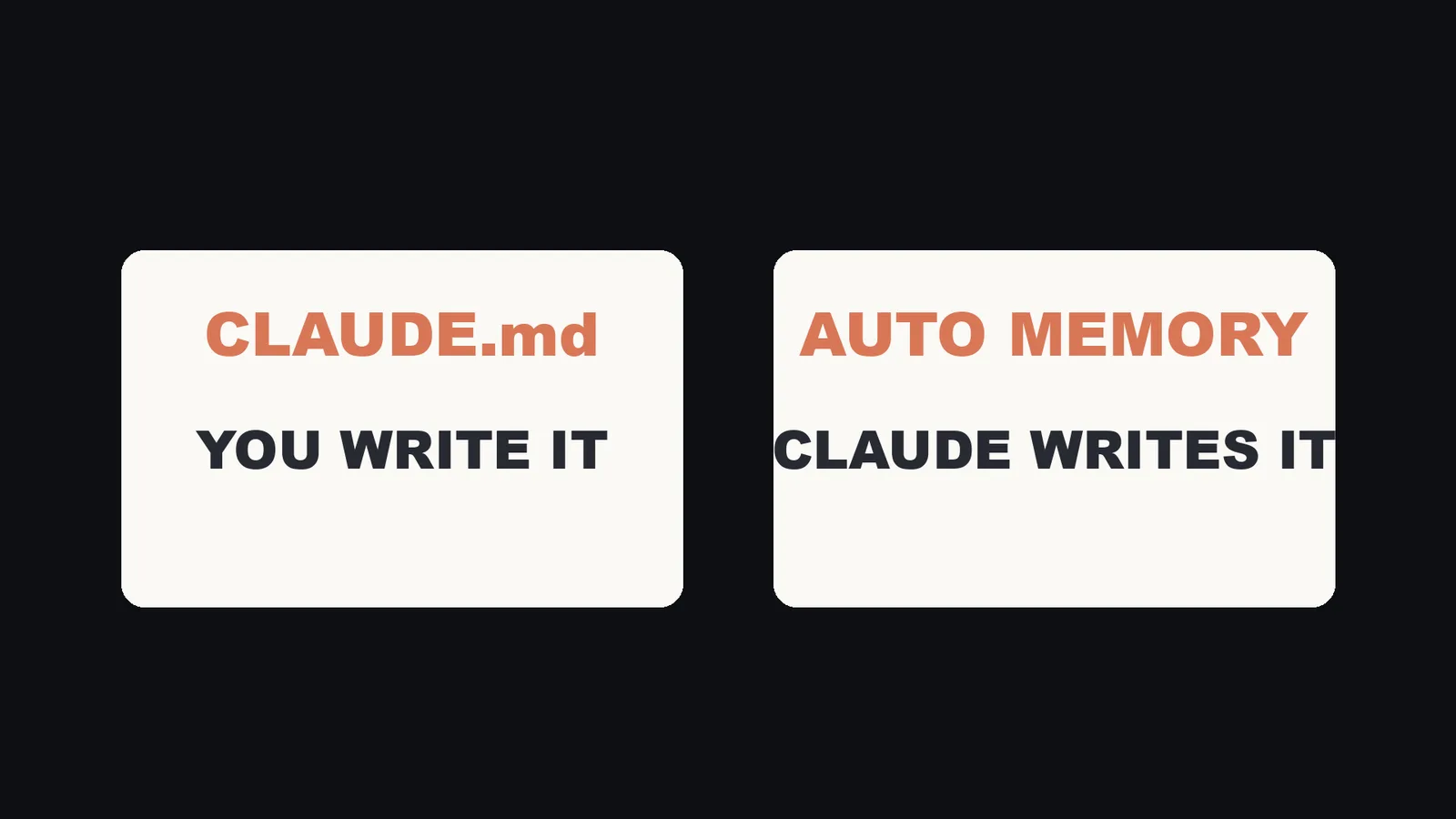
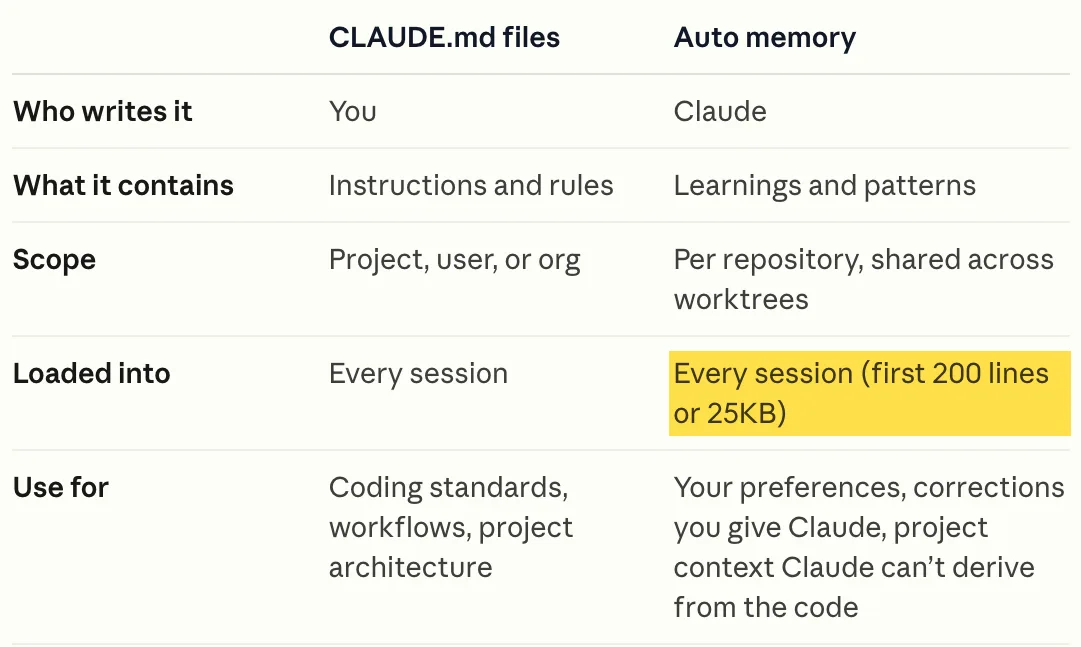
The docs page "How Claude remembers your project" starts like this: "Each Claude Code session begins with a fresh context window. Two mechanisms carry knowledge across sessions." This is the table from that page, as I read it on November 15, 2026:
| CLAUDE.md files | Auto memory | |
|---|---|---|
| Who writes it | You | Claude |
| What it contains | Instructions and rules | Learnings and patterns |
| Scope | Project, user, or org | Per repository, shared across worktrees |
| Loaded into | Every session | Every session (first 200 lines or 25KB) |
Auto memory details from the same page:
- It is on by default in local sessions. You can toggle it with
/memory, which savesautoMemoryEnabledto~/.claude/settings.json. - Each project gets its own folder at
~/.claude/projects/<project>/memory/. The<project>part comes from the git repository, so all worktrees and subdirectories of one repo share one folder.autoMemoryDirectorymoves it. - The folder holds a
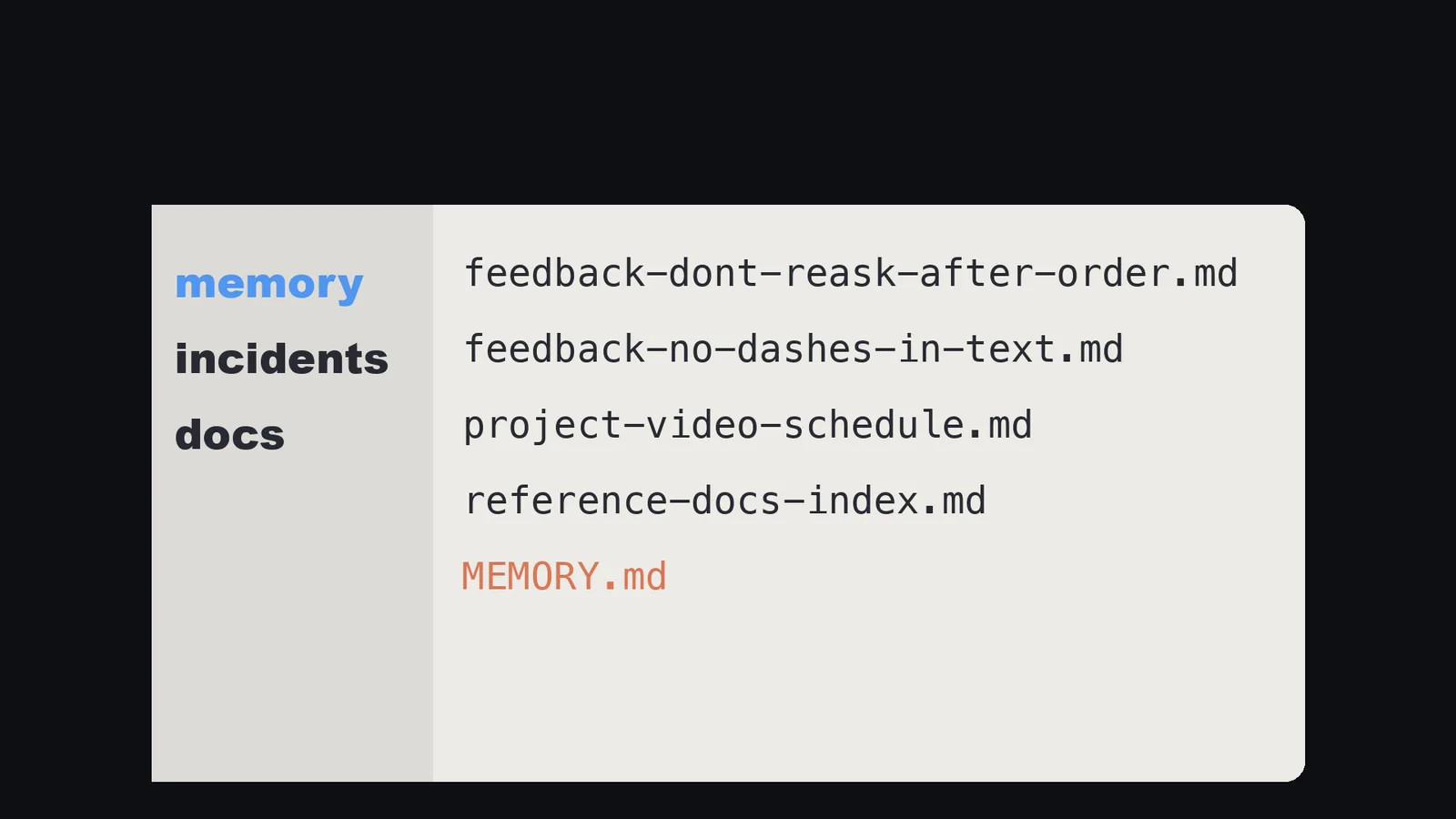
MEMORY.mdindex and one topic file per memory. - Memory files are excluded from the cleanup of old session transcripts. They stay until you or Claude edits or removes them.
- The first 200 lines of
MEMORY.md, or the first 25KB, whichever comes first, are loaded at the start of every conversation. "Content beyond that threshold is not loaded at session start." - Topic files are not loaded at startup. Claude reads them on demand, with its standard file tools, when it needs the information.
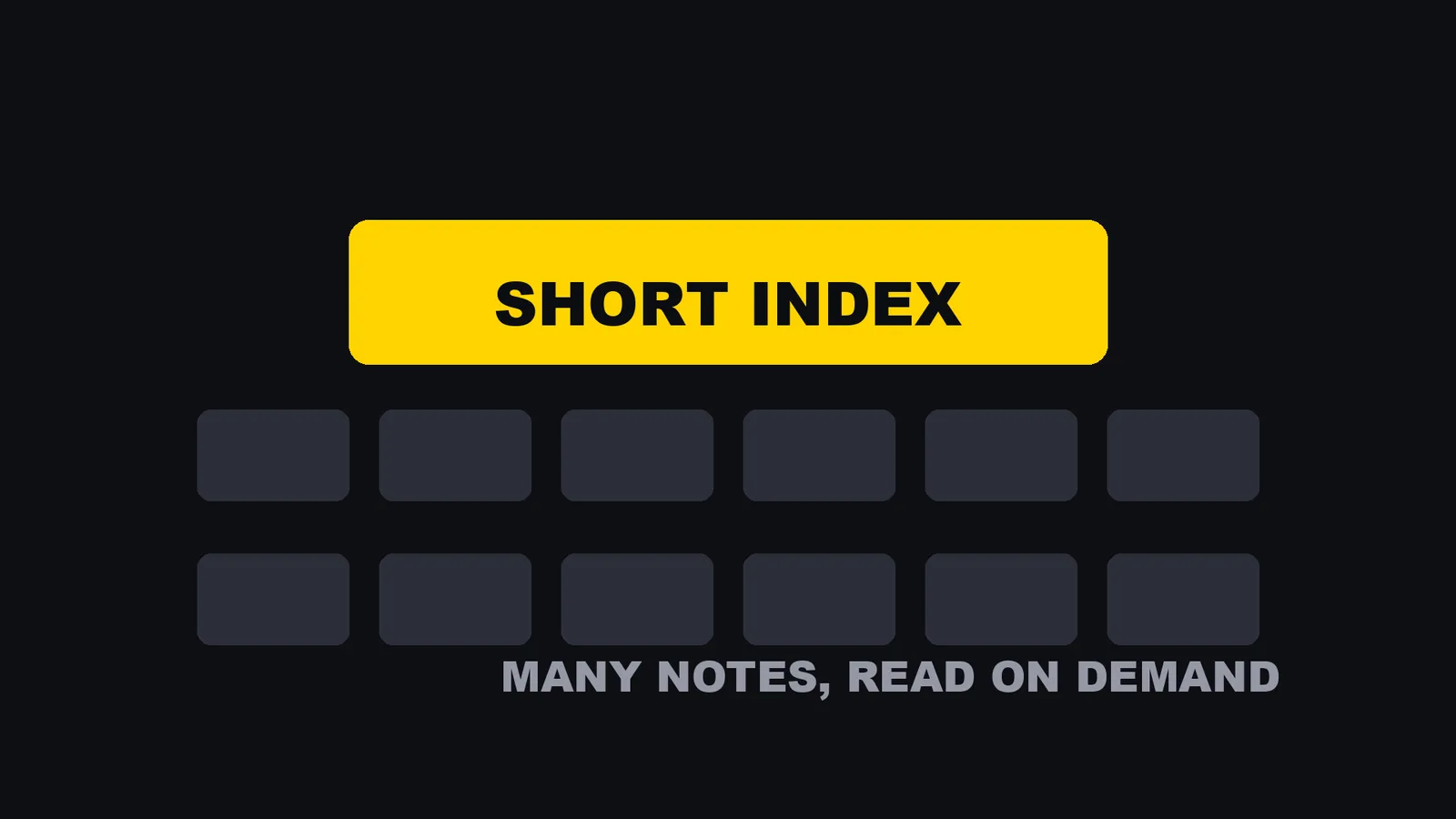
So there are two layers: a short index that is always read, and many notes that are read on demand. Everything I do below depends on that. Two more facts from the docs that matter for the rules:
- After Claude writes to
MEMORY.md, Claude Code measures the file against the limits. Near a limit, it reminds Claude to shorten it: "keep one line per entry, move detail into topic files, and merge or drop stale entries". Over a limit, the write still succeeds, but Claude gets an error telling it to rewrite the index. - The limit applies only to
MEMORY.md. A CLAUDE.md file is loaded whole (up to 4 MiB), but the docs still say to keep each one under 200 lines. Splitting a CLAUDE.md with@pathimports helps organization but "doesn't reduce context cost".
My mistake: a 50 KB index
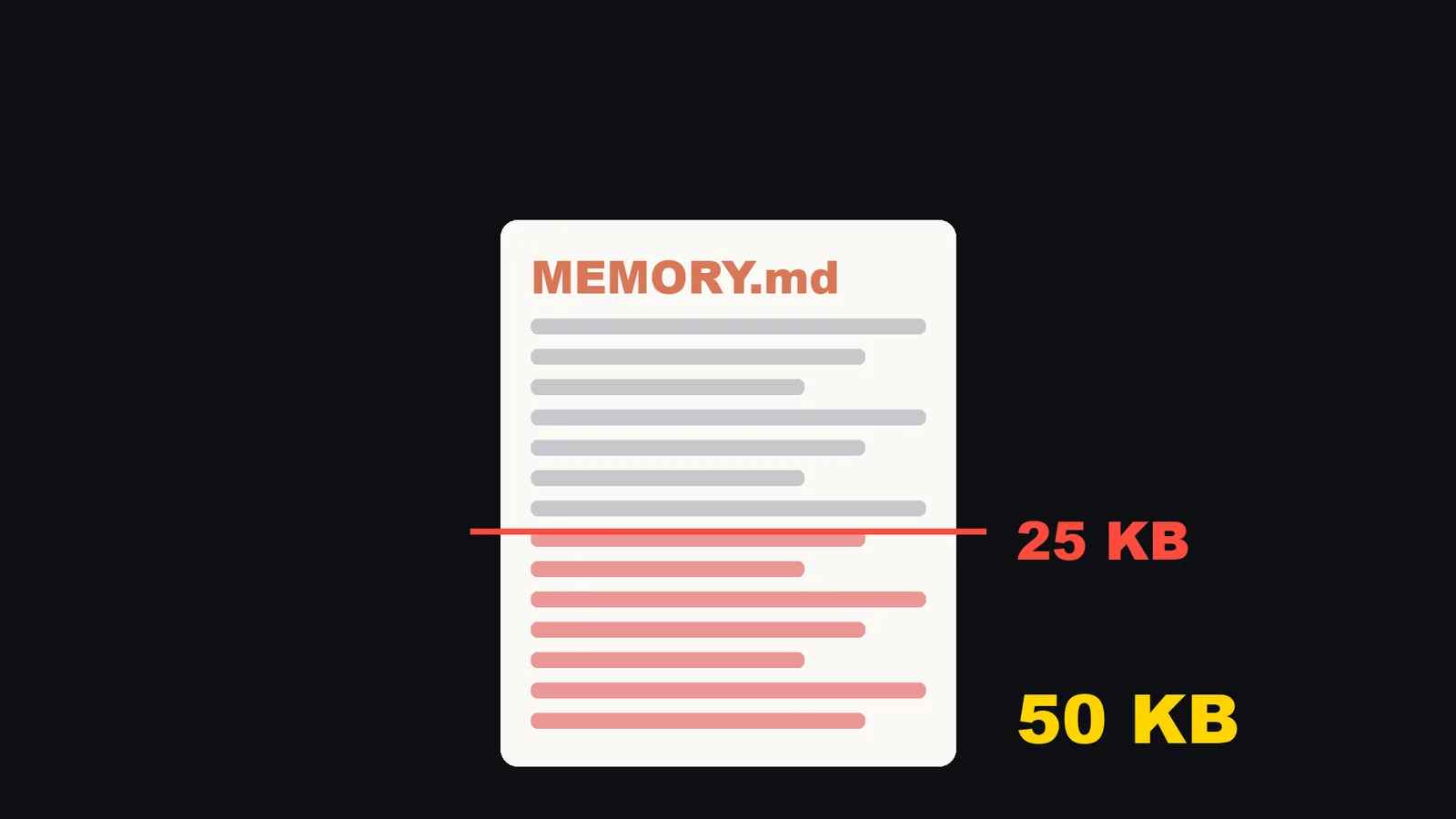
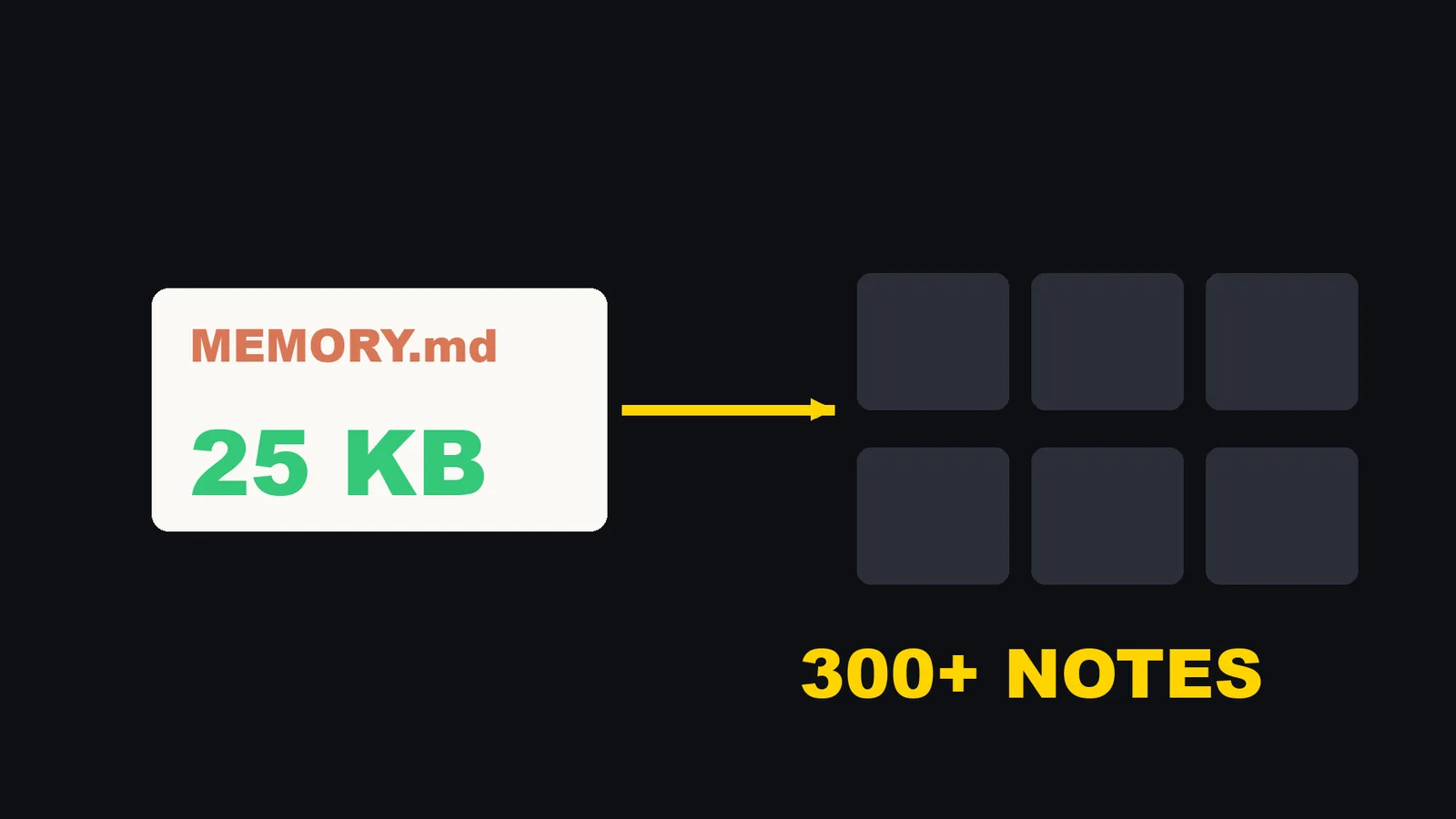
Here is the mistake I made. I kept adding notes, and I never checked how big the index had become. At one point my index file was 50,204 bytes. That is about twice the limit. By the docs, content beyond the limit is not loaded at the start of a session. So about half of my index was invisible to Claude, and I had no idea. I cut it back until it fit. The index is now 25,018 bytes, and it points to more than 300 notes.
Check yours. This takes one minute, and it is the first thing I would do.
wc -lc ~/.claude/projects/<project>/memory/MEMORY.md
The two numbers are lines and bytes. Keep both under the limits above. In a session, /context all lists the files under "Memory files", so you can see what actually loaded. The docs say: "If one is missing there, Claude can't see it."
To count your notes by type, using the file name prefix:
ls ~/.claude/projects/<project>/memory/ | sed 's/-.*//' | sort | uniq -c | sort -rn
Rule 1: save every correction, with the reason
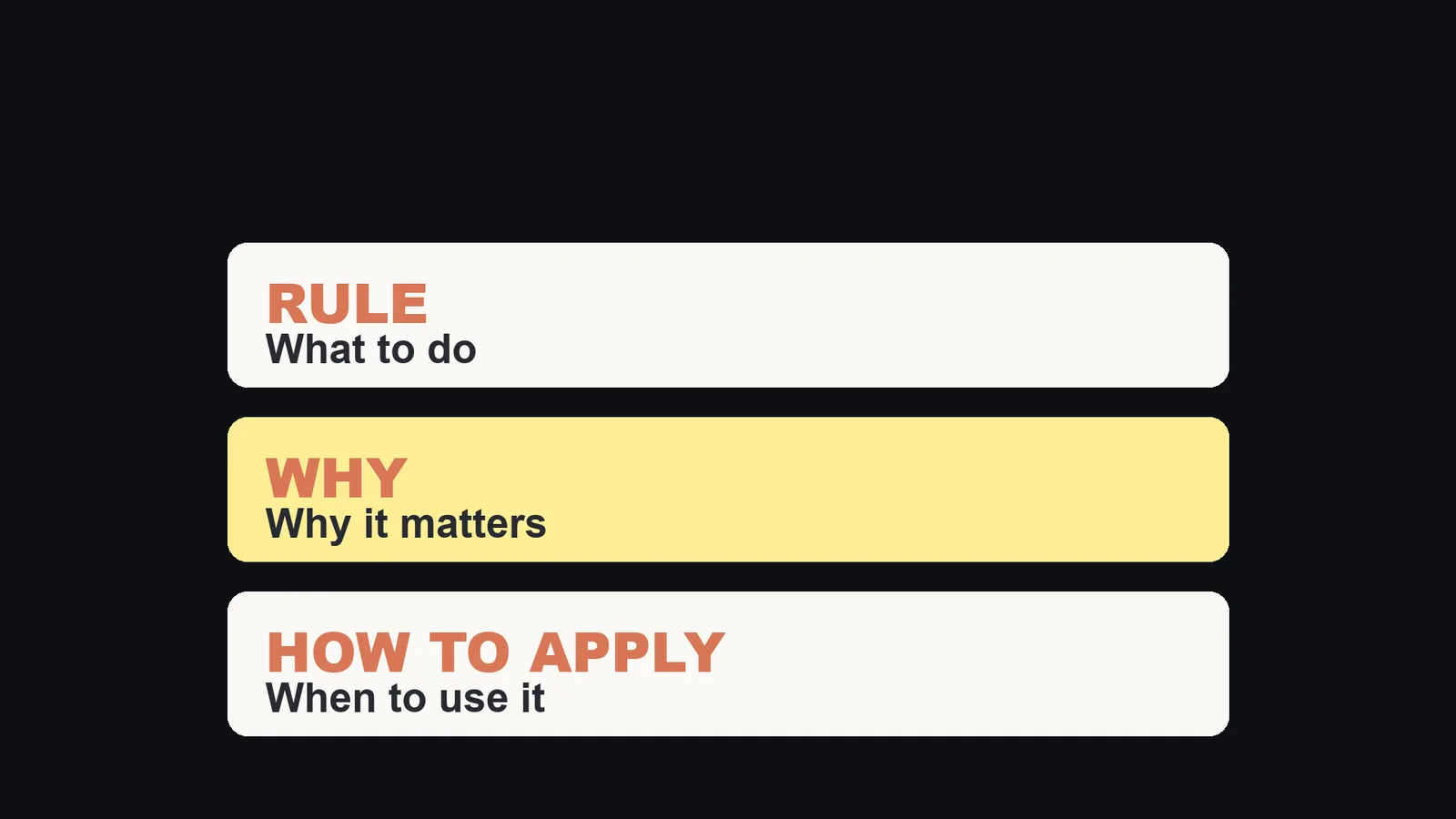
Each note has three parts: the rule, why it matters, and when to use it. The reason is the important part, because it lets Claude handle a case I never described. This is the shape of my notes. The front matter is trimmed to the two keys that matter here, and the text is translated into English.
---
name: feedback-dont-reask-after-order
description: When I give an order, finish it. No second yes.
metadata:
  type: feedback
---

Rule: When I give an order, finish it. Do not ask for permission again.

**Why:** A video I wanted out at 7 in the morning sat waiting all night
for a yes I had already given.

**How to apply:**

- Carry an ordered job to its last step (publish, deploy, send).
- Ask again only when the order does not cover a new decision.
I name each file after the lesson, so I can find it later. The file name starts with the type: feedback- for corrections, project- for facts about a project, reference- for links to outside sources.
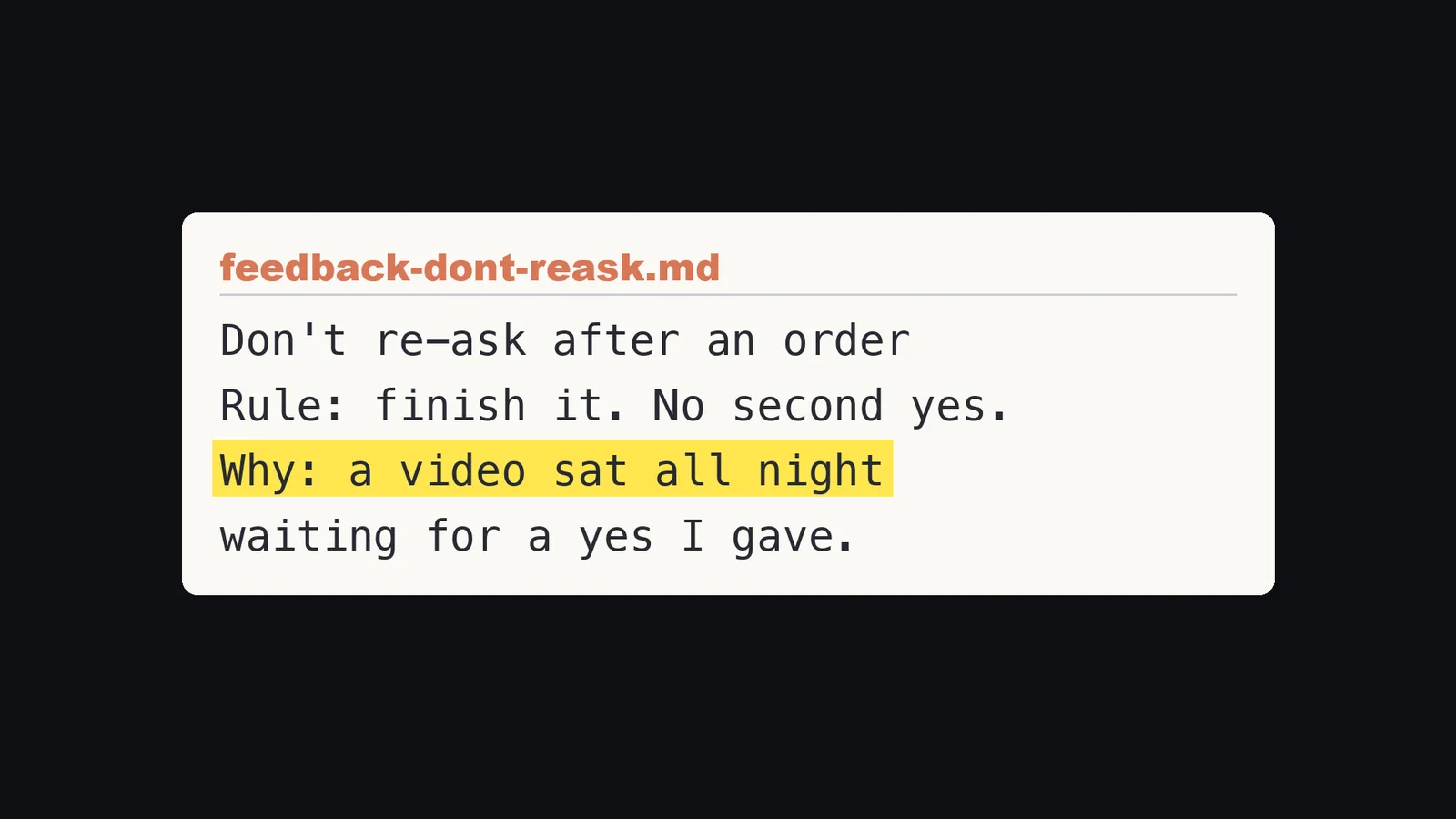
Here is the real one. The rule: when I give an order, finish it and do not ask for permission again. The reason: a video I wanted out at seven in the morning sat waiting all night for a yes I had already given.
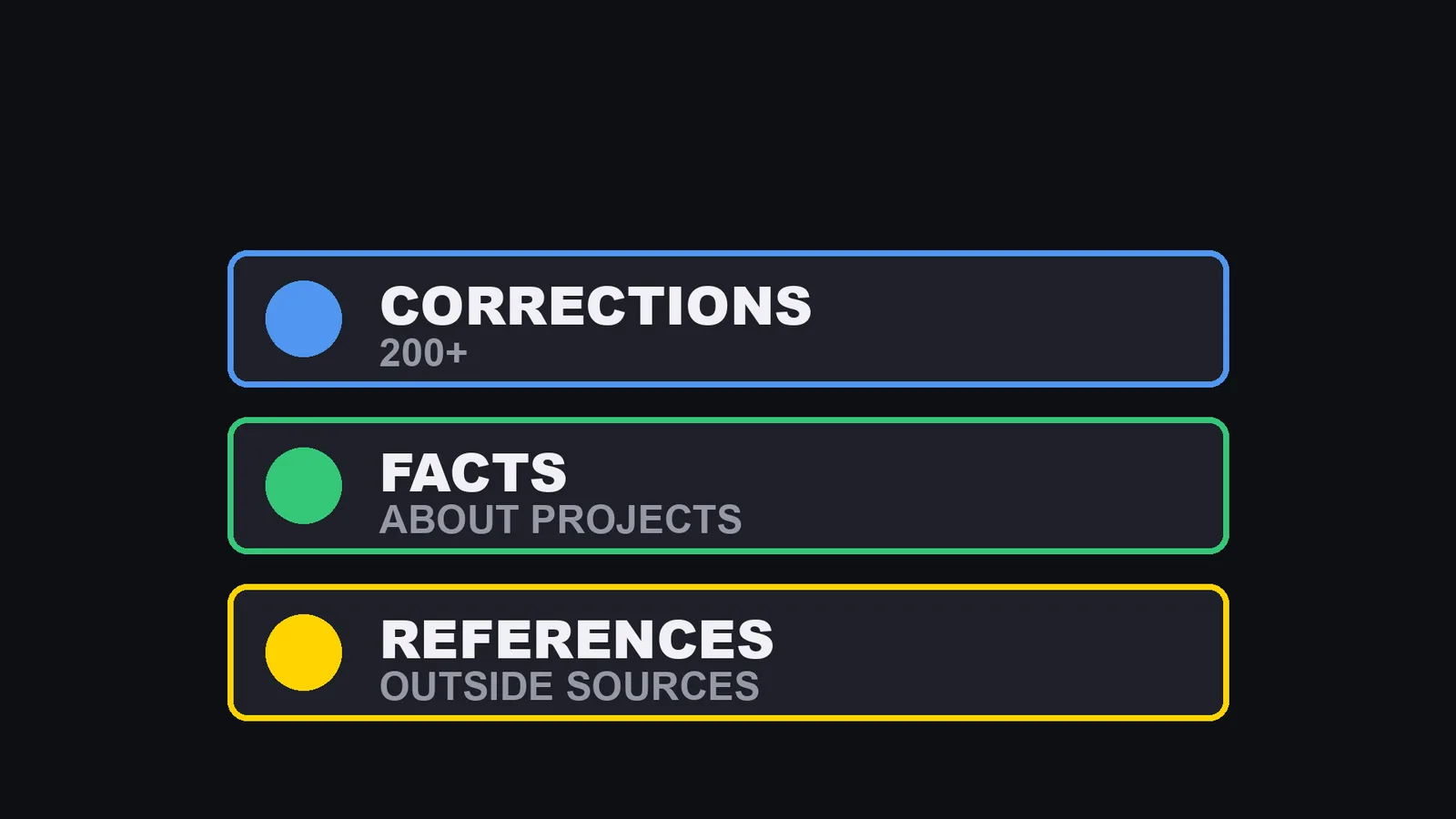
I counted my memory folder when I made the video: 340 notes. 216 are corrections like this one. 57 are facts about each project, like what a channel is for. 29 are links to outside sources I rely on. 16 are index files. The rest are other notes. Claude Code can write these itself. Tell it once, and paste this prompt (the same one is in the video description):
From now on, save a note every time one of these happens:
1. I correct you.
2. Something goes wrong in production.
3. There is an outage (include the cause).
4. I set up something that keeps running.
5. Something takes me more than 30 minutes to figure out.
Each note must have three parts: the rule, the reason (why it matters), and when to apply it.
Name each note file after the lesson. Add exactly one line for it in the index: a short title, then one sentence about what is inside.
Do not save anything the code or the change history already shows.
Rule 2: the index is a table of contents, not a diary
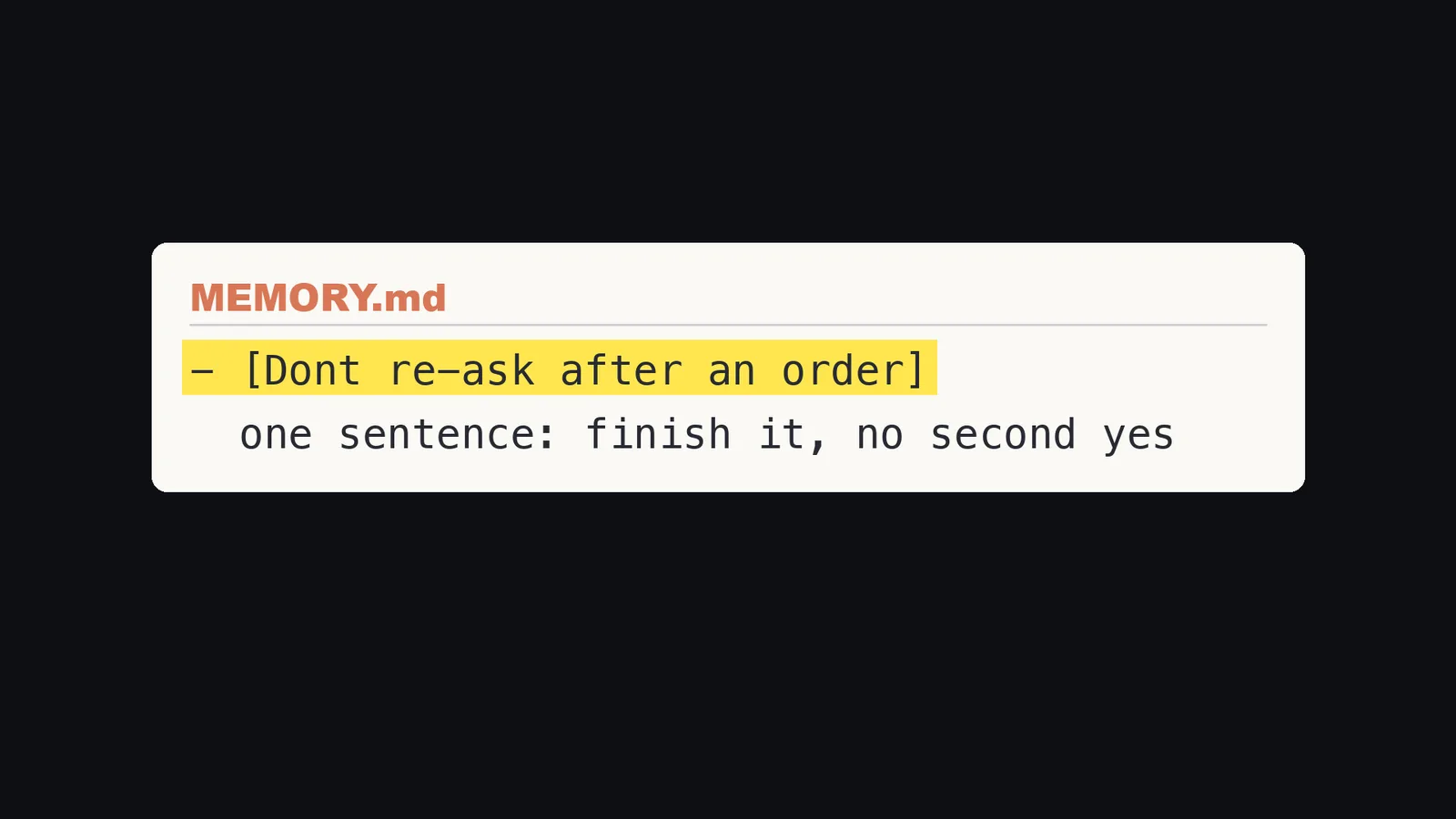
Each note gets exactly one line in the index: a short title, then one sentence about what is inside. This is the shape of a line in my index:
- [Don't re-ask after an order](feedback-dont-reask-after-order.md): finish it, no second yes
The details live in the note itself. That is why I can keep more than 300 notes behind an index of about 25 KB.
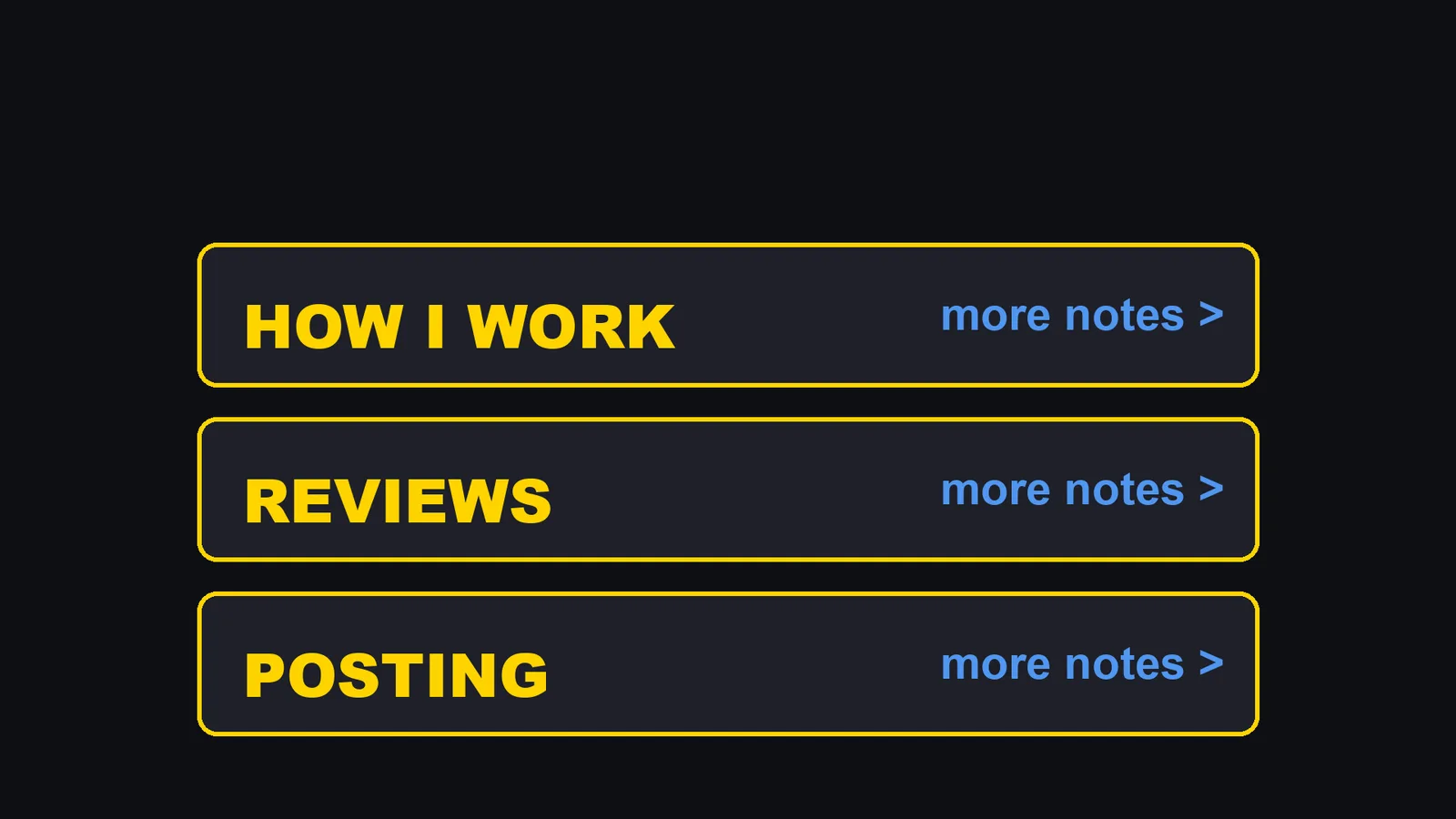
I also group the index under headings, like how I work, reviews, and posting. Each heading ends with a link to a list of smaller notes. Only the main rules are on the index itself, and the many small cases are one step away. My main rule file (the global CLAUDE.md) works the same way. Every rule is one short line, followed by a link to the story of why that rule exists.
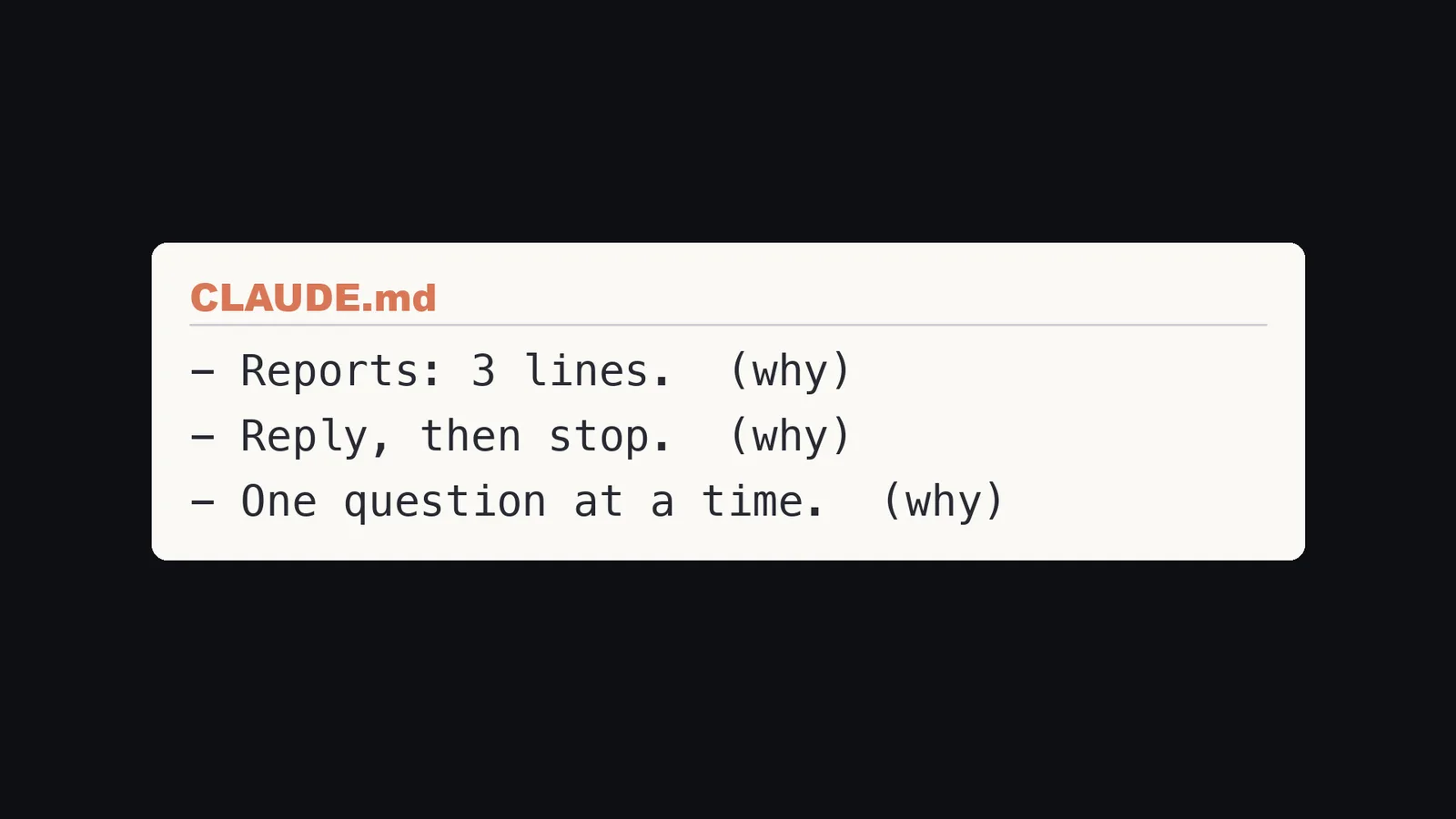
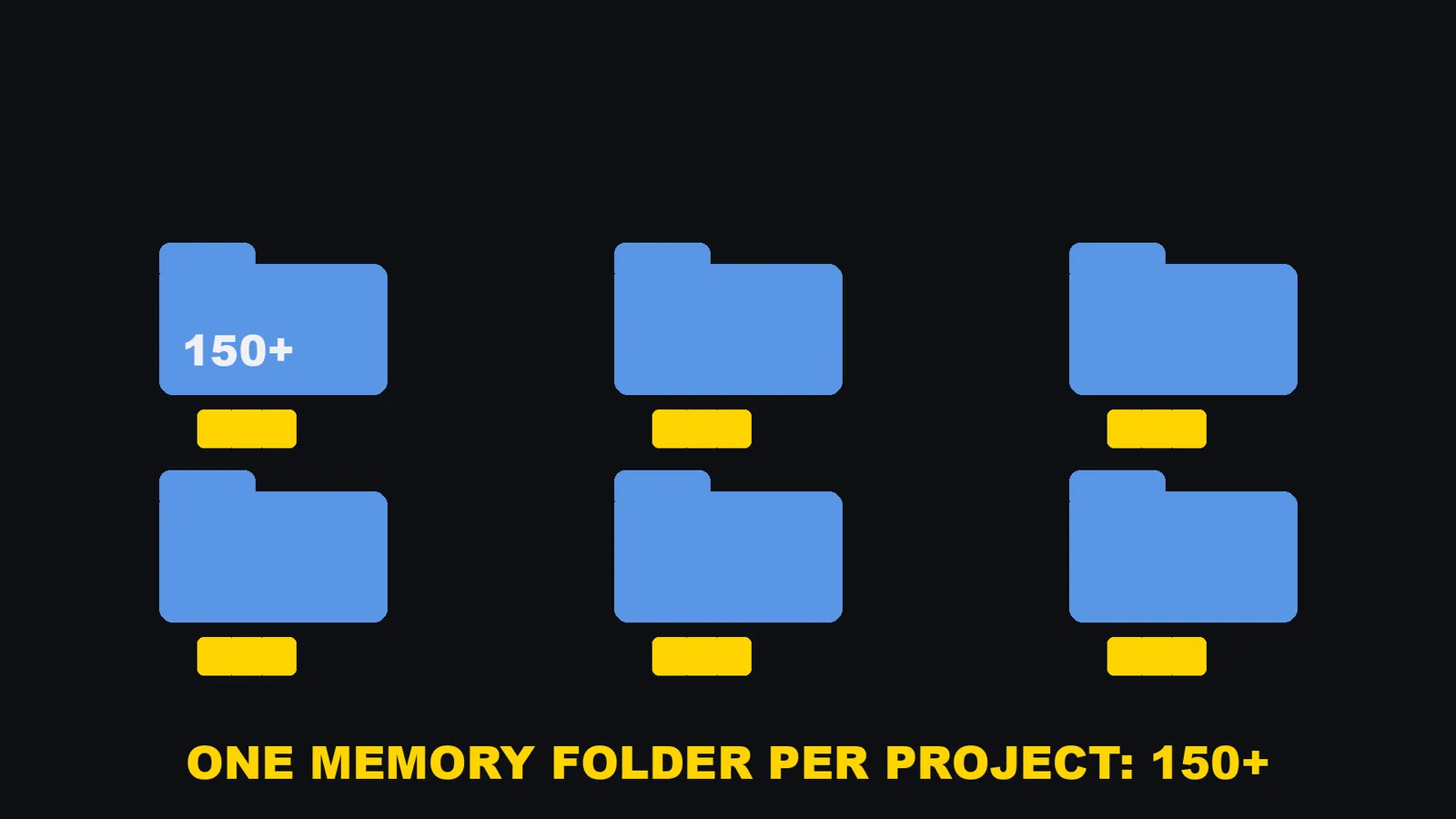
Those stories sit in a separate folder, 146 of them when I counted, and Claude opens one only when it needs the reason. Each of my working folders also has its own memory folder, 152 of them when I counted, so a note about one project never clutters another. When the index gets full, I ask Claude to merge notes that say the same thing and drop the ones that are out of date. That is exactly what the docs recommend in the reminder quoted above.
Rule 3: write it down right away
The next chat cannot read this conversation. It can only read the notes.
The docs say the same from the other side. After /compact, the project-root CLAUDE.md is read from disk again and put back into the session. But "if an instruction disappeared after compaction, it was given only in conversation". Something you said only in a chat can be gone. Something in a file is not.
So I gave Claude one standing order: save a note after five kinds of events. When I correct it. When something goes wrong in production. When there is an outage, along with its cause. When I set up something that keeps running. And when something took me more than 30 minutes to figure out.
Why those five? Because they are exactly the things I would otherwise have to explain all over again.
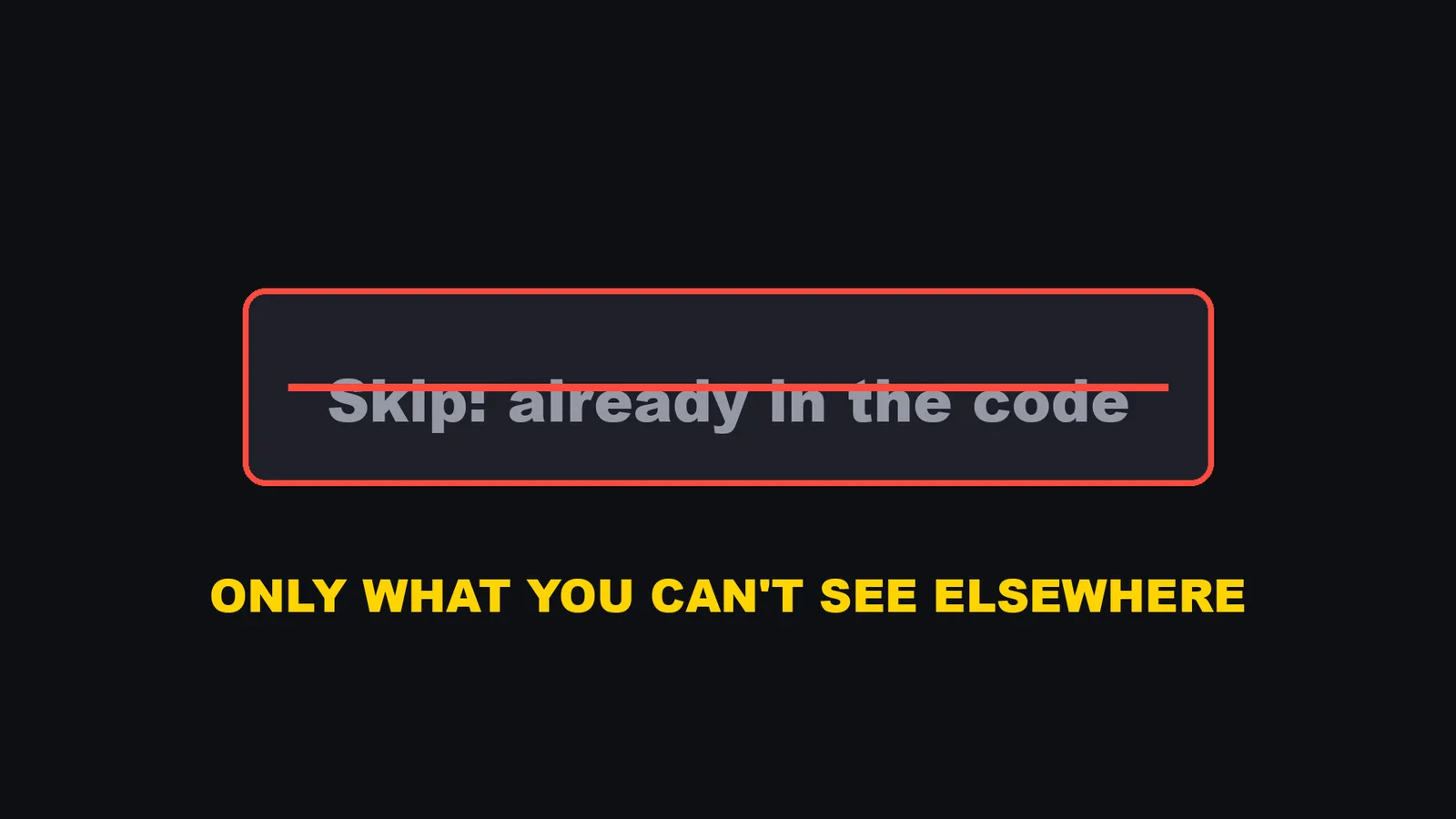
I also tell it what not to save: anything the code or the change history already shows. A note should hold only what you cannot see anywhere else.
Why a note alone still is not enough
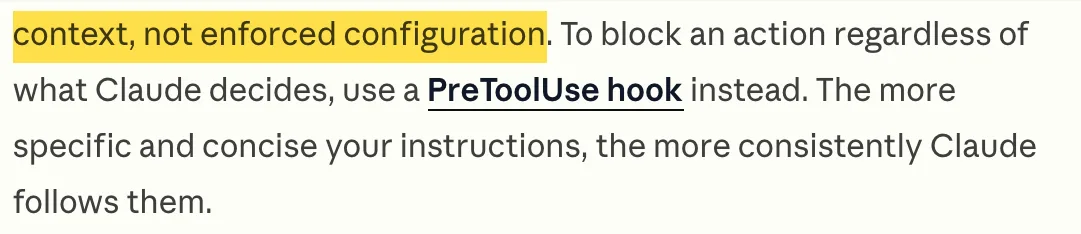
Now the part that surprised me. I had the notes. I had the index. And Claude still repeated the mistake. The note said: when I give an order, finish it and do not ask again. A few days later, Claude asked again. The note was sitting right there in the folder. That matches what the docs say: "Claude treats them as context, not enforced configuration. To block an action regardless of what Claude decides, use a PreToolUse hook instead." The troubleshooting section of the same page says the same thing about timing: "If the instruction is something that must run at a specific point, such as before every commit or after each file edit, write it as a hook instead. Hooks execute as shell commands at fixed lifecycle events and apply regardless of what Claude decides to do." So a note is advice, and Claude can decide not to follow it.
Rule 4: when a mistake is expensive, turn the note into a check
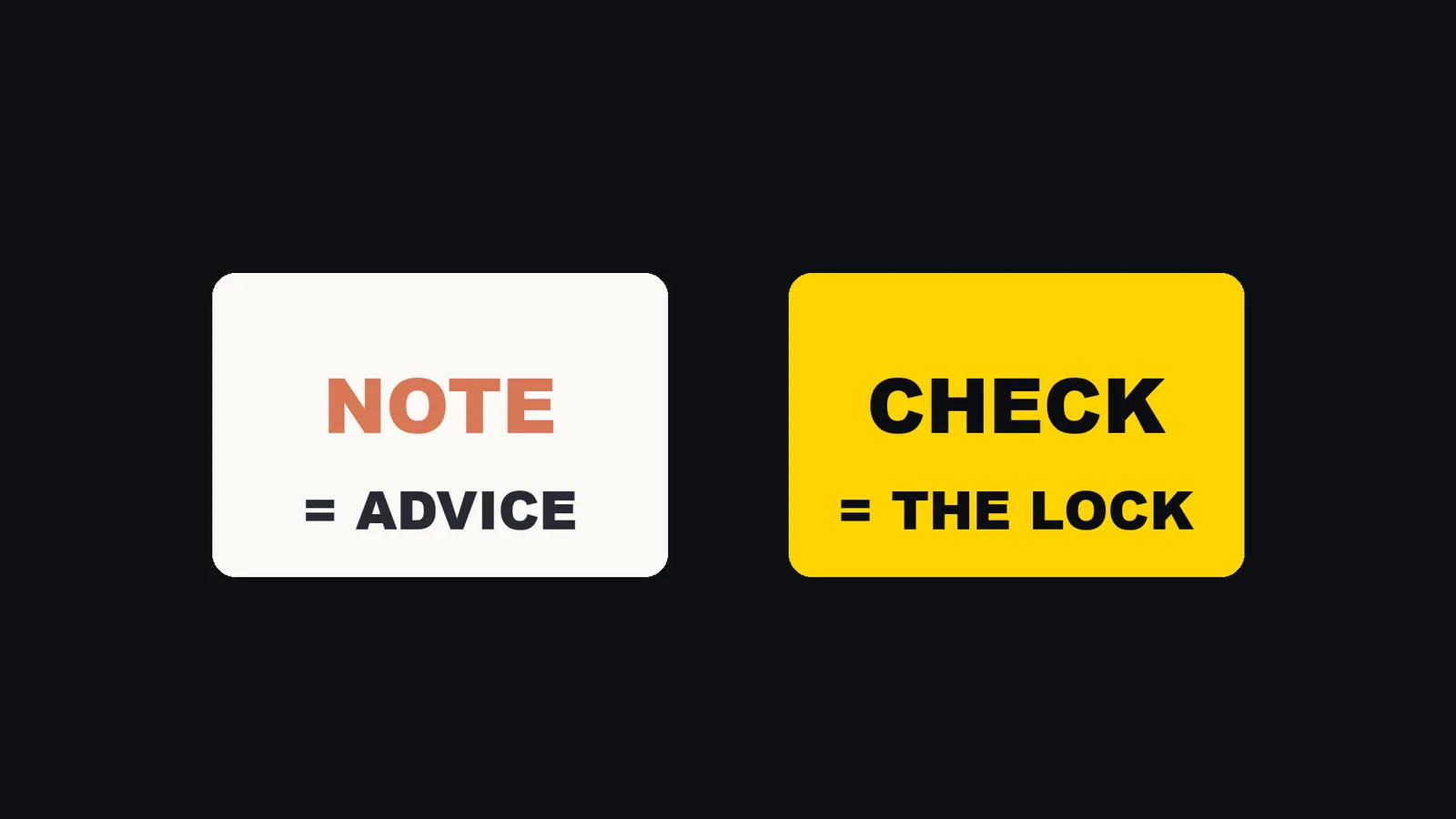
A check is a small program that runs by itself at a set moment. Claude Code calls them hooks. The hooks guide describes them as "user-defined shell commands" that "give you deterministic control: certain actions always happen rather than relying on the LLM to choose to run them."
The moment I use is the Stop event, which fires "when Claude finishes responding". A Stop hook can block with a top-level "decision": "block" and a reason, and the reason is fed back to Claude so it keeps working.
My check reads Claude's reply just before it finishes. If it finds a question like "should I go ahead?" after I gave an order, it sends the reply back and says: finish the job.
The check is not a wall. If Claude truly needs my decision, it writes one line that starts with "Reason to ask:", and the reply goes through.
In about ten days, that one check sent back almost two hundred replies, before I ever saw them (between 180 and 190, depending on how I counted).
Here is a version you can copy. My real one matches Japanese phrases, so this is an English example written for this article, with the same logic: read the last reply, look for a permission question, let it through if there is a "Reason to ask:" line, and do nothing on the second pass.
#!/usr/bin/env python3
# no_reask.py: Stop hook that sends back a reply asking permission again.
import json, re, sys

ASK = re.compile(r"should i go ahead|shall i proceed|do you want me to|let me know if you'd like|ok to (publish|deploy|send)", re.I)
REASON = re.compile(r"^\s*reason to ask:\s*\S", re.I | re.M)

data = json.load(sys.stdin)
if data.get("stop_hook_active"):   # already sent back once: let it end
    sys.exit(0)

last = ""
with open(data["transcript_path"]) as f:
    for line in f:
        try:
            row = json.loads(line)
        except ValueError:
            continue
        if row.get("type") != "assistant":
            continue
        parts = (row.get("message") or {}).get("content") or []
        text = "".join(p.get("text", "") for p in parts if isinstance(p, dict) and p.get("type") == "text")
        if text.strip():
            last = text

hits = [l.strip() for l in last.splitlines() if ASK.search(l)]
if hits and not REASON.search(last):
    print(json.dumps({"decision": "block", "reason":
        "You asked permission again after an order. Finish the job. "
        "Only if you need a new decision, add one line that starts with 'Reason to ask:'."}))
Save it as ~/.claude/hooks/no_reask.py, then register it in ~/.claude/settings.json:
{
  "hooks": {
    "Stop": [
      {
        "hooks": [
          { "type": "command", "command": "python3 \"$HOME/.claude/hooks/no_reask.py\"" }
        ]
      }
    ]
  }
}
Why the stop_hook_active line? The hooks guide says Claude Code overrides a Stop hook after it blocks eight times in a row with no tool call from Claude in between, and it tells you to check that field in your script.
How I tested it, so you can do the same. I wrote four fake transcript files and ran the script on each on November 15, 2026:
| Last reply in the file | Result |
|---|---|
| "Done with the draft. Should I go ahead and publish it?" | Blocked, with the reason |
| "Done. Published." | Nothing printed, the reply goes through |
| "Reason to ask: this needs a price decision." then "Should I go ahead with $20?" | Nothing printed, goes through |
The first reply again, with stop_hook_active set to true |
Nothing printed, goes through |
That was an offline test with fake files, not a run inside a live session. In a real session, do what I do in the video: ask Claude for something, make it ask for permission on purpose, and watch the check send the reply back. So the notes teach Claude what I want, and the check makes sure it happens. The note is advice. The check is the lock.
Start today, in three steps
Step 1. Tell Claude to save a note whenever you correct it, with the rule, the reason, and when to apply it. Use the prompt above. Auto memory is on by default, and you can browse the notes any time with /memory.
Step 2. Once a week, open the index. Keep one line per note, and keep it under 200 lines and the size limit, because anything past the limit is dropped. wc -lc shows both numbers.
Step 3. Pick the one mistake that costs you the most, and ask Claude to turn that note into a check. A prompt like this works as a start (it is an example I wrote for this article):
Read the note feedback-dont-reask-after-order.md. Write a Stop hook script that blocks a reply
which asks me for permission again after an order, and register it in ~/.claude/settings.json.
Allow one escape: a reply that has a line starting with "Reason to ask:". Then test it with
a fake transcript file and show me the output.
Start with just one. The first time the check stops a repeat, you will feel the difference.
Commands and settings that show your memory
All of these are from the docs pages I read on November 15, 2026. I did not run every one of them for this article.
| What | How | What it does, per the docs |
|---|---|---|
| Browse and edit memory | /memory |
Lists your CLAUDE.md and other memory files, toggles auto memory, and opens the auto memory folder |
| See what loaded | /context all |
The "Memory files" list shows which CLAUDE.md files loaded at launch |
| Turn auto memory off for one project | "autoMemoryEnabled": false in that project's settings |
Auto memory is on by default |
| Move the memory folder | "autoMemoryDirectory": "~/my-custom-memory-dir" in settings.json |
Read from any settings scope |
| Log which instruction files load, and when | An InstructionsLoaded hook |
The docs suggest it for debugging |
| Make a rule always happen | A hook | Hooks run at fixed lifecycle events, regardless of what Claude decides |
What I did not test
- I did not measure how many hours this saves me, so I give no number. What I can say is that the same mistake now gets stopped, not just apologized for.
- The counts (340 notes, 216 corrections, 57 facts, 29 references, 16 index files, 146 incident stories, 152 memory folders, and the index going from 50,204 to 25,018 bytes) were taken when I made the video. I did not recount them for this article.
- The number of replies the check sent back is between 180 and 190 depending on how I counted it over about ten days. I did not settle on one count.
- I did not test what exactly happens at the boundary of the limit. The docs say "25KB", and I did not check whether that means 25,000 or 25,600 bytes. Everything I say about what Claude cannot see past the limit is from the docs.
- The example hook is an English version written for this article. I tested it offline with four fake transcript files, not in a live session, and I did not hit the eight-block cap myself. That cap is from the hooks guide.
- A hook like this only catches the phrases you list. Mine matches Japanese phrases, and I did not measure how many permission questions it misses.
- The Rule, Why and How to apply layout is my own habit. The docs do not require it.
- I did not compare this with other memory tools or plugins. This is one person's setup.
Who this is not for
- If Claude rarely repeats a mistake for you, there is nothing to fix.
- If you work in one repository with a short CLAUDE.md, rule 2 (the index) may never matter to you.
- If you want a number for how much time this saves, this article cannot give one.
So, why does Claude Code forget what you corrected? It is not careless. Every chat starts blank. A note tells Claude what you want. A check makes sure it happens. Build both.
Sources:
- Claude Code Docs, "How Claude remembers your project" (code.claude.com/docs/en/memory), read November 15, 2026
- Claude Code Docs, "Automate actions with hooks" (code.claude.com/docs/en/hooks-guide), read November 15, 2026
- My own memory folder, counted when I made the video, November 2026
- A fake-transcript test of the example hook on my Mac, November 15, 2026