 Hisashi Space
November 7, 2026 · 21 min read
Claude Code Hooks Examples: Which Mistakes Need a Hook, and How to Build One That Really Stops Them
Five Claude Code hooks that stop its worst mistakes. I run seventy of them.
One of them took a mistake Claude made about a hundred times, and now blocks it before it ever reaches me. Every one of those hooks exists because a written rule didn't work.
I made a video about it.
This article has what the video has no room for: the events a hook can stop and how each one says no, the real code behind the five hooks (translated into English), the settings.json entries, the commands to test a hook by breaking it on purpose, and a checklist for deciding what becomes a hook.
The short version
- A rule in
CLAUDE.mdis something the model reads. Reading is not the same as obeying, and long sessions bury the rule. - A hook is a script that Claude Code runs at a fixed moment: before a tool call, before a reply ends, when you send a message.
- The script can say no. A
PreToolUsehook denies the tool call. AStophook sends the reply back to be written again. - My five: long dashes in drafts, replies in the wrong language, posting to the wrong account, saying "fixed" without checking, and leaving the cursor in a password field.
- Three steps decide what becomes a hook: find the real cause on the real thing, make it stop instead of warn, and break it on purpose to watch it fire.
- A hook you never saw fire is a hook you don't actually have.
- What to make, which topic, whether it is good: those stay with a person.
I have run my own company in Japan for 22 years. Claude Code does a lot of my daily work: videos, posts, articles. Everything about my hooks below comes from the files themselves. I read each one again for this article and ran the tests shown here.
Claude Code keeps making the same mistake
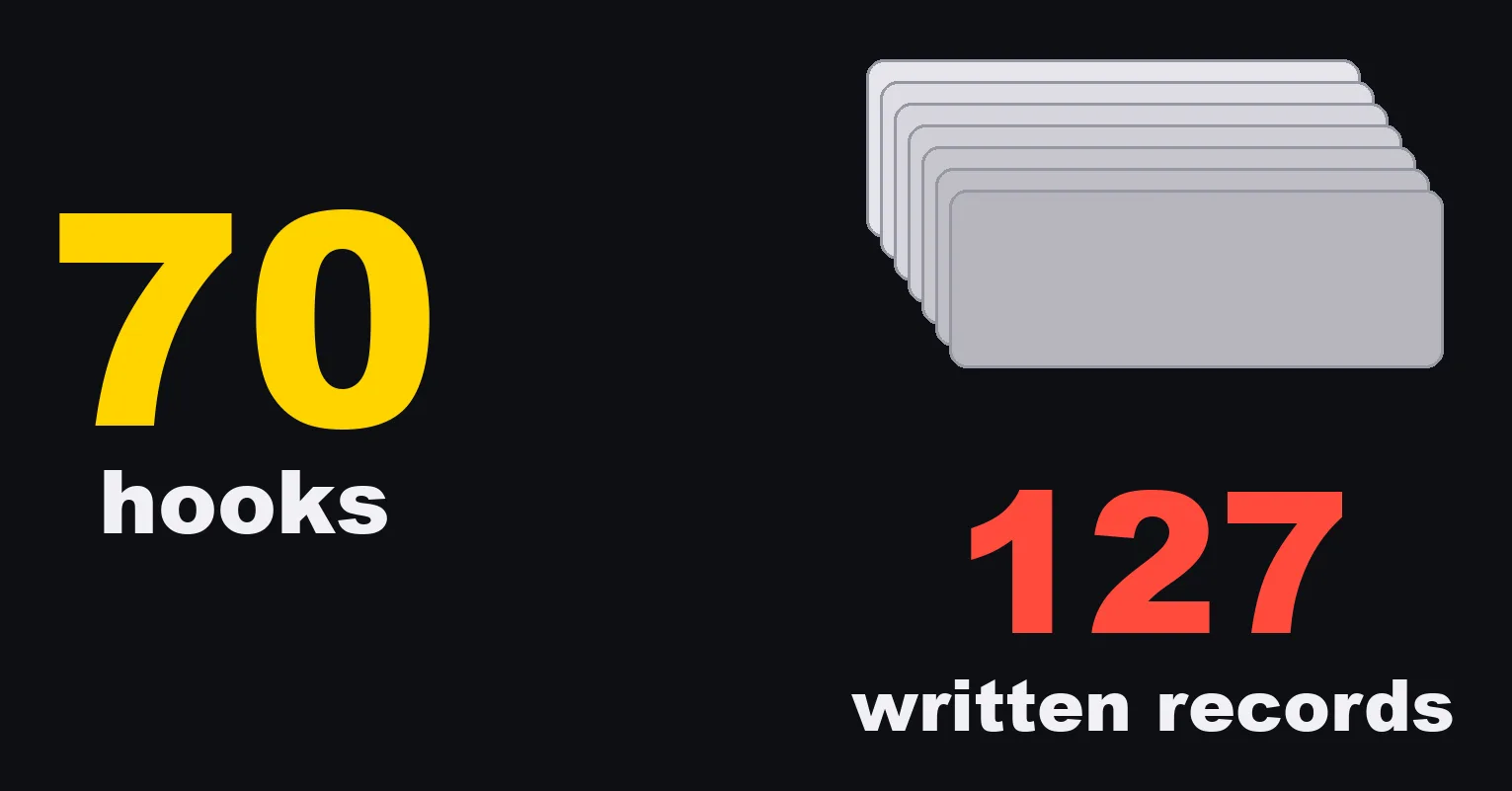
Behind my hooks there is a folder of written records of things that went wrong. There were 127 when I made the video. Today there are 134. Each record says what happened, why, and what now stops it.
Here is what "same mistake" actually means.
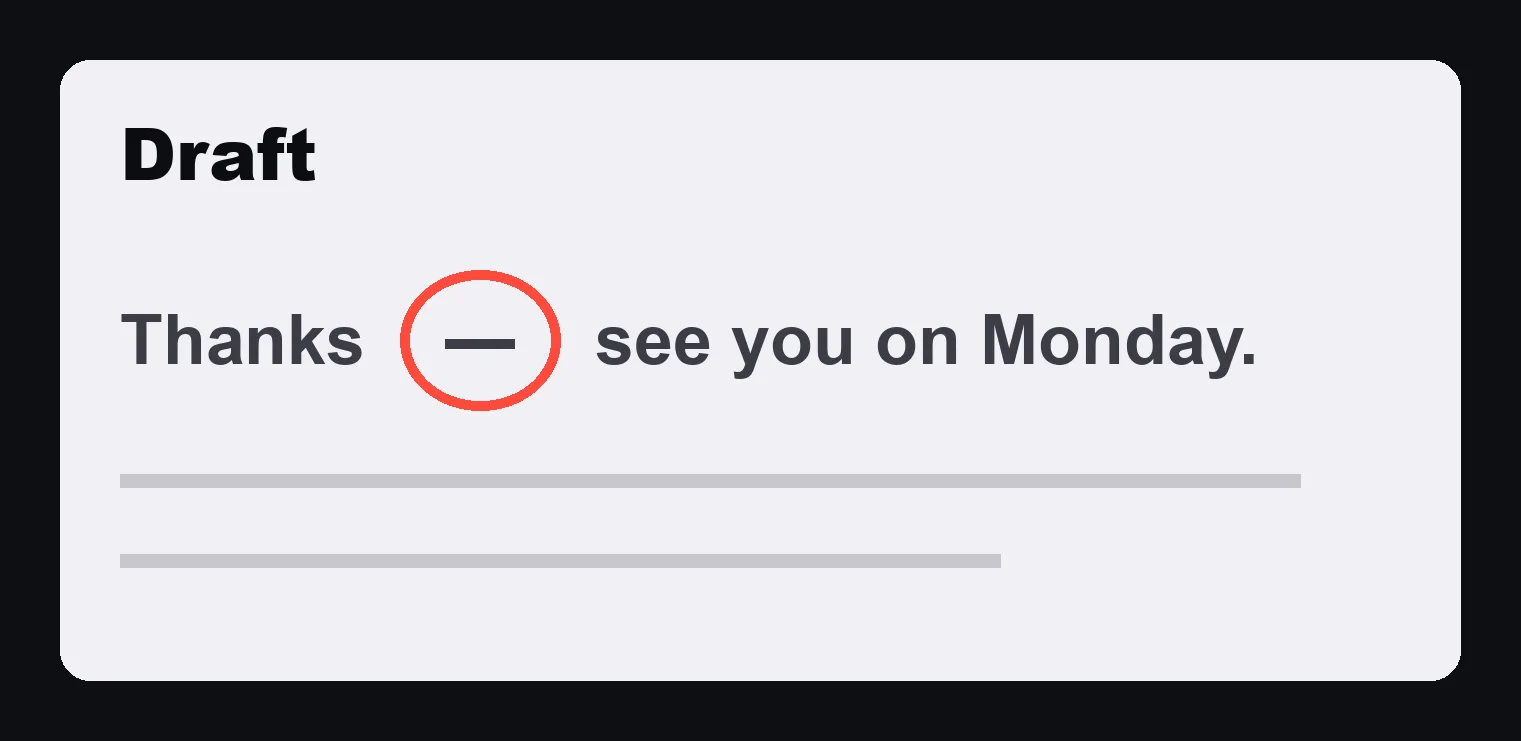
In July, Claude Code kept putting long dashes in my emails. Those dashes make writing look like AI wrote it.
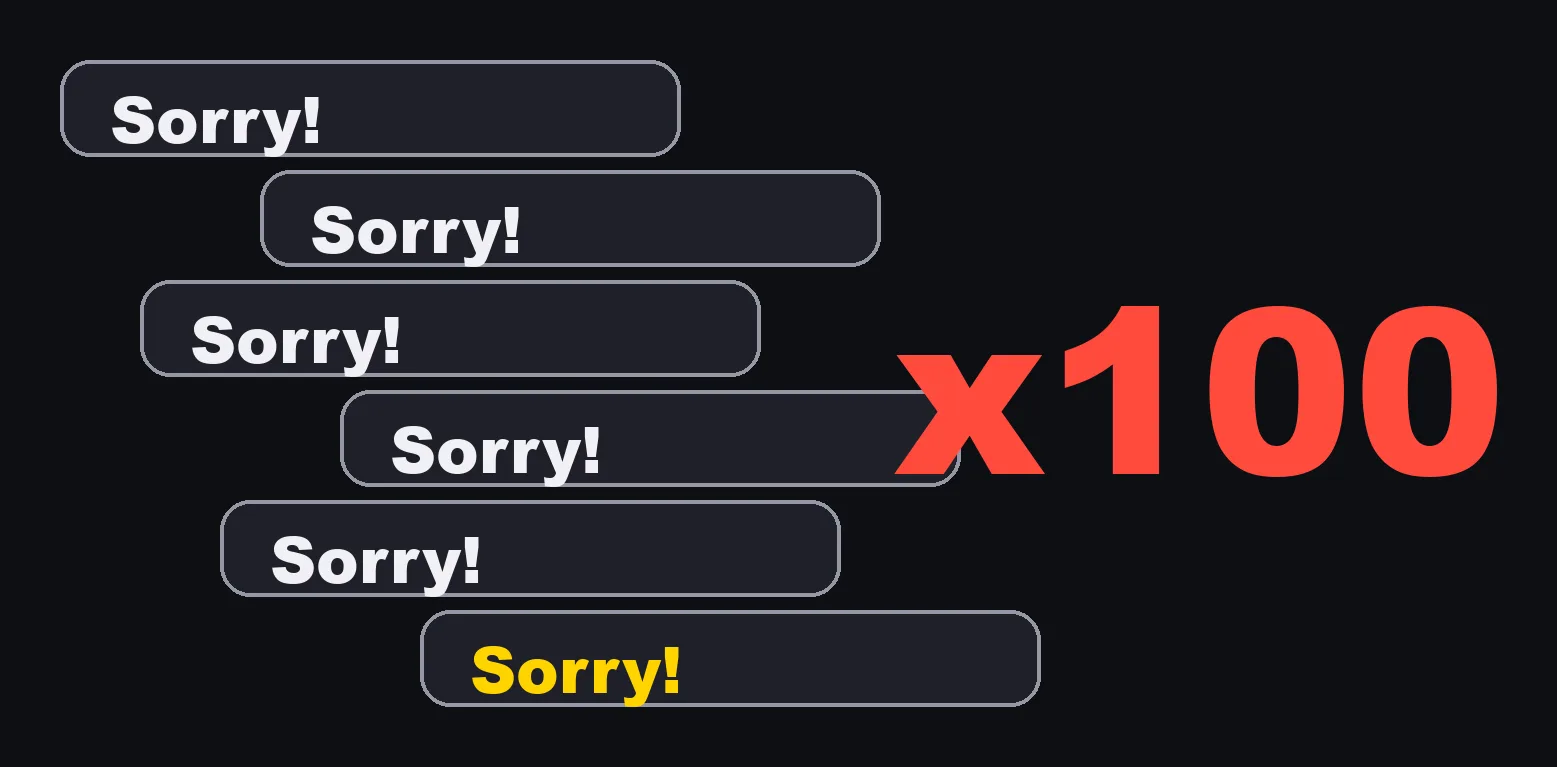
I told it not to. It said sorry, fixed it, and used one again in the very next draft. By my own count, I had pointed it out about a hundred times.
When I looked into why, the answer was simple. The rule existed, but only in places that never saw my emails: a hook limited to file edits, and the instructions for one blog platform. A rule that is not written where the work happens is not followed.
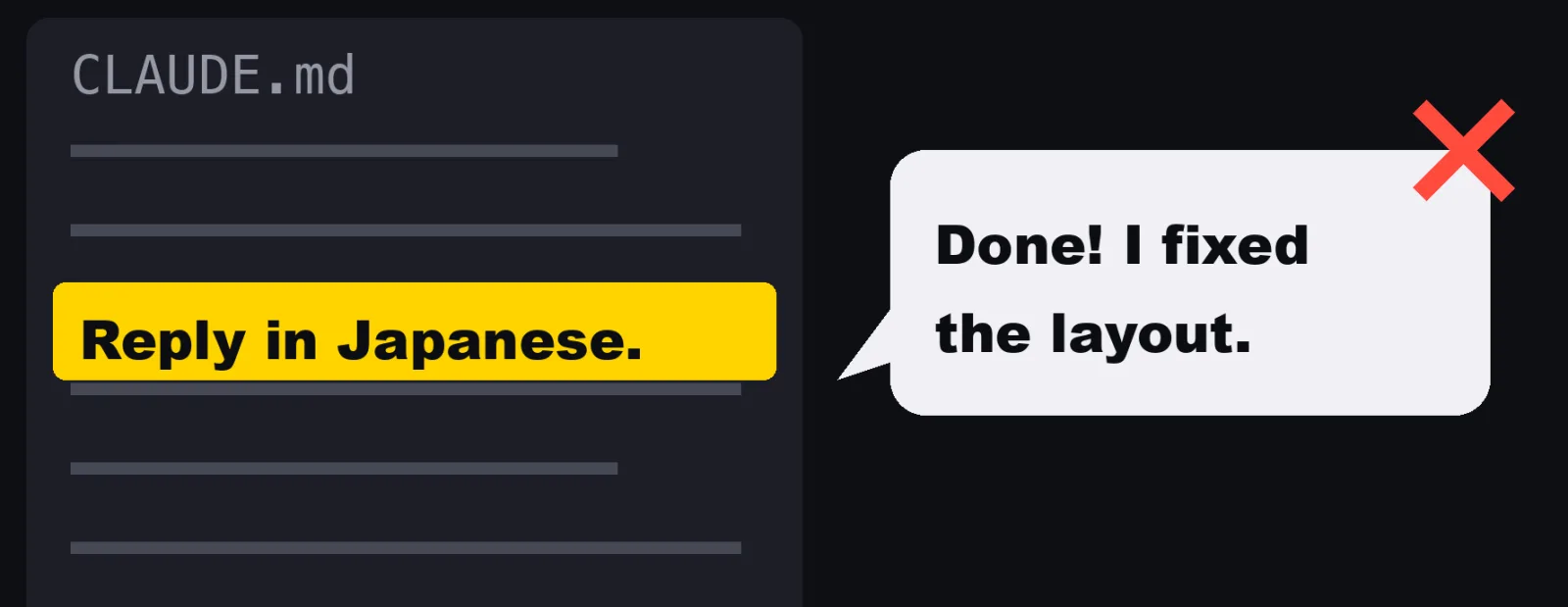
Another one. After a long work session, it would report back to me in English. My rule says Japanese. It was right there in the file.
Why Claude Code ignores rules in CLAUDE.md
A rule in a file is something the model reads. Reading is not the same as obeying.
The longer the session, the more other text piles up on top of your rule: code, logs, tool results, English documentation. The rule doesn't disappear. It just gets quieter.
Writing it louder, in capital letters, helps for a while. Then it slips again.
These are the two failures I saw, side by side:
| The dash | The language | |
|---|---|---|
| The rule | Never use long dashes | Reply in Japanese |
| Where it was written | A hook for file edits, and one platform's instructions | CLAUDE.md |
| When it broke | Email drafts, which the rule never covered | The end of long sessions full of English code and API output |
| What Claude did when told | Apologized, fixed it, did it again | Apologized, switched back, did it again |
| What fixed it | A hook on every path a draft can take | A hook that reads the reply before I see it |
What are Claude Code hooks
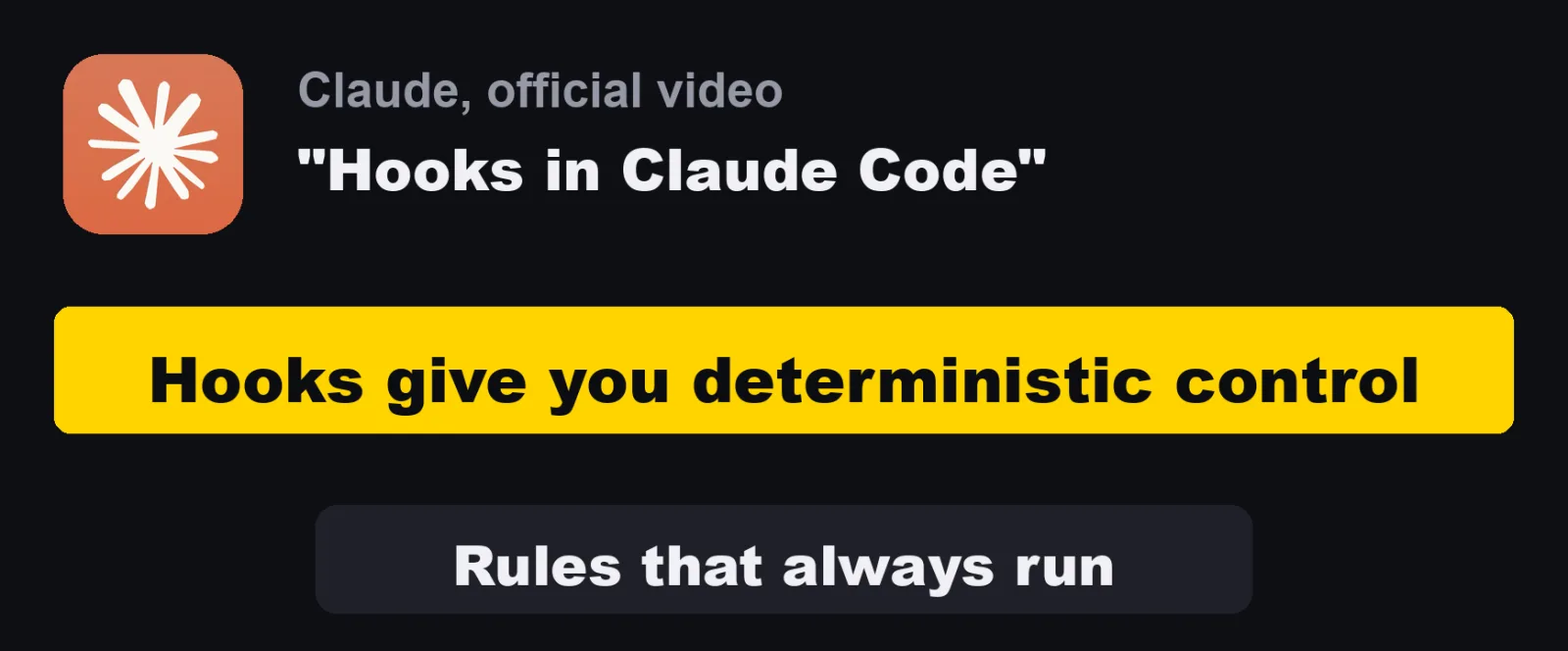
Claude's own team puts it in one line. The description of the official video "Hooks in Claude Code" opens with: "Hooks give you deterministic control over Claude Code's behavior at key lifecycle events."
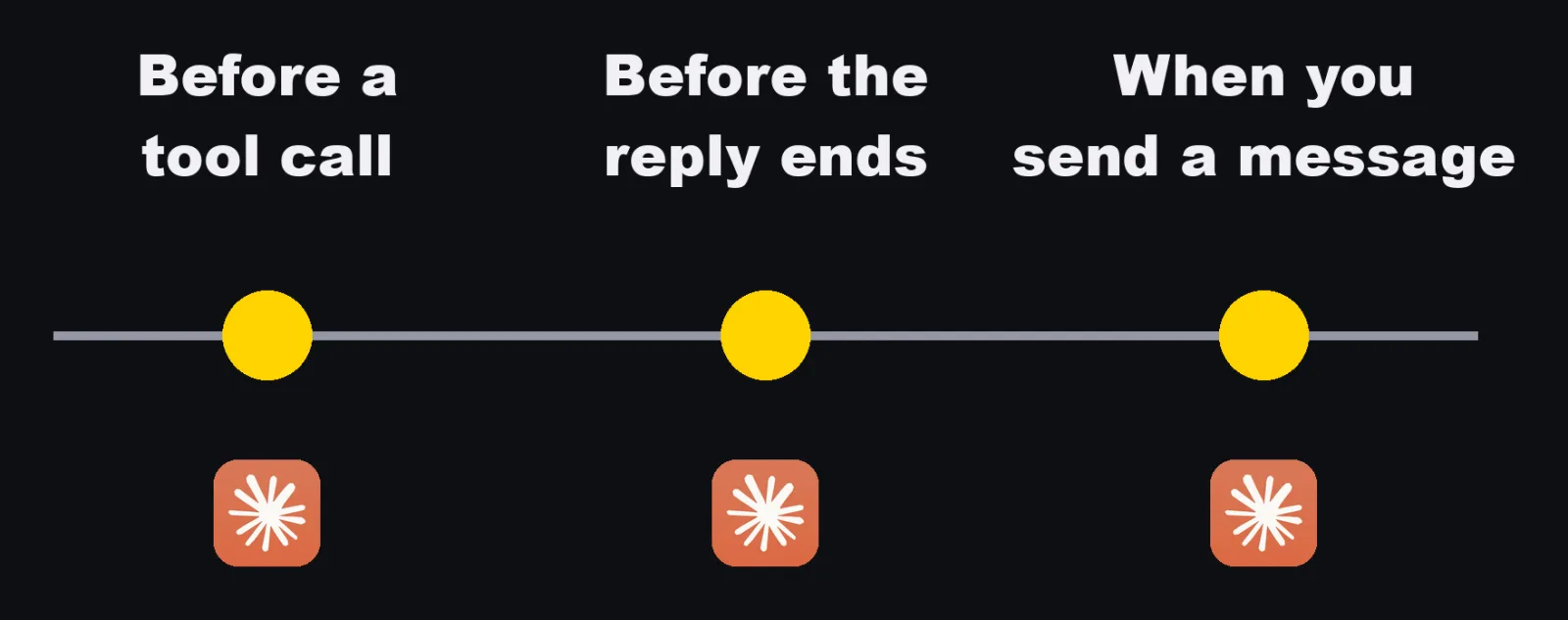
A hook is a small script that runs at a fixed moment. Before Claude uses a tool. Before it finishes a reply. When I send a message.
The model can forget a rule. A script can't. If the check fails, the action stops, no matter how long the session is.
Claude Code passes the script a JSON object on standard input.
It includes transcript_path, the path of the session's transcript (a JSONL file), and for tool events it includes tool_name and tool_input.
The script answers with its exit code or with JSON on standard output.
These are the moments my hooks use, and how my scripts say no at each one:
| Moment | Event | What my script reads | How it says no |
|---|---|---|---|
| Before a tool call | PreToolUse |
tool_input (the command, the file content, the draft) |
Prints {"hookSpecificOutput": {"hookEventName": "PreToolUse", "permissionDecision": "deny", "permissionDecisionReason": "..."}}. The tool does not run, and Claude sees the reason. |
| After a tool call | PostToolUse |
tool_input |
Cannot undo the call. Prints additionalContext so Claude sees a warning right away. |
| Before the reply ends | Stop |
The transcript, through transcript_path |
Exits with code 2 and the reason on standard error, or prints {"decision": "block", "reason": "..."}. Claude keeps working and has to answer the reason. |
| When I send a message | UserPromptSubmit |
Nothing (mine ignores the input) | Does not say no. What it prints is added to what Claude sees, so the reminder is never far away. |
One field matters for every Stop hook: stop_hook_active.
It is true when Claude is already continuing because a Stop hook sent it back.
All of my Stop hooks return right away when they see it, so a hook can send a reply back once, but never in an endless loop.
I have 70 hook scripts in ~/.claude/hooks.
In ~/.claude/settings.json they make 77 entries, because some scripts run at more than one event, and a few entries are one line commands written straight into the file.
This is where those 77 entries sit today:
| Event | Entries |
|---|---|
PreToolUse |
48 |
Stop |
14 |
PostToolUse |
7 |
UserPromptSubmit |
4 |
SessionStart |
2 |
Notification |
1 |
SessionEnd |
1 |
Most of them are PreToolUse: they decide whether a tool call goes ahead.
That is the moment where saying no costs nothing, because nothing has happened yet.
Claude Code hooks examples: dashes and language
1. The dash hook
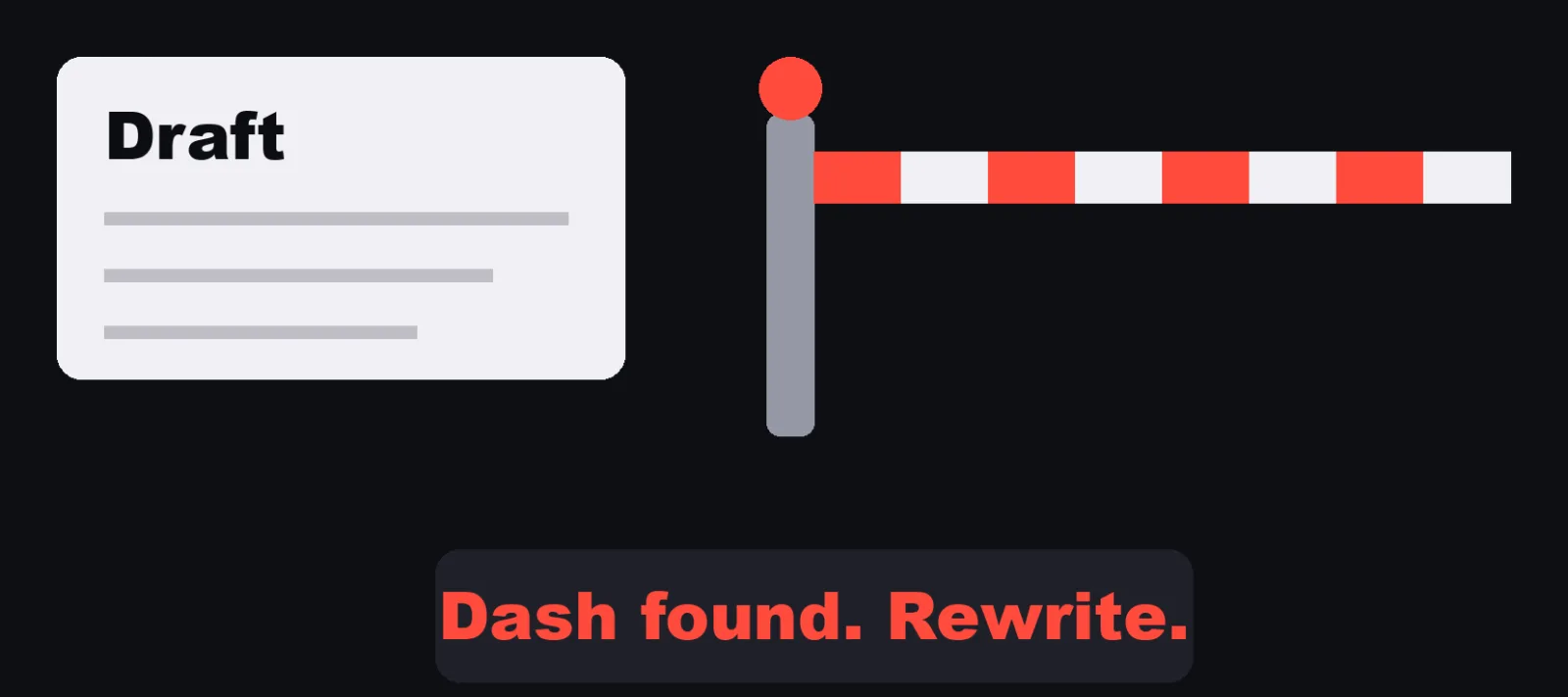
The dash hook reads every draft before it goes out. One dash, and the draft is blocked with the reason. Since then, every dash gets caught before I see it.
In my setup there are two parts:
| Where the text goes | Event | What happens |
|---|---|---|
| An email draft, instructions handed to a sub agent, a page I publish | PreToolUse |
Denied. The draft is not created until the dash is gone. |
| A file Claude writes or edits | PostToolUse |
Claude is told right after the write, with the line to fix |
Mine is a one line command inside settings.json.
This is the same logic as a script, with the message translated.
I wrote the four characters as UTF-8 bytes, so this article itself gets past my own hook:
#!/bin/bash
# PreToolUse: refuse a draft that contains a long dash.
# The four characters are written as UTF-8 bytes: em dash, en dash, horizontal bar, box line.
body=$(jq -r '.tool_input | tostring')
if printf '%s' "$body" | LC_ALL=en_US.UTF-8 grep -Fq \
     -e $'\xe2\x80\x94' -e $'\xe2\x80\x93' -e $'\xe2\x80\x95' -e $'\xe2\x94\x80'; then
  printf '%s' '{"hookSpecificOutput":{"hookEventName":"PreToolUse","permissionDecision":"deny","permissionDecisionReason":"BLOCKED: the draft contains a long dash. Rewrite it with a period, a comma, a colon, parentheses or a line break, then try again."}}'
fi
It turns the whole tool_input into one string, so it does not matter which field the text is in: content, new_string, an email body, or a prompt for a sub agent.
And the entry in ~/.claude/settings.json.
The matcher picks the tools by name. Names separated by | are matched exactly. Put the names of the tools your drafts go through:
{
  "hooks": {
    "PreToolUse": [
      {
        "matcher": "Write|Edit|MultiEdit|Task",
        "hooks": [
          { "type": "command", "command": "bash \"$HOME/.claude/hooks/no-dash.sh\"" }
        ]
      }
    ]
  }
}
2. The language hook
The language hook checks every reply I get. If it's in English, Claude has to write it again.
This one took three layers, added one at a time, each after the one before was not enough:
| Layer | Event | What it does |
|---|---|---|
| A reminder | UserPromptSubmit |
Adds two lines to every message I send: replies are in Japanese, and identifiers, commands, file names and product names can stay in English |
| The reply | Stop |
Reads every text Claude wrote since my last message. If one is mostly English, the reply goes back |
| The line before a tool call | PreToolUse |
Reads the short note Claude writes just before calling a tool. If it is English, the tool call is denied |
The reminder came first, and it was not enough, because it is just another rule to read.
The Stop hook came next.
The third layer came after a day when the Stop hook caught English notes at least seven times: it only fired at the end of the turn, and by then the English notes had been on my screen for minutes.
The test for "mostly English" is the part worth copying. Code, URLs, email addresses, paths and identifiers are removed first. Then, if at least six English words are left and the Japanese characters are fewer than 30% of the English letters, it counts as English.
This is the Stop hook, with the messages translated:
#!/usr/bin/env python3
"""Stop hook: if the reply in this turn is mostly English, make Claude write it again.
My rule is "reply in Japanese". Claude Code passes the path of the transcript (a JSONL file)
on stdin. This reads every text Claude wrote since my last message, removes code, URLs,
paths and identifiers, and counts what is left.
"""
import json, os, re, sys
JA = re.compile(r'[-ヿ㐀-鿿ヲ-゚]') # kana and kanji
LATIN_WORD = re.compile(r'[A-Za-z]{2,}')
def strip_code(text):
text = re.sub(r'```.*?```', ' ', text, flags=re.S)
text = re.sub(r'`[^`\n]*`', ' ', text)
text = re.sub(r'https?://\S+', ' ', text)
text = re.sub(r'\S+@\S+', ' ', text)
text = re.sub(r'(?:[\w.-]+/)+[\w.-]+', ' ', text) # paths
text = re.sub(r'\b[\w-]*[_\d][\w-]*\b', ' ', text) # identifiers like sk_live_xxx
return text
def is_english(text):
body = strip_code(text)
words = LATIN_WORD.findall(body)
if len(words) < 6:
return False
latin = sum(len(w) for w in words)
return len(JA.findall(body)) < latin * 0.3
def is_real_user(row):
content = (row.get('message') or {}).get('content')
return row.get('type') == 'user' and isinstance(content, str) and not content.lstrip().startswith('<')
def main():
data = json.load(sys.stdin)
if data.get('stop_hook_active'): # already sent back once in this turn
return
path = data.get('transcript_path')
if not path or not os.path.exists(path):
return
rows = []
with open(path, encoding='utf-8') as f:
for line in f:
try:
rows.append(json.loads(line))
except ValueError:
pass
start = max([i for i, r in enumerate(rows) if is_real_user(r)], default=0)
hits = []
for row in rows[start:]:
if row.get('type') != 'assistant':
continue
for part in (row.get('message') or {}).get('content') or []:
if isinstance(part, dict) and part.get('type') == 'text' and is_english(part.get('text', '')):
hits.append(part['text'].strip().splitlines()[0][:80])
if hits:
print(json.dumps({'decision': 'block', 'reason':
'Your reply is in English. Write it again in Japanese. '
'Identifiers, commands, file names and product names can stay in English.\n'
+ '\n'.join(' ' + h for h in hits[:3])}, ensure_ascii=False))
main()
is_real_user matters more than it looks.
In the transcript, tool results are also rows of type user, but their content is a list, not a string.
Without that check, "since my last message" would mean "since the last tool result", and most of the reply would never be read.
If your rule is a different language, change the two character classes.
One thing I learned the hard way about hooks that read the transcript: a long session's transcript grows to hundreds of megabytes. A hook that runs before every tool call should read only the end of the file, not parse the whole thing every time.
Claude Code mistakes that cost more

Those are small. Some mistakes cost more. Here are three that turned into stops.
3. Posting to the wrong account
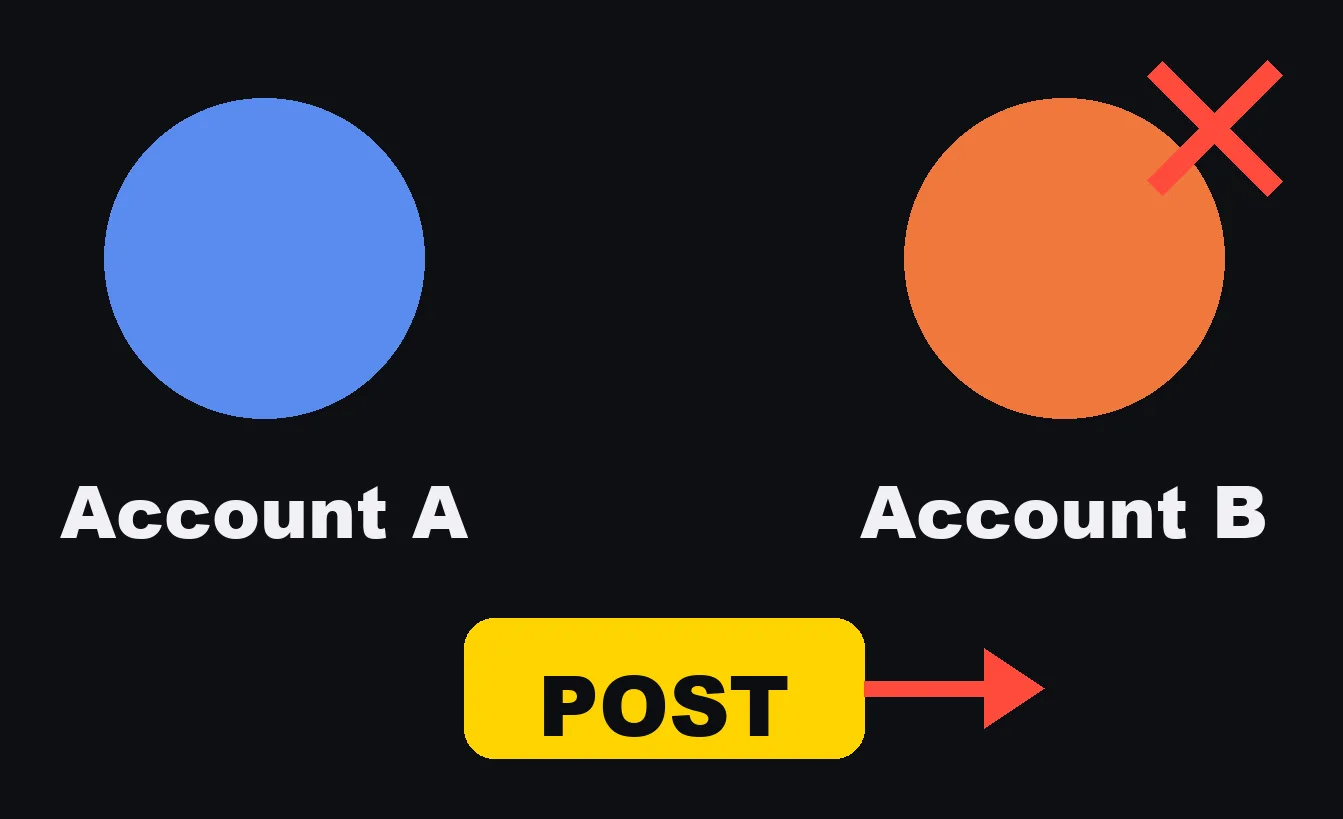
Last month, a short video meant for one of my company's accounts was posted to my personal account instead. Same phone, same app, and the app was still logged in as the other account. It came down four minutes later, but it had gone out.
The posting steps in my notes said "switch accounts on one app" and said nothing about the other. The tool that posts had no step that looked at which account was open.
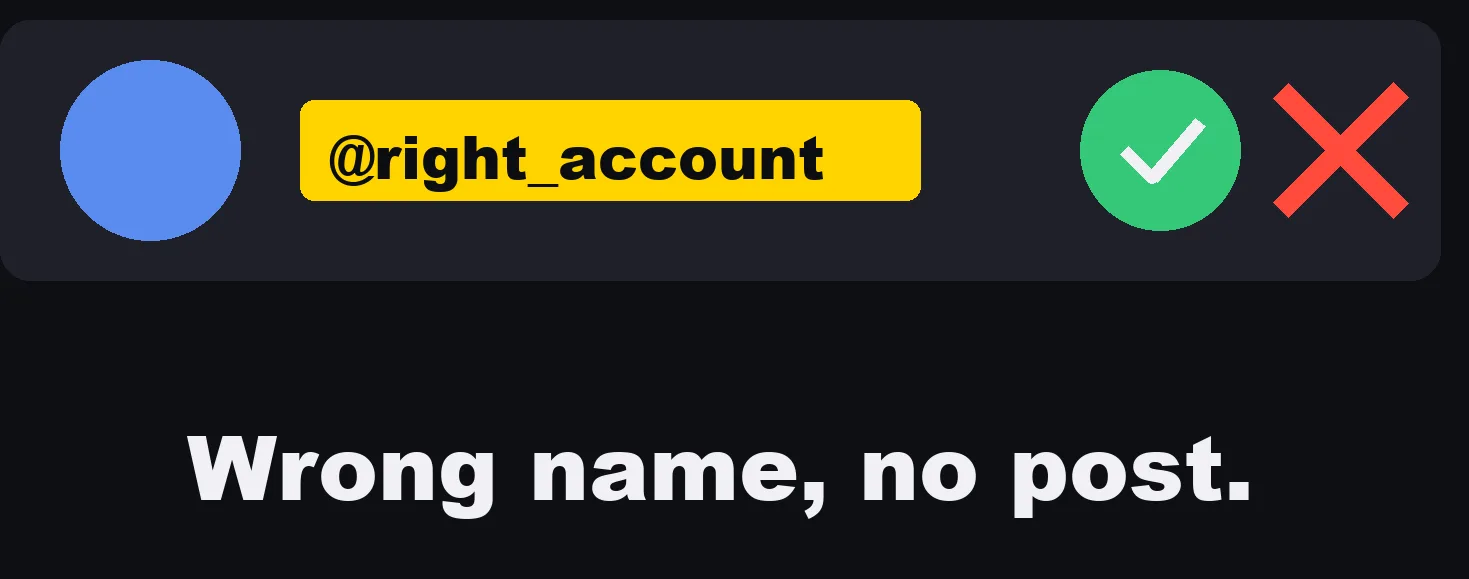
Now, before any post, a test opens the profile and reads the account name on the screen. Wrong name, no post.
This one is not a settings.json hook.
It is a gate at the top of the script that drives the phone, which is where every post has to pass.
It works in two parts:
| Part | What it does |
|---|---|
| The check | A UI test on the phone opens the app's profile tab, takes a screenshot, and passes only if the expected account name appears exactly, near the top of the screen. If the account switcher list is open, it fails, because that list shows every account's name. |
| The gate | Every step that touches a social app needs the account name passed in. It refuses unless the check passed for the same phone, the same app and the same name, within the last 20 minutes. Switching accounts deletes the record, so the check has to run again. |
The gate, simplified and translated:
#!/bin/bash
# Run before any step that posts. ACCOUNT is the account this post is meant for.
# The check writes the name it read on the profile screen into $STATE/<device>-<app>.
STATE="$HOME/.post-gate"; F="$STATE/$DEVICE-$APP"
if [ -z "${ACCOUNT:-}" ]; then echo "Stopped: say which account this post is for (ACCOUNT=...)"; exit 1; fi
if [ ! -f "$F" ] || [ "$(cat "$F")" != "$ACCOUNT" ] || [ $(( $(date +%s) - $(stat -f %m "$F") )) -gt 1200 ]; then
  echo "Stopped: first confirm that $APP on $DEVICE is open as $ACCOUNT (within 20 minutes)"; exit 1
fi
echo "OK: posting as $ACCOUNT"
(stat -f %m is the macOS form. On Linux it is stat -c %Y.)
The lesson that carries over: the gate does not trust a name Claude says. It trusts only a name that was read off the screen.
4. Saying "fixed" without checking
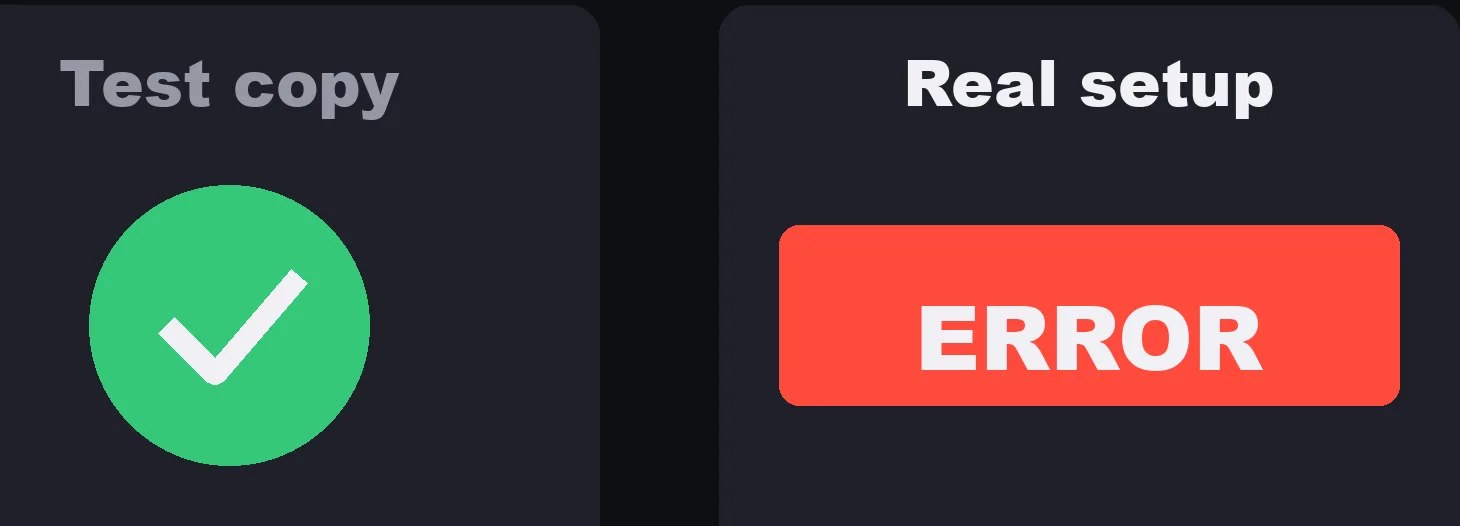
It told me a bug was fixed. It had tested a copy under a different condition. On my real setup, it wasn't fixed at all.
The bug only showed up while the app was unlocked. Claude had tested on a copy of the profile while it was locked, said it had found the cause, and asked me to restart and try. I did, more than once, and it failed each time.
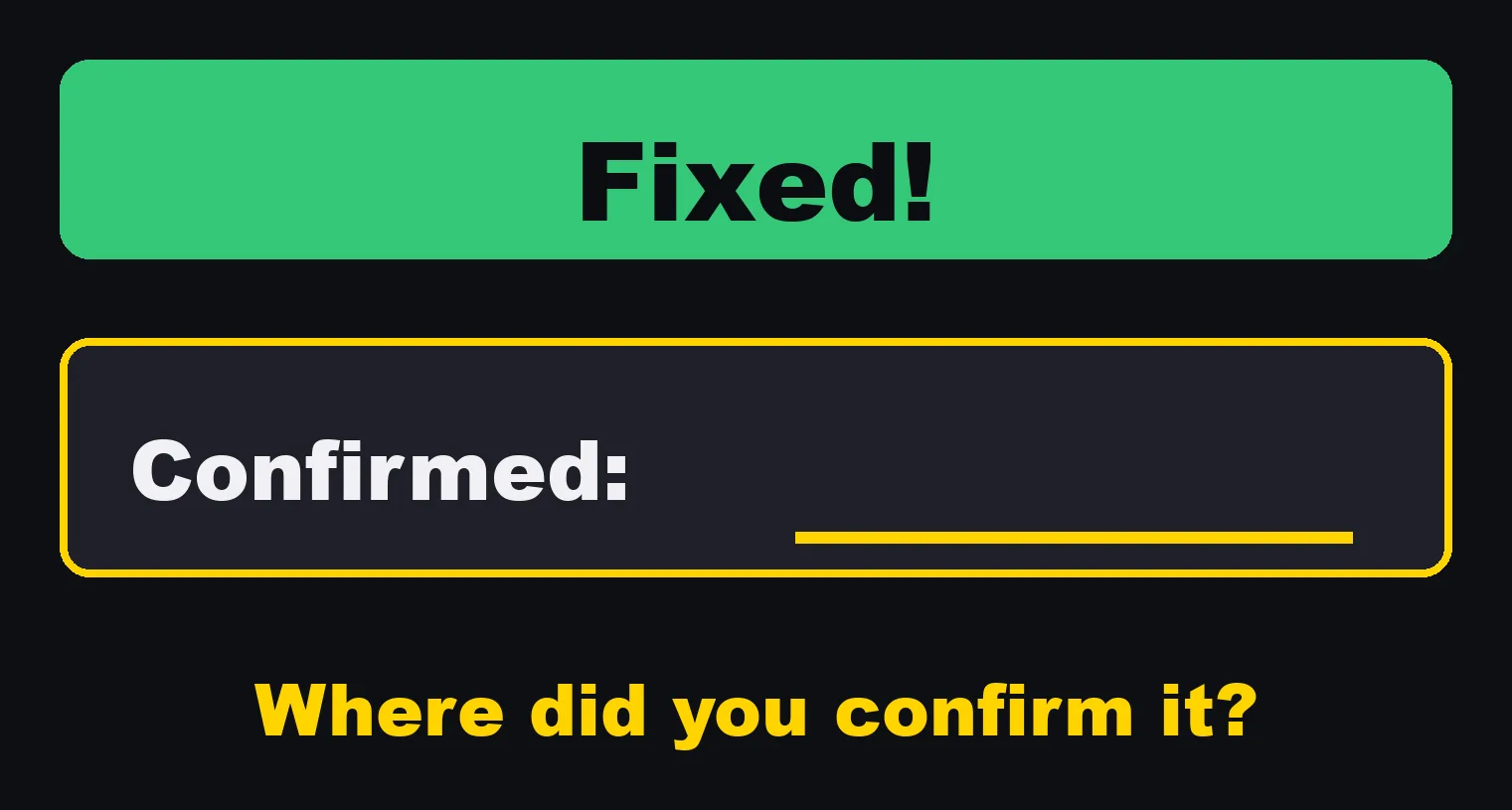
Now, if a reply says fixed, a hook asks one question. Where did you confirm it? No confirmation line, no reply.
The reply needs one of two lines:
| Line | Meaning | What else is allowed |
|---|---|---|
Confirmed: ... |
Checked under the same conditions as the problem, and what was seen | "Fixed" is fine |
Unconfirmed: ... |
What could not be checked, and why | "Fixed" and "should work" are not allowed. The reply has to say "I made a change (unconfirmed)" |
A test on a copy, or under a different condition, counts as unconfirmed.
My hook matches Japanese phrases. This is the same logic with English ones:
#!/usr/bin/env python3
"""Stop hook: a reply that says "fixed" must say where it was confirmed.

If the last reply claims a fix, it needs one of these lines:
  Confirmed: <what you checked, under the same conditions as the problem>
  Unconfirmed: <what you could not check, and why>
A reply with an Unconfirmed line may not also say "fixed" or "should work".
"""
import json, os, re, sys

CLAIM = re.compile(r"\b(fixed|solved|resolved|found the (?:root )?cause|should (?:now )?work)\b", re.I)
ASSERT = re.compile(r"\b(fixed|solved|resolved|should (?:now )?work)\b", re.I)
CONFIRMED = re.compile(r'^\s*Confirmed:\s*\S', re.M)
UNCONFIRMED = re.compile(r'^\s*Unconfirmed:\s*\S', re.M)


def last_reply(path):
    text = ''
    with open(path, encoding='utf-8') as f:
        for line in f:
            try:
                row = json.loads(line)
            except ValueError:
                continue
            if row.get('type') != 'assistant':
                continue
            parts = (row.get('message') or {}).get('content') or []
            body = ''.join(p.get('text', '') for p in parts if isinstance(p, dict) and p.get('type') == 'text')
            if body.strip():
                text = body
    return text


def main():
    data = json.load(sys.stdin)
    if data.get('stop_hook_active'):
        return
    path = data.get('transcript_path')
    if not path or not os.path.exists(path):
        return
    text = last_reply(path)
    claims = [l.strip() for l in text.splitlines() if CLAIM.search(l)]
    if not claims:
        return
    if UNCONFIRMED.search(text):
        asserted = [l for l in claims if ASSERT.search(l)]
        if not asserted:
            return
        reason = 'You wrote "Unconfirmed", so do not say it is fixed. Say "I made a change (unconfirmed)".'
    elif CONFIRMED.search(text):
        return
    else:
        reason = ('You say it is fixed. Add one line, "Confirmed: ...", saying where you checked it '
                  'under the same conditions as the problem. If you only tested a copy, write "Unconfirmed: ...".')
    print(reason + '\n' + '\n'.join('  ' + c for c in claims[:5]), file=sys.stderr)
    sys.exit(2)


main()
Exit code 2 with the reason on standard error is the other way a Stop hook says no.
Claude reads the reason and writes the reply again.
5. The cursor left in a password field
A browser automation left the cursor sitting in a password field. On a Mac, while a password field has the cursor, Chrome turns on secure keyboard entry, and it stays on even when the window is in the background.
My app switching shortcut and my Japanese input stopped working across the whole Mac, until morning.
This one also taught me step one, below. macOS reported a different app as the one holding secure input. That was believed, that app was restarted, and nothing changed. The real cause was a login page in a browser window nobody was looking at.
Now the rule is that automation never clicks, focuses or types into a password field. When it reaches a login page, it stops and asks me. And the browser tool my sessions use takes the cursor out of any password field at the end of every command, whatever the command was. This is the script it runs, unchanged:
(() => {
  let doc = document, el = doc.activeElement, hops = 0;
  while (el && el.tagName === 'IFRAME' && hops < 5) {
    let inner = null;
    try { inner = el.contentDocument; } catch (e) {}
    if (!inner) { el.blur(); return 'iframe'; }
    doc = inner; el = doc.activeElement; hops++;
  }
  if (el && el.tagName === 'INPUT' && (el.type || '').toLowerCase() === 'password') {
    el.blur();
    return 'password';
  }
  return '';
})()
It follows the focus into iframes, because many login forms live inside one. If it cannot look inside an iframe from another site, it takes the focus off the whole iframe.
If you drive a browser with Playwright or the Chrome DevTools Protocol yourself, run the same thing before you close the page.
How to decide what becomes a hook
So how do I decide what becomes a hook? I follow the same three steps every time.
First, find the real cause on the real thing. Not a guess. If the cause is wrong, the hook guards the wrong door.
Second, make it stop, not warn. A warning is just another rule to read. A block is the only thing that changes behavior.
Third, break it on purpose. Recreate the mistake and watch the hook catch it. Then make sure normal work still passes.
That third step is the one people skip. A hook you never saw fire is a hook you don't actually have.
The five, through the three steps:
| Mistake | The real cause | The stop | How I broke it on purpose |
|---|---|---|---|
| Long dashes | The rule never covered email drafts | PreToolUse deny on every path a draft takes |
A draft with a dash in it |
| English replies | Long sessions full of English bury the rule | Stop hook, then PreToolUse on the note before a tool call |
An English reply in a test transcript |
| Wrong account | Nothing looked at which account was open | A gate that needs a name read off the screen within 20 minutes | Checking for one account while the app was open as the other |
| "Fixed" without checking | The test ran under a different condition | Stop hook that needs a Confirmed: or Unconfirmed: line |
A reply that says "fixed" with neither line |
| Password field | A login page left with the cursor in it, not the app macOS named | The browser tool clears the focus after every command | A throwaway Chrome, before and after the change |
Test a Claude Code hook by breaking it on purpose
You do not need a Claude session to test a hook. A hook is a script that reads JSON on standard input, so you can hand it the JSON yourself.
The dash hook. The first command should print the deny, and the second should print nothing:
printf '{"tool_name":"Write","tool_input":{"content":"Thanks \xe2\x80\x94 see you on Monday."}}' | bash no-dash.sh
printf '{"tool_name":"Write","tool_input":{"content":"Thanks. See you on Monday."}}' | bash no-dash.sh
What I got:
{"hookSpecificOutput":{"hookEventName":"PreToolUse","permissionDecision":"deny","permissionDecisionReason":"BLOCKED: the draft contains a long dash. Rewrite it with a period, a comma, a colon, parentheses or a line break, then try again."}}
and nothing for the second.
A Stop hook reads the transcript, so give it a small one.
These two rows are all the fields my hooks read:
cat > /tmp/t.jsonl <<'EOF'
{"type":"user","message":{"content":"Please fix the login bug."}}
{"type":"assistant","message":{"content":[{"type":"text","text":"I fixed the login bug. It should work now."}]}}
EOF
echo '{"transcript_path":"/tmp/t.jsonl"}' | python3 fix-claim.py; echo "exit=$?"
What I got:
You say it is fixed. Add one line, "Confirmed: ...", saying where you checked it under the same conditions as the problem. If you only tested a copy, write "Unconfirmed: ...".
  I fixed the login bug. It should work now.
exit=2
Then the normal case.
Change the reply to "I fixed the login bug.\nConfirmed: signed in on the live site with my own browser profile, unlocked." and run it again.
It prints exit=0.
These are the cases I ran for each hook before trusting it:
| Hook | Input | Expected |
|---|---|---|
| Dash | Draft with a long dash | Deny with the reason |
| Dash | The same draft without it | Nothing printed |
| Language | English reply | {"decision": "block", ...} |
| Language | Japanese reply | Nothing printed |
| Fixed | "I fixed it. It should work now." | Exit 2 |
| Fixed | "I fixed it." and a Confirmed: line |
Exit 0 |
| Fixed | "I fixed it." and an Unconfirmed: line |
Exit 2: do not say fixed |
| Fixed | "I made a change (unconfirmed)." and an Unconfirmed: line |
Exit 0 |
| Fixed | Any of the above with "stop_hook_active": true |
Exit 0, so it never loops |
| Account gate | No check yet, or the check found the other account | Stopped |
| Account gate | Check passed for this account within 20 minutes | OK |
| Account gate | Check passed, but more than 20 minutes ago | Stopped |
Then one more test in a real session: make Claude hit it once, and watch the reason come back. Until you have seen that, you don't have the hook yet.
What not to turn into a hook
And I don't turn everything into a hook. What to make, which topic, whether it's good: those stay with me.
Hooks are for the mistakes that shouldn't need a human to catch. That frees my attention for the parts that do.
A quick way to sort them:
| Make it a hook | Keep it with a person |
|---|---|
| A character, a word or a pattern that must never appear | Whether the writing is good |
| A tool call that must never run, or never without a check first | Which topic to write about next |
| A claim that needs evidence, like "fixed" | Whether the evidence is enough |
| A fact a script can read off the screen, like an account name | What to post, and when |
A checklist before you write one:
- Have you said the same thing to Claude at least twice? That is the signal.
- Did you find the cause on the real thing, under the same conditions?
- Does it stop, or does it only warn? A
PostToolUsehook cannot undo what already ran. To prevent, usePreToolUse. - Does it cover every path the mistake can take? My dash rule failed because email drafts took a different path.
- Does every
Stophook checkstop_hook_active? - Does it stay fast? It runs on every matching event.
- Did you break it on purpose and see it fire, and did normal work still pass?
Every hook I have started as a sentence I was tired of repeating.
If you've said it twice, stop saying it. Make it impossible.
Sources:
- Claude, "Hooks in Claude Code", YouTube, May 7, 2026 (video description, read November 7, 2026)
- Claude Code Docs, "Hooks reference" (code.claude.com/docs/en/hooks)