 Hisashi Space
November 9, 2026 · 13 min read
Automate Video Editing With Claude Code: 69 Videos in 4 Days, No Editing App

Automate video editing with Claude Code, and you can finish 69 videos in four days without opening an editing app once. Thirty-three more came back from my final check.
I have run my own company in Japan for 22 years. I make videos for three channels, and editing by hand was never going to fit into my week.
I made a video about it. This article has what the video has no room for: the real shape of the files, the full list of the automatic checks, the numbers for the video you may be watching, the tools, a prompt you can copy to start, and what I have not tried.

The short version
- The video is built from the script, not from a recording. There is no footage to cut.
- Step 1: every line of the script goes to a voice model, and each line's start and end time is saved. That list of times is the clock for everything.
- Step 2: the video is a web page that Claude Code writes. Each scene is a small piece of the page, tied to one line.
- Step 3: a headless browser takes a picture of the page 30 times a second. ffmpeg joins the pictures with the voice and the music.
- Step 4: before any export, the build runs about 20 automatic checks. If one fails, the file is not made.
- Step 5: I look at the plan as still pictures, then at the finished video once. That is the human part.
- Every mistake I catch becomes a new check, so I never review that mistake again.
- This is not a get-rich method. My short videos stall around 1,000 views and I do not have a hit yet. What I got is time.
- It suits explainer videos. It does not suit vlogs, because there is nothing to film.
Is this the same as AI video editing?
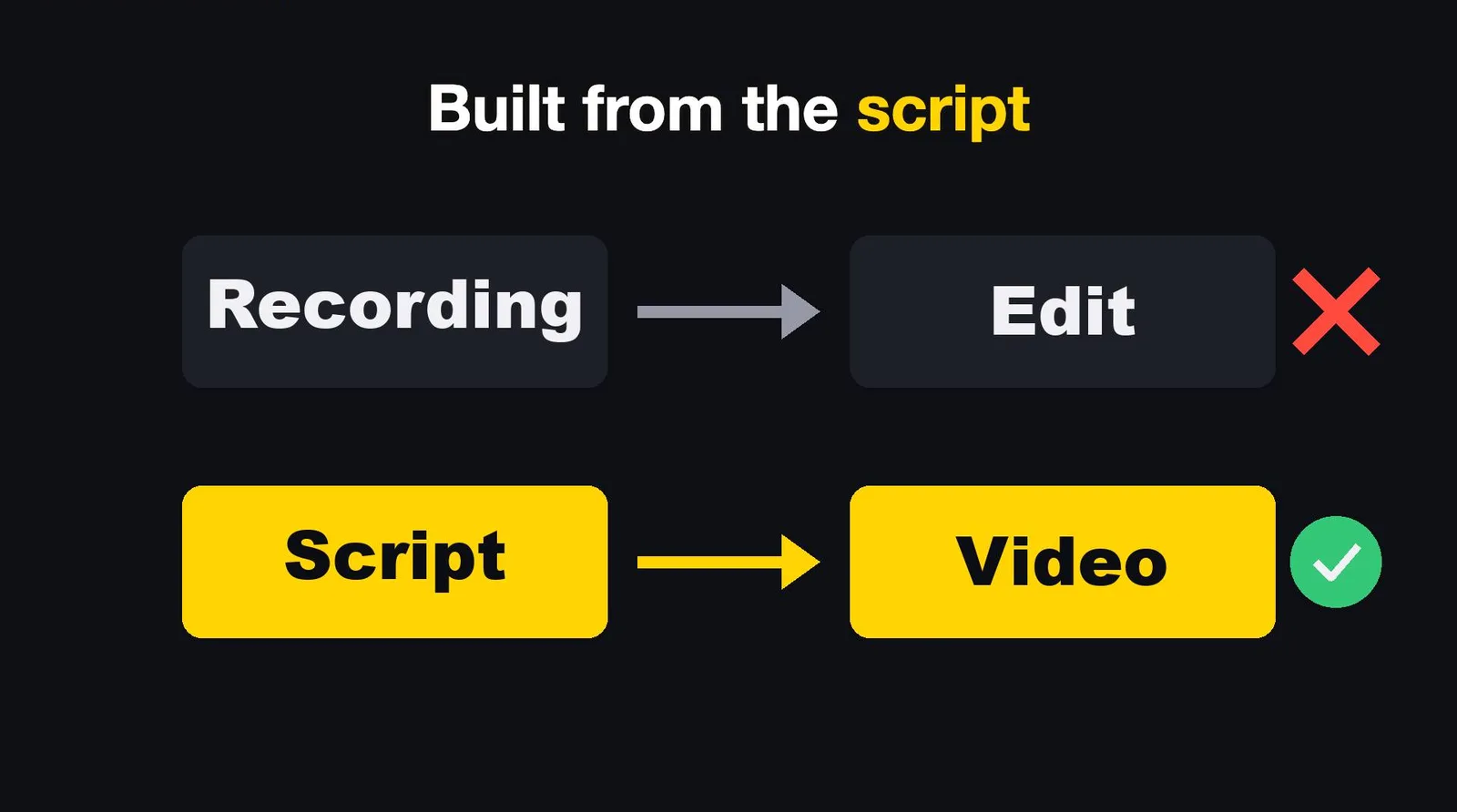
If you search for AI video editing, most results are apps. They add captions, cut the pauses, or pick highlights from a recording you already made.
Mine starts earlier. There is no recording. The video is built from the script itself, line by line.
That has a cost. You will not see me walking around with a camera. It fits explainer videos like this one, not vlogs.
| AI video editing apps | Claude Code video editing, my way | |
|---|---|---|
| Starts from | A recording you made | A script, one sentence per line |
| Voice | Yours, as recorded | A voice model trained on my own voice |
| Captions | Added after the fact | Timed from the voice, word by word |
| One sentence changes | Re-cut, re-sync | Only that line gets a new voice. The rest moves on its own |
| Quality control | You, watching | Automatic checks, then me, twice |
| Best for | Talking head, interviews | Explainers, screen demos |
The numbers: this video and the one I used as the example
The video says "about seven thousand pictures" and "twenty-six clips". Those numbers are from a different video, a four-minute one about Claude Code hooks, that I used as the example. Here are both, taken from the files, side by side.
| This video (Claude Code video editing) | The hooks video | |
|---|---|---|
| Length | 377.2 seconds (6:17) | 237.8 seconds |
| Pictures taken (30 per second) | 11,314 | 7,132 |
| Script lines | 49 | 32 |
| Scenes (cuts) | 103 | not counted |
| Stock footage clips | 42 | 26 |
| Clips the rule required | 38 | not counted |
| Picture size | 1920 by 1080 | 1920 by 1080 |
| Final loudness | -14.4 LUFS (the target is -14, the build stops outside plus or minus 0.5) | not counted |
This video also has 45 card images (the charts and text cards you see) and 10 AI-made illustrations, each used once, with no text and no people in them. I did not record how long the render took, so I will not give you a number for it.
Step 1: the voice comes first
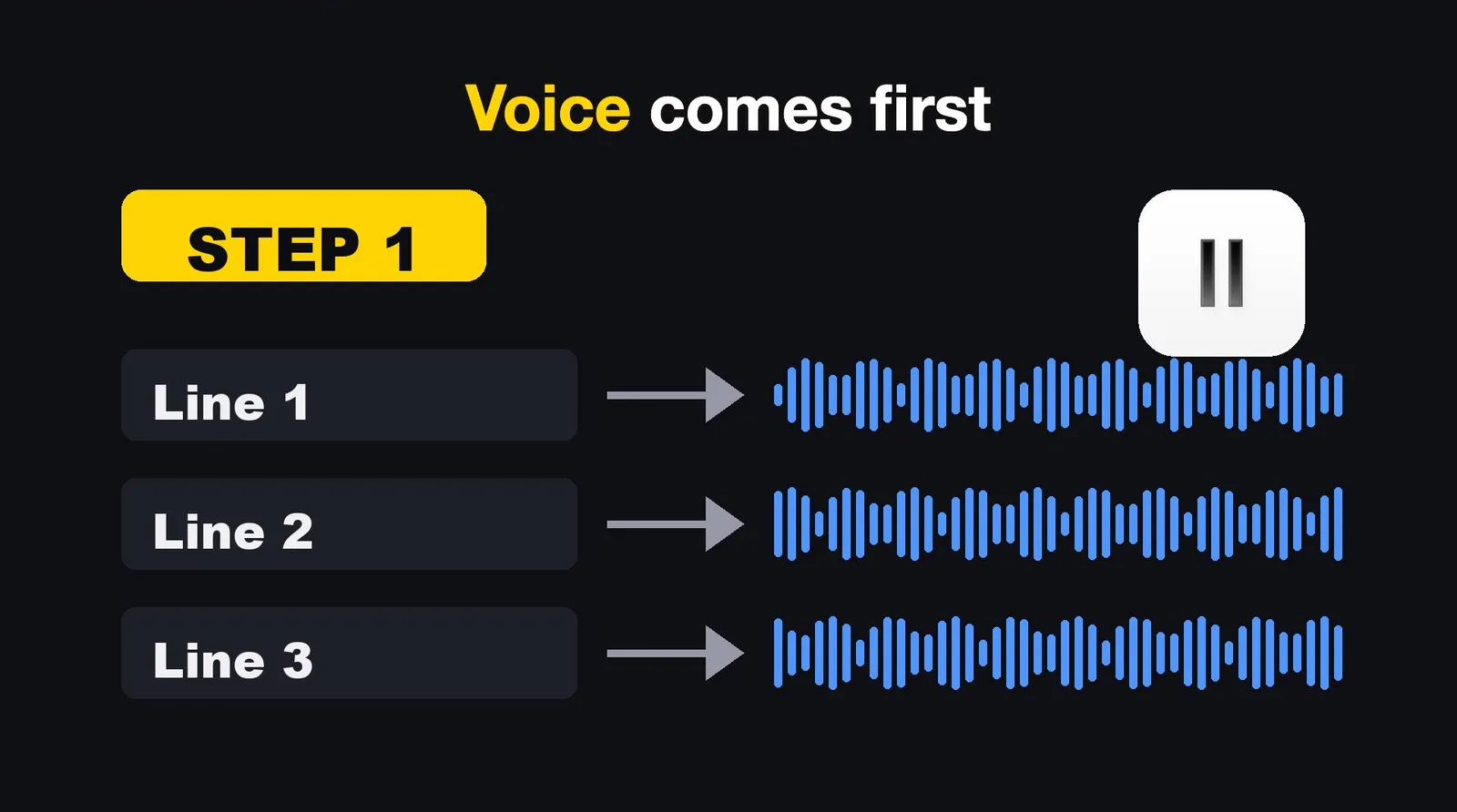
The script is a JSON list, one entry per sentence.
Here is one real entry from this video.
The ja field is my Japanese version, and the show note is written in Japanese in the file; I translated it here.
{
  "scene": "m1",
  "part": "mech",
  "text": "And for each line, it saves exactly when it starts and when it ends. That list of times becomes the clock for everything else.",
  "ja": "(my Japanese version of the same sentence)",
  "show": "A table of start and end seconds for each line, and a clock icon"
}
Every text goes to ElevenLabs, with a voice I trained on my own voice (model eleven_v4, stability 0.85).
Each line becomes its own audio file.
If a line's text has not changed, it is not generated again.
Then the lines are joined into one voice track, and a file is written with the start and end of every line. This is the real entry for the line above:
{
  "scene": "m1",
  "part": "mech",
  "text": "And for each line, it saves exactly when it starts and when it ends...",
  "show": "A table of start and end seconds...",
  "s": 93.696,
  "e": 100.856
}
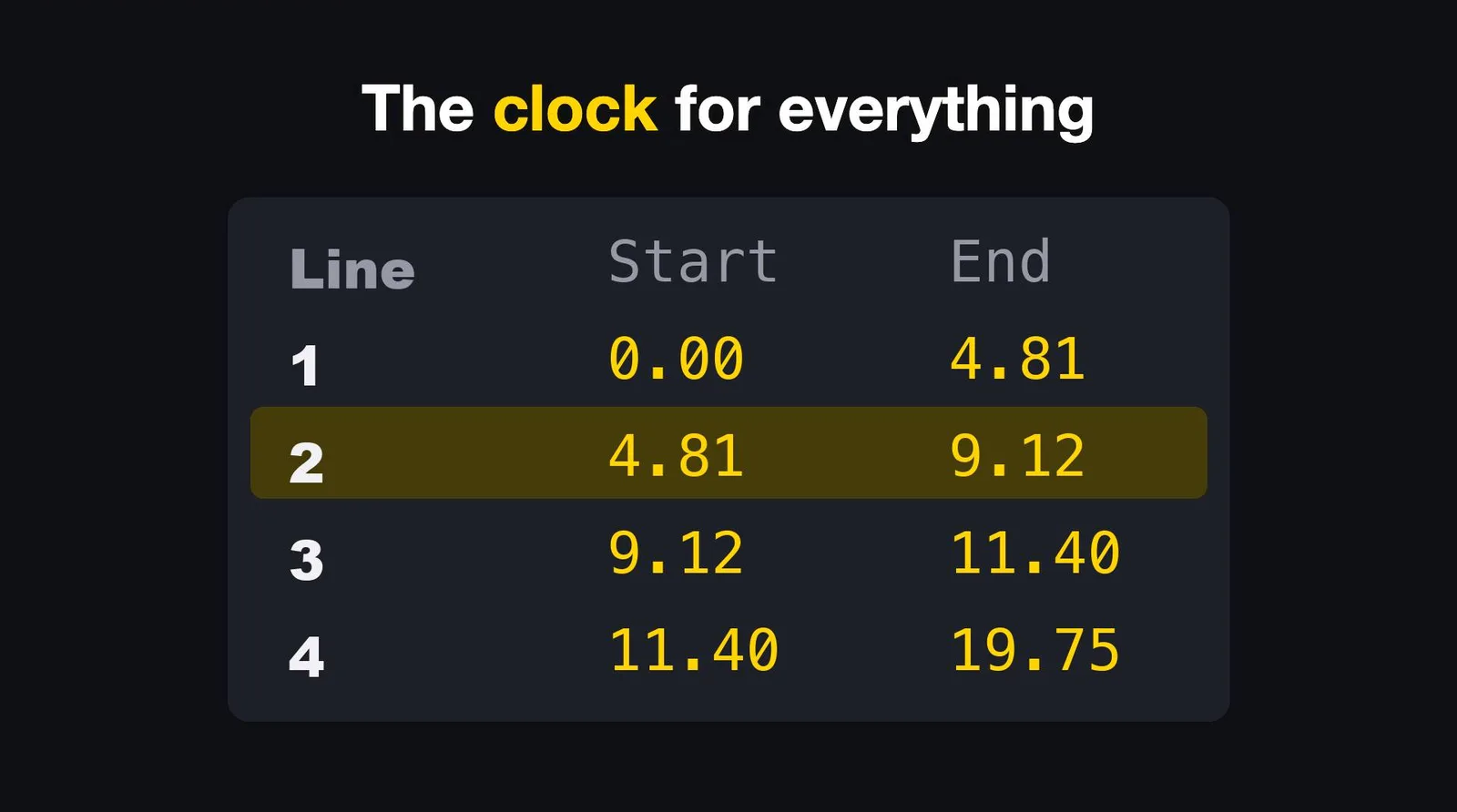
s and e are seconds.
The file also holds the total length (377.166 seconds for this video) and a loudness reading for every 1/30 of a second, 11,314 of them.
Two small things happen while the voice is built, and both are logged:
- Each line is brought to the same loudness, and the log says how many dB it moved.
- Breaths and long gaps between words are trimmed, using word times that a local Whisper model (
mlx_whisper) reads from each line's audio.
Those word times matter later. A yellow box on screen can appear when I say its word, because the clock knows the word.
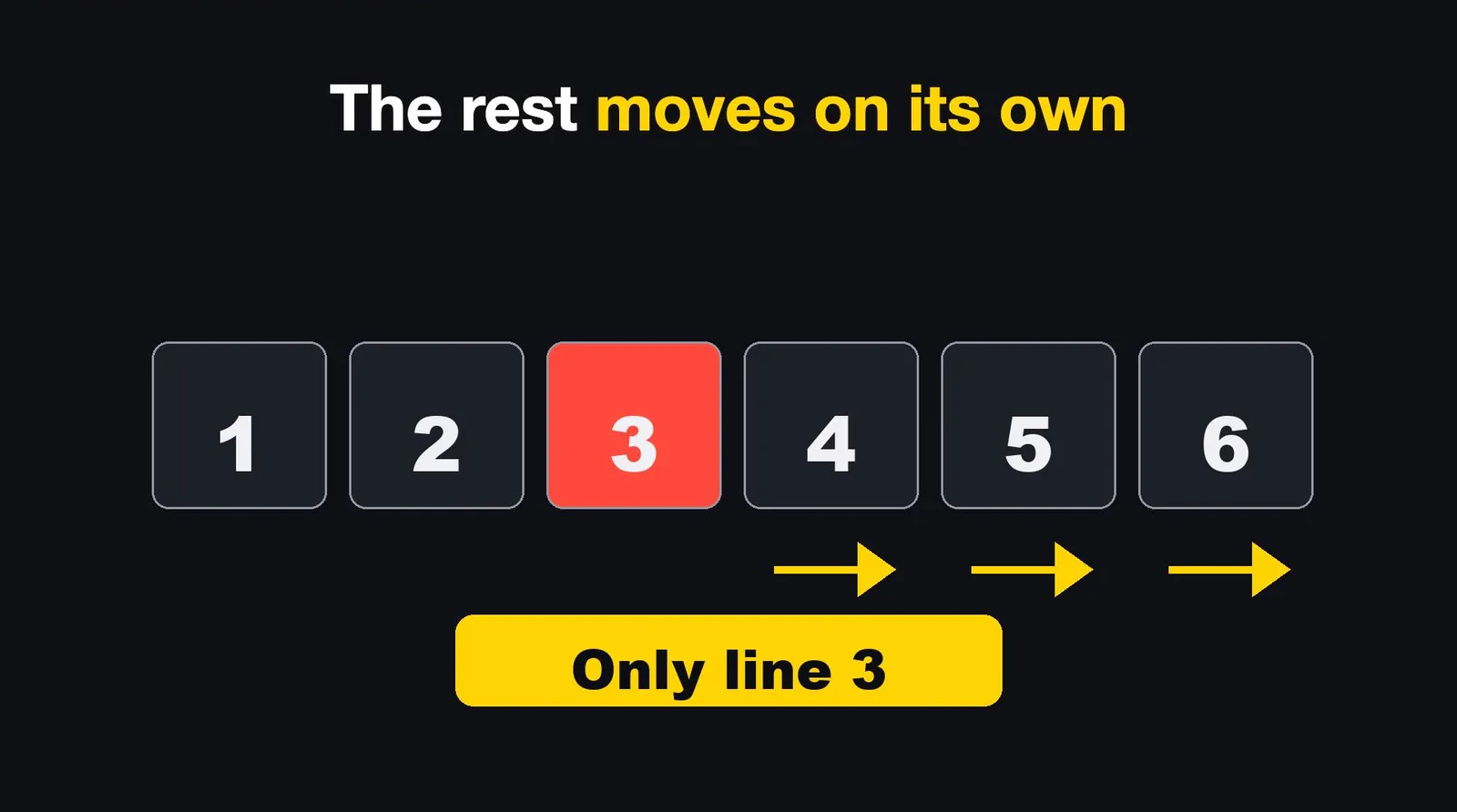
And this is why I start with the voice. Change one sentence in the script, and only that line gets a new voice. The clock updates, and every scene after it moves by itself. In a normal editor, that same fix means dragging half the timeline.
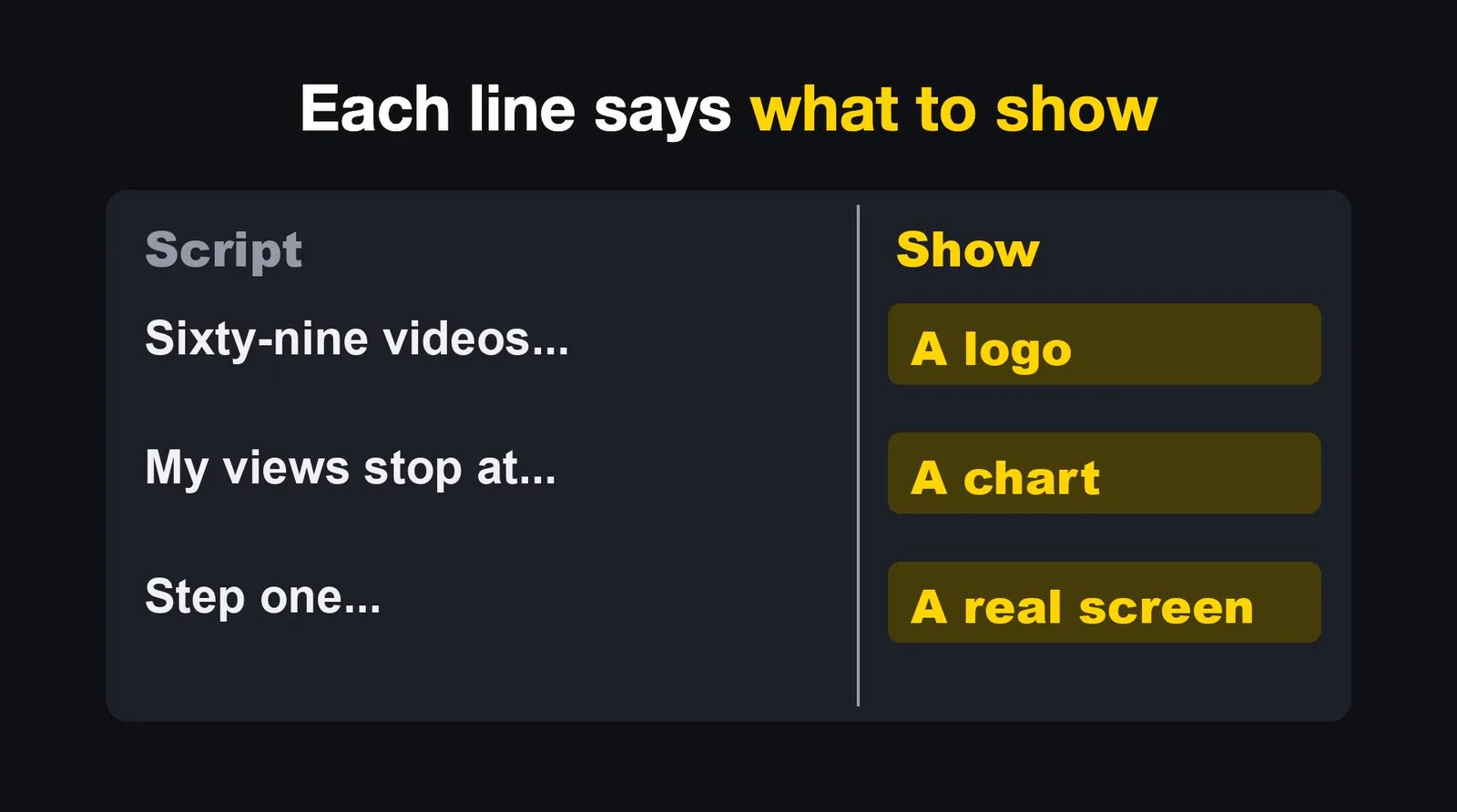
Next to each line, the show note says what to put on screen: a logo, a chart, a real screen.
That note is what Claude builds each scene from.
Step 2: the video is a web page
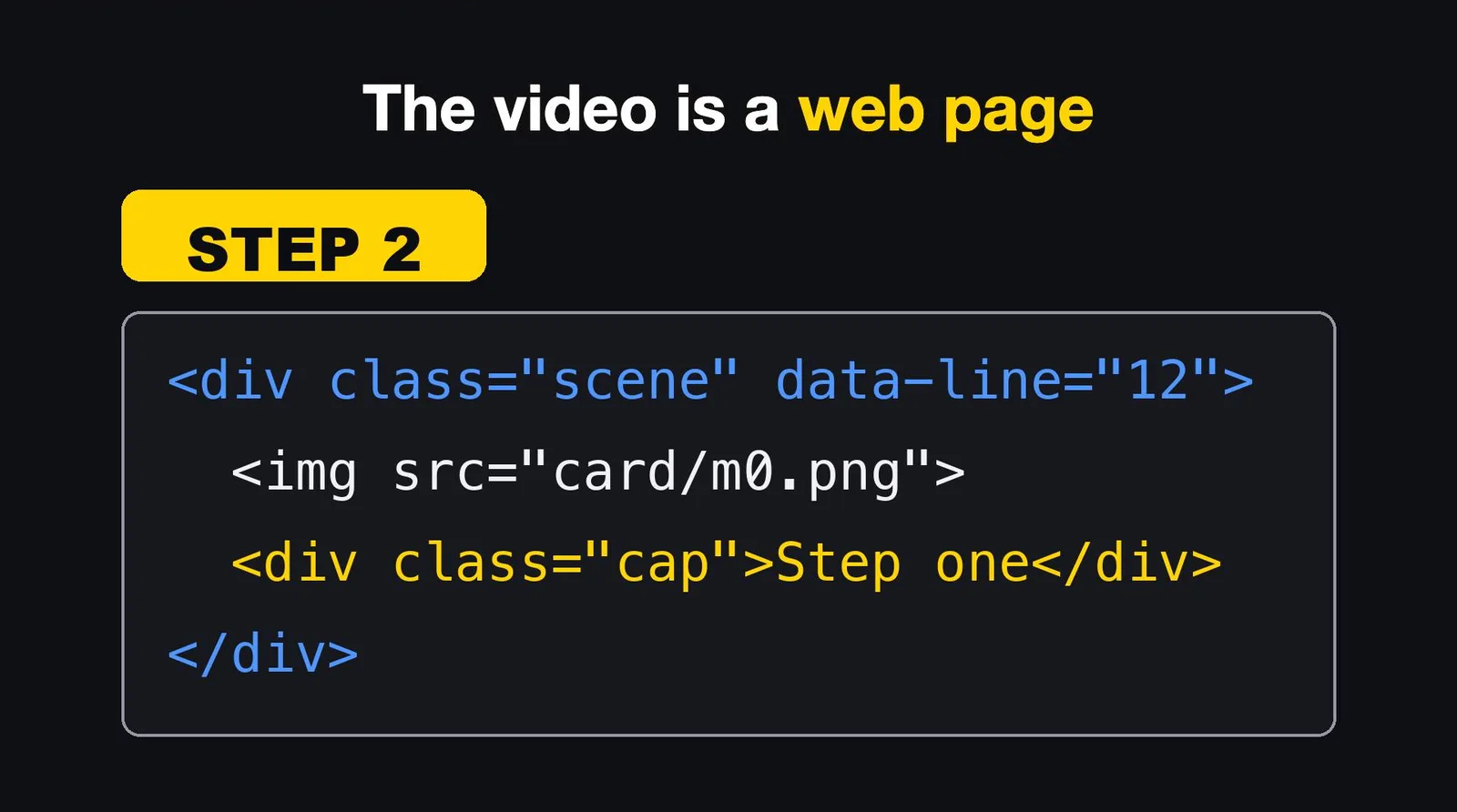
Claude Code writes one HTML page, 1920 by 1080. Every scene is a small piece of that page: a card image, a screenshot, a yellow highlight box, a caption. Each piece knows which line it belongs to, so it appears when that line starts.
In my build script, every scene is a short list of pieces, made with a few helpers:
- a card (a chart or text card)
- an illustration
- a stock footage clip
- an emoji block
- a screenshot with a heading
- a typewriter line
This video ended up with 103 of those pieces. Two rules are built into the script itself and stop the build with an error:
- The same picture cannot appear twice in one video.
- The last 20 seconds must use the end versions of the cards, the ones that keep clear of YouTube's end screen.
Screenshots come from the real apps. Before one goes in, a check looks for email addresses and card numbers and blurs only those, not the logos next to them.
Step 3: a browser takes the pictures
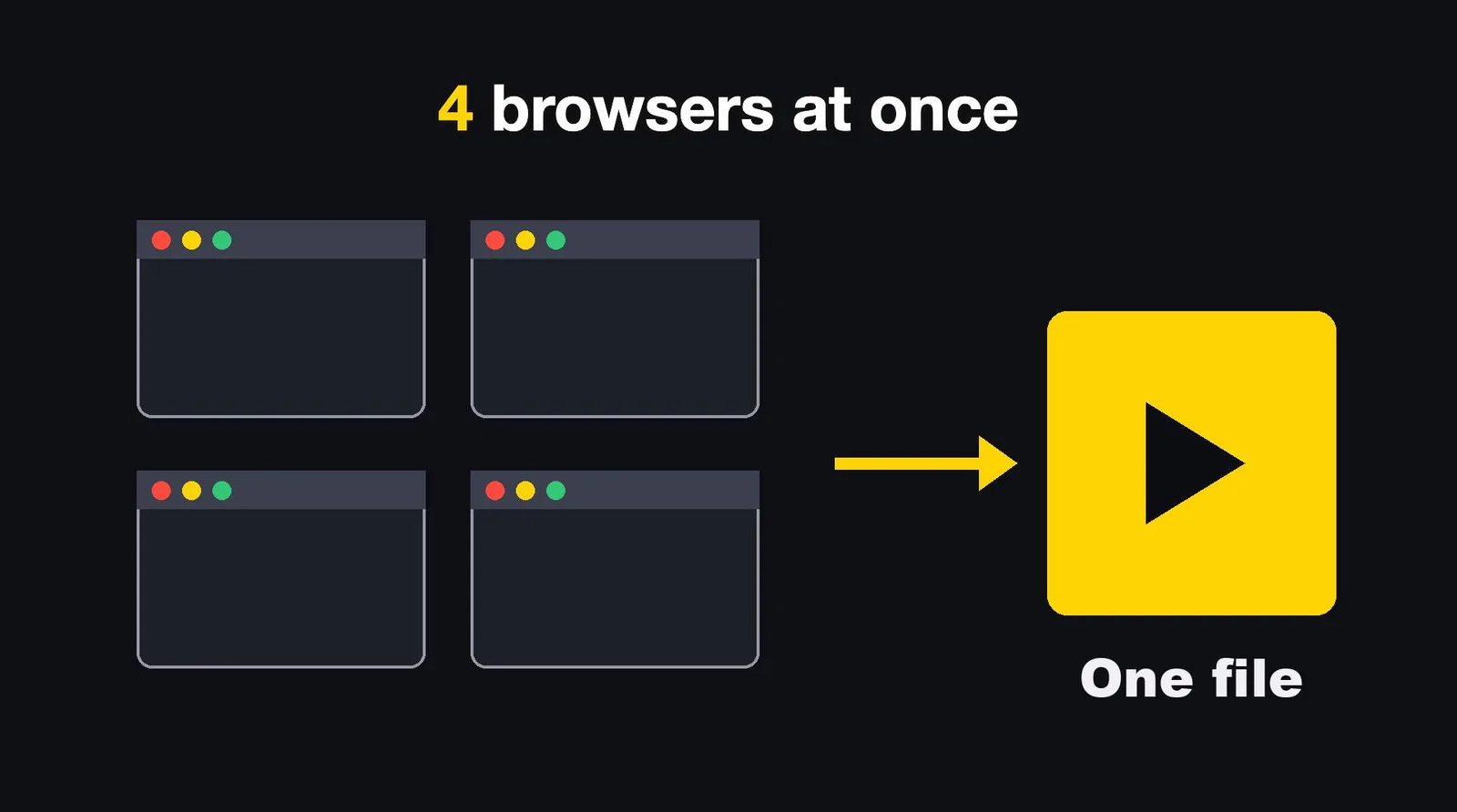
A headless Chromium, driven by Playwright, opens the page and takes a picture of it 30 times a second. Four of them work at once, each on its own quarter of the frames. If any of them fails and a frame is missing, the run stops. It does not quietly skip a frame.
Then ffmpeg joins the pictures with the voice and the music. The video is encoded with the Mac's hardware H.264 encoder, with the bitrate set to 10 Mbps. The loudness is measured and corrected to -14 LUFS, and the run stops if the result falls outside plus or minus 0.5. This video came out at -14.4.
The music is planned too. Each scene has a mood in a small file: pulse, calm, tense, drive, news, bright, dark, warm. The track changes when the mood does.
And real footage comes from free stock sites, mostly Pixabay in this video. I keep a list of the clips I accepted (46 rows) and the clips I rejected (18 rows), so the same bad clip does not come back. A rule says at least two clips every 20 seconds. For 377.2 seconds that means 38, and this video had 42.
Step 4: the checks that run before export
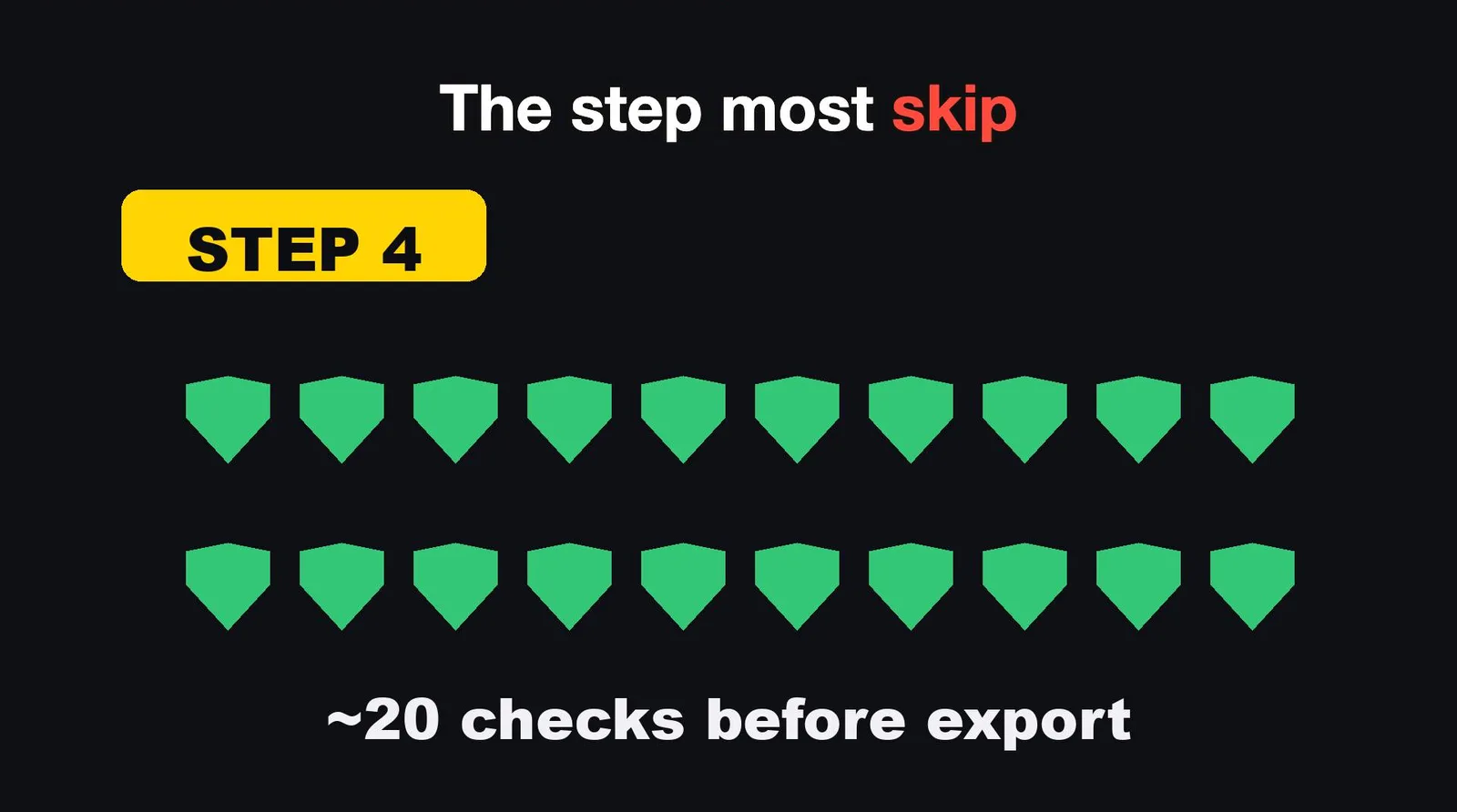
This is the step most people skip. The video says "about twenty". I counted the real list in the export script today, and there are 19 gates. Each one is there because I caught that exact mistake once with my own eyes.
| # | Check | What it stops |
|---|---|---|
| 1 | Month names | Dated phrases in the script that would age the video |
| 2 | Scene tags | A broken scene opening tag in the page |
| 3 | Illustrations | An illustration that did not go through the generator and its rules |
| 4 | Blur boundaries | A zoom box that straddles the edge of a blurred area |
| 5 | Same screenshot | The same screenshot on adjacent scenes with a different position or size |
| 6 | Card top band | A caption that collides with card content in the top band |
| 7 | Highlight boxes | A highlight box that cuts through text, or an empty box |
| 8 | Subtitle breaks | A subtitle page or line break that falls in the middle of a phrase |
| 9 | Voice drop | A line whose voice vanished from the joined track |
| 10 | Marker | The yellow marker not following the line being read |
| 11 | Stock footage | Fewer than two real clips per 20 seconds |
| 12 | Pacing | A video where tone, speed, music and silence never vary by scene |
| 13 | Zoom on text | A slow zoom on a screen full of text |
| 14 | Hook | A hook with no evaluation word, or a product name with no official icon |
| 15 | Reading check | A stale pronunciation check, for the Japanese version of a video |
| 16 | Layout, every half second | Subtitle overlap, off-screen items, text overlap, card overflow, big labels that wrap, a subtitle break that splits a number from its unit |
| 17 | Frame count | A parallel browser that dropped frames |
| 18 | End screen zones | Anything in the areas where YouTube puts its end cards, in the last 20 seconds |
| 19 | Loudness | A result outside -14 plus or minus 0.5 LUFS |
For this video, the log shows the results of the ones that print a line:
- same screen position: OK
- subtitle breaks: 0 problems
- stock footage: 42 clips in 377.2 seconds, 38 required
- layout problems: 0
- end screen zones: OK, 40 frames checked
- loudness: -14.4 LUFS
- frames: 11,314
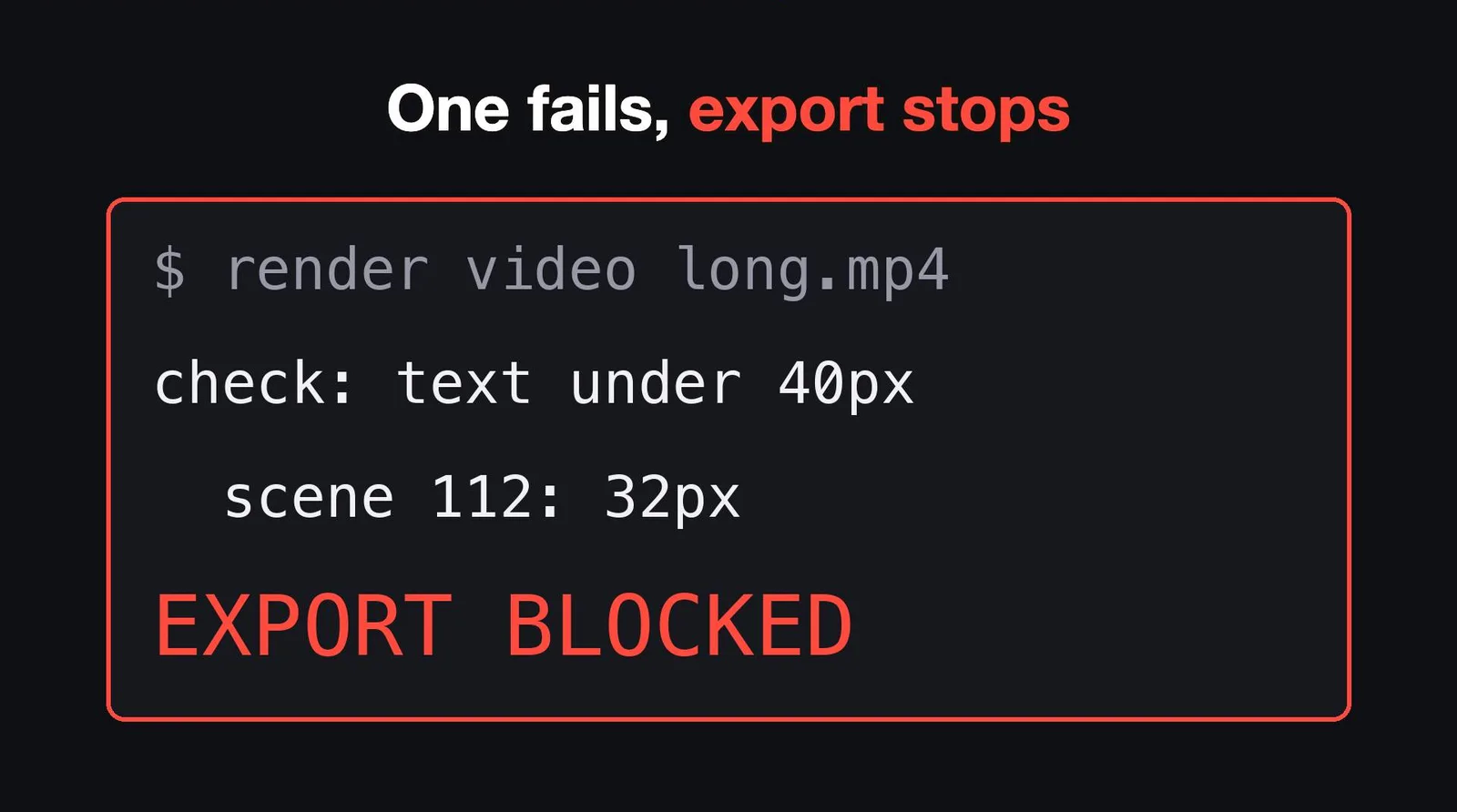
This picture is an illustration from the video, not a copy of a real log. The point is the behavior: if one check fails, the export stops. It does not warn me. It refuses to make the file.
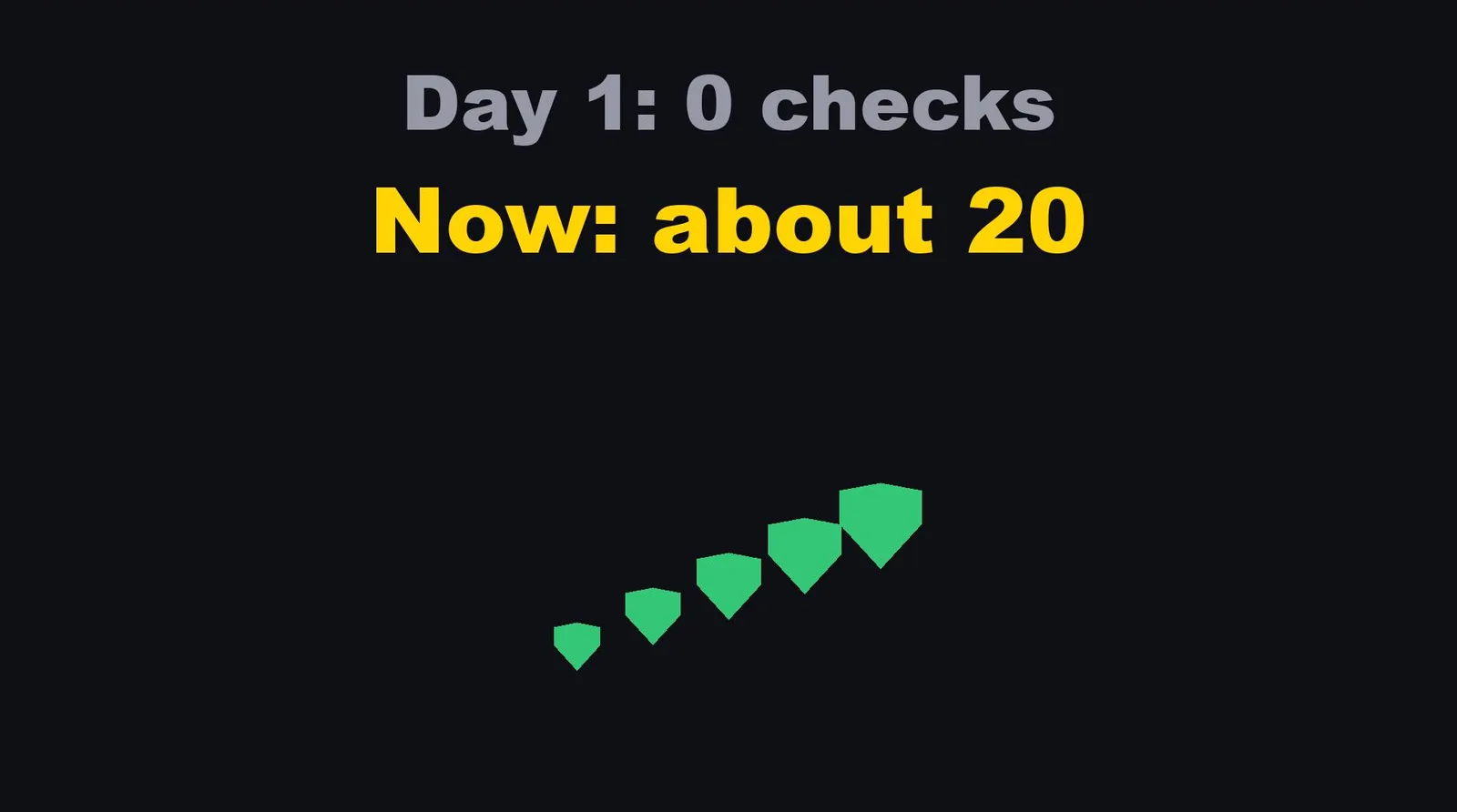
My first video had no checks at all. You do not need all of mine on day one. You need one: the one for the mistake that annoyed you today.
Step 5: me, twice
First I look at the plan, before anything is rendered. The plan is a set of still pictures, one per scene: for this video, 103 stills. Catching a problem there costs a minute. Catching it in the finished video costs a full re-export.
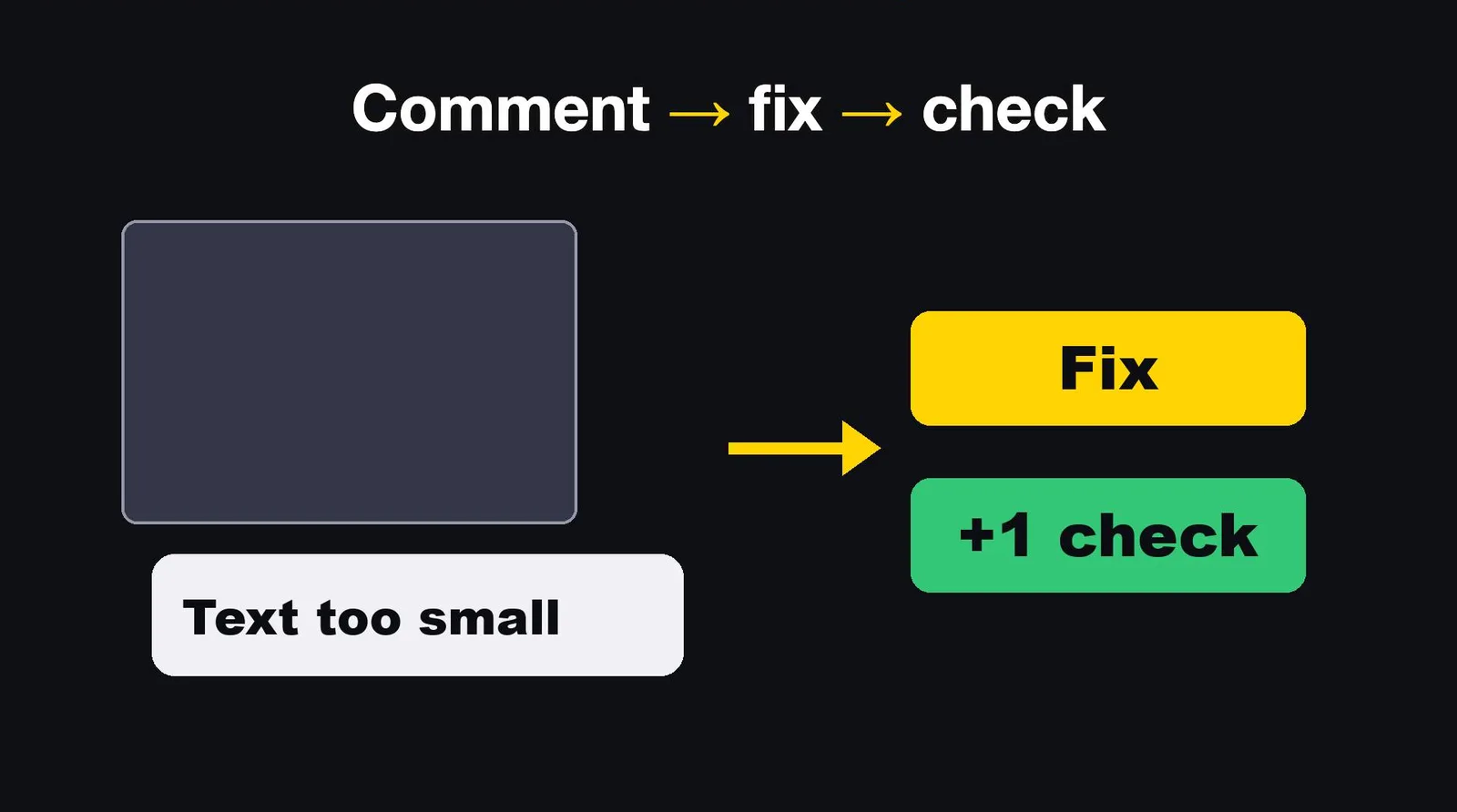
I can comment on one picture: this text is too small, this box is off center. Each comment becomes a fix, and often a new check.
Then I look at the finished video once.
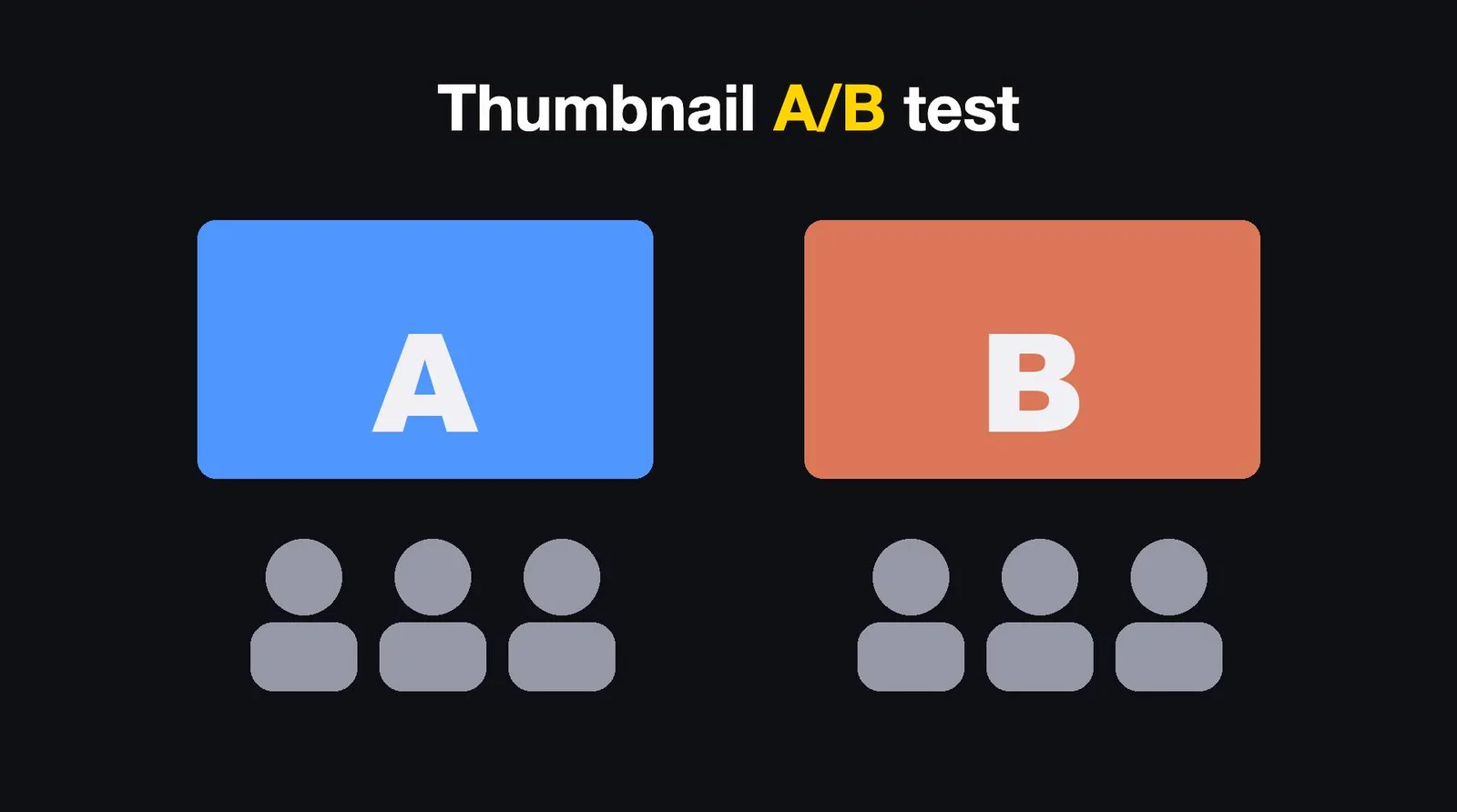
The thumbnail is made twice as well. For this video I made version A and version B. YouTube shows each to different people to see which gets more clicks.
So the human part of my editing is two looks per video, and the comments I leave. Everything between those looks is Claude Code.
What it still gets wrong
Three mistakes from the week I made this video.
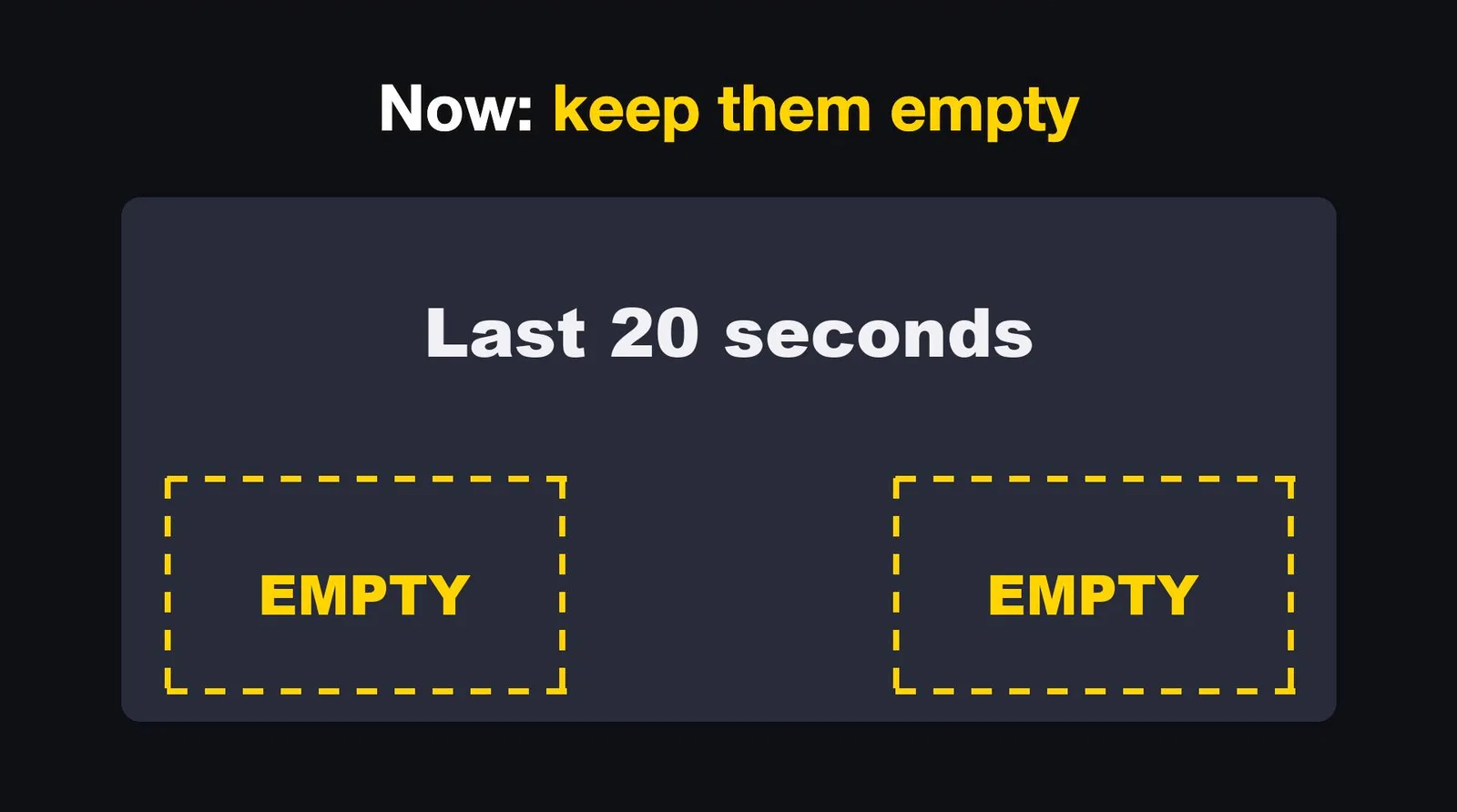
One: the end screen. At the end of a long video, YouTube puts clickable cards over the last 20 seconds. My closing text sat right under them, and nobody could read it. Now a check marks those two areas and keeps them empty. It looks at 40 frames and fails the build if more than 0.5 percent of the pixels in those areas are filled.
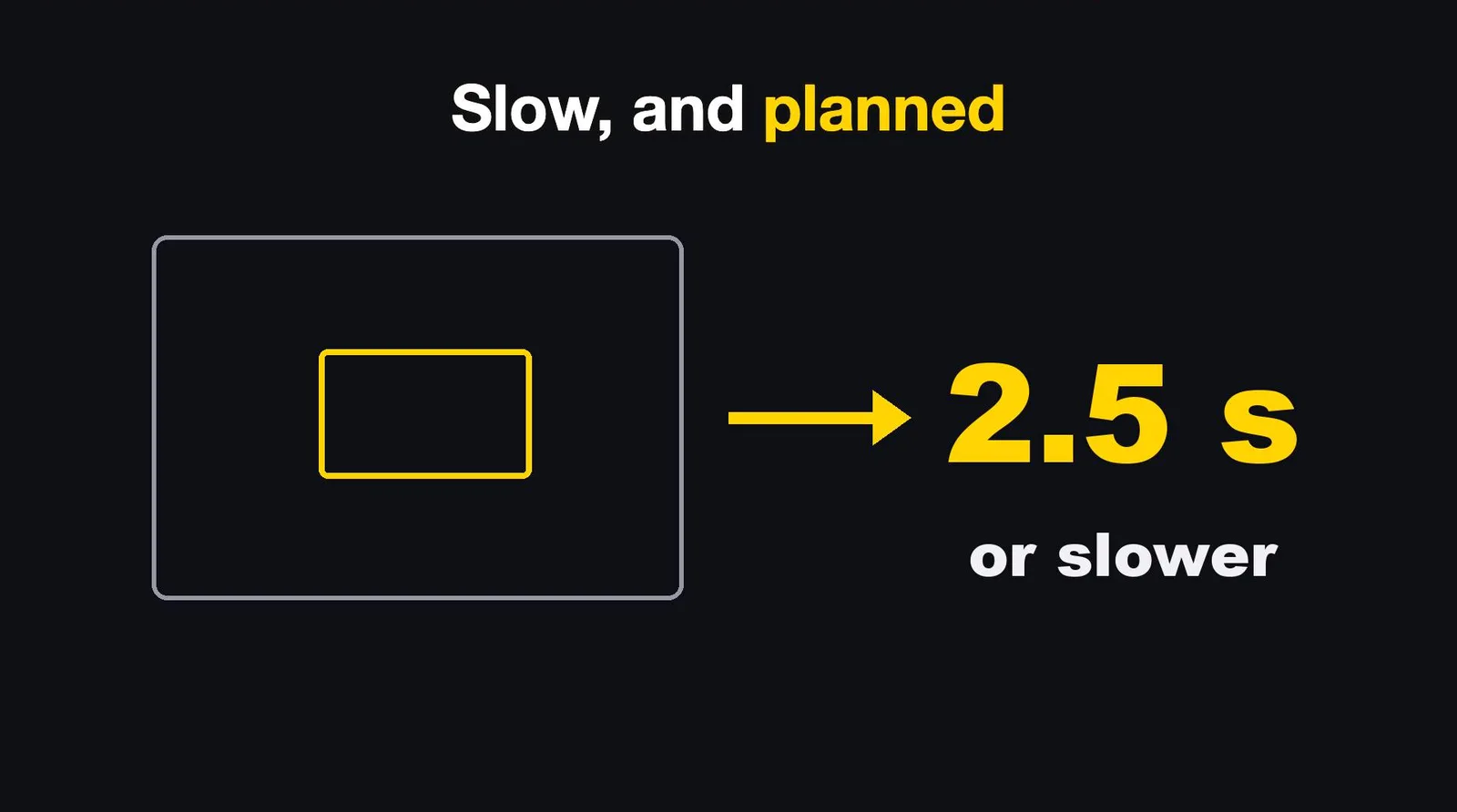
Two: zooms that were too fast. Claude zoomed into a screenshot in half a second, and you could not read anything. The rule now is at least 2.5 seconds, and the plan has to say where the zoom starts and which word it waits for.
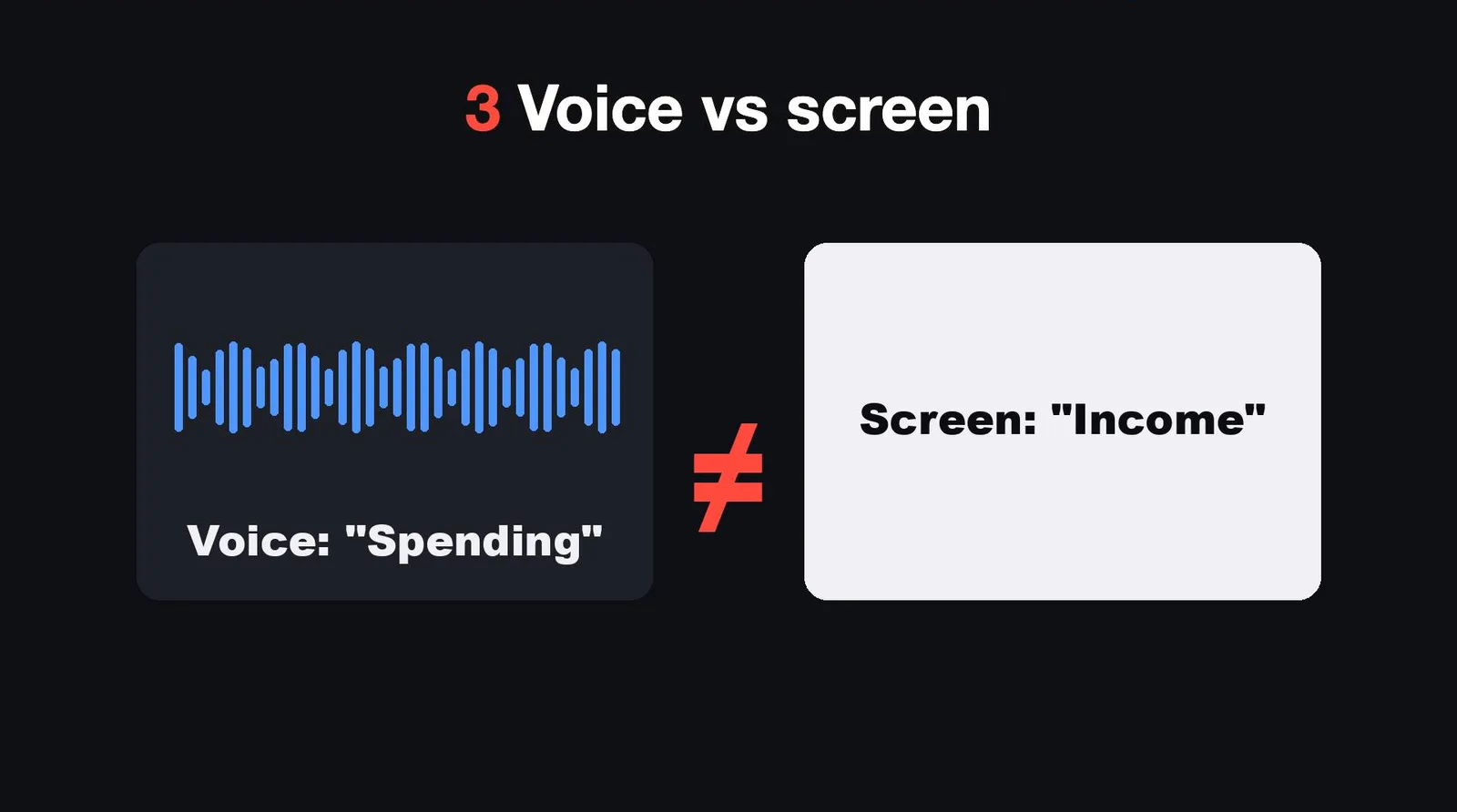
Three: the words on screen did not match the words in the voice. The script said one thing, the screenshot showed another. That one I still catch by eye. It is about meaning, and checks are bad at meaning. That is why my final look stays.
What it does better than me
It never skips a check because it is late at night. It redoes one line in seconds instead of rebuilding a timeline. And it makes video number 69 with the same care as video number one.
What I have not tried, and who this does not suit
- I have not tried it with recorded footage of a person. The method starts from a script, and I do not know how it would cope with a camera.
- It does not suit vlogs, interviews or anything where the face is the point. There is nothing to film in my version.
- It is not a way to get views. My shorts stop at about 1,000 views, and I do not have a hit yet.
- The voice is a model trained on my own voice. If you do not want a synthetic voice, this is not your method.
- It needs someone who can read what Claude Code builds, or at least run it. I did not test it on a first-time user.
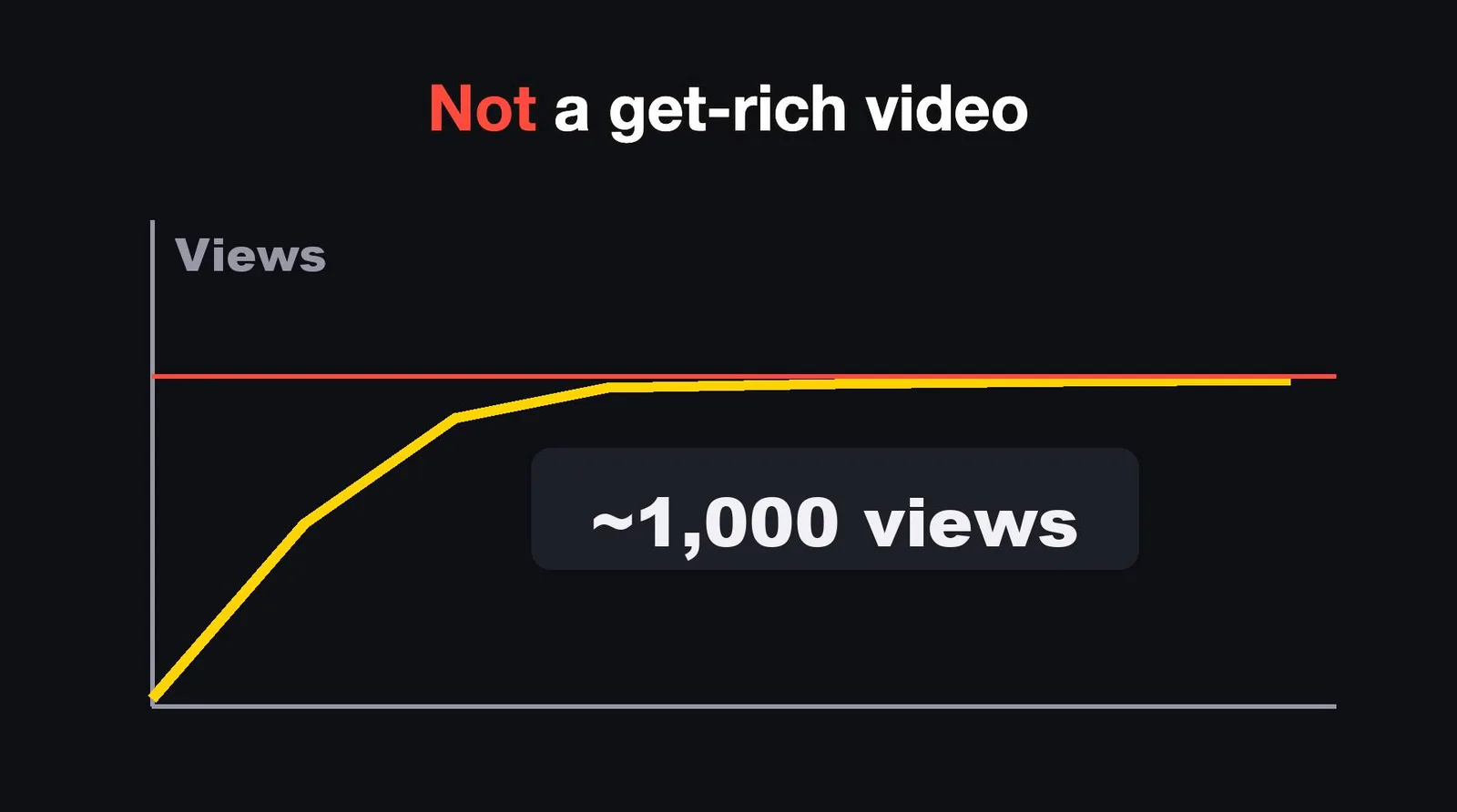
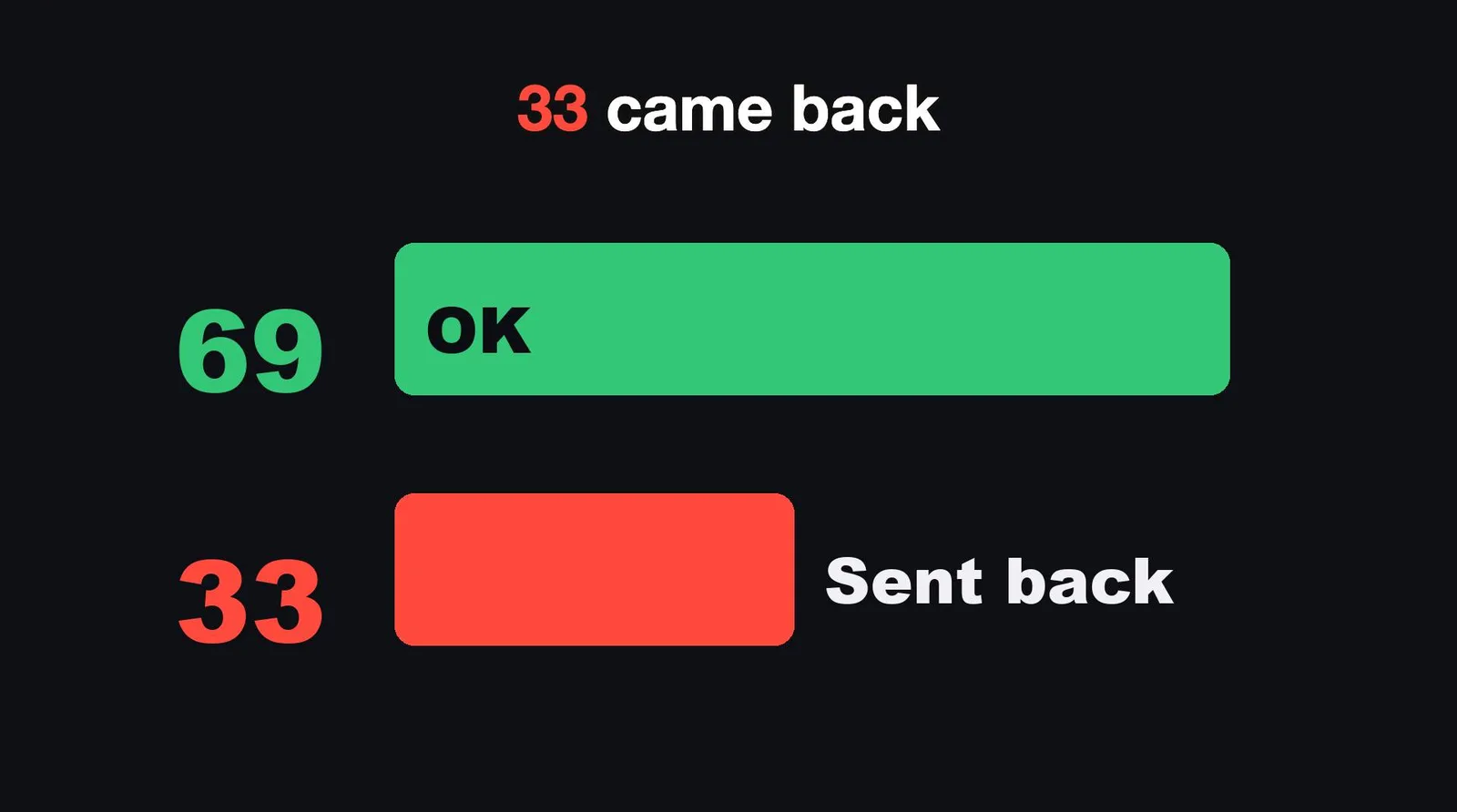
What I got is time. That is the whole result so far: 69 videos passed my final check in four days, and 33 more were sent back.
How to start
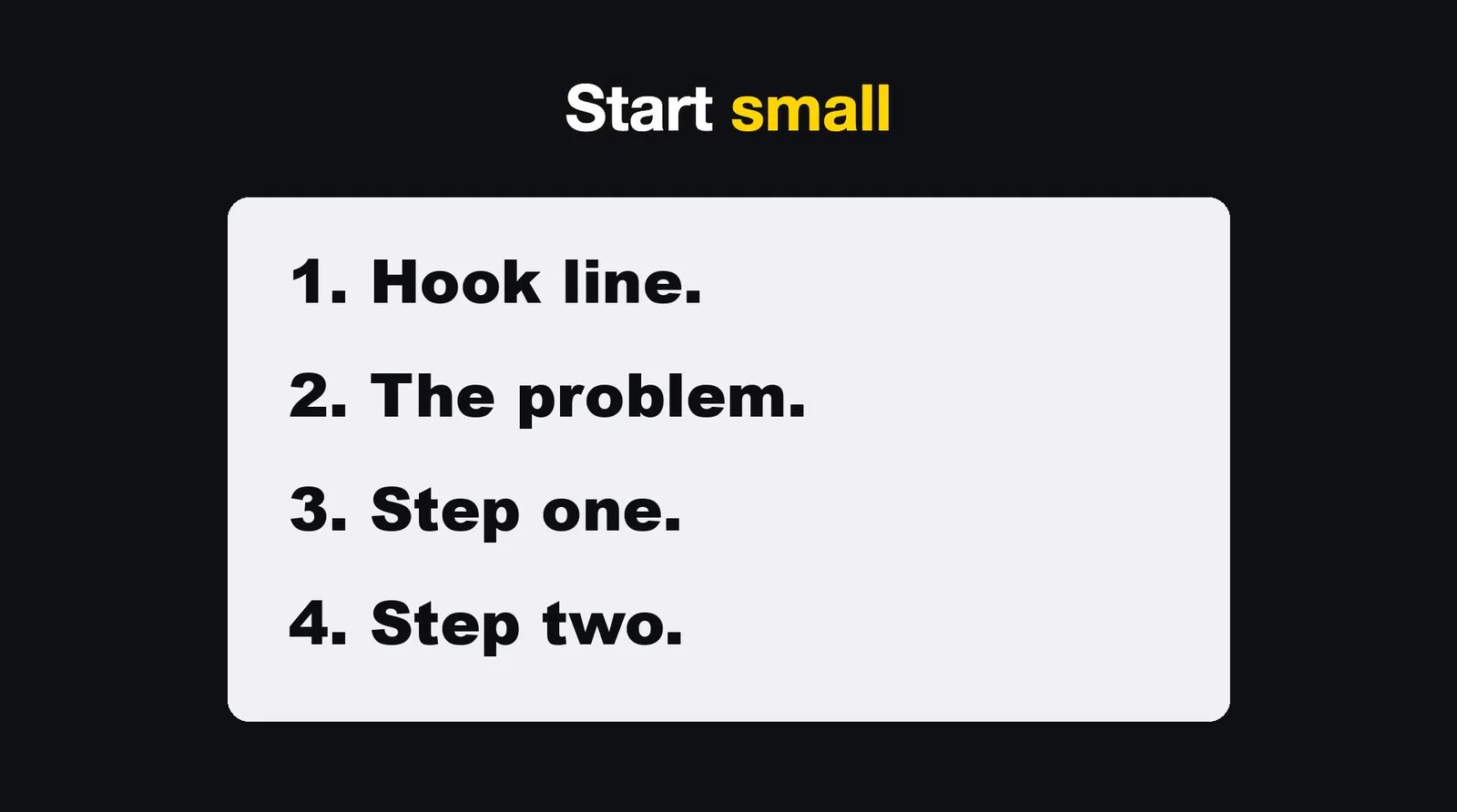
Start small. Do not build my whole kit. Here are the steps.
- Write your script as a list, one line per sentence. Four lines is enough for a first test: a hook, the problem, step one, step two.
- Ask Claude Code to turn each line into voice and save each line's start and end time.
- Ask it to build one web page with a scene for each line, timed to those numbers.
- Have a browser take 30 pictures a second, and join them with your voice. That is a working video.
- Every time you catch a mistake, do not only fix the video. Ask Claude to write a check, so it cannot happen again.
A prompt you can copy for steps 2 and 3, with your own voice service and tools filled in:
I have a script in script.json: a list of lines, each with "text".
1. Turn each line into a voice file with [your text to speech service]. Skip any line whose text has not changed since last time.
2. Join the files into one voice track and write timeline.json: for every line, its start and end in seconds, and the total length.
3. Build one HTML page, 1920 by 1080, with one scene per line. Show each scene exactly between its start and end.
4. Do not export yet. Show me the plan first.
Then, for step 5, the sentence that does the most work over time:
That text was too small to read. Fix it, and add a check that fails the build if any text on screen is smaller than 40 pixels.
Claude Code does not edit like an editor. It edits like a programmer. And a programmer never gets tired of video number one hundred.