 Hisashi Space
November 6, 2026 · 15 min read
AI Agents Explained for Beginners: What an AI Agent Is, How It Works, and How It Differs From a Chatbot
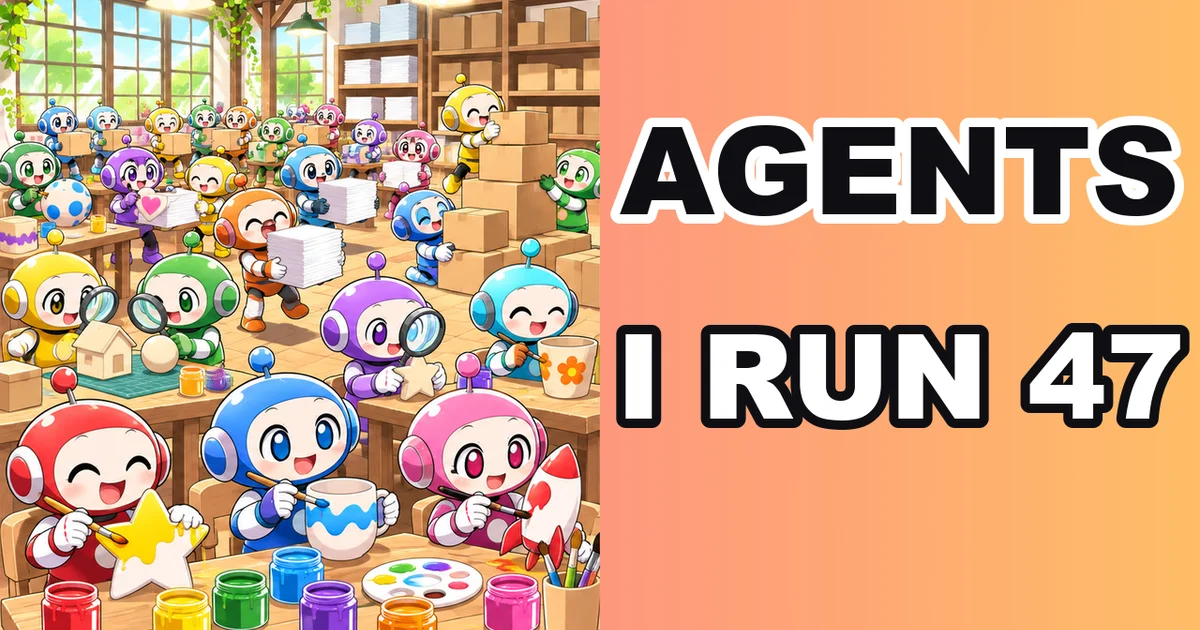
AI agents, explained for beginners. Everyone uses the word. Few people can say how an agent is different from a chatbot.
On the day I recorded the video, I had 47 Claude Code sessions open at the same time. Each one had its own job.
I made a video about it. This article has what the video has no room for: a table of chatbot vs workflow vs agent in Anthropic's own words, the five patterns Anthropic sees before you even need an agent, how the loop works inside Claude Code, the safety settings that decide what an agent may do without asking, and a step-by-step way to build your first one.
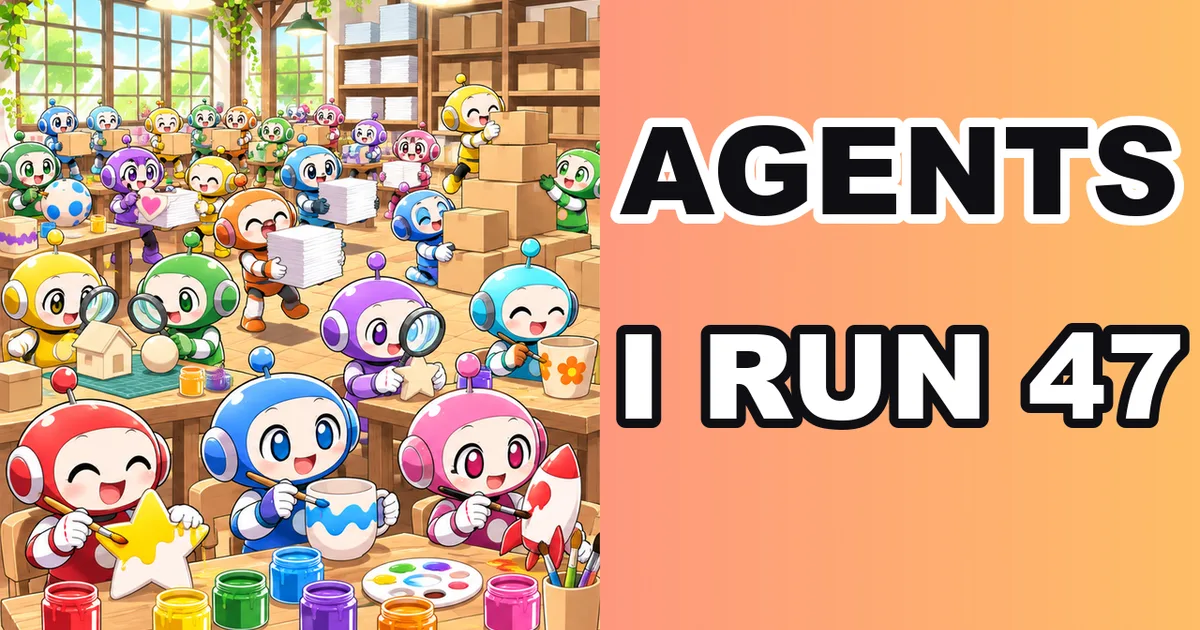
The short version
- A chatbot answers. You ask, it replies, and you do the work.
- An agent does the work. Anthropic defines agents as "systems where LLMs dynamically direct their own processes and tool usage".
- A workflow sits in between. The tools are the same, but the steps are written in advance.
- Inside, an agent is "typically just LLMs using tools based on environmental feedback in a loop" (Anthropic).
- Claude Code's docs name the loop's three phases: gather context, take action, verify results.
- Anthropic's first advice is to find the simplest solution. Sometimes that means no agent at all.
- Agents cost more, and their errors can compound. Anthropic recommends sandboxed testing and guardrails.
- Hand over work with a clear finish line. Keep anything you cannot undo.
I have run my own company in Japan for 22 years. Today, AI makes twelve videos and twelve carousel sets a day for my company. So this is not theory for me. I checked what I say in the video against Anthropic's article and the Claude Code docs.
What is an AI agent? Anthropic's definition
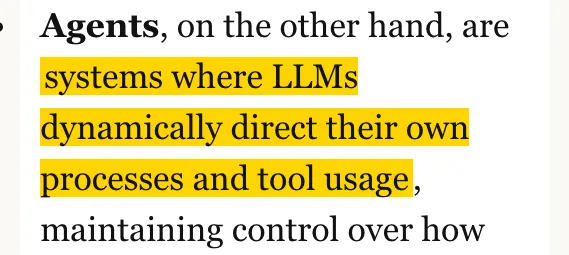
Anthropic's engineering article "Building effective agents" (December 19, 2024) draws one line.
Agents are "systems where LLMs dynamically direct their own processes and tool usage, maintaining control over how they accomplish tasks."
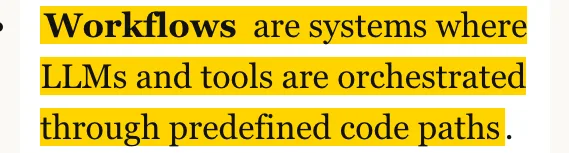
Workflows are "systems where LLMs and tools are orchestrated through predefined code paths."
Anthropic calls both of them agentic systems. Add the plain chatbot, and you get three kinds of thing that people all call "AI".
| Chatbot | Workflow | Agent | |
|---|---|---|---|
| Who decides the next step | You | Whoever wrote the path in advance | The model |
| Uses tools | No, it replies with text | Yes, at fixed points | Yes, it picks which ones and when |
| Sees the result of its own action | No | Only where a check was written in | Yes, at each step |
| Who does the work | You | The system, along a fixed path | The agent, until done or stopped |
| Good for | Questions, explanations, ideas | Well-defined tasks that should run the same way every time | Open-ended tasks where you cannot predict the steps |
| Cost and risk | Lowest | Predictable | Higher costs, potential for compounding errors |
The last three rows come from Anthropic's own wording. Workflows "offer predictability and consistency for well-defined tasks". Agents are better "when flexibility and model-driven decision-making are needed at scale".
The Claude Code docs say the same thing from the other side. "Without tools, Claude can only respond with text. With tools, Claude can act."
AI agent vs chatbot: the same request, two results

Ask a chatbot to fix a broken link on your website.
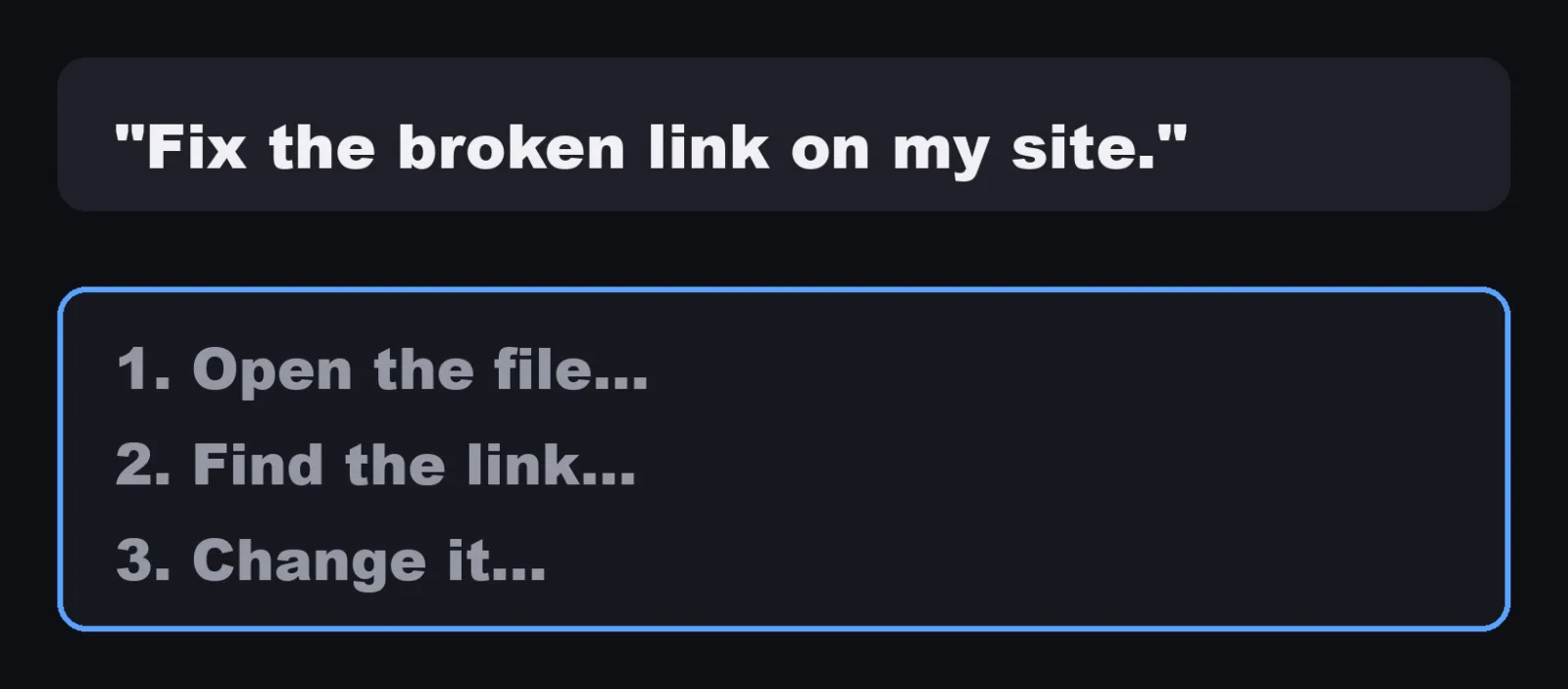
It tells you how. Open the file. Find the link. Change it. Then you do all of that yourself.
Ask an agent the same thing.
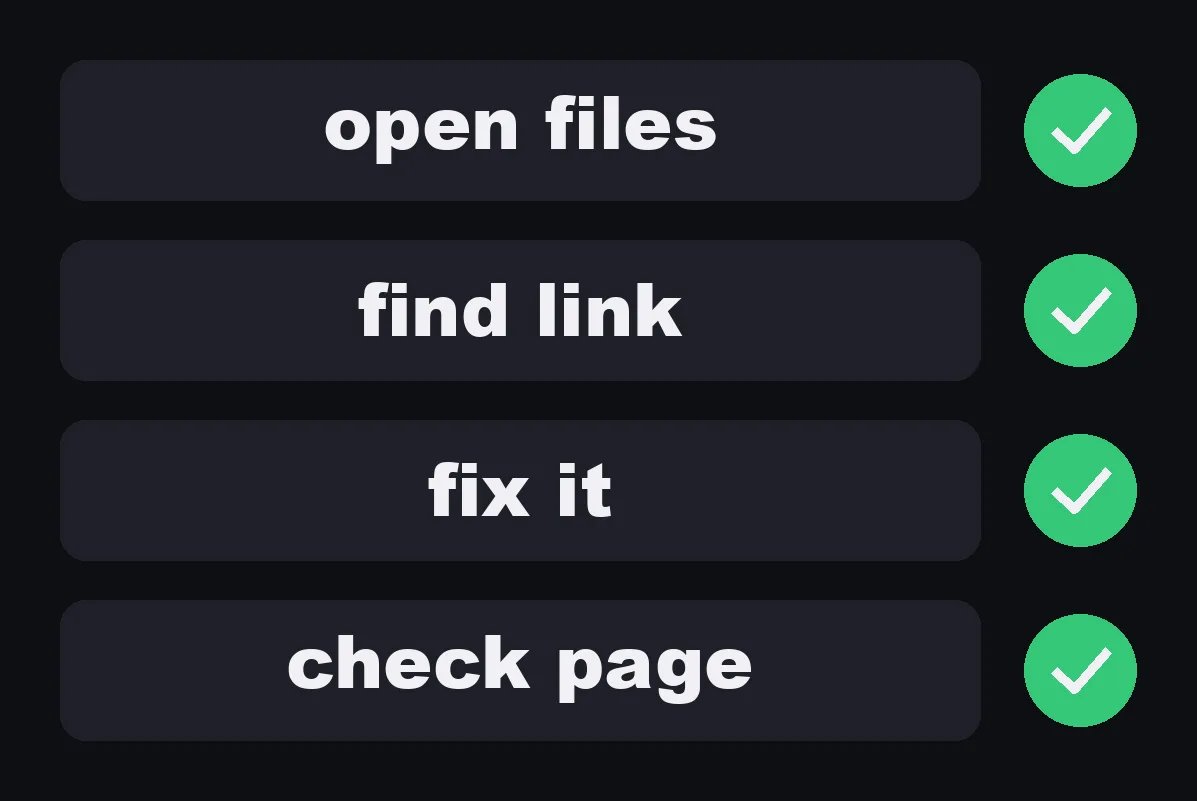
It opens the files, finds the link, fixes it, and checks the page again.
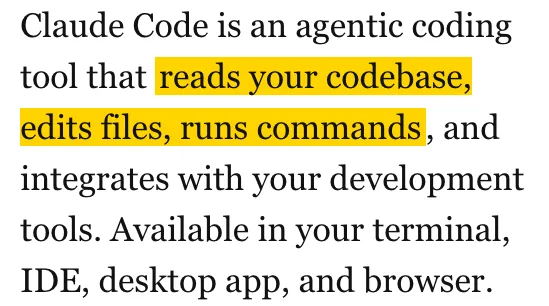
That is what Claude Code does. The official overview: "Claude Code is an agentic coding tool that reads your codebase, edits files, runs commands, and integrates with your development tools."
The "How Claude Code works" page adds that it is not only for code. It "can help with anything you can do from the command line: writing docs, running builds, searching files, researching topics, and more."
AI agent vs workflow
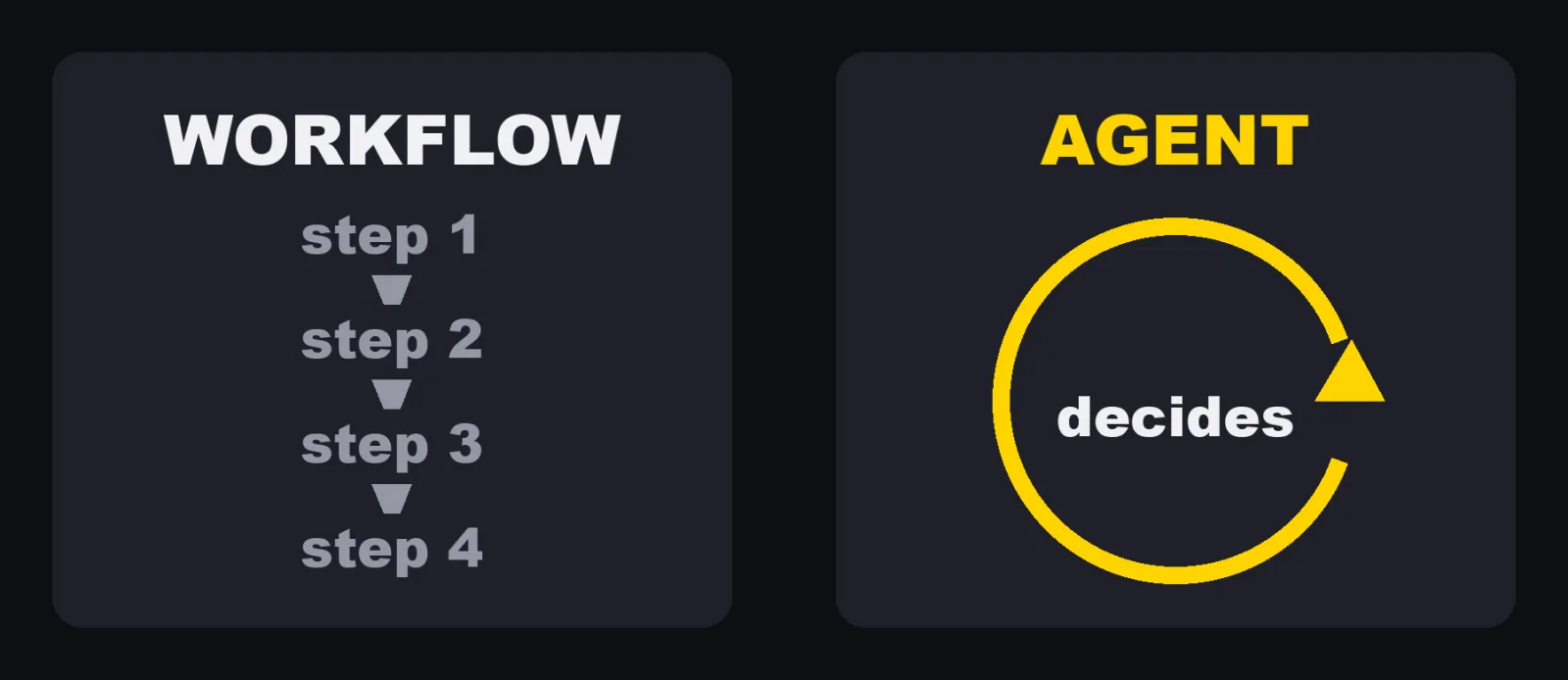
A workflow follows a path someone wrote in advance. An agent picks its own path.
This matters more than it sounds. Anthropic's article spends most of its length on workflows, not agents. Before you build an agent, it is worth knowing the five patterns Anthropic says it has "seen in production".
| Pattern | What it does | When Anthropic says to use it | Anthropic's example |
|---|---|---|---|
| Prompt chaining | Each LLM call works on the output of the previous one, with checks in between | The task splits cleanly into fixed subtasks | Write marketing copy, then translate it |
| Routing | Classifies the input and sends it to a specialized follow-up | Distinct categories that are better handled separately | Send general questions, refund requests and technical support to different processes |
| Parallelization | Runs subtasks at the same time, or the same task several times | Speed, or several attempts for higher confidence | Several prompts review code for vulnerabilities |
| Orchestrator-workers | A central LLM breaks down the task, hands parts to worker LLMs, and combines the results | You cannot predict the subtasks in advance | Changes across many files in a coding task |
| Evaluator-optimizer | One LLM call writes, another evaluates and gives feedback, in a loop | Clear evaluation criteria, and refinement measurably helps | Literary translation with a critic |
All five start from one building block Anthropic calls the augmented LLM: a model with retrieval, tools and memory.
And Anthropic adds: "For many applications, however, optimizing single LLM calls with retrieval and in-context examples is usually enough."
How AI agents work: the loop
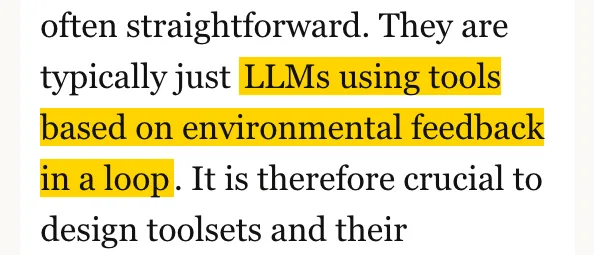
So what happens inside an agent? Anthropic puts it simply. Agents "are typically just LLMs using tools based on environmental feedback in a loop."
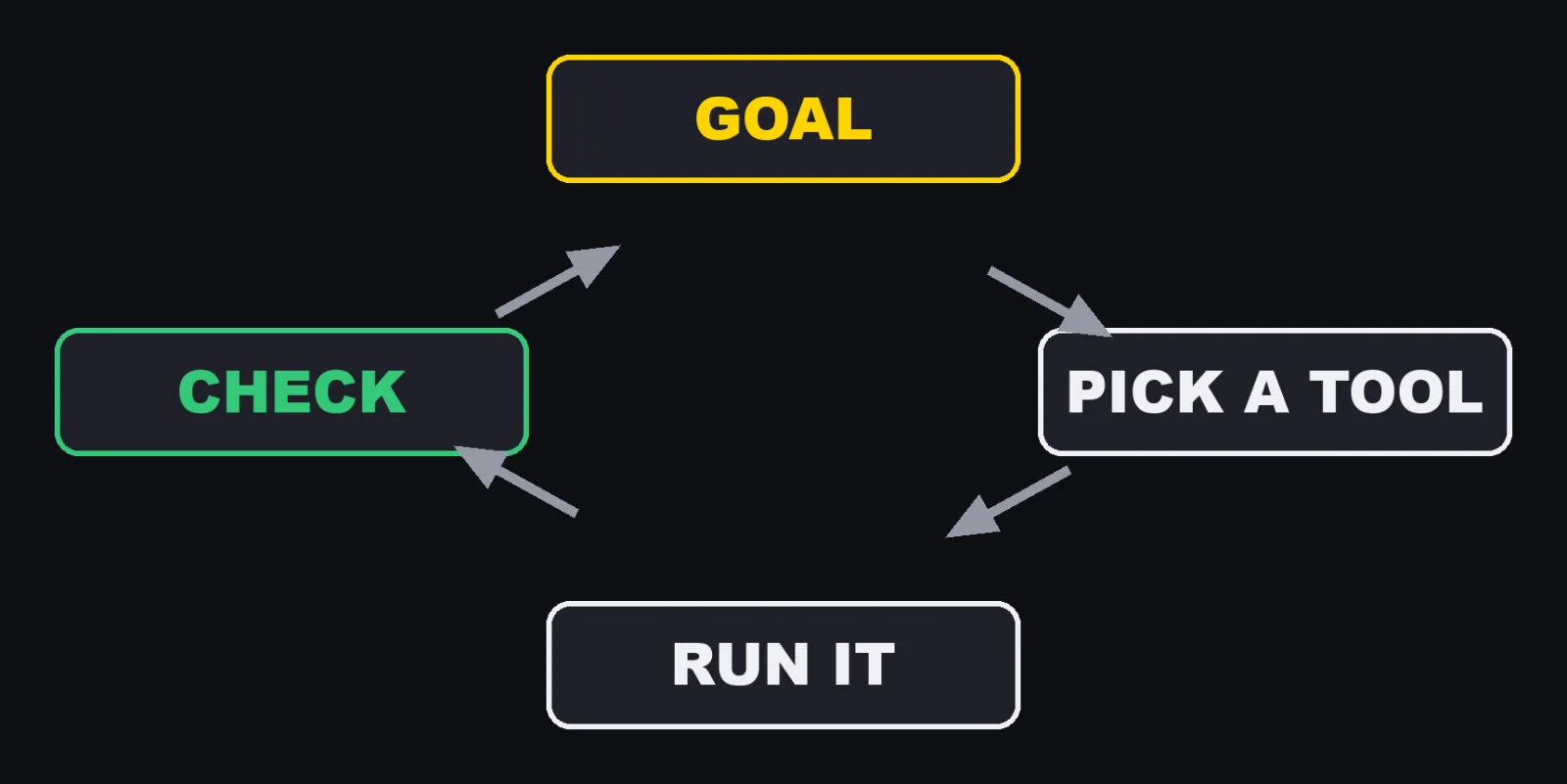
This is how I explain it in the video. Look at the goal. Pick a tool. Run it. Check the result. Then decide the next step. Repeat until it is done.
Claude Code's docs name the same loop with three phases: "gather context, take action, and verify results." They give an example. When you say "fix the failing tests," Claude might:
- Run the test suite to see what's failing
- Read the error output
- Search for the relevant source files
- Read those files to understand the code
- Edit the files to fix the issue
- Run the tests again to verify
Step 6 is the part a chatbot never does. The agent checks its own work against the real world. Anthropic calls this getting "ground truth" from the environment at each step.
The tools are what make the loop possible. Claude Code's docs sort its built-in tools into five categories:
| Category | What Claude can do (Claude Code docs) |
|---|---|
| File operations | Read files, edit code, create new files, rename and reorganize |
| Search | Find files by pattern, search content with regex, explore codebases |
| Execution | Run shell commands, start servers, run tests, use git |
| Web | Search the web, fetch documentation, look up error messages |
| Code intelligence | See type errors and warnings after edits, jump to definitions, find references (requires code intelligence plugins) |
Anthropic also describes how an agent's task begins and ends.
- It starts with a command from you, or a conversation with you.
- Once the task is clear, the agent plans and works on its own.
- It can come back to you for more information or a judgment call.
- It can pause for your feedback at checkpoints, or when it gets stuck.
- The task often ends when it is complete, but it is also common to add stopping conditions, such as a maximum number of iterations.
You are part of the loop too. In Claude Code, pressing Esc stops it immediately, and you can type a correction while it works.
My agents: one agent's day
Here is one of mine. This one makes English videos. The video above came from it.
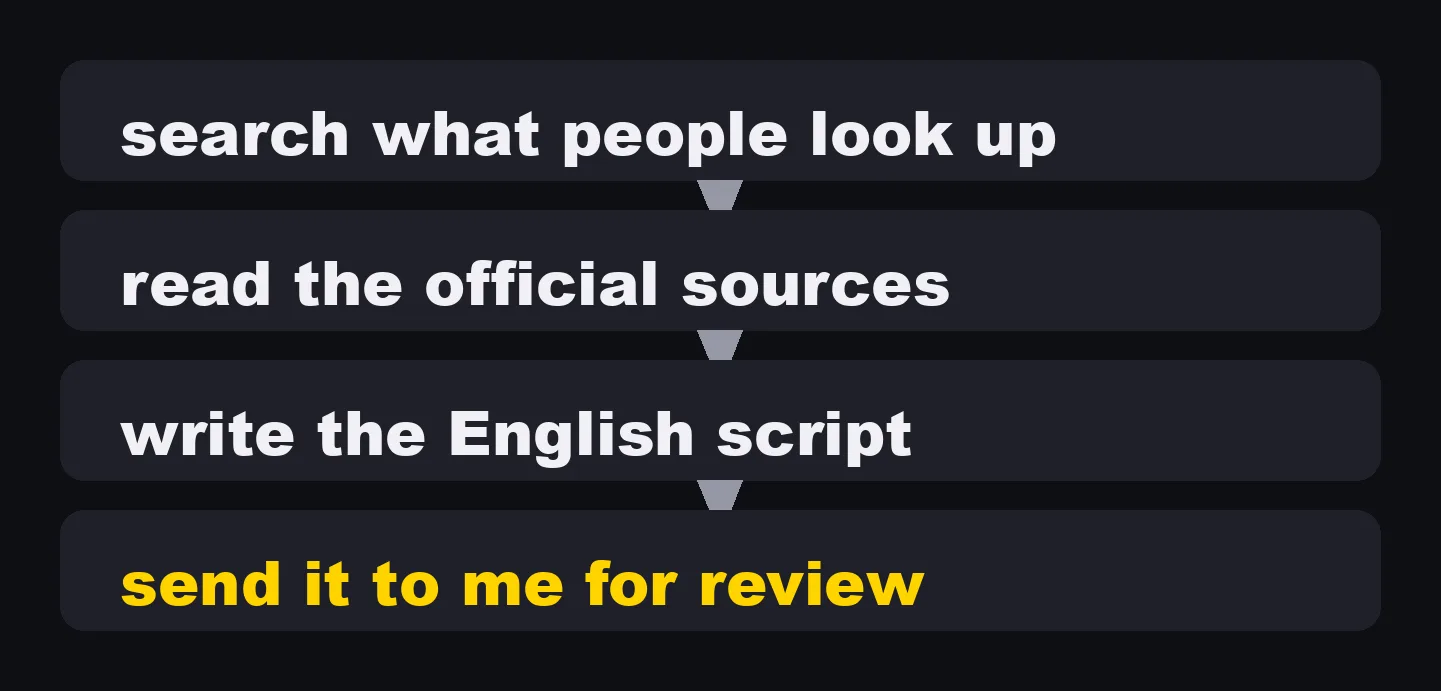
It searches what people look up, reads the official sources, writes the script in English, and sends it to me for review.
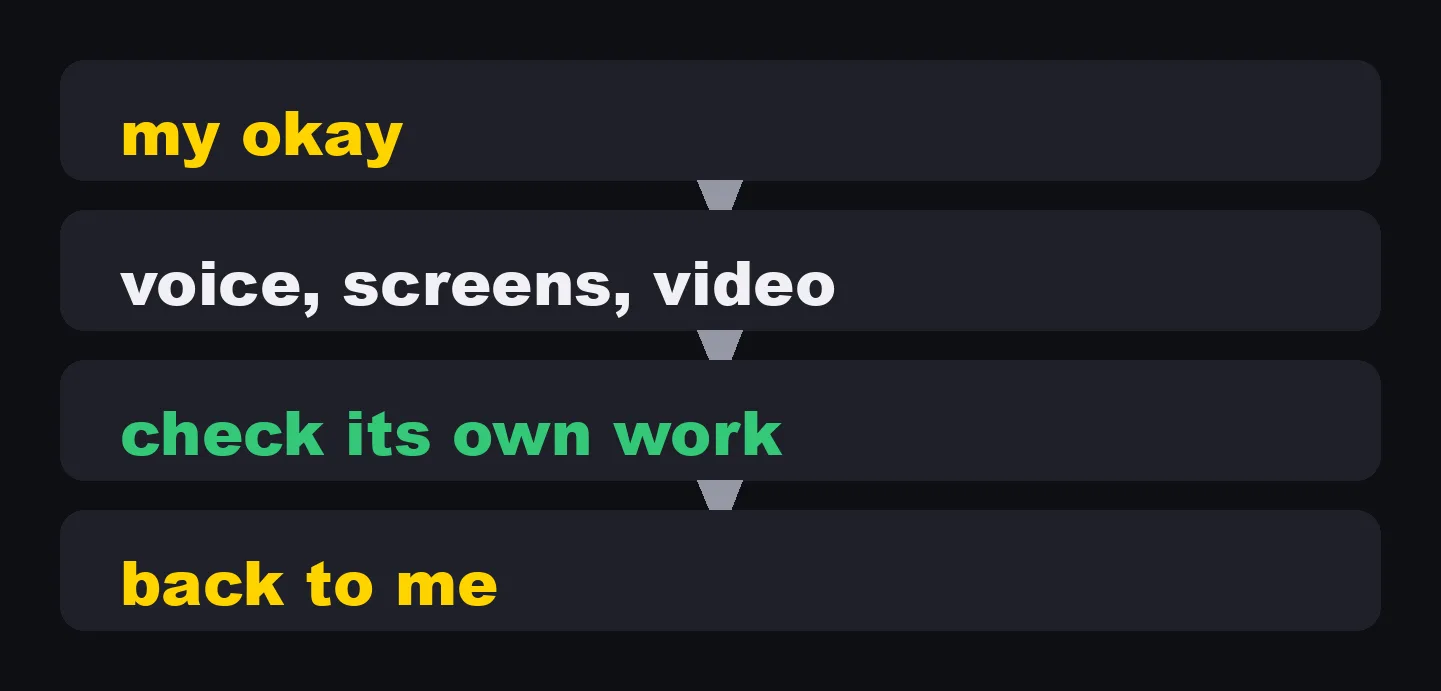
After I say okay, it makes the voice, the screens and the video. Then it checks its own work before I see it again.
Look at where the loop is. It does not just write and stop. It reads the sources before it writes, and it checks the finished video before it hands it back.
The other agents

The other sessions do other jobs. Blog articles. Social posts. Newsletters. Carousels. Each one runs its own loop.
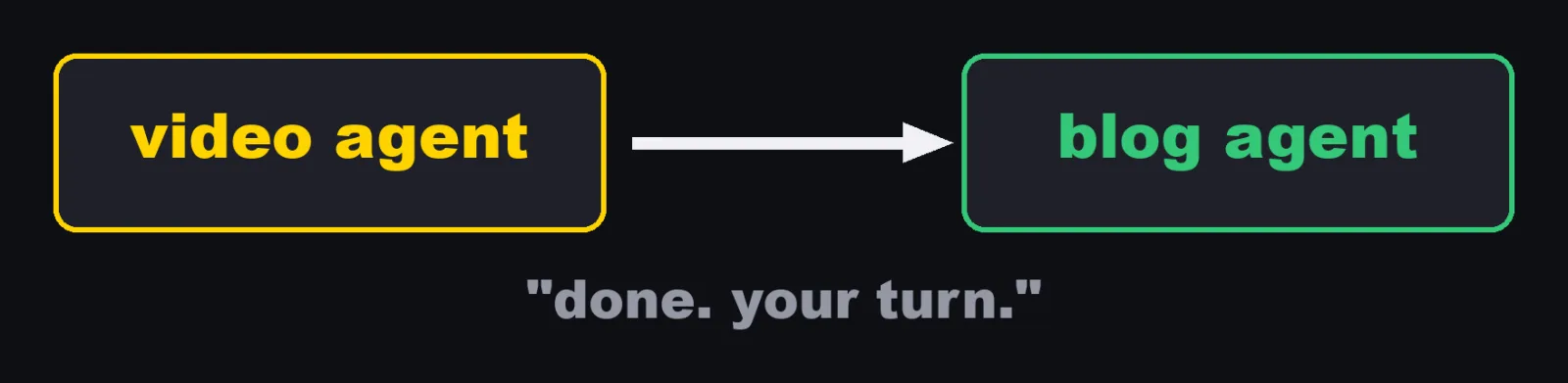
They do not talk to me all day. They talk to each other. One finishes a video and tells the next one to write the blog post about it.
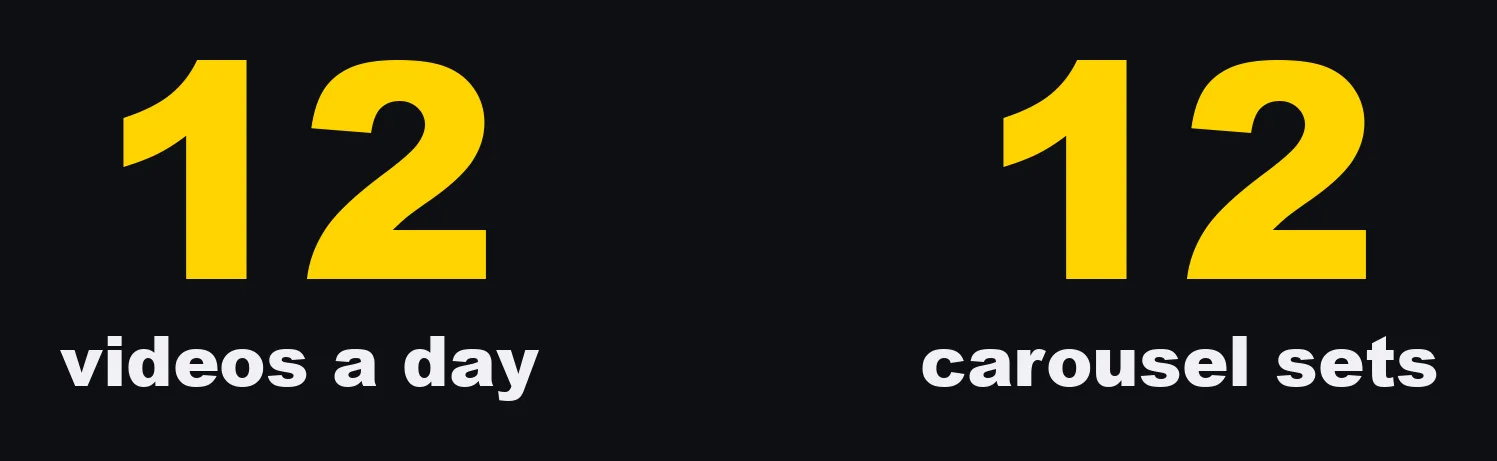
Together, they make twelve videos and twelve carousel sets a day for my company.
The part most beginner guides skip
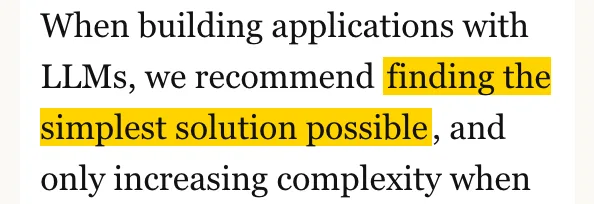
Anthropic itself says: "we recommend finding the simplest solution possible, and only increasing complexity when needed. This might mean not building agentic systems at all."
Its summary is even plainer. "Start with simple prompts, optimize them with comprehensive evaluation, and add multi-step agentic systems only when simpler solutions fall short."
So before you build an agent, ask in this order:
| Question | If yes |
|---|---|
| Does one good prompt, with the right examples, already get the result? | Use a chatbot. No agent. |
| Are the steps the same every time? | Use a workflow, or a plain script. |
| Do the steps depend on what it finds along the way? | Now an agent makes sense. |
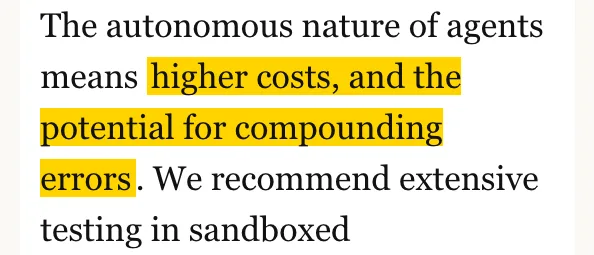
Why not always use an agent? Anthropic: "The autonomous nature of agents means higher costs, and the potential for compounding errors."
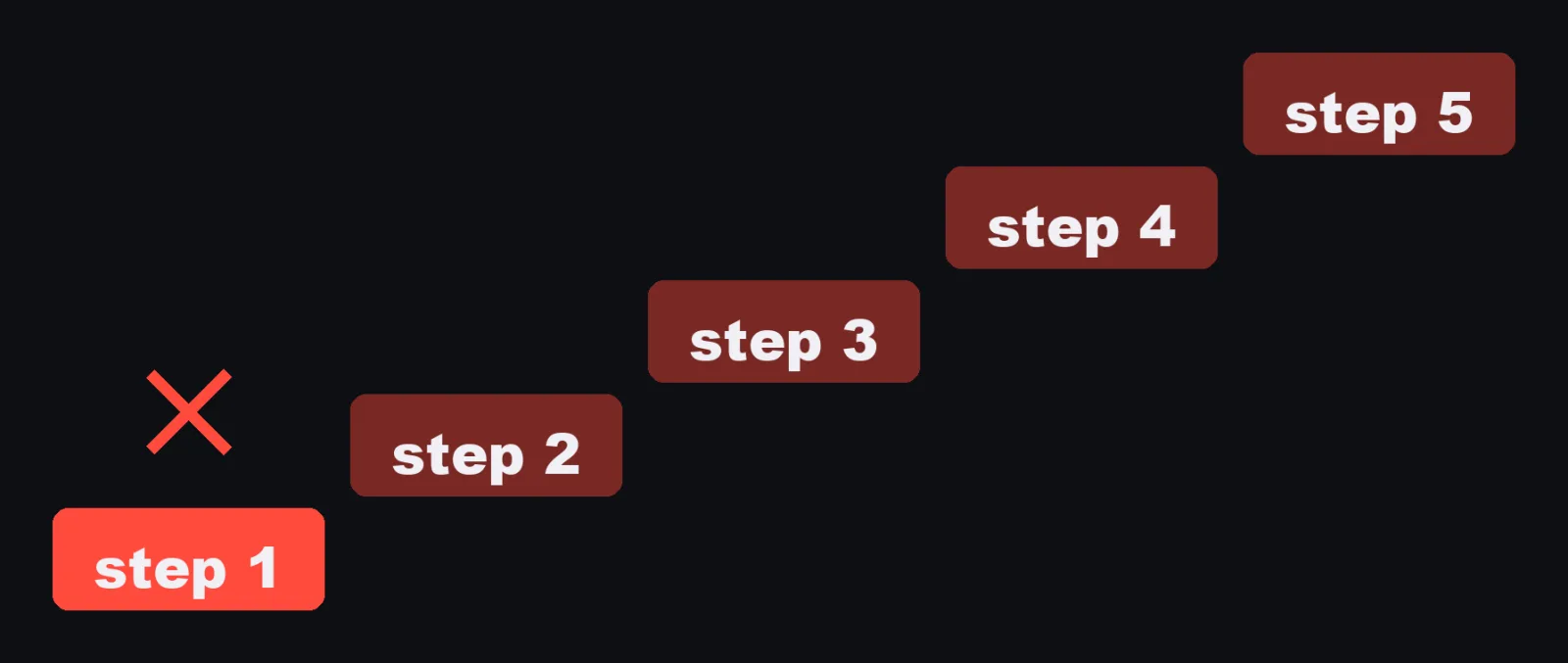
One wrong step, then the next step builds on it. A chatbot that is wrong gives you one wrong answer. An agent that is wrong can take ten more actions on top of it.
How I keep control
Anthropic's advice: "We recommend extensive testing in sandboxed environments, along with the appropriate guardrails."
Here is what that means in Claude Code, in the docs' own terms.
What can be undone, and what cannot
Claude Code snapshots a file before it edits it. Press Esc twice to rewind, or ask it to undo.
But the docs draw a hard line: "Actions that affect remote systems (databases, APIs, deployments) can't be checkpointed. You control those with your permission mode and permission rules."
That one sentence is the reason for most of my rules.
Permission modes
Press Shift+Tab to cycle through them.
| Mode | What it does (Claude Code docs) |
|---|---|
| Manual | Claude asks before file edits and shell commands |
| Accept edits | Claude edits files and runs common filesystem commands like mkdir and mv without asking, still asks for other commands |
| Plan | Claude explores and proposes a plan without editing your source files |
| Auto | A classifier reviews most actions in the background and blocks the risky ones instead of asking you |
Permission rules
You can write allow, ask and deny rules in .claude/settings.json.
The docs: "Rules are evaluated in order: deny, then ask, then allow."
So a deny rule always wins.
This example is from the docs.
It lets Claude run npm scripts and git commits without asking, and refuses commands that begin with git push.
{
  "permissions": {
    "allow": [
      "Bash(npm run *)",
      "Bash(git commit *)"
    ],
    "deny": [
      "Bash(git push *)"
    ]
  }
}
Hooks
Hooks are shell commands Claude Code runs at fixed points. The docs say they give "deterministic control: certain actions always happen rather than relying on the LLM to choose to run them." A hook on PreToolUse runs before a tool call, and can block it by exiting with code 2.
I have 70 hook scripts.
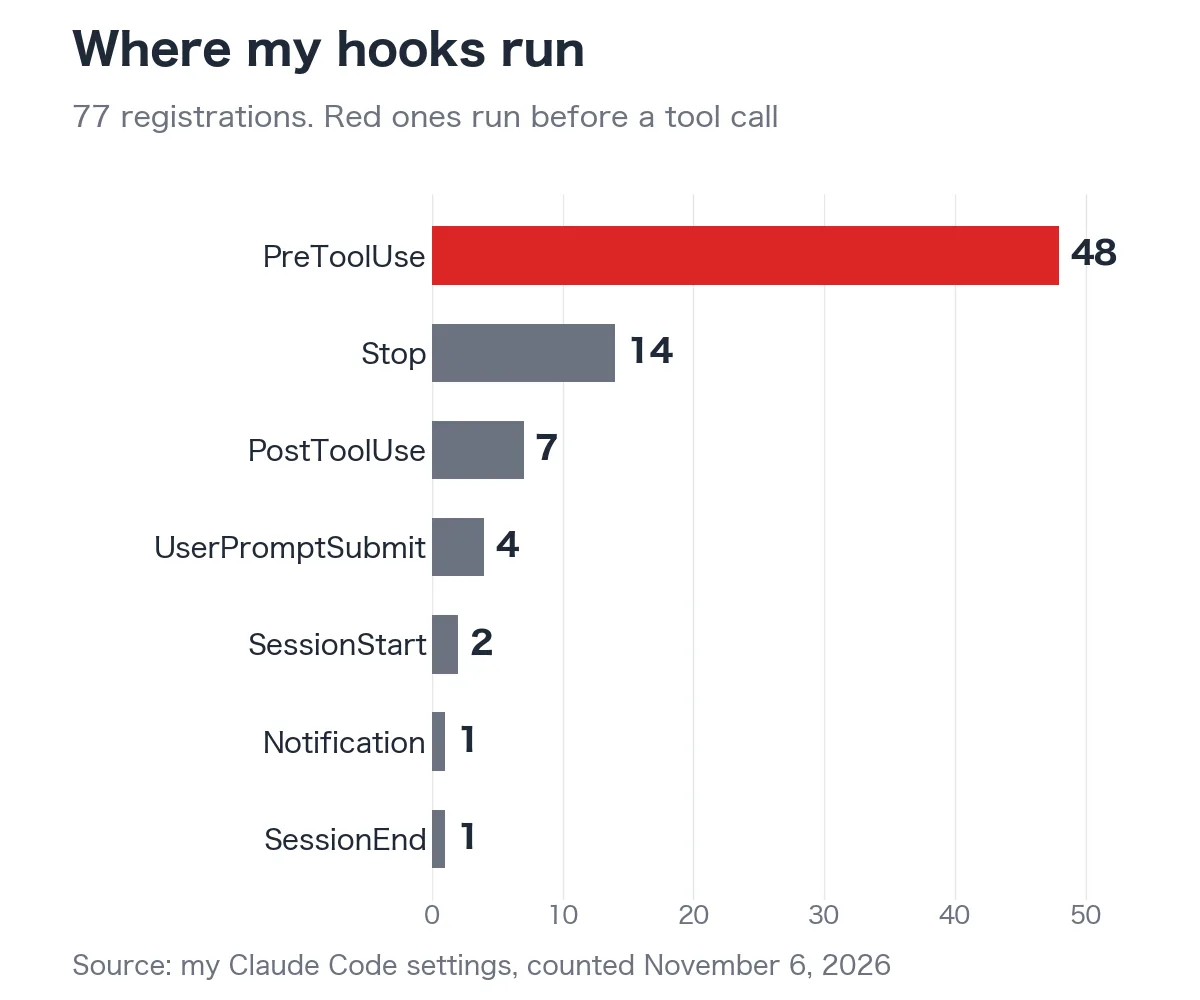
Not all of them stop commands. In my settings they are registered 77 times, and 48 of those registrations run before a tool call, where they can stop a risky command before it runs. The rest check work after the fact, or when a session ends.
My okay at the end
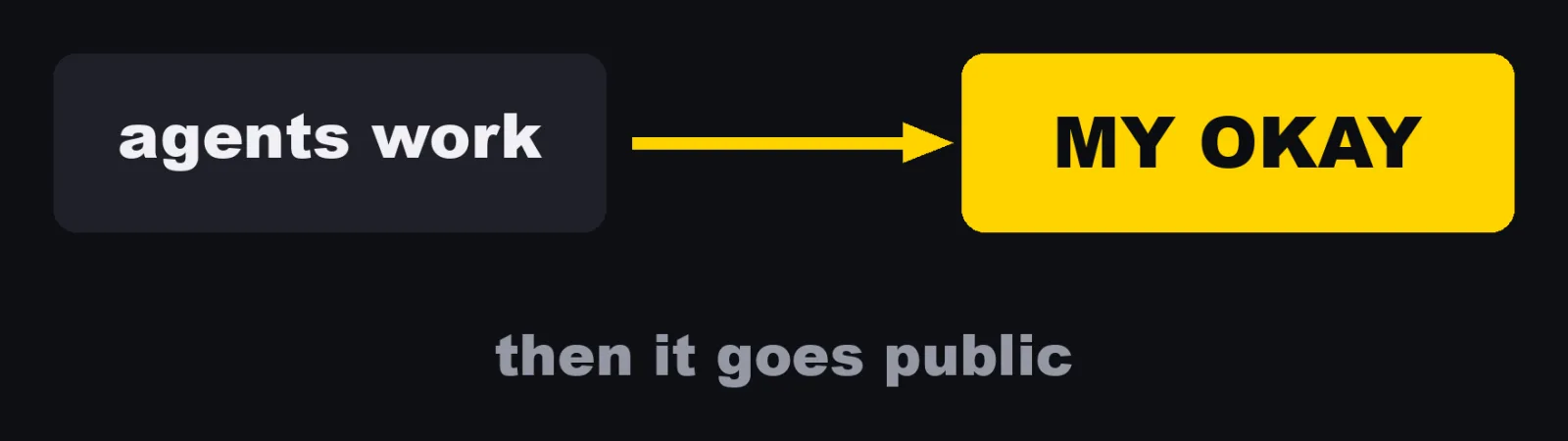
And nothing goes out to the public without my okay. The agents do the work. I keep the final say.
AI agent use cases: what to hand over
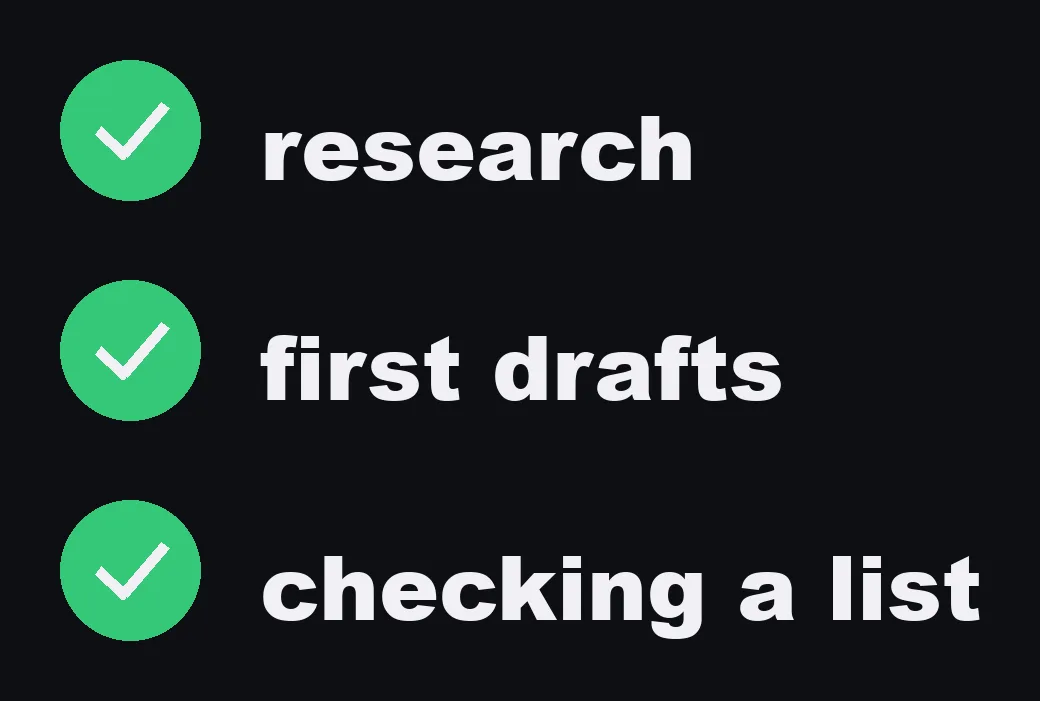
Hand an agent work with a clear finish line, where it can check itself. Research. First drafts. Checking a list against the rules.
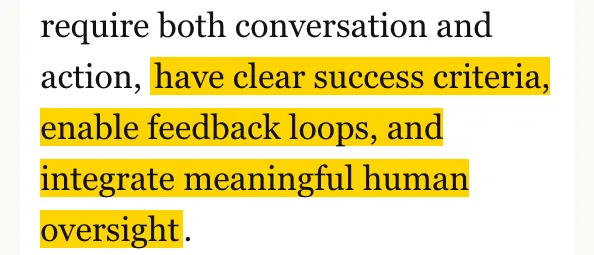
Anthropic says agents add the most value for tasks that "require both conversation and action, have clear success criteria, enable feedback loops, and integrate meaningful human oversight."
It names two areas where its customers found agents most promising.
| Use case | Why it fits, in Anthropic's words |
|---|---|
| Customer support | Support "naturally" follows a conversation while needing outside information and actions. Tools can pull customer data, order history and knowledge base articles. Refunds and ticket updates can be handled programmatically. Success can be measured through user-defined resolutions. |
| Coding agents | Code can be verified through automated tests. Agents can iterate using test results as feedback. The problem is well-defined. Output quality can be measured objectively. |
Even there, Anthropic adds: "human review remains crucial".
Here is how I split the work in my own company.
| Job | What the agent does | What I keep |
|---|---|---|
| Video | Searches what people look up, reads official sources, writes the script, makes the voice, screens and video, checks its own work | The okay on the script and the okay before it goes public |
| Blog articles | Turns a finished video into an article and checks it against the rules | The okay before it goes public |
| Social posts, carousels, newsletters | Drafts and checks them | The okay before they go out |
| Anything with money, deletion or a real customer | Asks me first | The decision itself |
What never to hand over
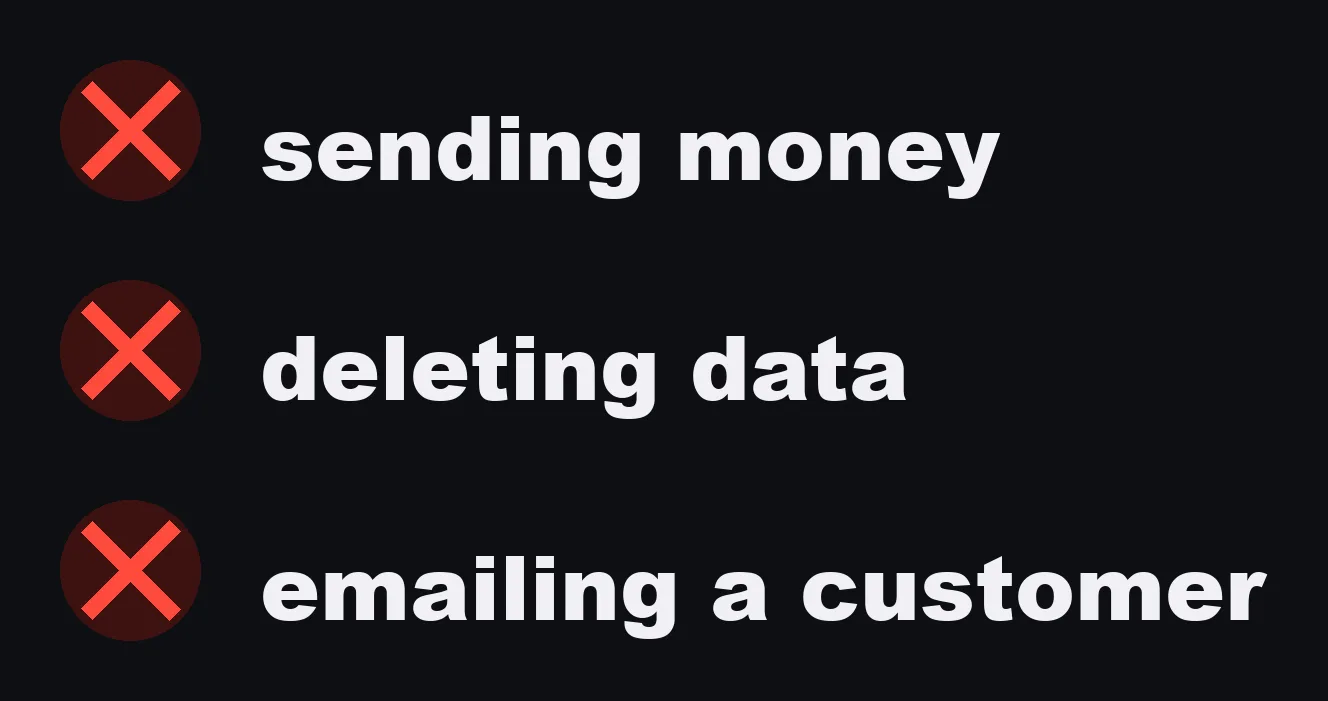
Anything you cannot undo. Sending money. Deleting data. Emailing a real customer.
These are exactly the "remote systems" the Claude Code docs say cannot be checkpointed. A file edit can be rewound. A sent email cannot.

My agents have to ask me first for every one of those. Every time.
Build your first AI agent, step by step
Pick the task
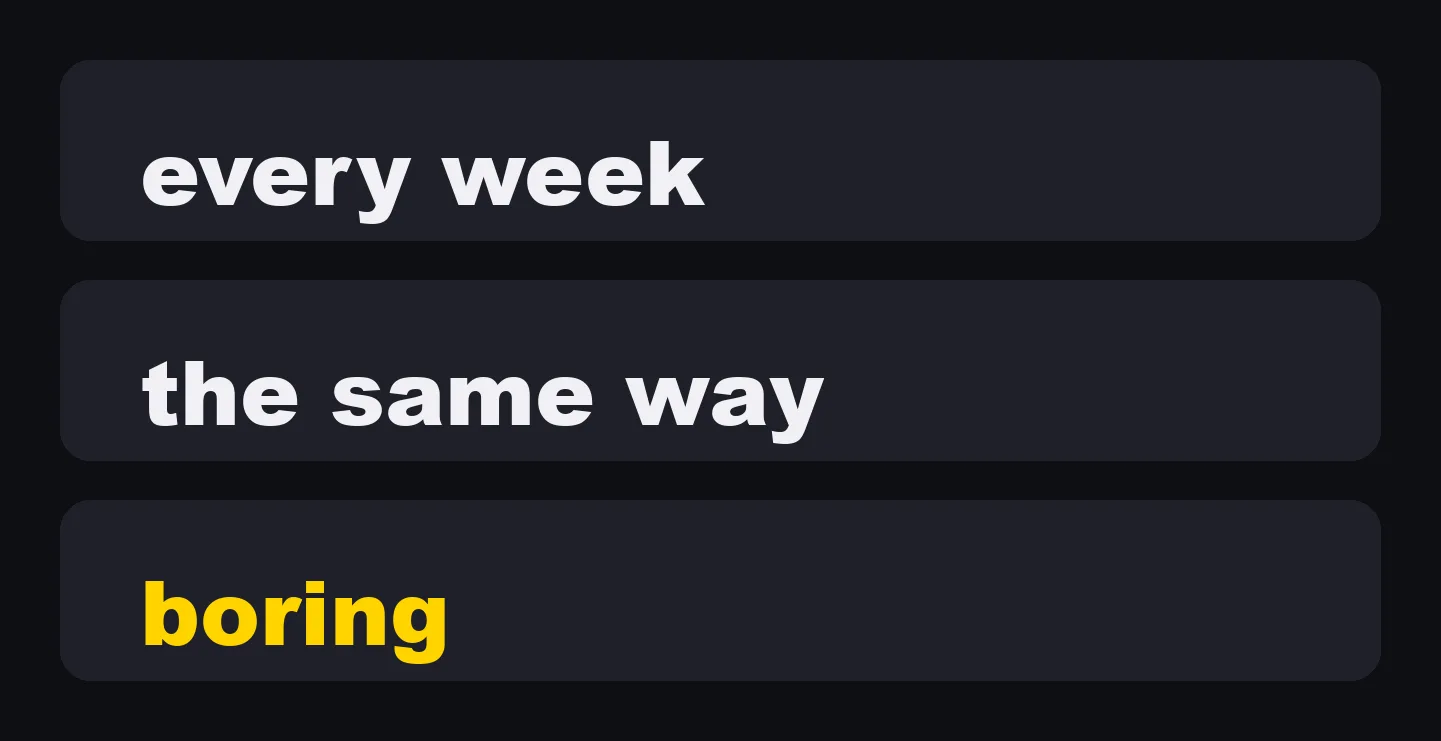
Pick one task you do every week, the same way, that bores you. Then run it through the three questions above. If one prompt or a fixed workflow already does it, you are done, and that is a good result.
Write down what done looks like

An agent stops when it knows it is done. So write it down: what the finished output is, where it goes, and how it can check itself. "Clear success criteria", in Anthropic's words.
Give it only the tools it needs, and keep your okay

If you use Claude Code, this is how those steps map to its own features.
- Install it. The overview page gives
curl -fsSL https://claude.ai/install.sh | bashfor macOS, Linux and WSL, with separate commands for Windows. Most surfaces require a Claude subscription or an Anthropic Console account. - Start it in the folder for the task:
cd your-project, thenclaude. - Run
/initto generate a starter CLAUDE.md, then write your "done" into it. The docs: put persistent rules in CLAUDE.md rather than relying on conversation history. - Start in Manual mode, so it asks before file edits and shell commands. Switch with Shift+Tab.
- Open
/permissionsand allow only the commands this task needs. Deny the ones it must never run. - If something must be blocked every time, without depending on the model to remember, use a PreToolUse hook.
- Watch the first runs. Press Esc to stop it, or type a correction while it works.
- Keep the final okay before anything leaves your machine.
Then add the second one
Do not start with 47. Start with one. Add the next one when the first one is reliable.
Checklist before you hand a task to an agent
- Could one good prompt do this? Then you do not need an agent.
- Are the steps the same every time? Then a workflow or a script is simpler.
- Is there a clear finish line the agent can check by itself?
- Is "done" written down where the agent reads it every session?
- Does it have only the tools this task needs?
- Is anything in the task impossible to undo: money, deletion, a message to a real person, a deploy? Make those ask you first, or deny them.
- Is there a hard stop for the things that must never happen, not just an instruction?
- Did you watch it run before you stopped watching?
- Do you still give the final okay before anything goes public?
Anthropic's three principles
Anthropic ends its article with three principles it follows when it builds agents:
- Maintain simplicity in your agent's design.
- Prioritize transparency by explicitly showing the agent's planning steps.
- Carefully craft your agent-computer interface (ACI) through thorough tool documentation and testing.
One note on dates. Anthropic's article is from December 2024, and the page itself now says much of the tooling it describes has changed. The definitions and the advice above are the parts I checked against the current Claude Code docs.
An agent is not a smarter chatbot. It is a loop you trust with one job.
Sources (official pages, read November 6, 2026):
- Anthropic, "Building effective agents", December 19, 2024 (anthropic.com/engineering/building-effective-agents)
- Claude Code Docs, "Overview" (code.claude.com/docs/en/overview)
- Claude Code Docs, "How Claude Code works" (code.claude.com/docs/en/how-claude-code-works)
- Claude Code Docs, "Configure permissions" (code.claude.com/docs/en/permissions)
- Claude Code Docs, "Automate actions with hooks" (code.claude.com/docs/en/hooks-guide)